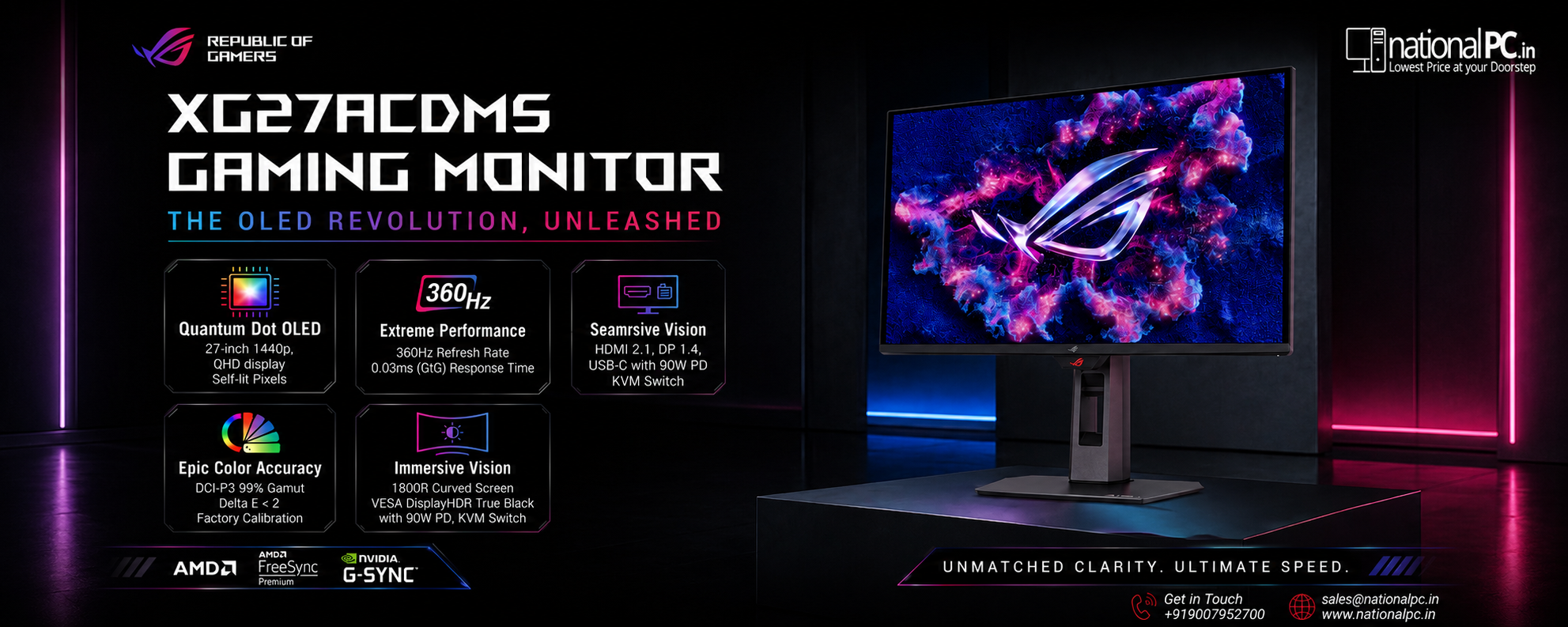
ASUS ROG Strix OLED XG27ACDMS Buyer’s Guide – Watch the NationalPC Video Review
ASUS ROG Strix OLED XG27ACDMS Buyer’s Guide – Watch the NationalPC Video Review
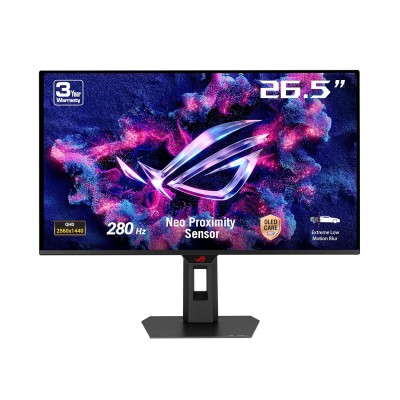
27-inch QHD QD-OLED • 280Hz • 0.03ms GTG • OLED Care Pro • Neo Proximity Sensor • 99% DCI-P3 • G-SYNC Compatible
Quick Verdict: The ASUS ROG Strix OLED XG27ACDMS is a premium 1440p QD-OLED monitor for gamers who want OLED-level contrast, extreme motion clarity, 280Hz speed and serious HDR image quality.
The ASUS ROG Strix OLED XG27ACDMS is designed for players, streamers and creators who want one monitor that can handle competitive gaming, story-driven HDR gaming, content creation and premium desk aesthetics. This NationalPC buyer’s guide explains the features, shows the official product visuals, embeds the NationalPC video review, and gives a practical buying recommendation.
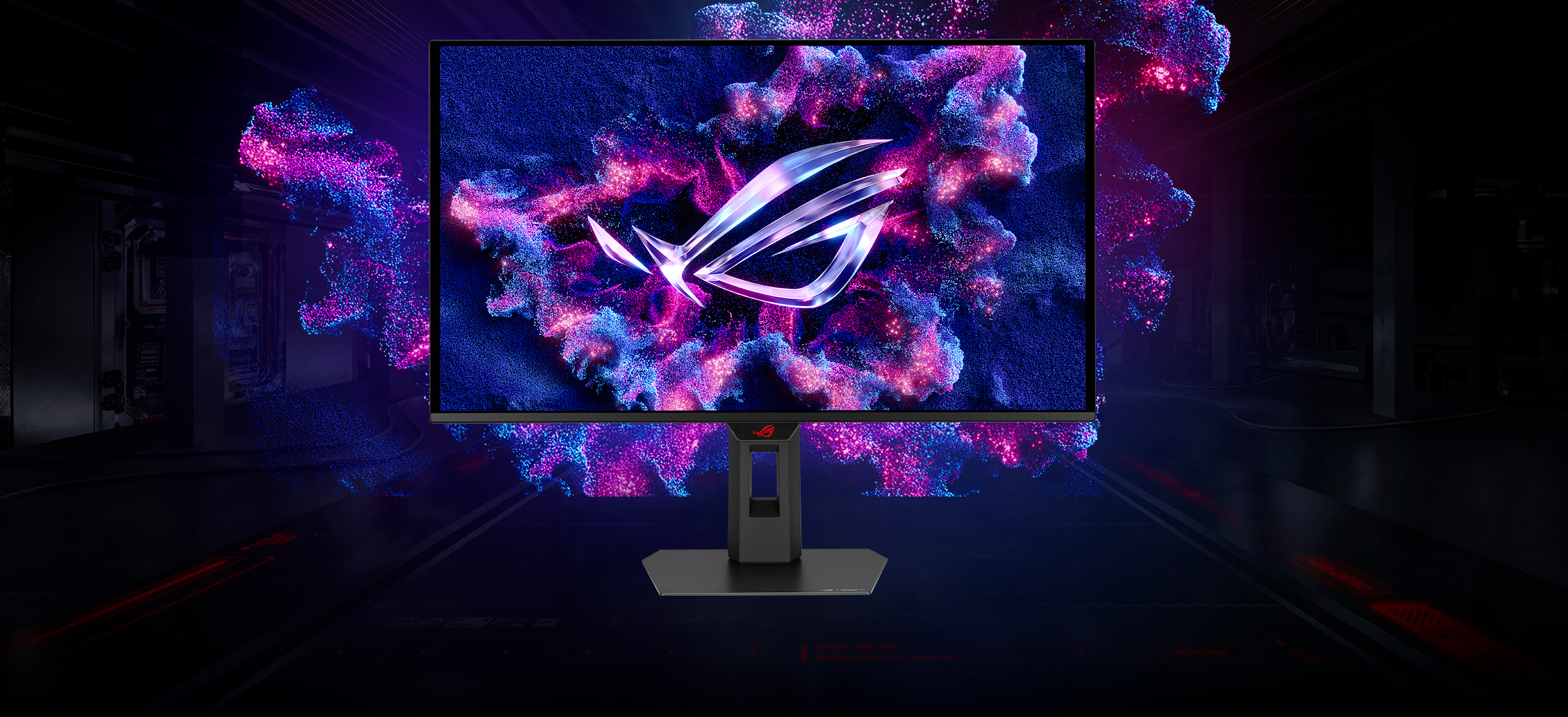
Table of Contents
Watch First: NationalPC Video Review / Unboxing
Before buying a premium OLED monitor, it is always better to see the product visually. This NationalPC video gives a closer look at the ASUS ROG Strix OLED XG27ACDMS, including its real product presence, packaging and display appeal.
Quick Review: Is the XG27ACDMS Worth Buying?
Yes, the ASUS ROG Strix OLED XG27ACDMS is worth buying if you want a serious 1440p gaming monitor with OLED speed, deep blacks, HDR impact and creator-friendly color performance. It is especially strong for gamers upgrading from IPS, VA, 144Hz, 165Hz or older 240Hz monitors.
Best for FPS
280Hz refresh rate and 0.03ms GTG response help fast motion look sharper and more responsive.
Best for HDR Gaming
QD-OLED contrast gives true black scenes, bright highlights and stronger cinematic depth.
Best for Creators
99% DCI-P3, true 10-bit color and Delta E less than 2 make it useful for photo and video work.
Best for Premium Setup
ROG design, OLED panel and DisplayWidget Center make daily usage cleaner and easier.
Real-World Experience: What You’ll Notice After Switching to the XG27ACDMS
Buyer’s First Impression
The first thing most users will notice after moving to the ASUS ROG Strix OLED XG27ACDMS is the display depth. Compared to a normal IPS or VA gaming monitor, dark scenes look much cleaner because OLED pixels can turn completely black. In games with night scenes, shadows, neon lighting or HDR effects, the image feels more premium and cinematic.
For fast games, the 280Hz refresh rate and 0.03ms response time make movement feel extremely smooth. Aiming, camera movement and quick reactions feel more connected, especially when upgrading from a 144Hz, 165Hz or older 240Hz monitor.
The monitor also feels suitable for users who do more than gaming. With 99% DCI-P3, true 10-bit colour and Delta E < 2, it is useful for photo editing, video work, streaming setups and everyday content creation.
QD-OLED Display Quality: Why It Looks Different
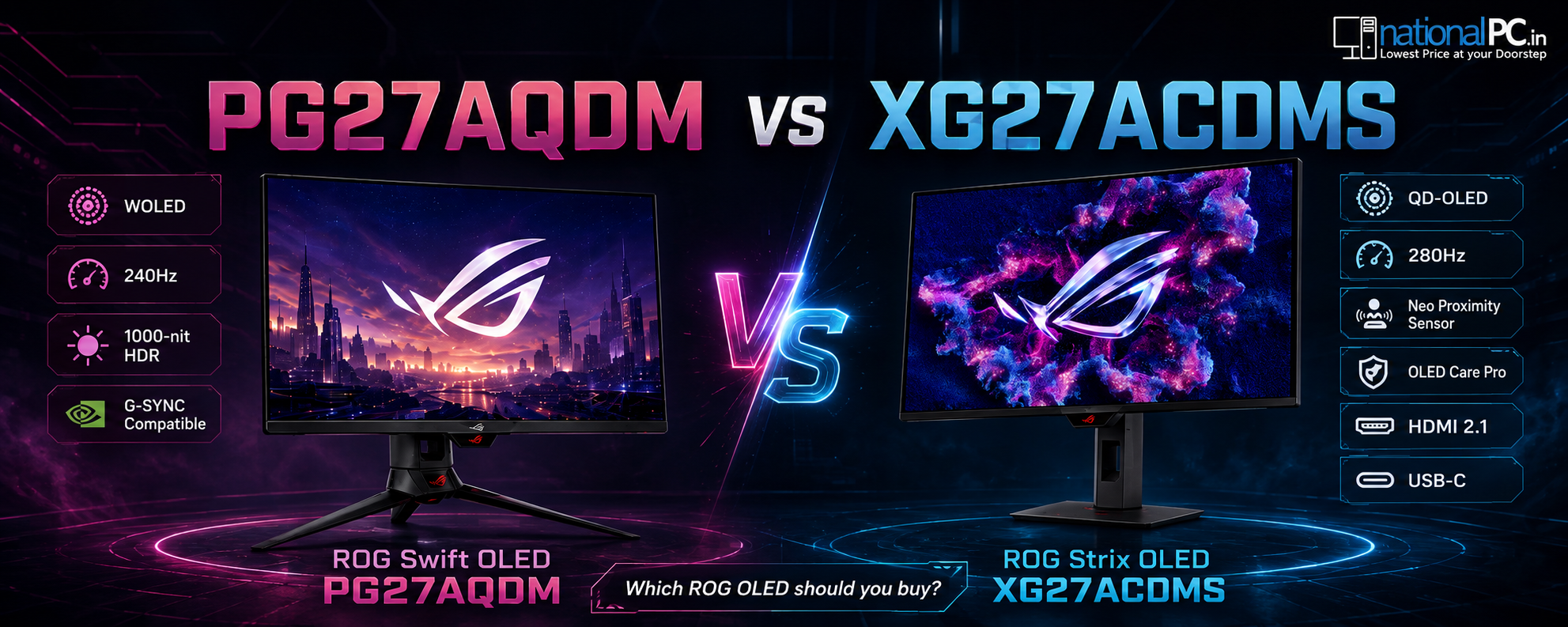
The ROG Strix OLED XG27ACDMS uses a QD-OLED panel, which combines OLED-level true black with Quantum Dot color. This means dark scenes can look deeper, bright colors can look more vivid, and HDR content can feel more realistic compared with typical IPS or VA monitors.
1.5M:1 Contrast
Extremely high contrast helps the monitor show deep blacks and bright highlights with strong separation.
99% DCI-P3
Wide color gamut is useful for vivid gaming visuals and creator workflows.
True 10-bit Color
Better tonal depth helps gradients, HDR scenes and editing work look smoother.
Gaming Performance: 280Hz + 0.03ms GTG
The XG27ACDMS is made for gamers who want high refresh rate speed without giving up OLED picture quality. At 280Hz, the display can feel extremely fluid in esports titles, while the 0.03ms GTG OLED response helps reduce blur and improves motion definition.
| Game Type | Experience on XG27ACDMS | Recommended Buyer |
|---|---|---|
| FPS / Esports | Very fast 280Hz motion, low-latency feel and OLED response clarity. | Valorant, CS-style, Apex, Overwatch and competitive gamers. |
| Story / RPG | Deep blacks and HDR-like visual depth help worlds look more cinematic. | Gamers who care about immersion and visual quality. |
| Racing / Action | Fast response and high refresh help motion feel cleaner and more connected. | Players who want smooth movement and premium color. |
| Console Gaming | HDMI 2.1 support helps with modern console and multimedia connectivity. | Users who want one premium screen for PC and console setups. |
OLED Care Pro and Neo Proximity Sensor
OLED protection is important for long-term confidence. ASUS OLED Care Pro includes customizable monitor protection tools, and the Neo Proximity Sensor can detect when the user moves away and transition the display to a black image to help reduce burn-in risk.
Neo Proximity Sensor
Detects when the user is away and helps protect the panel by switching to a black image.
Custom Heatsink
Designed to improve thermal performance and support longer panel life.
Display Widget Center
Lets users adjust OLED care and monitor settings using a mouse.
For Creators: Color Accuracy and Editing Use
The XG27ACDMS is not only a gaming monitor. Its 99% DCI-P3 color gamut, true 10-bit color and Delta E less than 2 make it suitable for photo editing, video editing, color-sensitive work and creator desks where gaming performance is also important.
Photo Editing
Wide-gamut color helps images look richer and more controlled.
Video Editing
QHD resolution and 10-bit color help with timeline work and color preview.
Streaming Desk
Premium visual quality makes it attractive for creator and streamer setups.
Gaming + Work
Strong choice for users who want one OLED monitor for both fun and productivity.
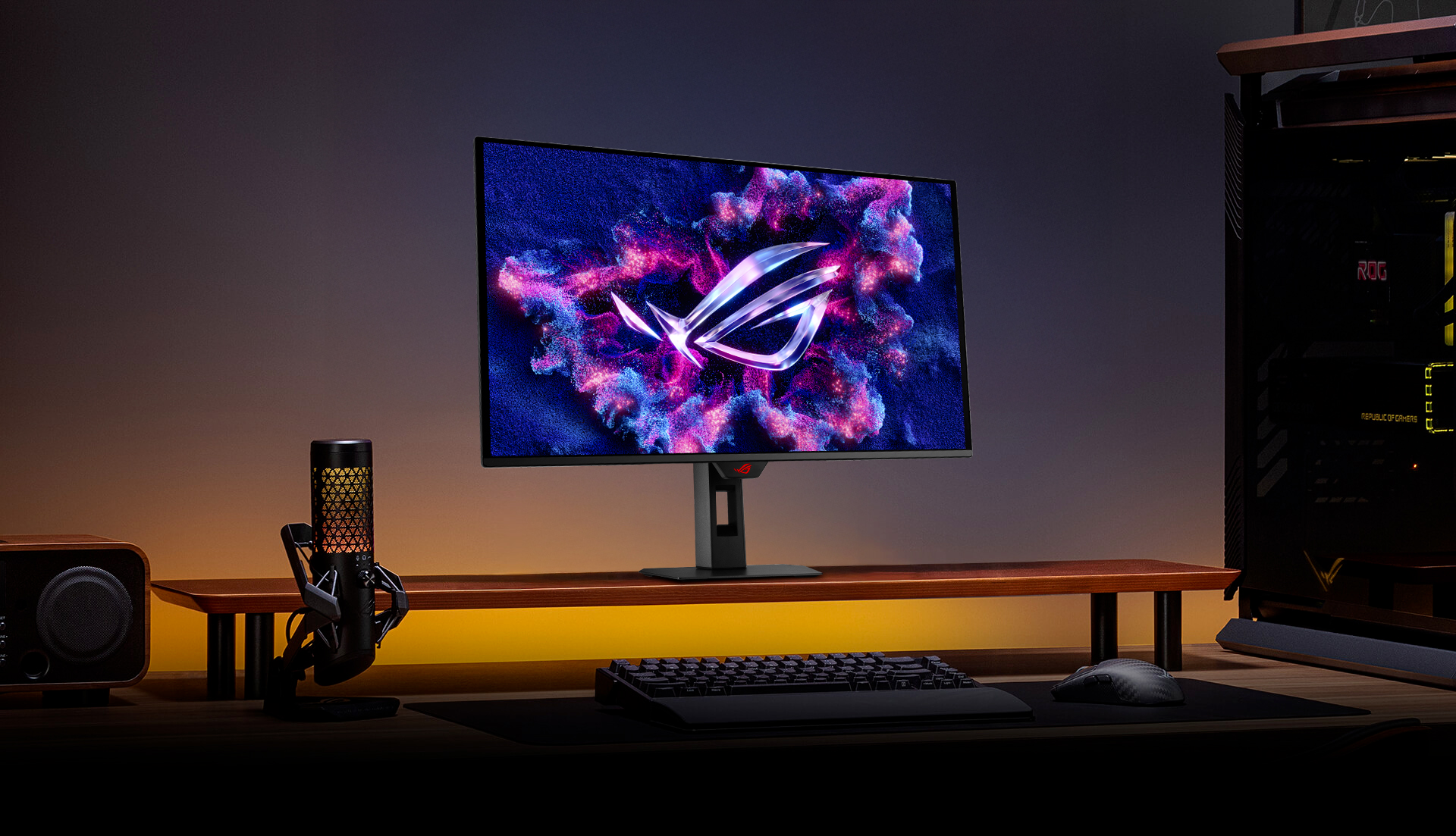
HD Product Image Gallery


ASUS ROG Strix OLED XG27ACDMS Specifications
| Product Name | ASUS ROG Strix OLED XG27ACDMS Gaming Monitor |
|---|---|
| Panel Size | 27-inch class / 26.5-inch viewable |
| Resolution | QHD 2560 × 1440 |
| Panel Type | QD-OLED |
| Refresh Rate | 280Hz |
| Response Time | 0.03ms GTG |
| Contrast | 1.5 million:1 contrast ratio |
| Color | 99% DCI-P3, true 10-bit color, Delta E < 2 |
| HDR | VESA DisplayHDR True Black 400 |
| OLED Protection | ASUS OLED Care Pro, Neo Proximity Sensor, custom heatsink |
| Connectivity | DisplayPort 1.4, HDMI 2.1, USB-C with 15W Power Delivery |
| NationalPC Product Page | Buy ASUS ROG Strix OLED XG27ACDMS from NationalPC |
Advantages and Limitations
Advantages
- 280Hz refresh rate for very smooth gameplay
- 0.03ms GTG OLED response time
- QD-OLED panel with deep blacks and vivid colors
- QHD resolution is a strong sweet spot for PC gaming
- 99% DCI-P3, true 10-bit color and Delta E < 2
- OLED Care Pro and Neo Proximity Sensor
- HDMI 2.1, DisplayPort 1.4 and USB-C connectivity
Limitations
- Premium OLED monitor pricing
- OLED care habits are still important for long-term use
- 15W USB-C PD is not enough for charging most performance laptops
- Not necessary for basic office users
- Users focused only on 4K resolution may prefer a 4K OLED mod
FAQ – ASUS ROG Strix OLED XG27ACDMS
Is ASUS ROG Strix OLED XG27ACDMS good for gaming?
Yes. It is excellent for gaming because it combines a QHD QD-OLED panel, 280Hz refresh rate, 0.03ms GTG response time, G-SYNC compatibility and strong OLED contrast.
Is 280Hz better than 240Hz?
280Hz can feel slightly smoother than 240Hz, especially in fast esports games. The difference is most useful for competitive gamers with a PC that can push high frame rates.
Is QD-OLED better than IPS?
QD-OLED usually gives much deeper blacks, stronger contrast, faster pixel response and more vivid colors than typical IPS panels. IPS can still be good for basic use, but QD-OLED is more premium for gaming and HDR.
Does XG27ACDMS have burn-in protection?
Yes. It includes ASUS OLED Care Pro, a custom heatsink and Neo Proximity Sensor, which can switch the display to a black image when the user moves away to help reduce burn-in risk.
Is XG27ACDMS good for content creation?
Yes. With 99% DCI-P3, true 10-bit color and Delta E less than 2, it is useful for photo editing, video editing and creator workflows, along with gaming.
Does XG27ACDMS support HDMI 2.1?
Yes. The monitor includes HDMI 2.1, DisplayPort 1.4 and USB-C with 15W Power Delivery.
Where can I buy ASUS ROG Strix OLED XG27ACDMS in India?
You can buy ASUS ROG Strix OLED XG27ACDMS from NationalPC using the product landing page linked in this review.
Final Verdict
The ASUS ROG Strix OLED XG27ACDMS is a strong choice for gamers who want the OLED upgrade experience: deep blacks, vivid QD-OLED color, fast 280Hz motion and extremely low 0.03ms response time. It is also practical for creators because of its wide color gamut and true 10-bit support.
Buy it if you want a premium QHD OLED monitor for competitive gaming, HDR gaming, streaming and content creation. Skip it only if your usage is basic office work or if you specifically need a 4K display instead of a 1440p high-refresh OLED monitor.