ASUS ZenScreen MB16FC Review: Is This 16-Inch Portable Monitor Worth Buying for Work and Travel?
ASUS ZenScreen MB16FC Review: Is This 16-Inch Portable Monitor Worth Buying for Work and Travel?
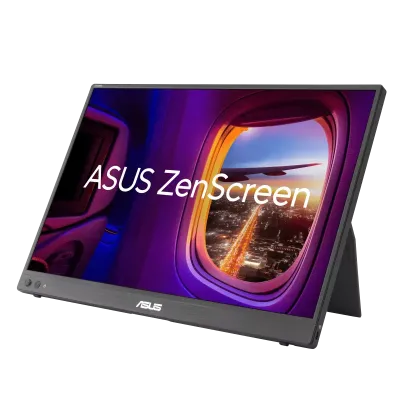
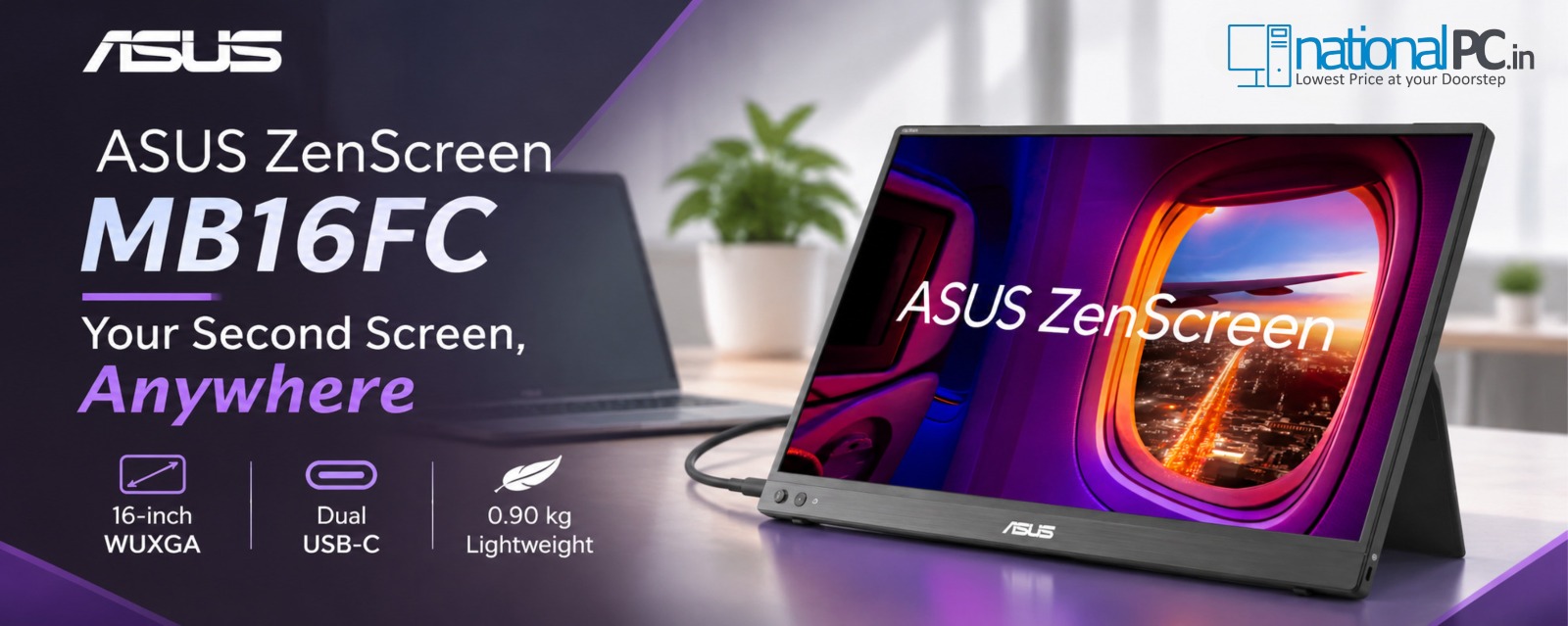
The ASUS ZenScreen MB16FC combines a 16-inch 16:10 WUXGA IPS panel, dual USB-C, mini-HDMI, up to 65W power pass-through, auto rotation and a 0.90kg travel-friendly body. This buyer-focused review looks at where it genuinely improves productivity—and where a conventional monitor is still better.
NationalPC listed price checked for this article: ₹12,490. Stock and pricing can change after publication.
Worth it for mobile productivity
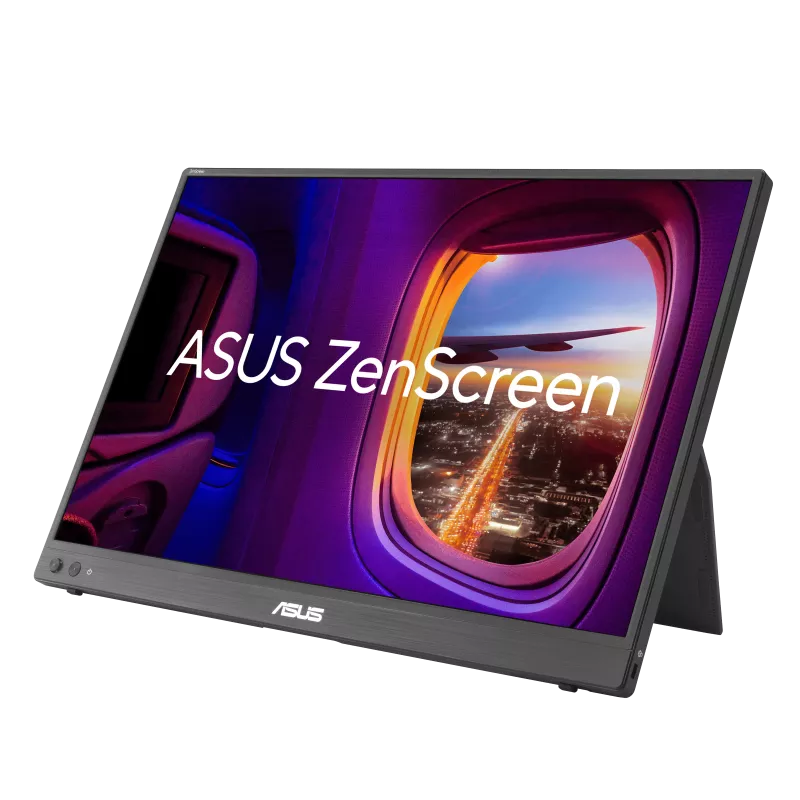
The MB16FC makes the strongest case for people who miss a second monitor when travelling. Its 16:10 workspace, one-cable USB-C option, kickstand, portrait mode and 0.90kg weight are practical rather than decorative features.
Not a replacement for every monitor
It is not a touch display, has no built-in speakers, is limited to 75Hz and WUXGA resolution, and offers less physical workspace than a normal 24–27 inch desk monitor. It is built around portability, not maximum desktop immersion.
Table of Contents
Quick Verdict: Is ASUS ZenScreen MB16FC Worth Buying?
For laptop users who regularly work away from a fixed desk, the answer is yes—provided your priority is portable productivity rather than gaming or colour-critical creative work. The ZenScreen MB16FC gives you a second 1920 × 1200 workspace in a chassis that weighs about 0.90kg and measures only 11mm thick.
At publication, NationalPC listed the MB16FC at ₹12,490, in stock, with free delivery across India. The value comes from getting a much more flexible mobile workspace rather than simply adding another screen.
Buy ASUS ZenScreen MB16FC from NationalPCASUS ZenScreen MB16FC Specifications
| Specification | MB16FC | Why It Matters |
|---|---|---|
| Screen | 16-inch IPS, anti-glare | Useful second-screen size without becoming desk-bound. |
| Resolution / Ratio | 1920 × 1200 WUXGA, 16:10 | More vertical workspace than 1920 × 1080. |
| Brightness / Contrast | 300 cd/m² / 1000:1 | Well suited to indoor office, hotel and meeting-room use. |
| Refresh / Response | Up to 75Hz / 5ms GTG | Fine for productivity, video and casual gaming. |
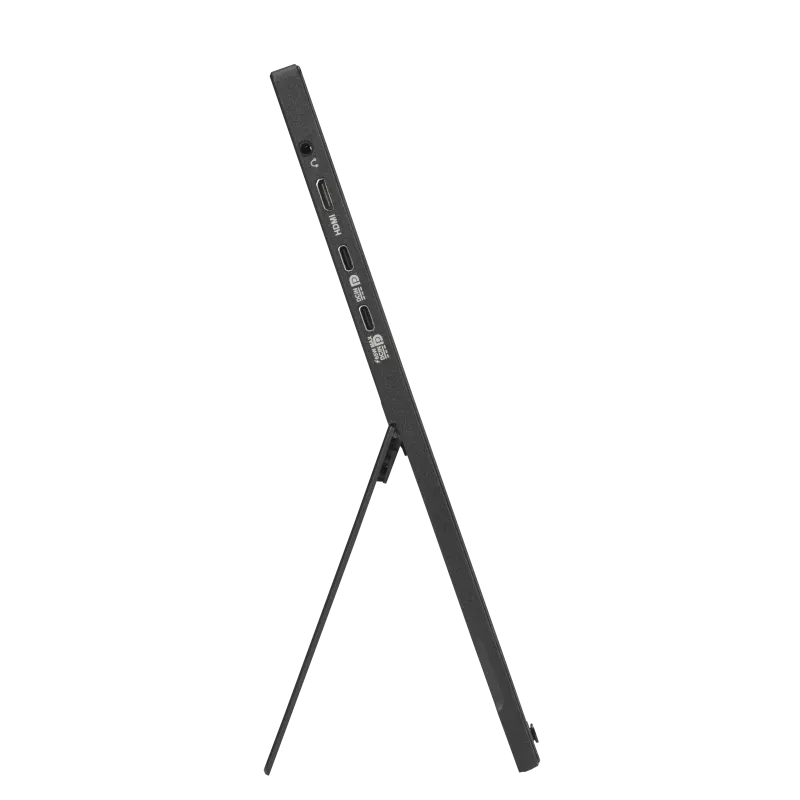
| Connectivity | 2 × USB-C DP Alt Mode, 1 × mini-HDMI | Good flexibility for laptops, mini PCs and other sources. |
| Power Pass-Through | Up to 65W | Can simplify a USB-C mobile workstation with a suitable PD adapter. |
| Weight / Thickness | 0.90kg / 11mm | Portable enough for regular work travel. |
| Audio | No built-in speakers | Use laptop audio, headphones or external speakers. |
Specifications checked against ASUS official MB16FC documentation. Regional bundle contents can vary.
Why the 16:10 WUXGA Screen Matters for Work
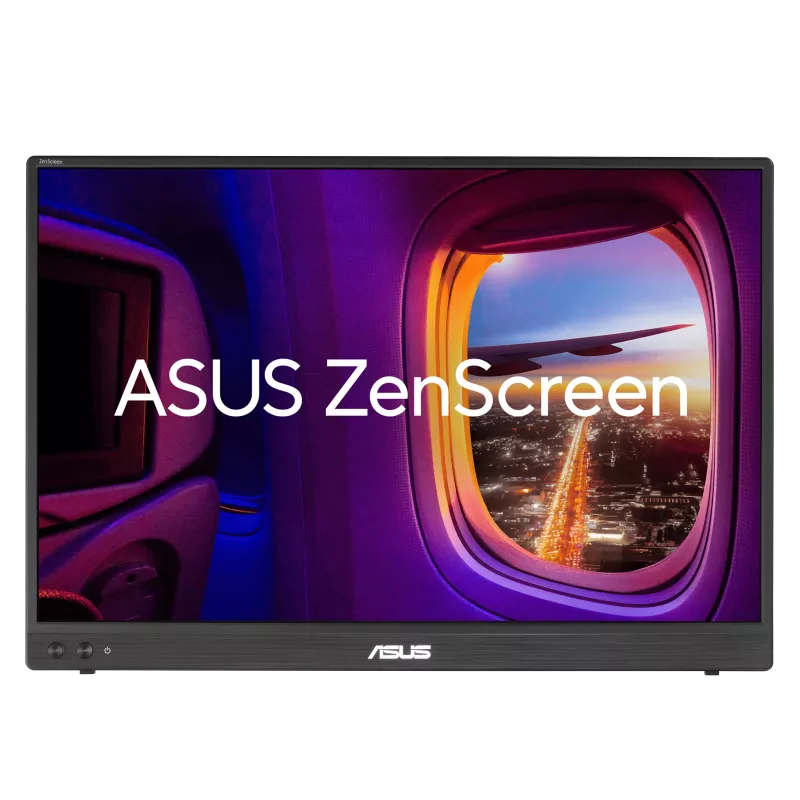
The MB16FC uses a 1920 × 1200, 16:10 panel rather than the more common 1920 × 1080 format. ASUS describes this as providing around 11% more vertical viewing space.
That extra height is genuinely useful for spreadsheets, browser-based CRM, long emails, coding windows, documents, analytics dashboards and social-media tools because more rows or content fit before you need to scroll.
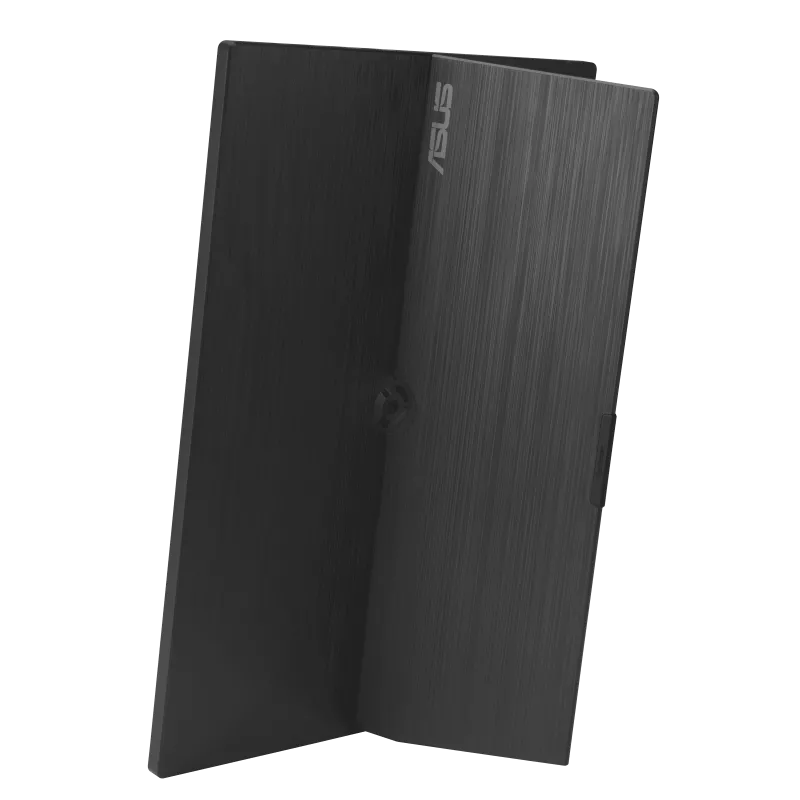
Portability Review: Is 0.90kg Light Enough for Travel?
USB-C, Mini-HDMI and 65W Power Pass-Through
Connectivity is one of the MB16FC's best features. ASUS includes two USB-C ports with DisplayPort Alt Mode plus mini-HDMI. With a compatible USB-C laptop, a single cable can carry both video and power to the monitor.
One-cable laptop setup
USB-C DP Alt Mode can provide display signal plus monitor power.
65W pass-through
With a suitable PD power source, the monitor can pass up to 65W toward a compatible laptop.
Mini-HDMI
Useful when your source has HDMI but no USB-C video output; USB-C power is still required.
Is 75Hz Useful on a Portable Monitor?
The MB16FC is not positioned as a gaming monitor, but its maximum 75Hz refresh is a useful step above the basic 60Hz class. Cursor movement and scrolling can feel a little smoother.
For presentations, office work, browsing, streaming and occasional casual games, 75Hz is perfectly reasonable. Competitive gamers looking for 120Hz, 144Hz or higher should choose a portable gaming monitor instead.
Real Buyer Reviews: What MB16FC Owners Are Saying
This section summarizes external feedback for the exact MB16FC model rather than creating fictional testimonials. Best Buy currently shows 4.8/5 from 139 reviews, with 97% recommending it.
Display quality
Display quality is the most-mentioned positive theme. Buyers repeatedly describe the WUXGA panel as clear, sharp and useful as a second work display.
Portability
Travel use appears often in verified-purchase feedback, including business trips, college/programming work and hybrid-work setups.
Connectivity
Buyers value the straightforward USB-C setup and included cables, which reduce friction when setting up away from a fixed desk.
Limitation: no speakers
The lack of built-in speakers is a practical drawback for media use, though it matters little for most office workflows.
External review evidence is summarized for buying context and is not presented as NationalPC hands-on testing. Best Buy marks some reviews as incentivized and others as verified purchases.
NationalPC Practical Review Score
Best Use Cases for the MB16FC
Business Travel
Recreate a dual-screen workspace in a hotel, client office or temporary desk.
Marketing & Sales
Keep presentations or creative material on one screen and CRM/campaign dashboards on the other.
Coding / Study
Portrait mode is useful for code, long PDFs and documentation.
Mini PC Setup
Pair with mini-HDMI or compatible USB-C video for a compact temporary workstation.
Limitations: What You Give Up for Portability
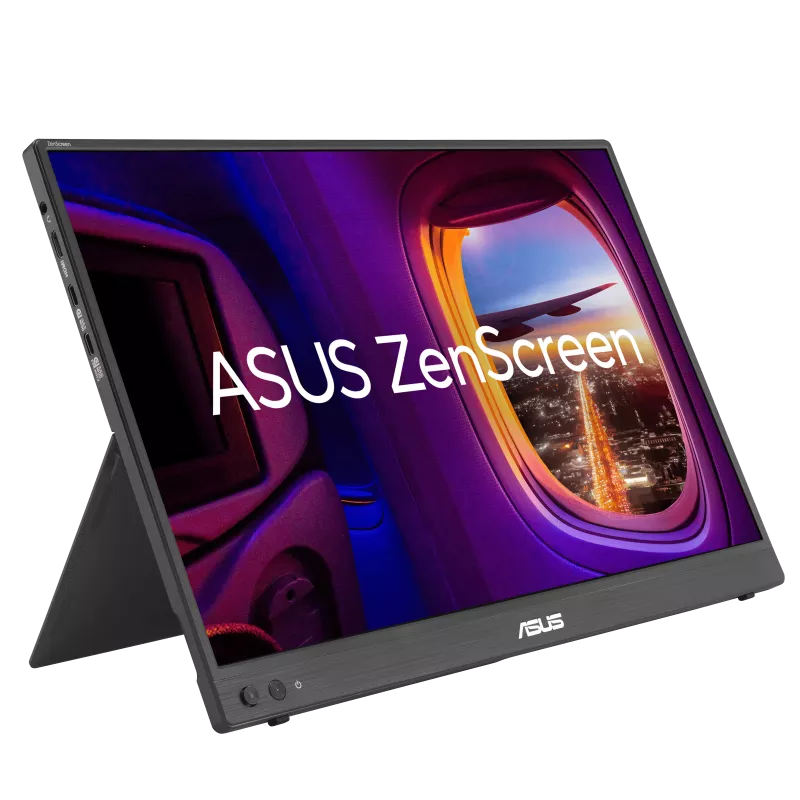
ASUS ZenScreen MB16FC Product Images

ASUS ZenScreen MB16FC FAQ
Is ASUS ZenScreen MB16FC good for office work?
Yes. Its 16:10 WUXGA screen is well suited to documents, spreadsheets, email, CRM, coding and general second-screen productivity.
Can MB16FC work with one USB-C cable?
Yes, when the source device's USB-C port supports DisplayPort Alt Mode and can supply enough power for the monitor.
Does MB16FC support HDMI?
Yes. It includes a mini-HDMI input. When using HDMI for video, the monitor still needs power through USB-C.
Does MB16FC have speakers?
No. ASUS's official specifications list no built-in speaker.
Can MB16FC be used vertically?
Yes. The kickstand supports portrait positioning, and ASUS DisplayWidget Center can provide auto rotation on supported Windows systems.
What is the ASUS MB16FC price in India?
At publication on 14 November 2026, NationalPC listed the ASUS ZenScreen MB16FC at ₹12,490. Check the live page because price and stock can change.
Final Recommendation: A Strong Portable Second Screen for Real Work
The MB16FC works best when you judge it as a productivity tool rather than a miniature desktop monitor. The 16:10 WUXGA panel, dual USB-C, mini-HDMI, 65W pass-through, portrait flexibility and travel-friendly design solve genuine workflow problems for people who work in more than one location.
For a permanent desk, a larger 24–27 inch monitor remains the better workspace. But for business travel, hybrid work, coding, presentations, marketing and laptop-heavy workflows, the ASUS ZenScreen MB16FC is easy to recommend at the ₹12,490 publication price.