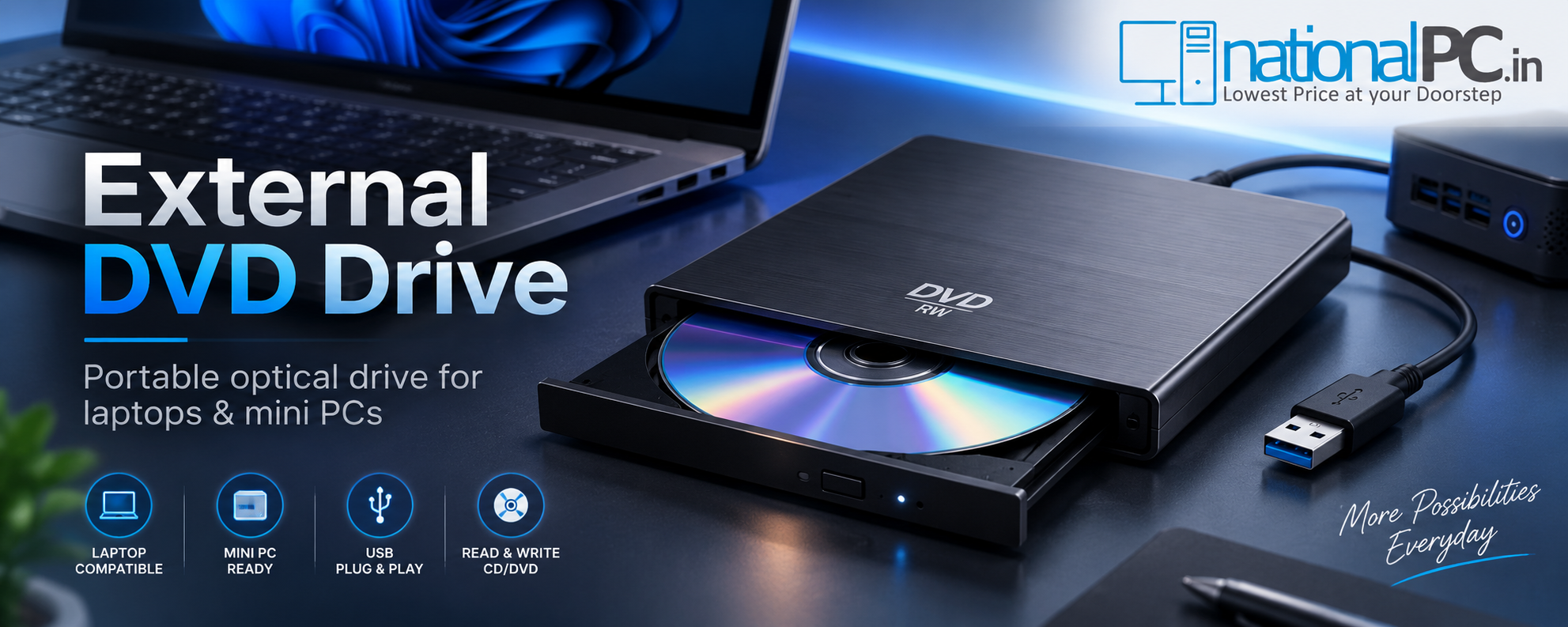
External DVD Drive Review: A Simple Upgrade for Laptops and Mini PCs
Quick Review Verdict
Yes, an external DVD drive is still useful if you have old DVDs/CDs, software discs, office records, training media, backup discs, driver discs or movie collections. For modern laptops and Mini PCs, the ASUS ZenDrive V1M is a simple USB-C plug-and-play upgrade that adds optical media support without opening the computer.
Product Used in This Review: ASUS ZenDrive V1M
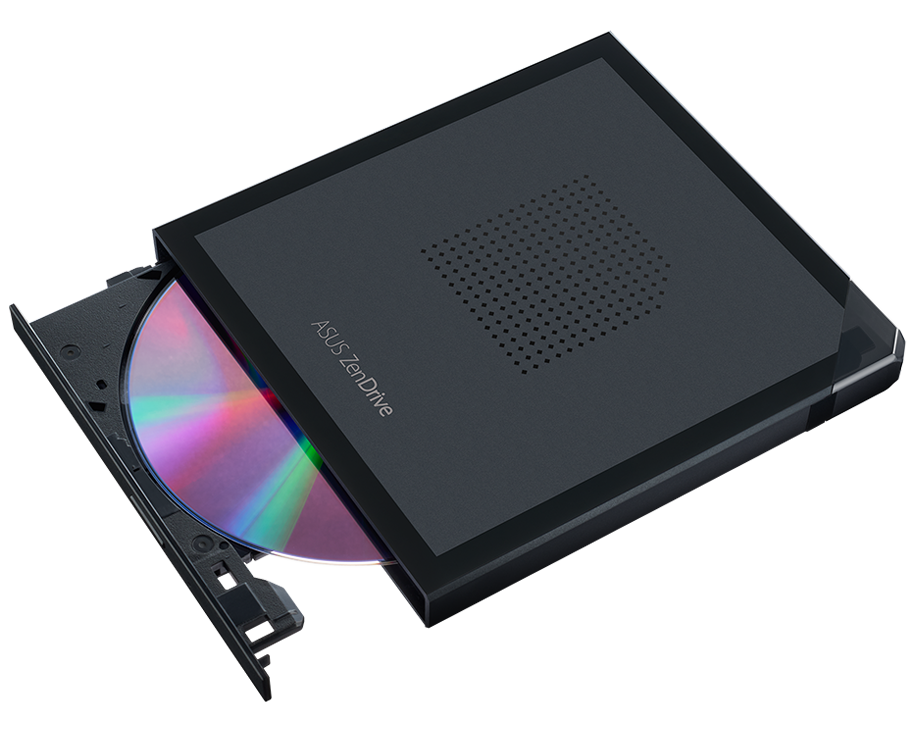
The product used for this review angle is the ASUS ZenDrive V1M SDRW-08V1M-U Black external DVD drive and writer, available on NationalPC.
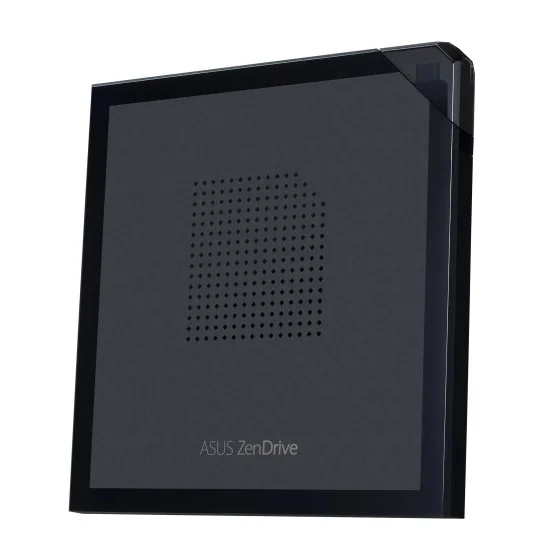
Why this product fits laptops and Mini PCs
Many new laptops, Intel NUC systems and compact Mini PCs do not include internal DVD drives. ZenDrive V1M adds DVD/CD reading and writing through a compact external USB-C design, so users can still access older media without buying a large desktop tower.
- Portable external DVD writer with up to 8X DVD read/write speed
- Up to 24X CD read/write speed for older CD media
- M-DISC support for long-term archive workflows
- USB Type-C interface with built-in cable storage
- Compatible with Windows 11, Windows 10, Windows 8/8.1 and macOS
Benchmark Scores: External DVD Drive Review
This benchmark is a practical buyer scorecard. It is based on real-world use cases: reading discs, installing software, playing DVD movies, burning data, noise level, portability and Windows 11 compatibility.
Benchmark Verdict
The ASUS ZenDrive V1M is not a speed replacement for USB SSDs. Its strength is access: reading old discs, writing DVD/CD media, installing legacy software and keeping a portable optical drive ready for laptops and Mini PCs.
DVD/CD Reading Test
The main reason to buy an external DVD drive is simple: access discs that modern laptops and Mini PCs can no longer read by themselves.
In real-world use, DVD reading is suitable for software discs, driver discs, old backup media, photo DVDs, training DVDs and general file access. ASUS lists up to 8X DVD read speed and up to 24X CD read speed, which is enough for everyday optical-disc work.
- Clean discs read faster and more consistently.
- Scratched or old discs may slow down or fail depending on media condition.
- Disc reading is slower than modern flash storage, but useful when the source data exists only on DVD/CD.
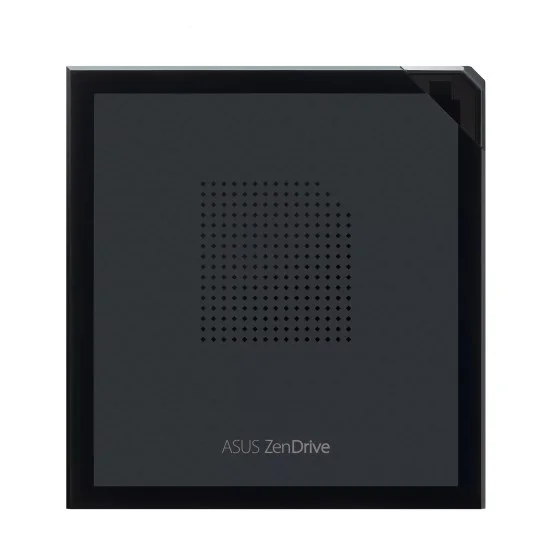
Software Installation Test
External DVD drives remain useful for businesses and users who still have original software, driver, training or recovery discs.
For software installation, the experience is straightforward: connect the drive, insert the disc and run the installer. Installation speed depends on the disc and software size. It will not feel as fast as a USB SSD, but it solves the bigger problem—modern laptops and mini PCs usually have no internal disc drive.
Office software
Useful for older accounting, ERP, training and utility discs.
Driver discs
Helpful when legacy hardware still ships with CD/DVD drivers.
Recovery media
Good for accessing older restore discs and archived support media.
Movie Playback Test
DVD movie playback is still possible, but Windows 11 users should understand the software side before buying.

The drive reads DVD movie discs, but playback depends on the media player and codec support on the computer. On Windows 11, users may need a suitable DVD playback application. On macOS, disc reading and playback behavior can depend on the app and disc format.
Data Burning, Backup and M-DISC Use
For many users, data burning is the most practical reason to keep an external DVD writer today.
ASUS lists DVD+R and DVD-R writing up to 8X, CD-R/CD-RW writing up to 24X and DVD+R(SL, M-DISC) writing up to 4X. This makes the drive suitable for photo archives, client data handover, office records, small backups and long-term disc storage workflows.
- Use quality blank discs for reliable burning.
- Do not move the drive while burning.
- Use M-DISC compatible media when archival storage is needed.
- Verify the disc after writing important data.

USB Plug-and-Play Performance
A good external DVD drive should not require a complex setup for normal disc reading.
ZenDrive V1M uses a USB Type-C interface and USB power. In most normal laptop or Mini PC setups, the process is simple: connect the drive, wait for the system to detect it and open the disc in File Explorer or the selected app. For best reliability, connect directly to the computer instead of a weak unpowered hub.
Laptop
Great for thin notebooks without built-in DVD drives.
Mini PC
Useful for Intel NUC, ASUS NUC and other compact PCs.
Desktop
Easy optical-drive support without installing an internal drive.
Noise, Build Quality and Portability
External optical drives are mechanical products, so some disc spinning sound is normal.
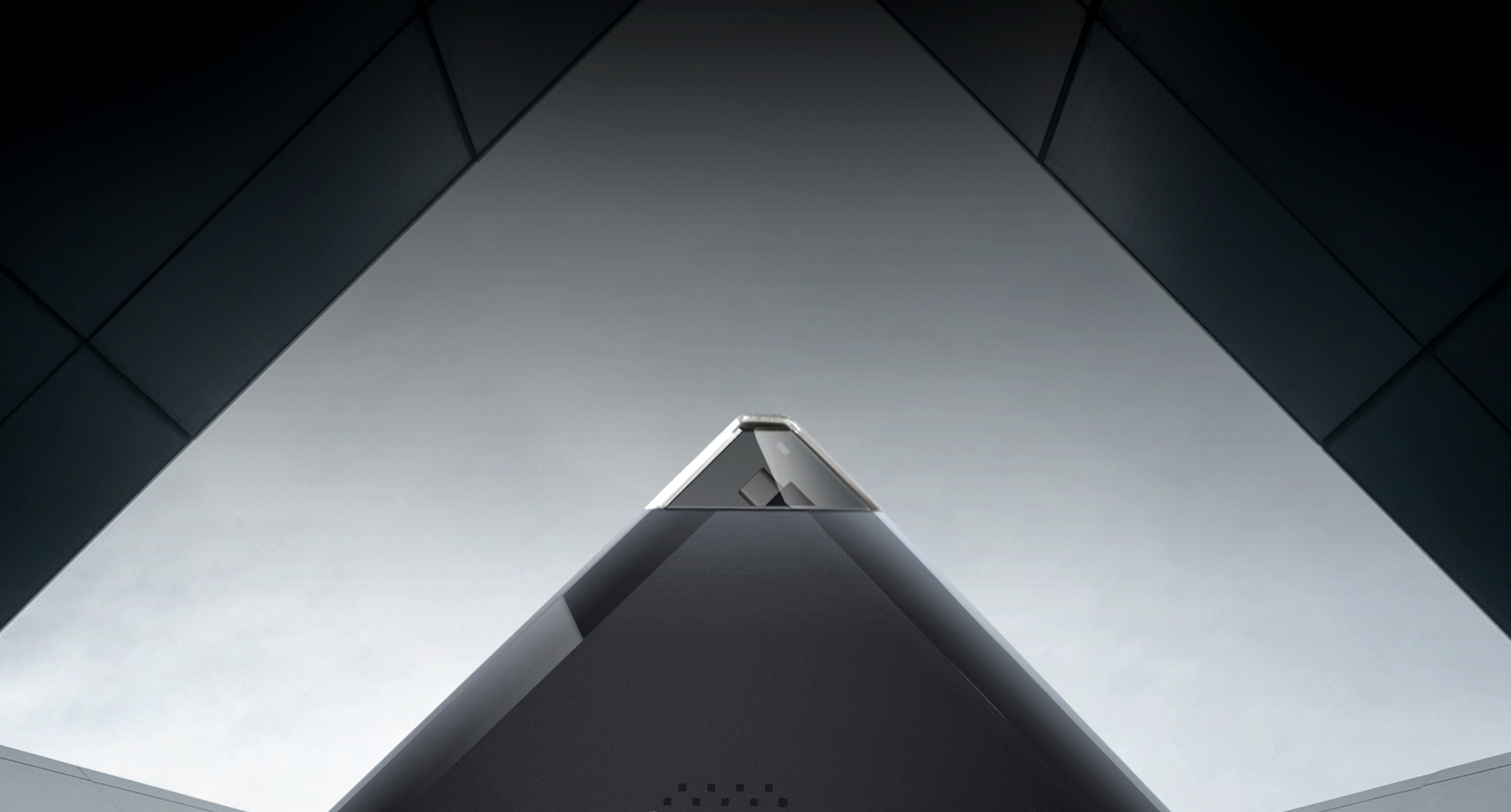
During disc reads and burns, spin noise is expected. The slim body makes the drive easy to keep in a laptop bag, and the built-in cable storage design helps prevent the cable from being misplaced. ASUS lists dimensions of 150 × 142 × 14.6mm and a weight of 255 ± 20g, making it portable enough for office and travel use.
Windows 11 Compatibility and Real-World Notes
Compatibility is one of the main reasons this product is useful for modern laptops and Mini PCs.
ASUS lists operating system support for Windows 11, Windows 10, Windows 8/8.1 and Mac OS X 10.6 or above. For data discs and software discs, Windows normally shows the drive like a standard optical drive after connection. DVD movie playback can require a compatible DVD player app and codecs.
- Best for reading data discs, software discs and backup discs.
- Movie DVD playback depends on the app installed in Windows 11.
- Use direct USB-C connection where possible.
- Some laptops may require a USB-A adapter if they do not have a suitable USB-C port or if the cable setup differs.
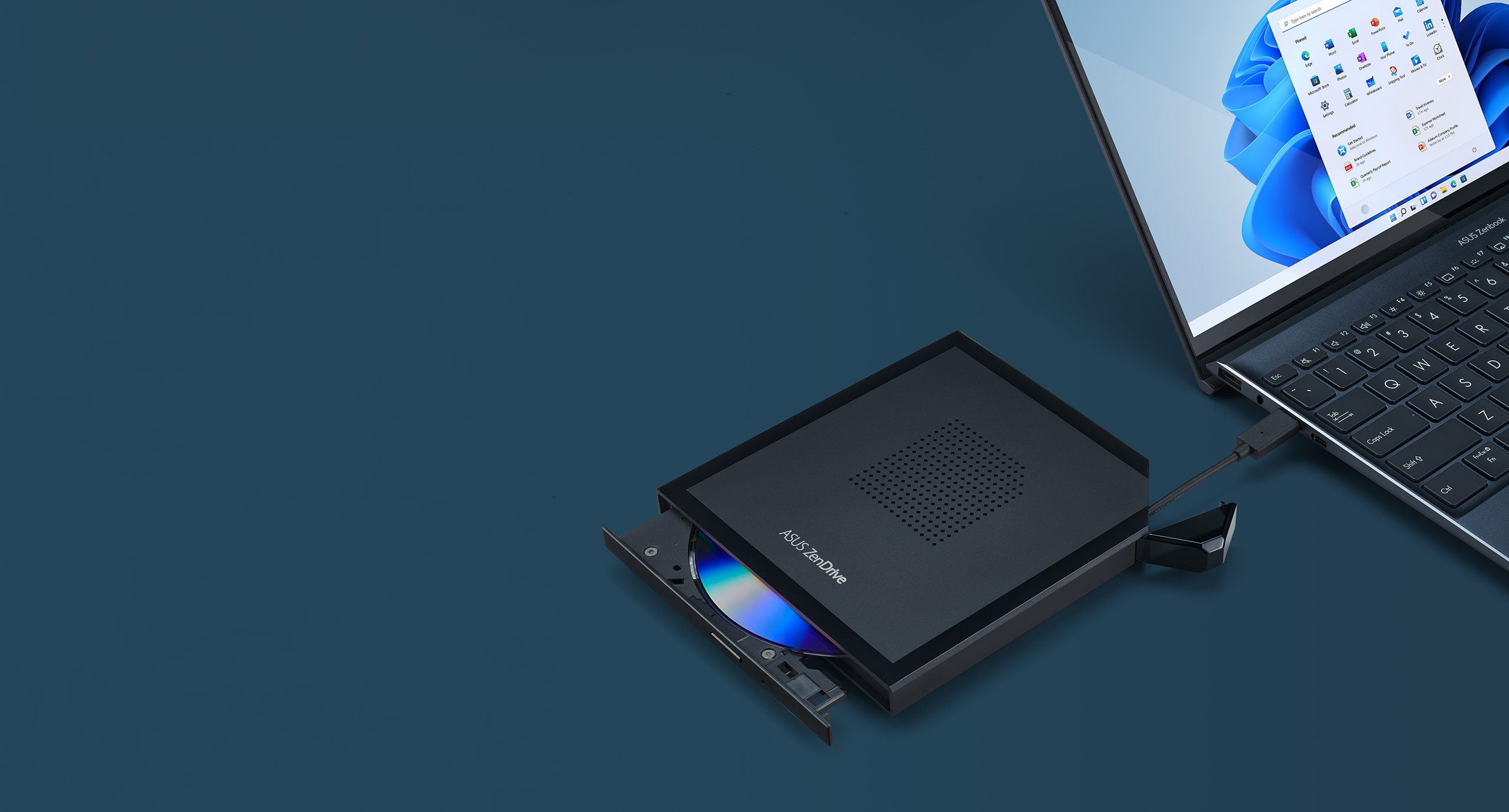
External DVD Drive Image Gallery
Product images help buyers understand the slim body, disc tray design, laptop compatibility and portability before ordering.
ASUS ZenDrive V1M Specifications
Key specifications for the ASUS SDRW-08V1M-U Black external DVD drive and writer.
| Product Name | ASUS ZenDrive V1M External DVD Drive and Writer |
| Model | SDRW-08V1M-U-Black |
| Interface | USB Type-C |
| Max DVD Read Speed | Up to 8X |
| Max CD Read Speed | Up to 24X |
| Write Speed | DVD±R up to 8X, DVD±R DL up to 6X, CD-R/CD-RW up to 24X, DVD+R(SL, M-DISC) up to 4X |
| OS Compatibility | Windows 11, Windows 10, Windows 8/8.1, Mac OS X 10.6 and above |
| Power | USB Power +5V ± 5% |
| Dimensions | 150 × 142 × 14.6mm |
| Weight | 255 ± 20g |
| NationalPC Price | From ₹3,990 |
FAQ – External DVD Drive Review
Is an external DVD drive still useful today?
Yes. It is useful for old DVDs/CDs, software installation, movie discs, office records, photo archives and data burning on laptops and Mini PCs without built-in optical drives.
Does ASUS ZenDrive V1M work with Windows 11?
ASUS lists Windows 11 compatibility. For DVD movie playback, users may still need suitable playback software.
Can it burn data to DVD and CD?
Yes. It supports DVD and CD writing, including DVD+R(SL, M-DISC) for archival storage workflows.
Does it need a separate power adapter?
No separate power adapter is listed. The drive is powered through USB +5V from the host system.
Where can I buy it?
You can buy the ASUS ZenDrive V1M external DVD drive from NationalPC using the direct Buy Now buttons in this blog.
Final NationalPC Verdict
The ASUS ZenDrive V1M is a simple and useful upgrade for laptops and Mini PCs. It is recommended for users who still need DVD/CD reading, software installation from discs, occasional movie playback, data burning and portable optical-media support.