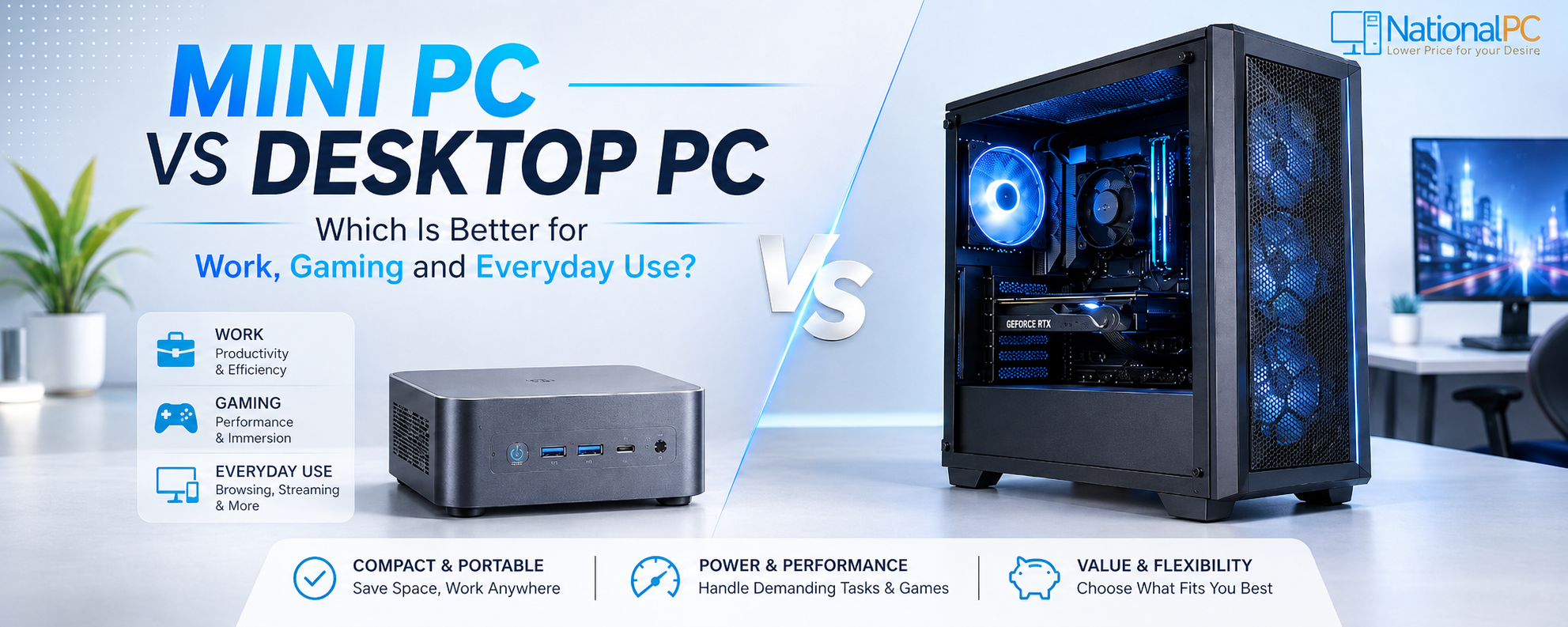
Mini PC vs Desktop PC: Which Is Better for Work, Gaming and Everyday Use?
Quick Verdict
Choose a Mini PC for office, billing, browsing, POS, signage, reception desks, online meetings and clean compact workspaces. Choose a Desktop PC for gaming, dedicated graphics, cooling, upgrades, multiple drives and heavier workloads.
Table of Contents
Mini PC vs Desktop PC: Quick Comparison
The best option depends on what you need from the computer. Mini PCs are compact and practical. Desktop PCs are larger but better for upgrades, gaming and long-term component flexibility.
| Category | Mini PC | Desktop PC | Better Choice |
|---|---|---|---|
| Office Work | Compact, fast enough and easy to deploy | Also good but larger | Mini PC |
| Gaming | Good only for light or special compact gaming models | Dedicated GPU, better cooling and upgrade options | Desktop PC |
| Everyday Use | Clean, quiet and space-saving | Powerful but takes more room | Mini PC |
| Upgrade Life | Usually RAM and SSD focused | CPU, GPU, RAM, SSD, PSU and cooling options | Desktop PC |
Mini PC: ASUS NUC 16 Pro Core Ultra 7 356H
Compact body, low desk footprint and ready business productivity.
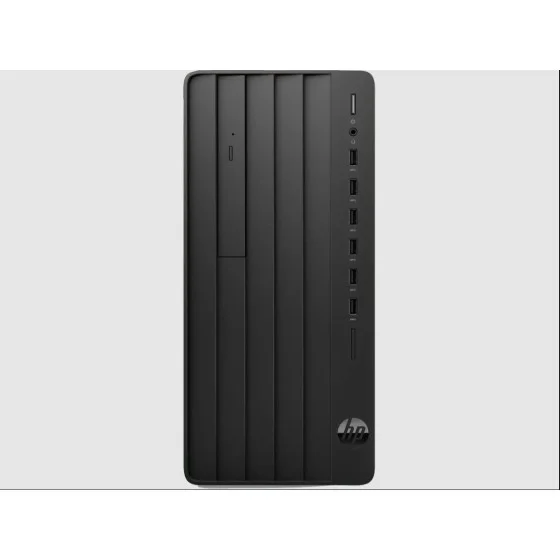
View Mini PC on NationalPCDesktop PC: HP Pro Tower 280 G9 MT B12YNPT
Real tower desktop design with more cabinet space and upgrade headroom.
View Desktop PC on NationalPCMain difference in one line
A Mini PC is better when desk space and clean deployment matter. A real desktop tower is better when upgrades, cabinet airflow and long-term hardware changes matter.
Benchmark Scores: Mini PC vs Desktop PC
This is a practical buyer benchmark scorecard. It is not a synthetic CPU/GPU test. It compares buying value for real-world work, gaming, daily use, upgrade scope, desk setup and maintenance.
Which Is Better for Work and Office?
For office documents, CRM, ERP, billing, online meetings, email, spreadsheets and web dashboards, a modern Mini PC is usually the better practical choice because it saves space and reduces setup clutter.
Mini PC: ASUS NUC 16 Pro Core Ultra 7 356H
Compact body, low desk footprint and ready business productivity.
View Mini PC on NationalPCDesktop PC: HP Pro Tower 280 G9 MT B12YNPT
Real tower desktop design with more cabinet space and upgrade headroom.
View Desktop PC on NationalPCWorkplace recommendation
Choose ASUS NUC 16 Pro when you want a compact modern desk setup. Choose HP Pro Tower when you want a larger desktop cabinet with easier future expansion.
Which Is Better for Gaming?
For serious gaming, a real desktop tower is usually better. A Desktop PC can use larger dedicated graphics cards, more airflow and better upgrade options. Mini PCs can work for light gaming or special compact gaming systems, but regular gaming desktops have a clear performance advantage.
Mini PC: ASUS NUC 16 Pro Core Ultra 7 356H
Compact body, low desk footprint and ready business productivity.
View Mini PC on NationalPC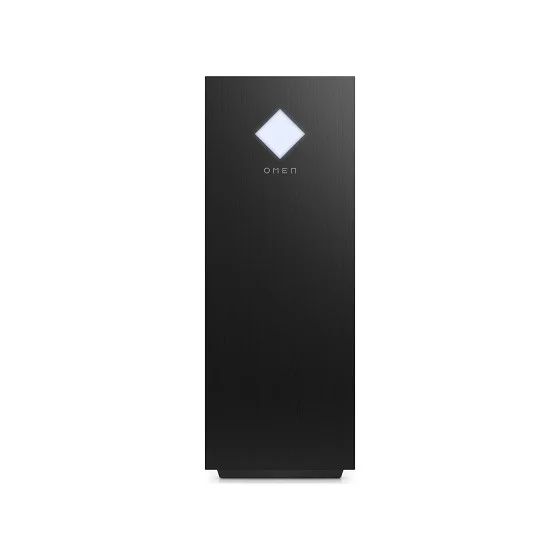
Desktop PC: HP OMEN 25L Gaming Desktop PC GT15-0004in
Real tower desktop design with more cabinet space and upgrade headroom.
View Desktop PC on NationalPCGaming recommendation
The HP OMEN 25L represents the desktop PC advantage: a real gaming tower body and dedicated graphics configuration. A Mini PC is better only when compact size is more important than high-end gaming performance.
Which Is Better for Everyday Home Use?
For browsing, YouTube, streaming, online classes, printing, light photo work and basic family use, Mini PCs are easier to place and maintain. A fanless Mini PC can also be useful where silence matters.
Mini PC: ASUS ExpertCenter PN42 N4500
Compact body, low desk footprint and ready business productivity.
View Mini PC on NationalPCDesktop PC: HP Pro Tower 280 G9 MT B12YNPT
Real tower desktop design with more cabinet space and upgrade headroom.
View Desktop PC on NationalPCEveryday recommendation
Choose ASUS PN42 for a quiet, compact daily-use setup. Choose HP Pro Tower when you want a more traditional desktop cabinet with stronger expansion options.
Upgrade and Repair: Desktop PC Wins
Mini PCs are usually upgrade-focused around RAM and storage. Desktop PCs offer more upgrade freedom for graphics cards, power supplies, storage drives, cooling, cabinet airflow and long-term servicing.
Mini PC Upgrade
Usually RAM and M.2 SSD upgrades, depending on model support.
Desktop PC Upgrade
More flexible CPU, GPU, RAM, storage, power supply and cooling options.
Final Point
Choose desktop if you plan major upgrades after purchase.
Product Image Gallery
All product images below use the same square display area with object-fit: contain, so Mini PC and Desktop PC photos remain proportional and do not stretch.
Mini PC Product Highlights
Use these NationalPC Mini PC CTAs when the buyer needs a space-saving Windows computer for work, business or everyday use.
NationalPC Mini PC CTA
Explore more ASUS, MSI, Intel NUC, PN-series and compact business Mini PCs at NationalPC.
Browse All Mini PCs on NationalPCWhich Should You Buy?
Buy a Mini PC if...
- You want a clean desk
- You mainly use office apps
- You need POS/signage/classroom use
- You want compact deployment
Buy a Desktop PC if...
- You play games seriously
- You need a dedicated GPU
- You want future upgrades
- You need more storage and cooling
Best balanced answer
Mini PC is usually better for work and daily use. Desktop PC is usually better for gaming and upgrades.
FAQ – Mini PC vs Desktop PC
Is a Mini PC good for office work?
Yes. A Mini PC is excellent for office work, billing, emails, browsing, online meetings, cloud software and business dashboards when configured with suitable RAM and SSD.
Is a Desktop PC better for gaming?
Usually yes. A Desktop PC is better for gaming because it supports stronger dedicated graphics cards, better cooling and easier upgrades.
Can a Mini PC replace a desktop?
For office, business, study and everyday use, yes. For high-end gaming, heavy rendering and frequent hardware upgrades, a full Desktop PC is still better.
Where can I buy Mini PCs and Desktop PCs in India?
You can compare and buy Mini PCs and Desktop PCs from NationalPC using the product links added in this guide.
Final NationalPC Recommendation
Choose Mini PC for clean workspaces, business deployment, daily productivity and compact setups. Choose Desktop PC for gaming, graphics power, storage expansion, repairability and long-term upgrades.