ROG Raikiri Review – Why Wired Controllers Still Make Sense for Serious Gamers
ROG Raikiri Review – Why Wired Controllers Still Make Sense for Serious Gamers
Wired USB-C Control • PC and Xbox Compatibility • 2 Rear Buttons • Selectable Step Triggers • ESS DAC Audio • Armoury Crate Customization
Quick Verdict: The ROG Raikiri is a practical wired controller for gamers who want stable input, faster trigger confidence, rear-button shortcuts and better headset audio without moving to a full premium wireless controller.
The ROG Raikiri is not for casual users who only need a basic controller. It is for PC and Xbox gamers who want wired stability, trigger tuning, rear-button shortcuts, joystick customization and better headset audio in one ROG-style controller. This NationalPC buyer guide explains where it makes sense, where it does not, and who should buy it in India.
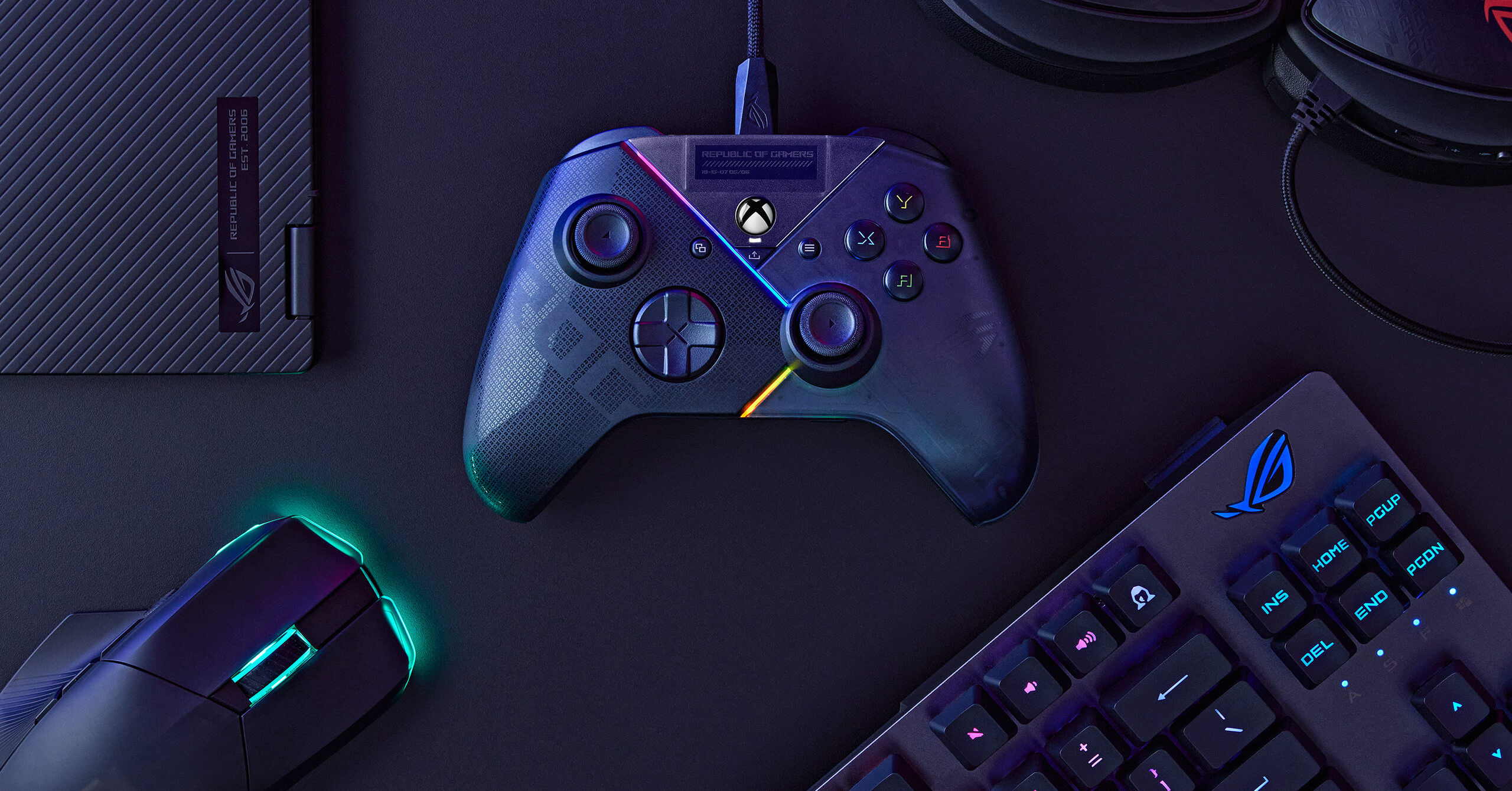
Table of Contents
Design and ROG Gaming Style
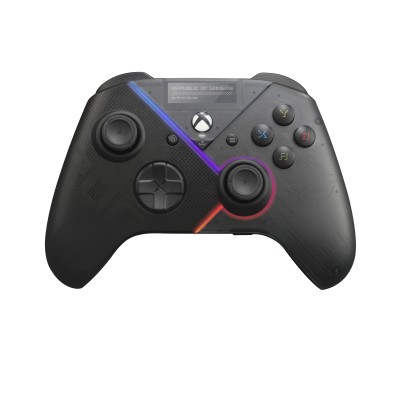
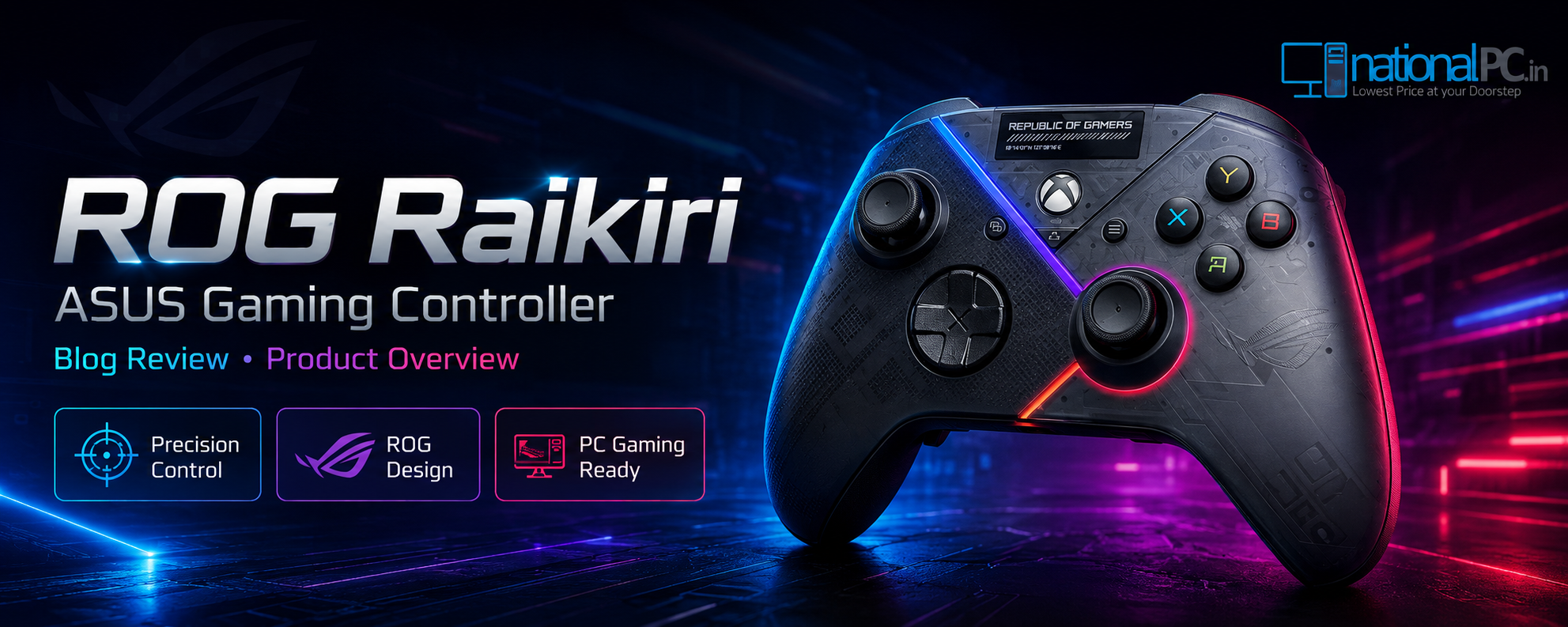
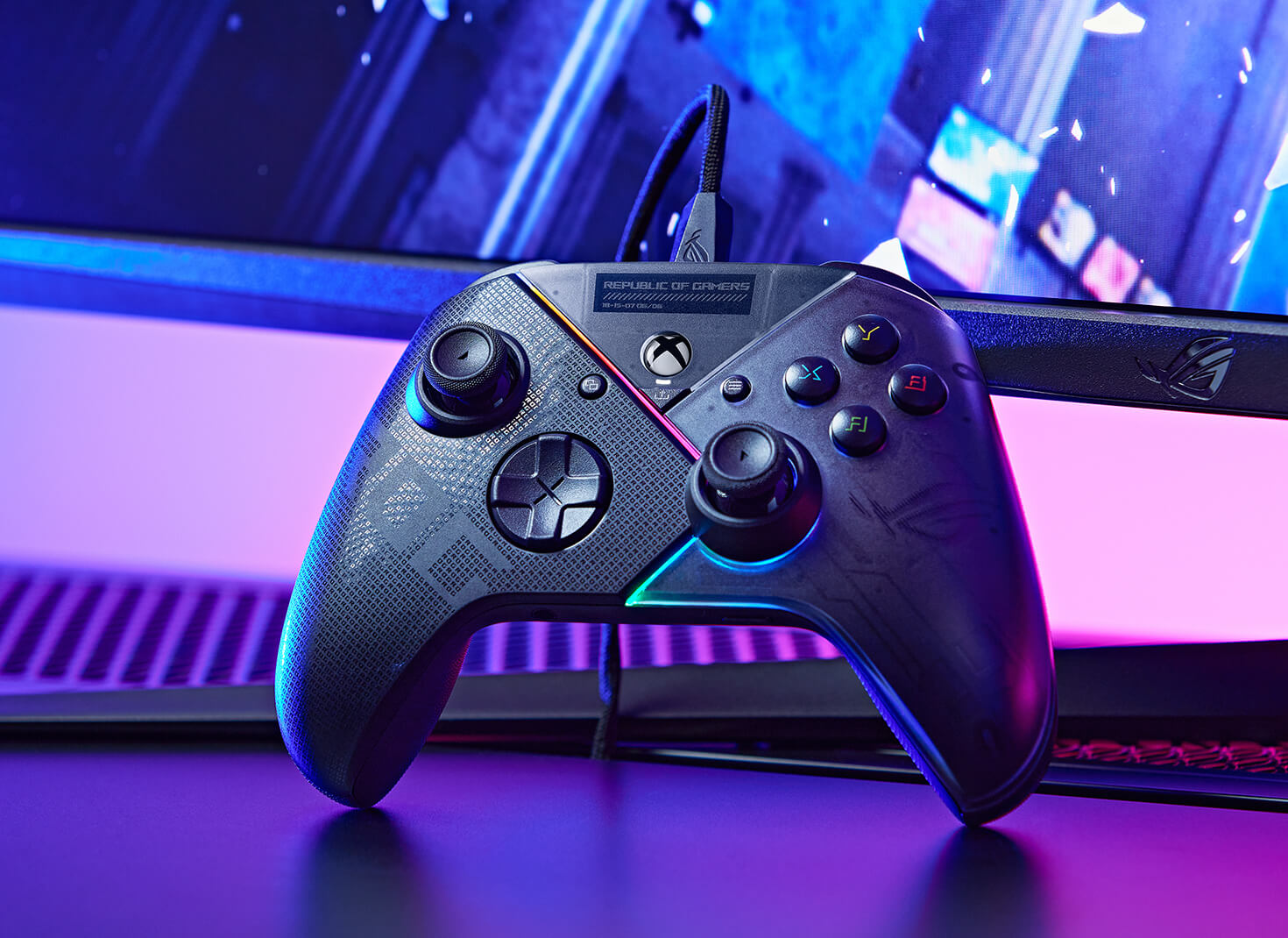
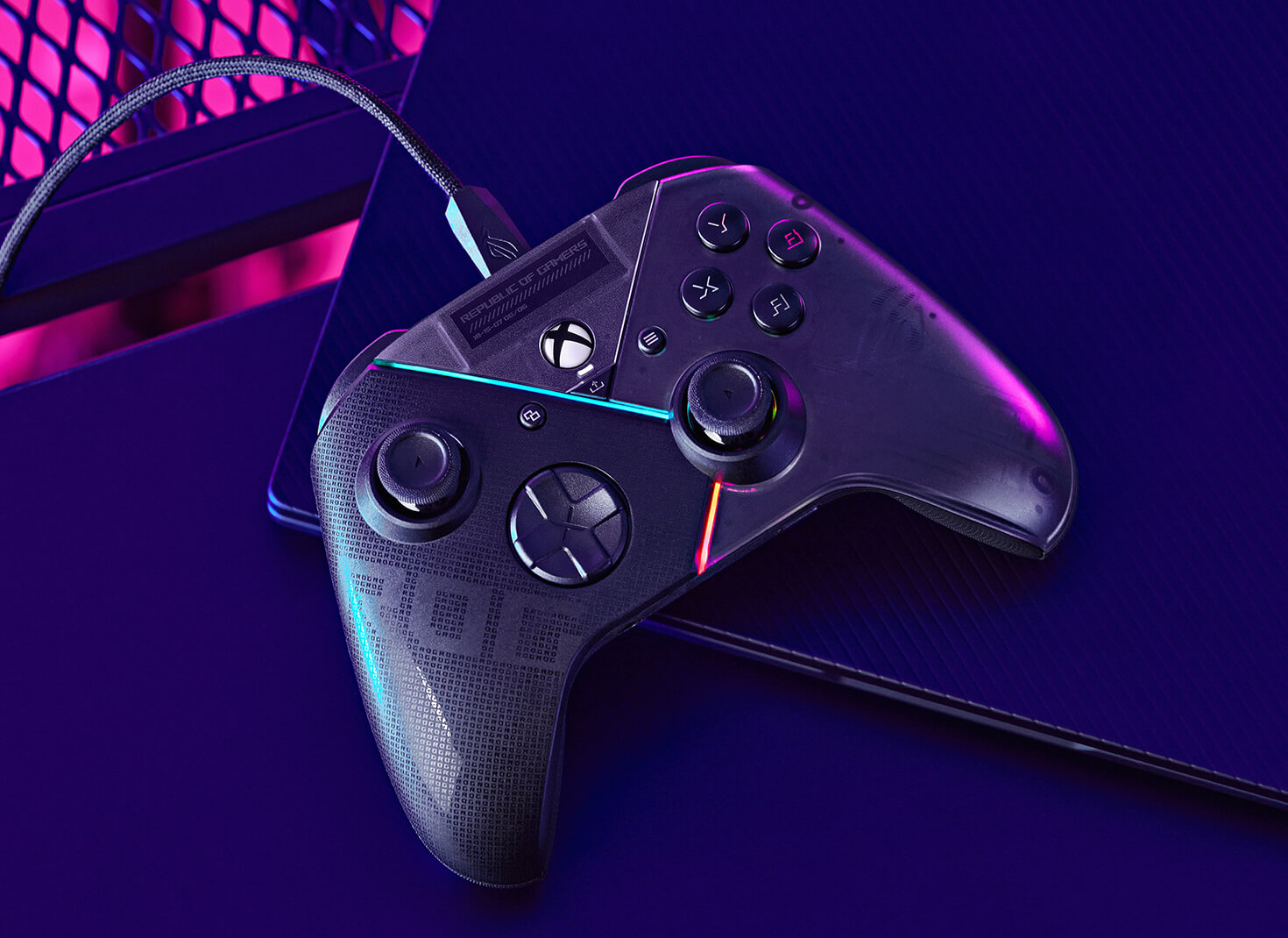
The ROG Raikiri has a familiar Xbox-style layout, so it does not feel confusing for PC or console players. The ROG design language adds translucent styling, Aura RGB lighting and a gamer-focused look without moving too far away from the standard controller shape.
Practical Design Verdict
This is not just RGB decoration. The design keeps the familiar controller comfort but adds gamer-focused controls such as rear buttons, trigger locks and software tuning. That makes it easy for Xbox-style users to adapt quickly.
Wired Connection: Why Low-Lag Control Still Matters
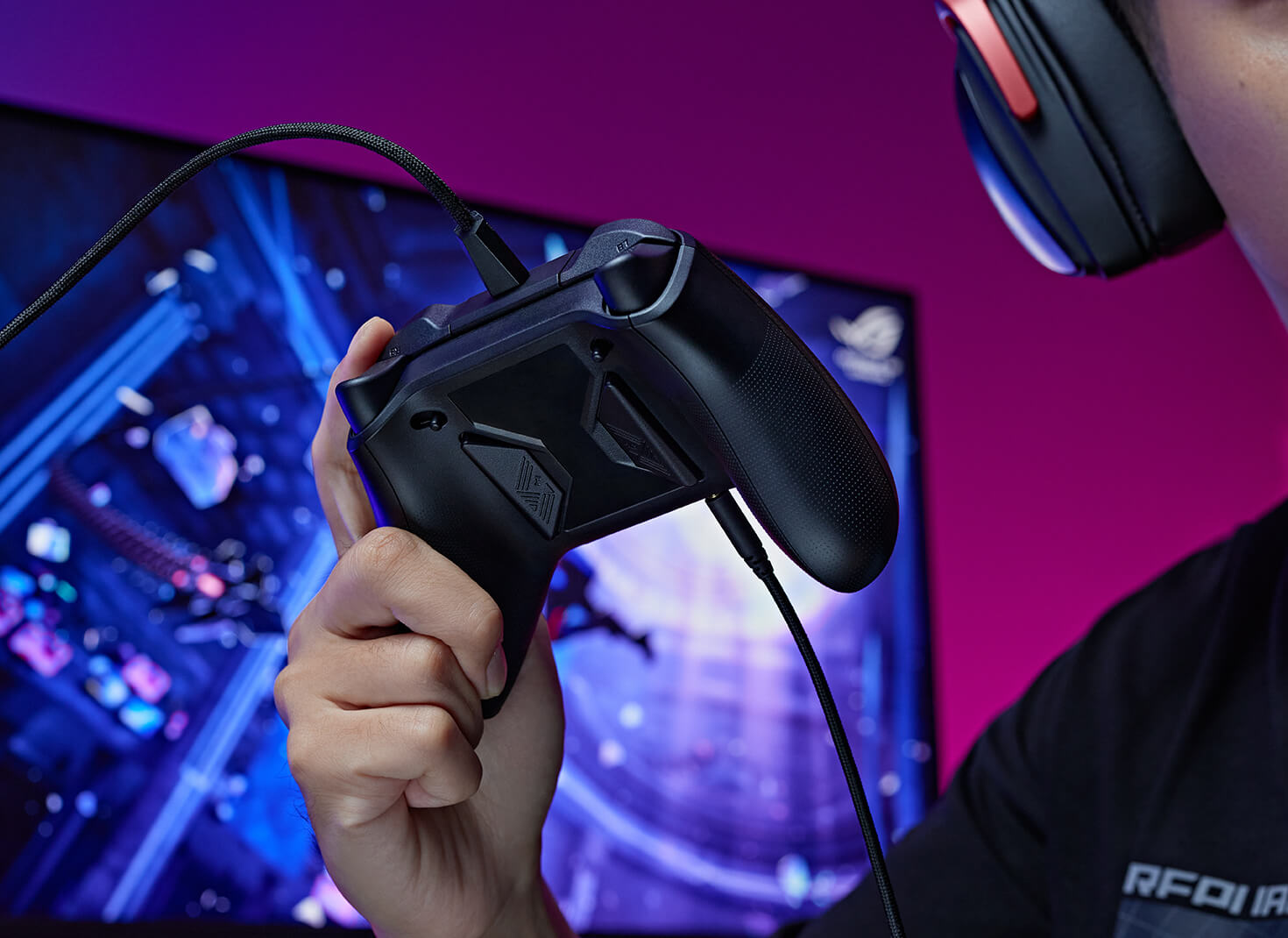
Wireless controllers are convenient, but serious gamers often still prefer wired control because it removes battery anxiety, avoids wireless pairing issues and gives a consistent connection every time. The ROG Raikiri uses USB-C wired connectivity with a detachable 3m USB Type-C to Type-A cable, making it practical for desktop setups and living-room Xbox use.
No Charging Breaks
Play for long sessions without battery swaps or charging interruptions.
Stable Connection
A direct cable connection is simple, predictable and suitable for competitive play.
Desk-Friendly Cable
The included 3m cable gives enough flexibility for PC and Xbox setups.
Rear Buttons: How They Help in FPS, Racing and Action Games
The two rear buttons are the biggest control upgrade over a basic controller. They can be programmed for in-game commands or used as joystick sensitivity shift, helping you keep your thumbs on the sticks while performing common actions.
FPS Games
Map jump, crouch, reload or melee so your thumb can stay on the aiming stick.
Racing Games
Use shortcuts for camera, gear, nitro or view changes without awkward finger movement.
Action Games
Keep dodging, targeting or quick-item controls easier to reach during fast combat.
Trigger Range Adjustment for Shooting and Racing Games
ROG Raikiri includes selectable step triggers. For shooting games, short trigger mode can make firing feel quicker. For racing games, full-range trigger movement can give more control over throttle and braking. Trigger dead zones can also be adjusted through Armoury Crate.
| Trigger Mode | Best For | Practical Benefit |
|---|---|---|
| Short Trigger | FPS and action games | Shorter pull distance for faster shoot or action response feel. |
| Full Range | Racing and driving games | More analog range for smoother throttle and brake control. |
| Dead-Zone Tuning | Personalized setup | Adjust trigger response to match game style and player preference. |
Joystick Sensitivity and Response-Curve Customization
A basic controller gives you standard stick behaviour. ROG Raikiri allows joystick sensitivity and response-curve customization, which can help players tune aim movement, camera control and driving response based on the game.
Practical Fact
A player can use a calmer response curve for precise aiming, a faster curve for quick camera turns, or a game-specific profile depending on whether the game is FPS, racing, action RPG or platformer.
Built-In ESS DAC and Headset Audio Experience
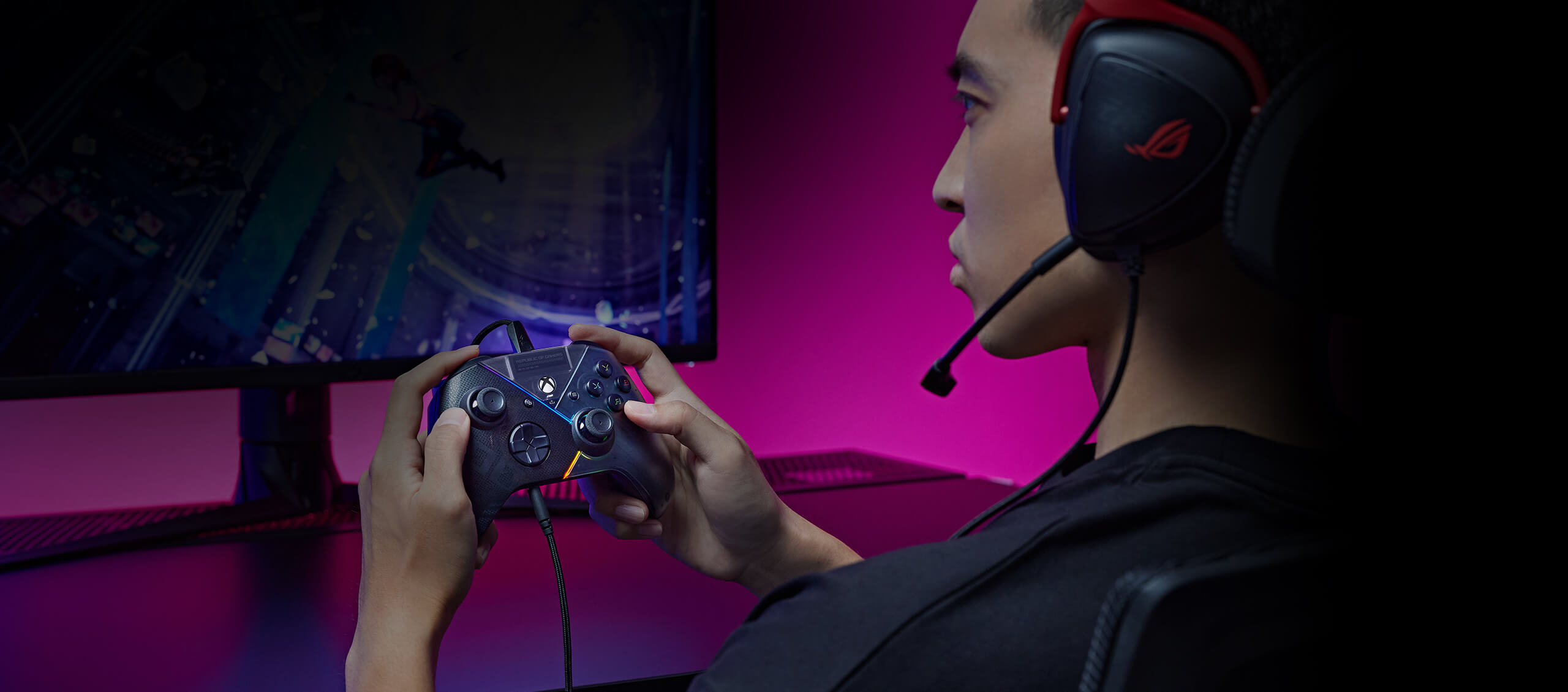
One underrated feature of the ROG Raikiri is the built-in ESS DAC. When you plug a wired headset into the 3.5mm jack, the controller can deliver improved audio processing compared with a basic controller connection. It also includes a mute button for quick voice control.
Armoury Crate Customization Options
The ROG Raikiri becomes much more useful when configured properly. Armoury Crate lets users remap buttons, adjust RGB Aura lighting, tune vibration strength, change trigger dead zones and set joystick response curves.
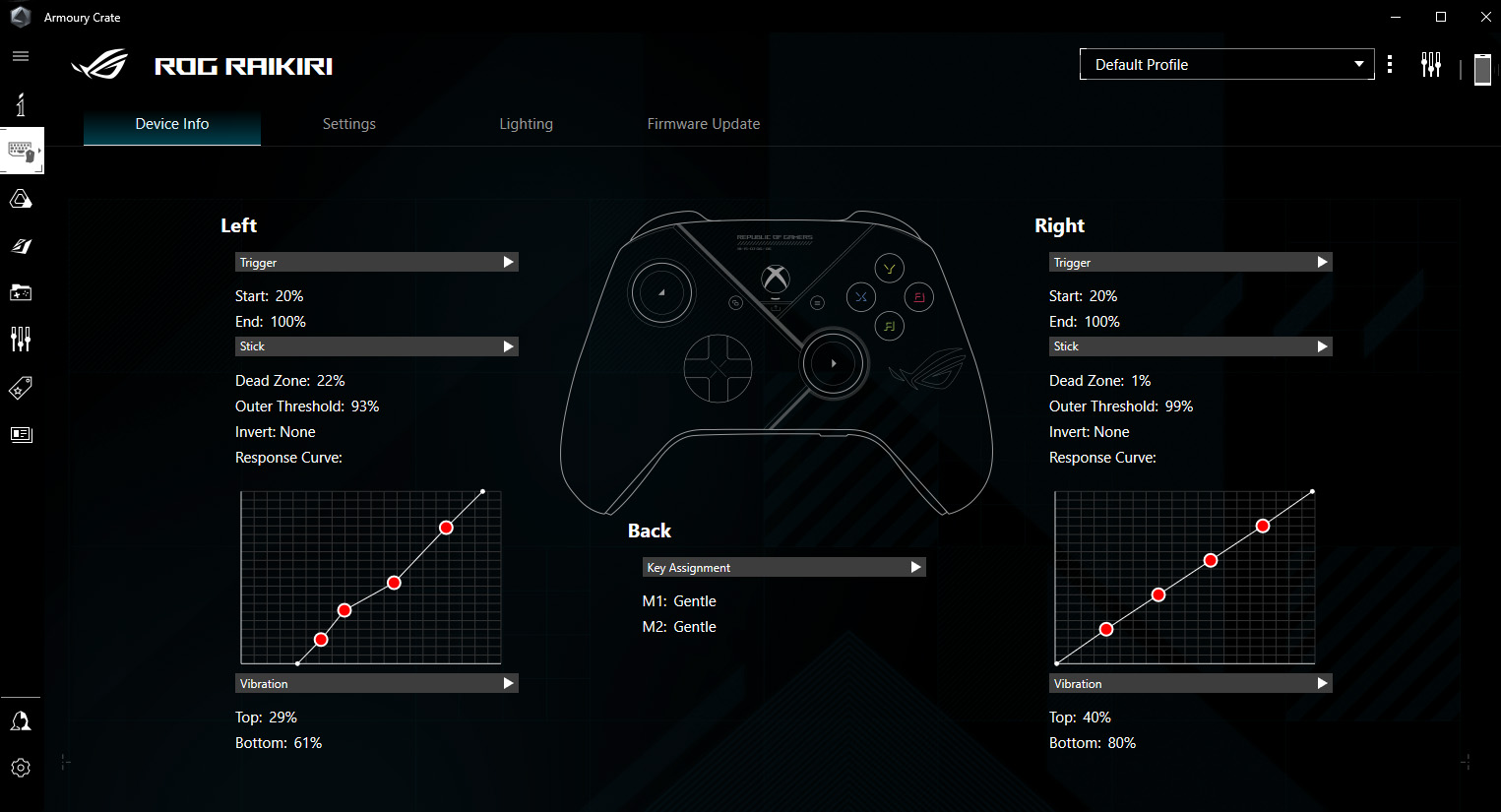
Button Mapping
Set useful shortcuts for the two rear buttons.
Trigger Tuning
Customize dead zones based on game type.
Stick Curves
Adjust response curve for aiming and camera movement.
Aura RGB
Match lighting with a ROG gaming setup.
PC and Xbox Gaming Compatibility
The ROG Raikiri is designed for Windows 10, Windows 11, Xbox Series X|S and Xbox One. That makes it a sensible choice for gamers who move between PC gaming, laptop gaming and Xbox console gaming.
Windows PC
Good for Steam, Game Pass, racing games, action titles and controller-supported PC games.
Gaming Laptop
USB-C wired control works well for portable gaming setups and ROG laptop desks.
Xbox Console
Suitable for Xbox Series X|S and Xbox One users who want extra controls beyond a basic pad.
ROG Raikiri Advantages and Limitations
Advantages
- Stable wired USB-C connection
- Designed for PC, laptop, Xbox Series X|S and Xbox One
- Two programmable rear buttons
- Selectable short or full-range trigger modes
- Trigger dead-zone customization
- Joystick sensitivity and response-curve tuning
- Built-in ESS DAC with 3.5mm headset jack
- Aura RGB and Armoury Crate customization
Limitations
- Wired only, so it is not for users who prefer cable-free play
- Only two rear buttons, while premium pro controllers may offer four
- Requires Armoury Crate setup to unlock full customization value
- Casual players may not use the advanced tuning features
- Not the best choice for users who mainly need basic couch gaming convenience
ROG Raikiri Specifications
| Product Name | ASUS ROG Raikiri Wired PC Controller |
|---|---|
| Compatibility | Windows 10, Windows 11, Xbox Series X|S, Xbox One |
| Connection | Wired USB-C connection |
| Cable | 3m USB Type-C to Type-A detachable cable included |
| Rear Controls | Two programmable rear buttons |
| Triggers | Selectable short trigger or full-range modes, with dead-zone customization |
| Joystick Tuning | Sensitivity and response-curve customization through Armoury Crate |
| Audio | Built-in ESS DAC, 3.5mm audio jack and mute button |
| Lighting | Aura RGB lighting customization |
| Dimensions | 103 × 64 × 155 mm |
| Weight | 300g including cable |
| MPN | 90GC00X0-BGP000 |
| NationalPC Link | Buy ASUS ROG Raikiri Wired PC Controller from NationalPC |
Clear Product Image Gallery
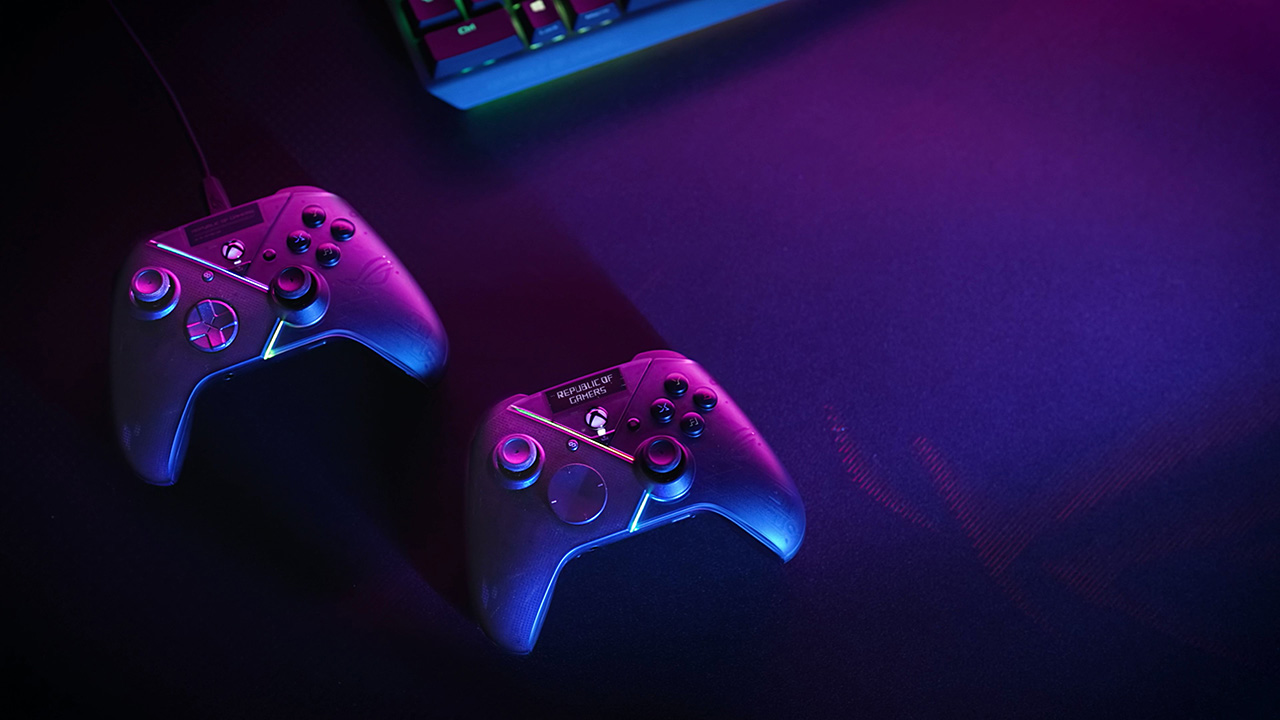
FAQ – ROG Raikiri Review
Is ROG Raikiri good for PC gaming?
Yes. ROG Raikiri is suitable for PC gaming because it supports Windows 10 and Windows 11, uses wired USB-C connectivity and offers Armoury Crate customization for buttons, triggers, joysticks, vibration and RGB lighting.
Does ROG Raikiri work with Xbox?
Yes. The ROG Raikiri is designed for Xbox Series X|S and Xbox One, along with Windows PC and laptop gaming.
Is ROG Raikiri wireless?
No. This ROG Raikiri model is a wired controller. That is part of its appeal for players who want stable connection and no battery concerns.
What are the rear buttons used for?
The two rear buttons can be programmed for in-game commands or joystick sensitivity shift, helping players keep their thumbs on the sticks during fast gameplay.
Does ROG Raikiri have better audio?
Yes. It has a built-in ESS DAC for headset audio through the 3.5mm audio jack, along with a mute button.
Where can I buy ROG Raikiri in India?
You can buy the ASUS ROG Raikiri Wired PC Controller from NationalPC using the product link included in this review.
Final NationalPC Verdict
The ROG Raikiri makes sense for serious PC and Xbox gamers who want more than a basic controller. Its wired USB-C connection, two rear buttons, selectable step triggers, trigger dead-zone tuning, joystick response customization and built-in ESS DAC make it practical for FPS, racing, action and controller-focused PC games.
Buy it if you want stable wired control, faster input confidence and useful customization. Choose a basic controller only if you mainly play casual games and do not need rear shortcuts, trigger tuning or headset audio improvement.