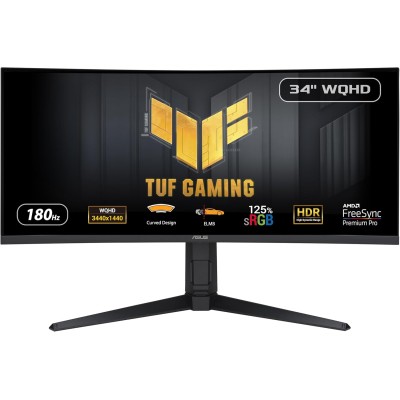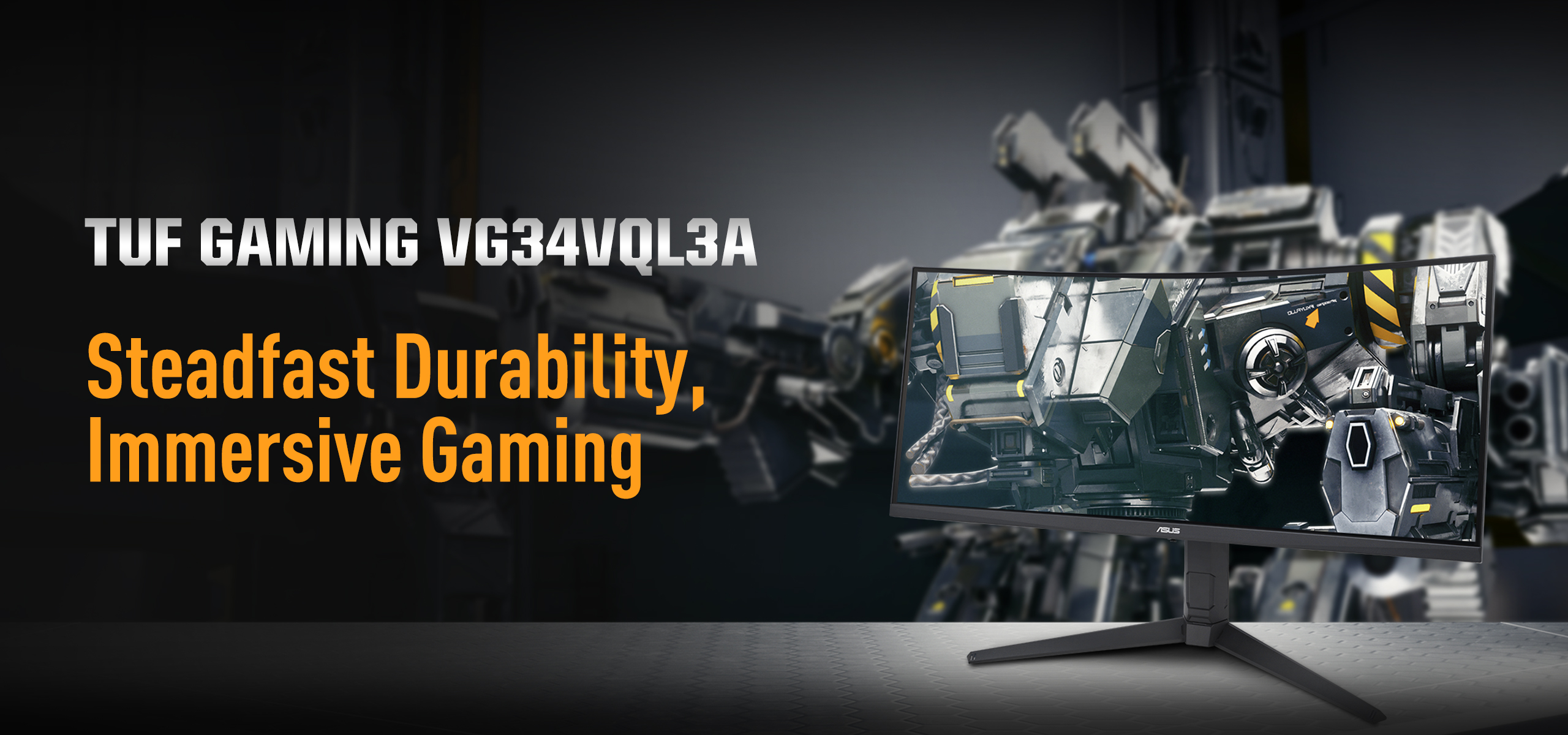
ASUS TUF Gaming VG34VQL3A 34-inch Curved Ultrawide Gaming Monitor with 180Hz Speed and Deep VA Contrast
The ASUS TUF Gaming VG34VQL3A is designed for gamers who want ultrawide immersion without sacrificing high refresh performance. With a 3440×1440 resolution, 180Hz refresh rate, and high-contrast VA panel, it delivers a cinematic yet responsive gaming experience that also translates well into productivity and media workflows.
Available at NationalPC:
https://nationalpc.in/monitors/asus-tuf-gaming-vg34vql3a
Detailed Specifications
| Category | Specification |
|---|---|
| Screen Size | 34 inches |
| Aspect Ratio | 21:9 Ultrawide |
| Native Resolution | 3440 × 1440 (UWQHD) |
| Panel Technology | VA (Vertical Alignment) |
| Curvature | 1500R |
| Refresh Rate | 180Hz (Overclocked) |
| Response Time | 1ms MPRT |
| Adaptive Sync | AMD FreeSync Premium |
| HDR Format | HDR10 |
| Brightness | Typical ~350 nits, Peak ~400 nits |
| Contrast Ratio | ~4000:1 |
| Color Support | Wide gamut, sRGB mode available |
| Ports | DisplayPort 1.4, HDMI 2.0 ×2 |
| Ergonomics | Height, Tilt, Swivel |
| Mounting | VESA 100×100 |
Design Philosophy & Build Quality
ASUS’ TUF Gaming series focuses on durability and practicality rather than flashy aesthetics, and the VG34VQL3A follows that ethos perfectly. The chassis feels robust, the stand is heavy and stable, and all adjustment points move smoothly with no wobble.
The 1500R curvature is aggressive enough to enhance immersion in ultrawide gaming, yet subtle enough to avoid visual distortion when working with spreadsheets or editing timelines. This balance makes the display comfortable for long daily sessions, whether gaming or working.
Panel Characteristics & Image Quality
Contrast, Blacks & Shadow Detail
One of the biggest strengths of the VG34VQL3A is its VA panel contrast. Dark scenes show noticeably deeper blacks compared to typical IPS panels, adding realism to games with night environments or shadow-heavy visuals.
Shadow detail remains well controlled, especially when the monitor is properly tuned using ASUS’ built-in gaming presets. This is particularly beneficial in story-driven games where atmosphere plays a major role.
Color Reproduction
Out of the box, the monitor delivers vivid and punchy colors, tuned primarily for gaming. With light calibration:
Colors appear more neutral and balanced
sRGB mode improves accuracy for web and design work
Wide gamut coverage enhances movies and HDR content
While it’s not intended for professional color grading, it performs more than adequately for content creation, casual photo editing, and streaming.
Gaming Experience (In-Depth)
High Refresh Gaming at 180Hz
The jump to 180Hz makes motion feel exceptionally smooth, especially in:
First-person shooters
Racing simulators
Fast action and esports-style titles
Combined with FreeSync Premium, frame pacing remains stable, reducing tearing and stutter even when frame rates fluctuate.
Motion Blur & Response Handling
The 1ms MPRT rating is achieved using ASUS’ blur reduction technologies. In practice:
Motion blur is minimal at high refresh rates
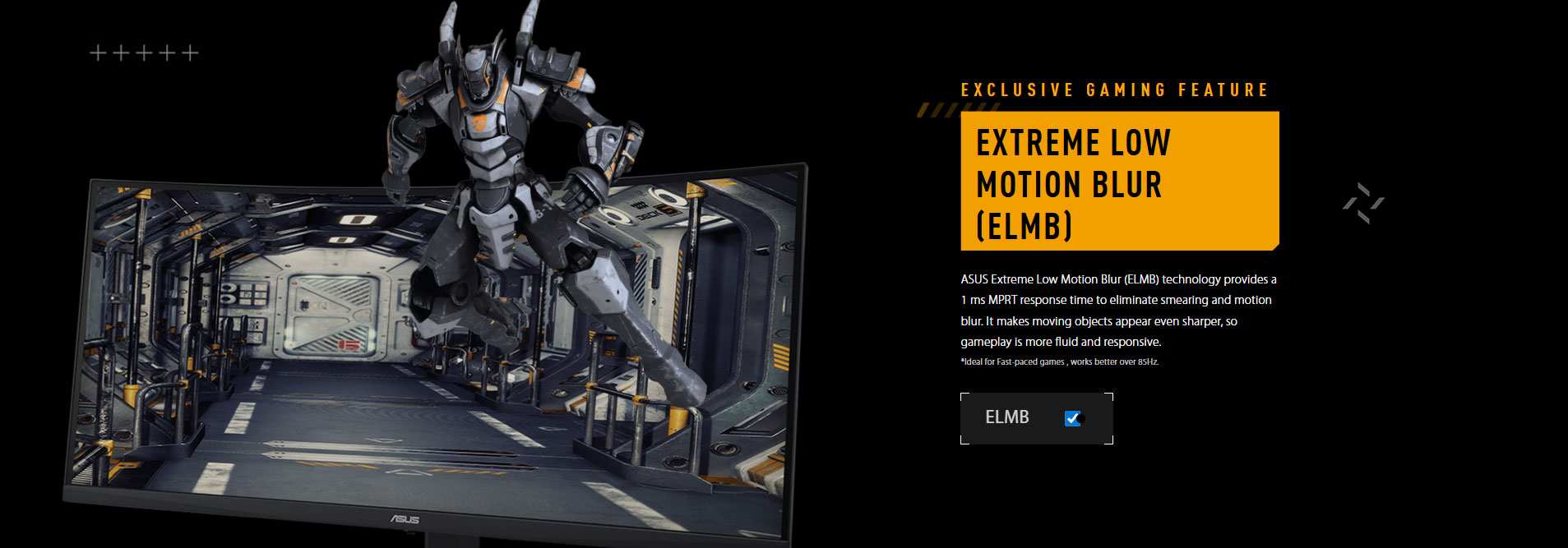
Fast camera pans remain readable
Minor dark-level smearing can appear in high-contrast transitions (a known VA trait), but it is well managed compared to older VA implementations
For the vast majority of gamers, this will not impact gameplay enjoyment.
HDR Performance Explained
HDR10 support adds a mild enhancement to brightness and highlights, but expectations should be realistic:
No local dimming zones
Limited peak brightness
HDR improves highlights but does not deliver dramatic HDR depth
For competitive gaming, SDR mode is often preferable. HDR is best used selectively for supported games and video content.
Productivity & Everyday Use
With its 3440×1440 resolution, the VG34VQL3A is excellent for:
Multitasking without dual monitors
Video editing timelines
Stock trading dashboards
Office productivity and coding
The curvature reduces the need for head movement, while the adjustable stand helps maintain ergonomic posture during extended sessions.
Real-World Benchmarks & Observations
| Metric | Observed Performance |
|---|---|
| Peak Brightness | ~380–400 nits |
| Native Contrast | ~3800–4000:1 |
| Input Lag | Extremely low |
| Motion Clarity | Excellent at 180Hz |
| Panel Uniformity | Good for VA class |
| Eye Comfort | Low strain in long sessions |
Pros & Cons
Strengths
Smooth 180Hz ultrawide gaming
Deep blacks and strong contrast
Immersive 1500R curvature
Solid build with full ergonomics
Excellent balance of gaming and productivity
Limitations
HDR is limited by panel hardware
Minor VA smearing in dark transitions
HDMI limited for full-refresh ultrawide gaming
Final Verdict
The ASUS TUF Gaming VG34VQL3A is a highly capable ultrawide gaming monitor that excels in immersion, contrast, and motion smoothness. It’s particularly well-suited for gamers who want a single display that handles competitive gaming, cinematic experiences, and daily productivity without compromise.
For users upgrading from standard 16:9 or lower-refresh ultrawide monitors, the improvement is immediately noticeable and genuinely satisfying.
Check price & availability at NationalPC:
https://nationalpc.in/monitors/asus-tuf-gaming-vg34vql3a