
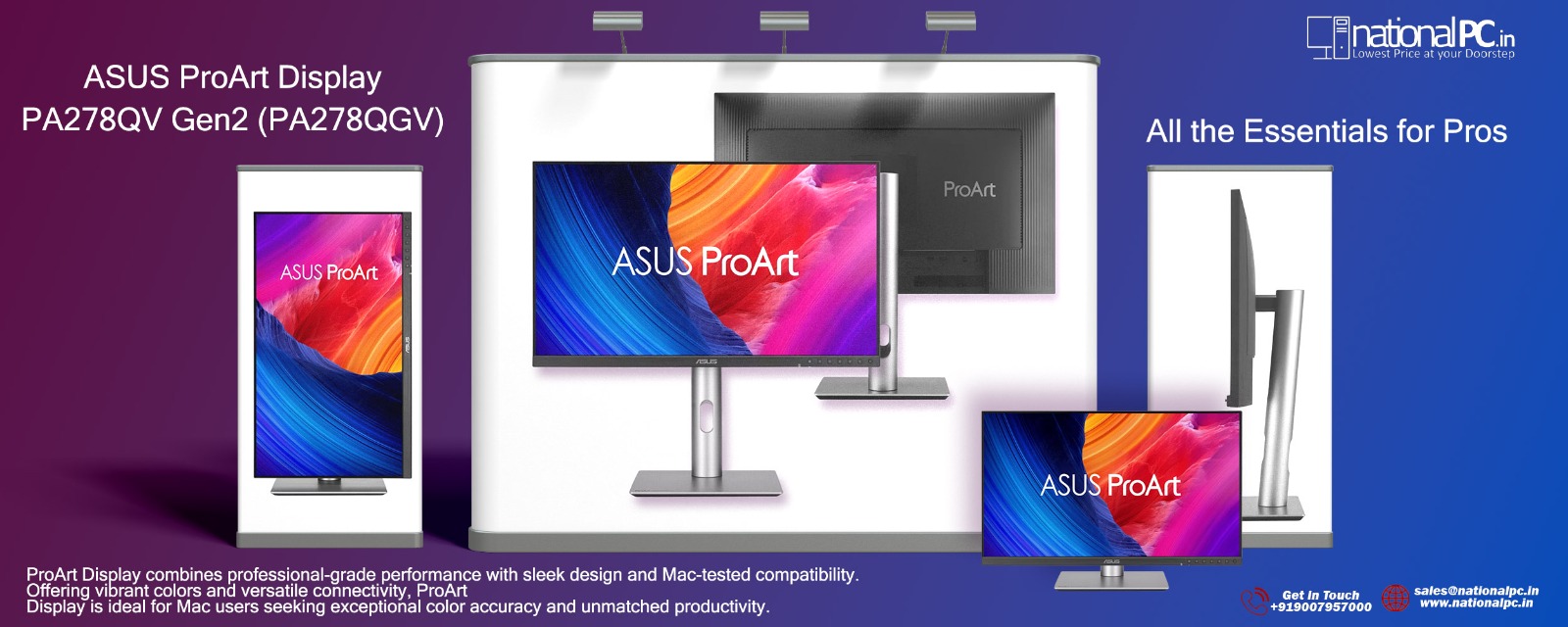
ASUS ProArt Display PA278QV Gen2 PA278QGV: A Color-Accurate QHD Monitor for Creative Professionals
ASUS ProArt PA278QV Gen2 PA278QGV Review
27-inch QHD IPS | 100% sRGB | 95% DCI-P3 | Delta E < 2 | Calman Verified | 120Hz VRR | HDR10 | Light Sync | Ergonomic Stand
Score: 8.8 / 10 ★★★★★ Best 27-inch QHD Creator Monitor for Color-Accurate Work
The ASUS ProArt Display PA278QV Gen2, also known as PA278QGV, is designed for photographers, designers, video editors, MacBook users, coders, and professional productivity users who need accurate color, sharp QHD detail, smooth 120Hz visuals, rich connectivity, and long-hour comfort.
Quick Summary: The ASUS ProArt PA278QGV is not a flashy gaming monitor or a high-end HDR reference display. Its real strength is professional balance. It combines a 27-inch QHD IPS screen, factory-calibrated color accuracy, wide color coverage, 120Hz smoothness, Mac-friendly color tuning, full ergonomic adjustment, and a practical USB hub.
Bottom line: For creators, designers, photographers, office professionals, and MacBook users who want a reliable QHD monitor with strong color accuracy, the ASUS ProArt PA278QGV is a highly practical choice.
TABLE OF CONTENTS
- Introduction & Overview
- Key Highlights
- Image Gallery
- Full Technical Specifications
- Design & Build Quality
- Display & Color Accuracy
- 120Hz SmoothMotion & VRR
- Connectivity & MacBook Compatibility
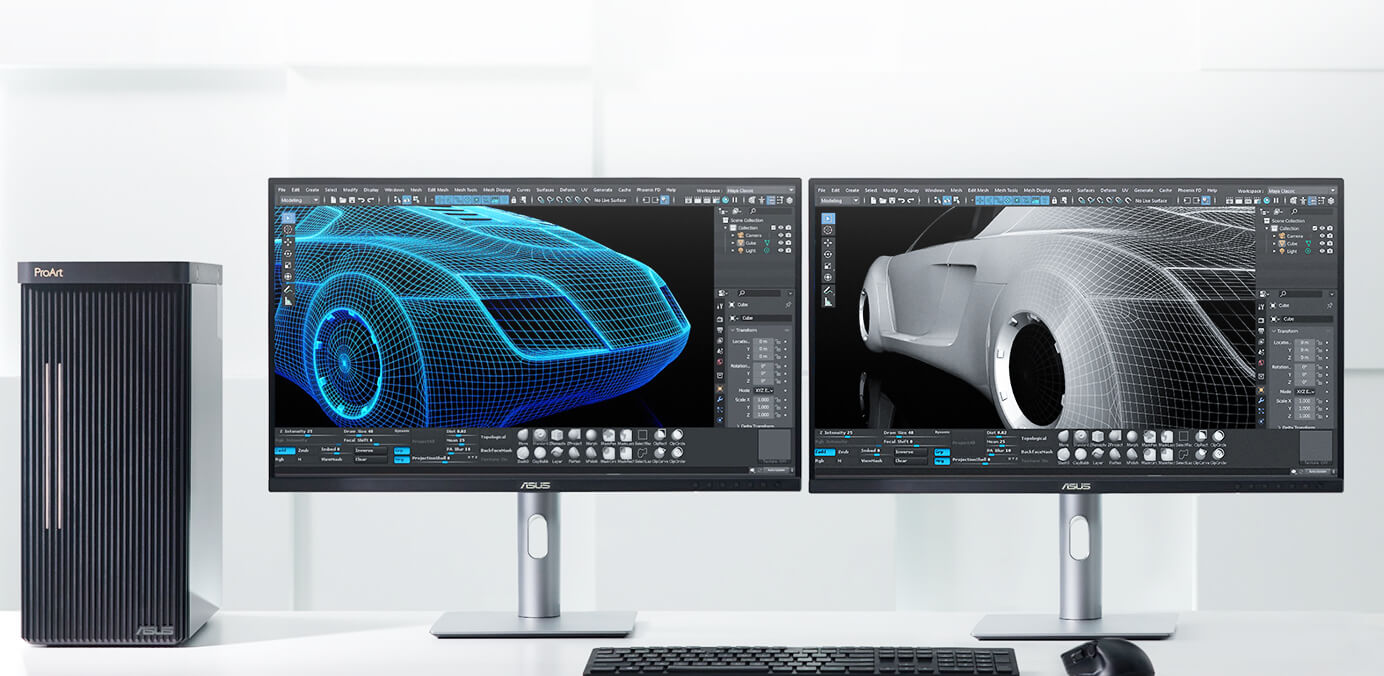
- Creator Workflow Performance
- Benchmark Scores
- Advantages & Limitations
- FAQ
- Final Verdict
- Review References
- Buy from NationalPC
1. Introduction & Overview
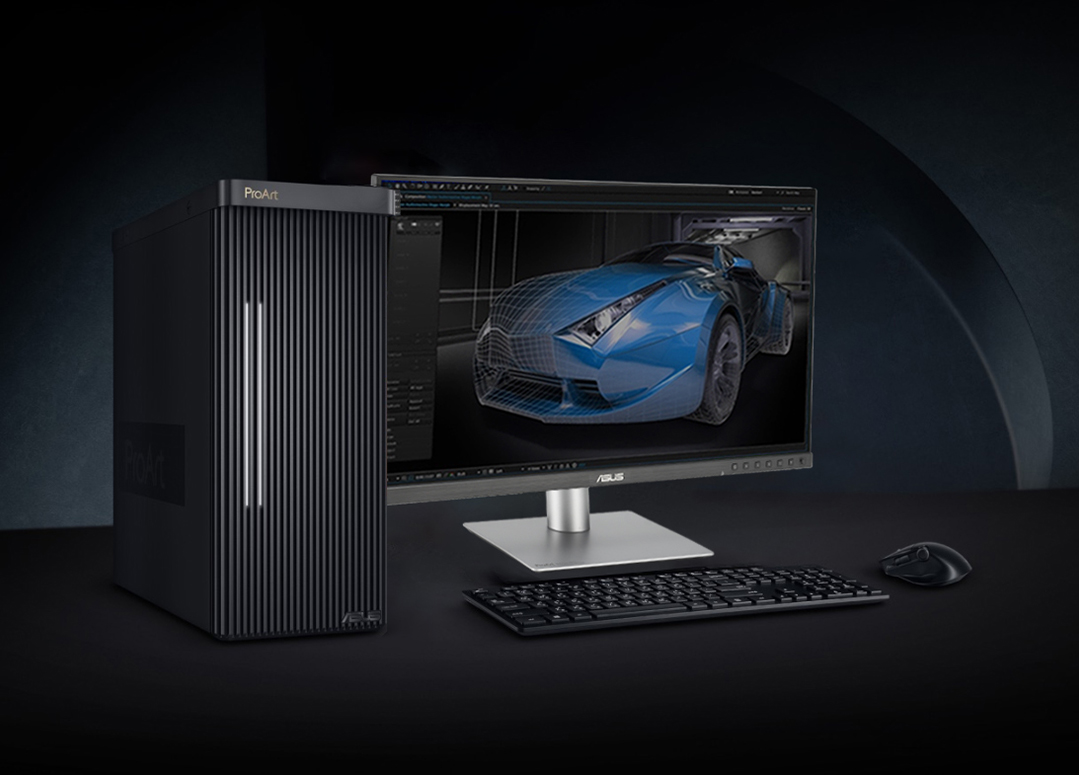
The ASUS ProArt PA278QV Gen2 PA278QGV is a professional 27-inch QHD IPS monitor made for users who value accuracy, comfort, and productivity more than flashy design. It is built for creators who need a dependable display for photo editing, video editing, design, digital artwork, office work, coding, AI creative workflows, and MacBook-based setups.
Compared with ordinary office monitors, the PA278QGV offers stronger creator-focused specifications. It includes 100% sRGB, 95% DCI-P3, factory calibration, Delta E < 2 accuracy, Calman Verified certification, HDR10 support, 120Hz variable refresh rate, ASUS Light Sync, rich connectivity, and a fully ergonomic stand.
This makes it a practical monitor for modern professionals who want color accuracy and smooth daily usability in one screen. It is not an OLED monitor, and it is not designed as a high-end HDR grading display. Instead, it focuses on real-world creative productivity at a more practical price point.
2. Key Highlights
27-inch QHD IPS Display
2560 × 1440 resolution delivers sharper detail than Full HD while keeping text, UI scaling, and editing panels comfortable on a 27-inch screen.
100% sRGB + 95% DCI-P3
Wide color coverage makes it suitable for web design, digital content, photography, video editing, and creator workflows.
Delta E < 2 + Calman Verified
Factory calibration helps creators work confidently with accurate color performance right out of the box.
120Hz SmoothMotion + VRR
Smoother scrolling, timeline movement, cursor response, fast rendering previews, and casual gaming compared with standard 60Hz monitors.
ASUS Light Sync
Ambient Light Sensor automatically adjusts display brightness and color temperature based on environmental lighting.
Ergonomic Stand
Height, tilt, swivel, and pivot adjustment help reduce fatigue during long editing, coding, and office sessions.
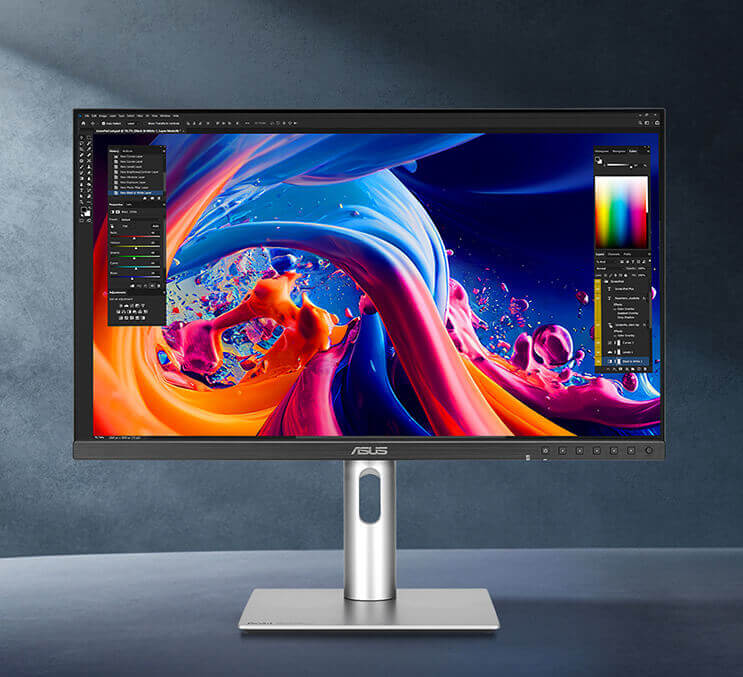
3. Product Image Gallery

4. Full Technical Specifications
Display
| Specification | Detail |
|---|---|
| Model | ASUS ProArt Display PA278QGV |
| Panel Size | 27-inch |
| Aspect Ratio | 16:9 |
| Display Viewing Area | 596.74 × 335.67 mm |
| Display Surface | Anti-Glare |
| Backlight Type | LED |
| Panel Type | IPS |
| Viewing Angle | 178° / 178° |
| Pixel Pitch | 0.233 mm |
| Resolution | 2560 × 1440, QHD |
| Color Space | 100% sRGB, 95% DCI-P3 |
| Brightness | 350 cd/m² typical, 350 cd/m² HDR peak |
| Contrast Ratio | 1500:1 typical, 3000:1 maximum |
| Display Colors | 1073.7 million colors, 10-bit |
| Response Time | 5ms GTG |
| Refresh Rate | 120Hz maximum |
| HDR Support | HDR10 |
| Protection Glass | No |
| Flicker-Free | Yes |
| LCD ZBD Warranty | Yes, 3 years |
Professional Features
| Feature | Detail |
|---|---|
| Trace Free Technology | Yes |
| ProArt Preset Modes | User Mode 1, User Mode 2, HDR, Rec.709, DICOM, P3, Adobe RGB, sRGB, Native |
| Color Temperature Selection | 9300K, 6500K, 5500K, 5000K, DCI-P3, M Model |
| Color Adjustment | RGB Tuning, Gain / Offset |
| Gamma Adjustment | Gamma 1.8 / 2.0 / 2.2 / 2.4 / 2.6 |
| Auto Rotation | Yes, supported by DisplayWidget Center |
| Color Accuracy | Delta E < 2 |
| ProArt Palette | Yes |
| QuickFit Plus | Yes |
| PIP / PBP Technology | Yes |
| HDCP | Yes, 1.4 |
| VRR Technology | Yes, Adaptive-Sync |
| DisplayWidget | Yes, DisplayWidget Center |
| Low Blue Light | Yes |
| Multiple HDR Mode | Yes |
| ASUS Power Sync | Yes |
| Speaker | Yes, 2W × 2 |
I/O Ports, Signal Frequency & Power
| Category | Detail |
|---|---|
| DisplayPort | DisplayPort 1.4 × 1 |
| HDMI | HDMI v2.1 × 1, TMDS |
| USB Hub | 4 × USB 3.2 Gen 1 Type-A |
| Earphone Jack | Yes |
| Digital Signal Frequency - DisplayPort | 30~185 KHz horizontal / 48~120 Hz vertical |
| Digital Signal Frequency - HDMI | 30~185 KHz horizontal / 48~100 Hz vertical |
| Power Consumption | <16.94W |
| Power Saving Mode | <0.5W |
| Power Off Mode | 0W, hard switch |
| Voltage | 100–240V, 50/60Hz |
Mechanical Design, Dimensions, Weight & Accessories
| Category | Detail |
|---|---|
| Tilt | +23° ~ -5° |
| Swivel | +30° ~ -30° |
| Pivot | +90° ~ -90° |
| Height Adjustment | 0~130 mm |
| Ambient Light Sensor | Yes |
| VESA Wall Mounting | 100 × 100 mm |
| Kensington Lock | Yes |
| Physical Dimension with Stand | 61.22 × 53.61 × 19.04 cm |
| Physical Dimension without Stand | 61.22 × 36.29 × 4.69 cm |
| Box Dimension | 69.1 × 42.7 × 14.0 cm |
| Net Weight | 6.4 kg |
| Net Weight without Stand | 4.7 kg |
| Gross Weight | 9.3 kg |
| Accessories | Warranty Card, USB Type-B to A Cable, Quick Start Guide, Power Cord, HDMI Cable, DisplayPort Cable, Color Pre-Calibration Report |
| Certificates | FSC MIX, Calman Verified, TÜV Low Blue Light, TÜV Flicker-Free, TCO Certified, EPEAT Gold, Energy Star |
5. Design & Build Quality
The ASUS ProArt PA278QGV follows the clean and professional design language of the ProArt family. It does not try to look like a gaming monitor. There is no RGB lighting, no oversized gamer-style stand, and no aggressive design language. Instead, it looks minimal, elegant, and studio-friendly.
This makes it suitable for creative studios, editing rooms, office cabins, design desks, home workstations, and professional productivity setups. The slim profile and compact stand design also help save desk space, which is useful for users who work with keyboards, drawing tablets, audio interfaces, laptops, stream decks, and external storage devices.
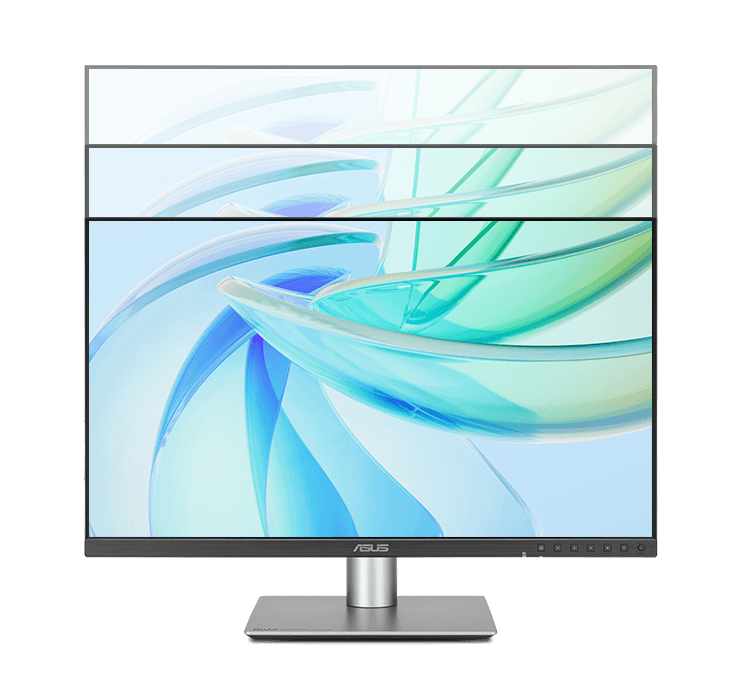
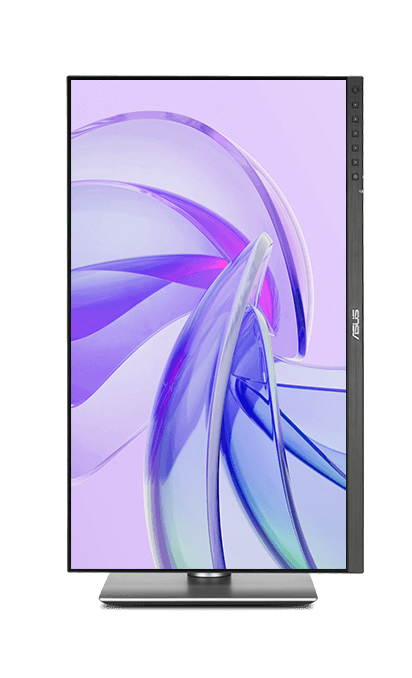
Long working hours demand a comfortable setup. The PA278QGV includes an ergonomic stand with height adjustment up to 130 mm, tilt from -5° to +23°, swivel from -30° to +30°, and pivot from -90° to +90°. This allows users to position the screen correctly for their desk height, posture, and working style.
6. Display & Color Accuracy
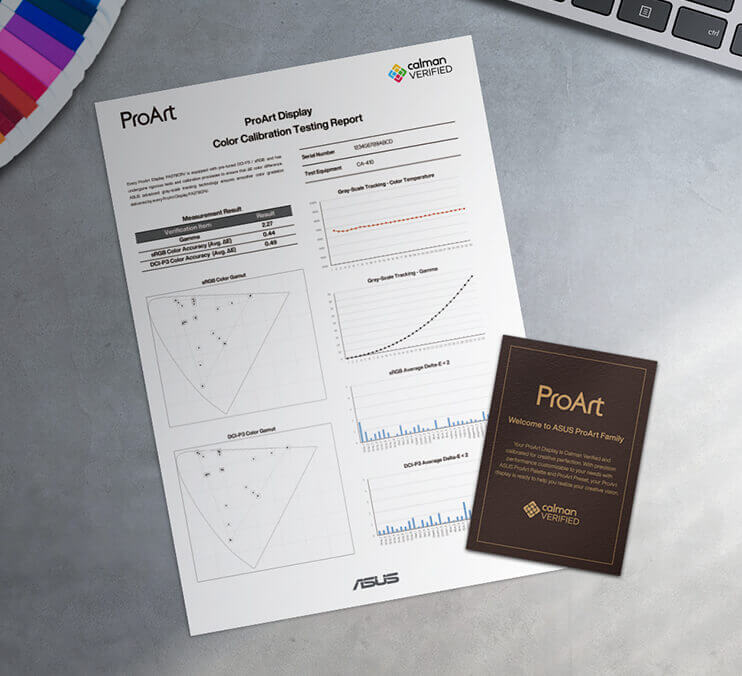
Color accuracy is the biggest reason to choose a ProArt monitor. The ASUS ProArt PA278QGV offers 100% sRGB, 95% DCI-P3, Delta E < 2 accuracy, and Calman Verified factory calibration. These specifications make it suitable for users who work with images, videos, brand colors, web content, and digital design.
100% sRGB is important for web design, ecommerce product images, social media content, UI/UX work, thumbnails, online ads, and digital publishing. 95% DCI-P3 is useful for modern video content, Mac-oriented workflows, and wider-gamut creative projects.
Delta E < 2 means the monitor is factory calibrated for accurate color performance. For professionals, this helps reduce guesswork during editing. Users working on product photos, portraits, digital artwork, presentation graphics, and website visuals can work with better confidence.
7. 120Hz SmoothMotion & VRR
One of the biggest upgrades in the PA278QGV is the 120Hz variable refresh rate. For creators, 120Hz is not only about gaming. It makes daily use feel smoother and more comfortable.
Scrolling feels cleaner, cursor movement feels more responsive, animation previews look smoother, and video editing timelines feel more fluid. Compared with traditional 60Hz creator monitors, this gives a more modern and comfortable viewing experience.
VRR support also helps reduce tearing and uneven motion when frame rates vary. This is useful for casual gaming, motion preview, creative applications, and smoother desktop workflows.
8. Connectivity & MacBook Compatibility
The PA278QGV includes practical connectivity for professional workstations. It offers DisplayPort 1.4, HDMI v2.1 TMDS, four USB 3.2 Gen 1 Type-A ports, an earphone jack, and built-in 2W × 2 speakers.
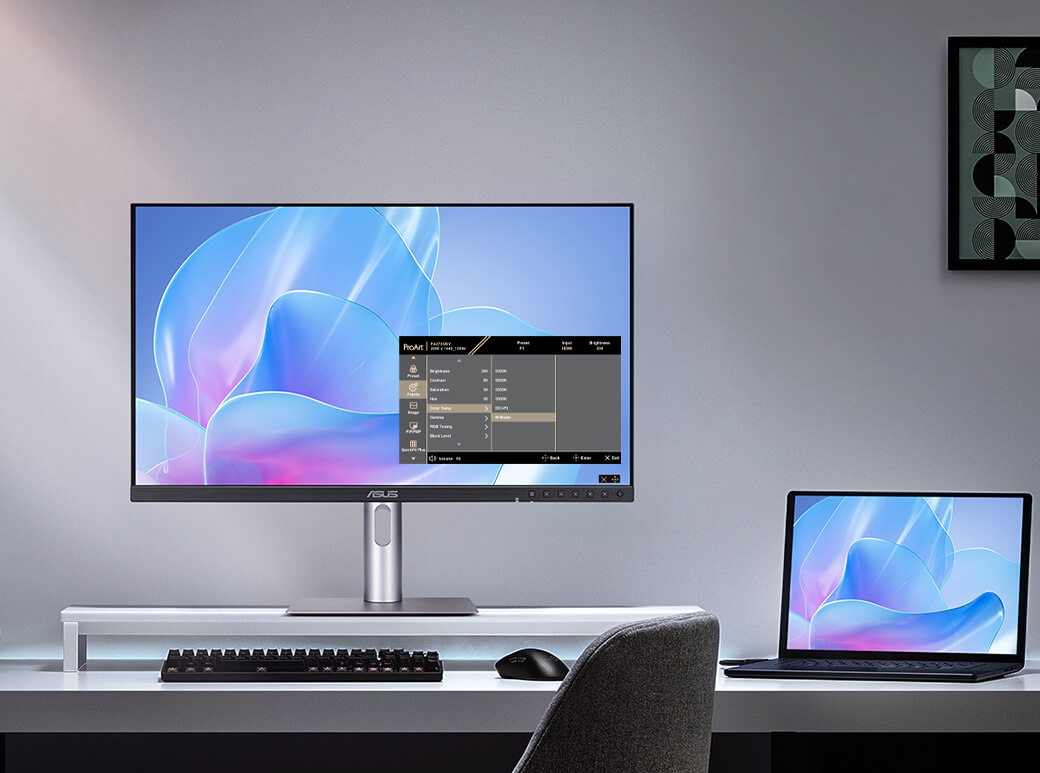
The monitor also includes M Model P3 color temperature and ASUS DisplayWidget Center support for macOS. This is useful for creators who use MacBook Air, MacBook Pro, Mac mini, or Mac Studio and want better color consistency with an external display.
9. Creator Workflow Performance
For Photo Editing
The PA278QGV is very useful for photographers who edit for websites, ecommerce, portfolios, social media, and digital publishing. The 100% sRGB coverage supports web-ready output, while 95% DCI-P3 helps with modern color-rich content.
For Video Editing
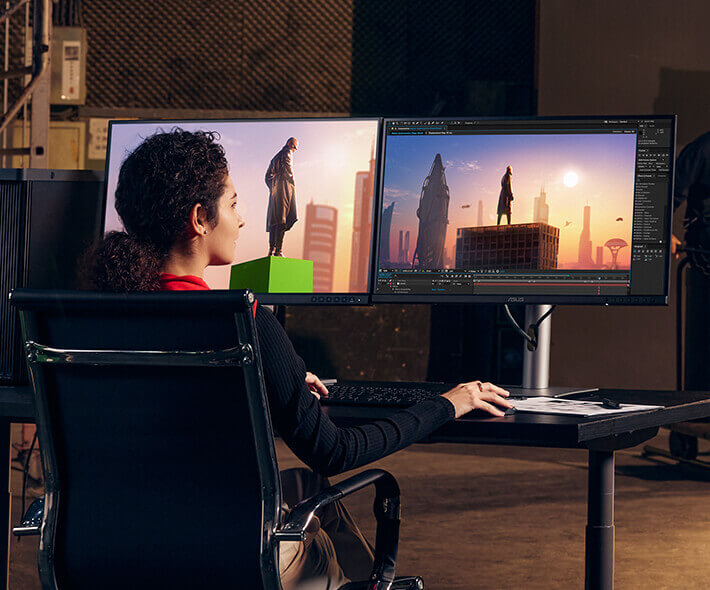
For YouTube, social media, online ads, corporate content, and SDR video workflows, the PA278QGV provides a comfortable editing experience. QHD resolution gives more timeline space than Full HD, while 120Hz smoothness makes timeline movement and UI navigation feel better.
For Graphic Design & UI/UX
Designers can benefit from accurate color, a sharp QHD canvas, and ProArt color modes. It is suitable for branding work, layouts, UI/UX design, digital illustrations, thumbnails, web graphics, and packaging previews.
For Coding & Office Work
Coders and office professionals will appreciate the QHD screen space, pivot mode, wide viewing angles, eye-care features, and ergonomic stand. It is a strong monitor for long productivity sessions.
10. Benchmark Scores
| Category | Score / 10 | Comment |
|---|---|---|
| QHD Sharpness | 8.8 | Excellent practical sharpness for a 27-inch productivity and creator monitor |
| Color Accuracy | 9.0 | Delta E < 2, factory calibration, Calman Verified, 100% sRGB and 95% DCI-P3 |
| Photo Editing | 8.8 | Very good for web, ecommerce, social media, and digital photography workflows |
| Video Editing | 8.5 | Strong for SDR, Rec.709, P3, YouTube, and online video workflows |
| Productivity | 9.2 | QHD resolution, IPS viewing, ergonomic stand, and 120Hz smoothness |
| MacBook Use | 8.5 | M Model P3 color temperature and macOS DisplayWidget support are useful |
| Casual Gaming | 7.8 | 120Hz VRR is smooth, but the monitor is not built for esports-first gaming |
| HDR Experience | 6.5 | HDR10 support is useful, but this is not a high-brightness HDR reference monitor |
| Connectivity | 8.0 | DisplayPort, HDMI, and USB hub are practical; USB-C PD is missing |
| Ergonomics | 9.5 | Height, tilt, swivel, pivot, and VESA mounting make it excellent for long sessions |
| OVERALL SCORE | 8.8 | Excellent 27-inch QHD professional monitor for creators and productivity users |
11. Advantages & Limitations
What We Love
- 27-inch QHD resolution gives a sharp and practical creator workspace
- IPS panel offers wide viewing angles and consistent colors
- 100% sRGB and 95% DCI-P3 color coverage are excellent for content work
- Factory calibrated Delta E < 2 color accuracy helps creators work confidently
- Calman Verified certification adds professional trust
- 120Hz VRR makes scrolling, editing, and desktop use smoother
- HDR10 support adds extra content compatibility
- ProArt Preset and ProArt Palette provide creator-friendly control
- M Model P3 color temperature is useful for MacBook users
- Ergonomic stand supports height, tilt, swivel, and pivot adjustment
What Falls Short
- No USB-C Power Delivery for single-cable laptop docking
- HDR10 support is not equal to professional HDR mastering performance
- IPS black levels cannot match OLED or Mini LED displays
- Built-in speakers are basic and not made for premium audio use
- Not designed for competitive esports gaming
- Users needing Retina-like sharpness may prefer 4K or 5K monitors
- Print professionals needing stronger Adobe RGB coverage may prefer higher-end ProArt models
12. FAQ — Buyer Questions Answered
Is the ASUS ProArt PA278QGV good for photo editing?
Yes. It is very good for web, ecommerce, social media, digital publishing, and portfolio photo editing. It offers 100% sRGB, 95% DCI-P3, Delta E < 2 factory calibration, and Calman Verified color accuracy.
Is this the same as ASUS PA278QV?
This is the Gen2 version, officially known as PA278QV Gen2 / PA278QGV. It improves the formula with 120Hz VRR, 95% DCI-P3, HDR10, updated creator features, and improved modern usability.
Is the PA278QGV good for video editing?
Yes. It is suitable for SDR, Rec.709, P3, YouTube, social media, corporate video, and online editing workflows. For professional HDR mastering, a higher-end HDR reference monitor is recommended.
Does the ASUS PA278QGV support HDR?
Yes. It supports HDR10. However, it should be treated as HDR compatibility and preview support, not as a professional HDR mastering solution.
Does it have USB-C Power Delivery?
No. The monitor includes DisplayPort, HDMI, and USB hub connectivity, but it does not focus on USB-C Power Delivery docking.
Is it good for MacBook users?
Yes. It includes M Model P3 color temperature and ASUS DisplayWidget Center support for macOS, making it useful for MacBook users who need better external display color consistency.
Can I use it for gaming?
Yes, for casual gaming. The 120Hz VRR support makes gaming smoother than standard 60Hz creator monitors. However, it is not an esports-first gaming monitor.
Does it support portrait mode?
Yes. The ergonomic stand supports pivot adjustment, so it can be used vertically for coding, document work, reading, and portrait photo editing.
Where can I buy ASUS ProArt PA278QGV in India?
You can buy it from NationalPC using the product link provided in the buying section below.
13. Final Verdict
The ASUS ProArt Display PA278QV Gen2 PA278QGV is one of the most practical professional QHD monitors for creators who want accurate color, a comfortable 27-inch workspace, strong ergonomics, modern 120Hz smoothness, rich connectivity, and dependable ProArt features.
Its biggest strengths are factory-calibrated Delta E < 2 color accuracy, 100% sRGB, 95% DCI-P3, Calman Verified certification, QHD sharpness, 120Hz VRR, M Model P3 color temperature, ASUS Light Sync, and a fully adjustable ergonomic stand.
It is not perfect. The lack of USB-C Power Delivery may disappoint laptop docking users, and HDR10 support should be treated as a bonus rather than a professional HDR grading solution. IPS black levels are also not comparable to OLED or Mini LED displays.
But for its category, the PA278QGV delivers an excellent balance of color accuracy, comfort, smoothness, and value. For photographers, designers, video editors, developers, MacBook users, and professional office users who want a reliable 27-inch QHD ProArt monitor, the ASUS ProArt PA278QGV is highly recommended.
Overall Rating: 8.8 / 10
14. Review References
This review-style buying guide is prepared using the official ASUS ProArt Display PA278QV Gen2 PA278QGV product information, full technical specifications, product images, and the attached review content provided for this blog.
| Reference Source | Purpose |
|---|---|
| ASUS ProArt Display PA278QV Gen2 PA278QGV Official Page | Official features, product images, creator workflow details, and product positioning |
| ASUS Official Tech Specs Page | Full technical specifications, ports, power, dimensions, weight, accessories, and certifications |
| NationalPC Product Page | Product buying page for Indian customers |
15. AUTHORISED ASUS DEALER IN INDIA
Ready to upgrade your creator workstation?
Buy the ASUS ProArt Display PA278QV Gen2 PA278QGV from NationalPC with genuine product assistance, GST invoice support, warranty guidance, and reliable delivery across India.
Buy ASUS ProArt PA278QGV from NationalPC






