
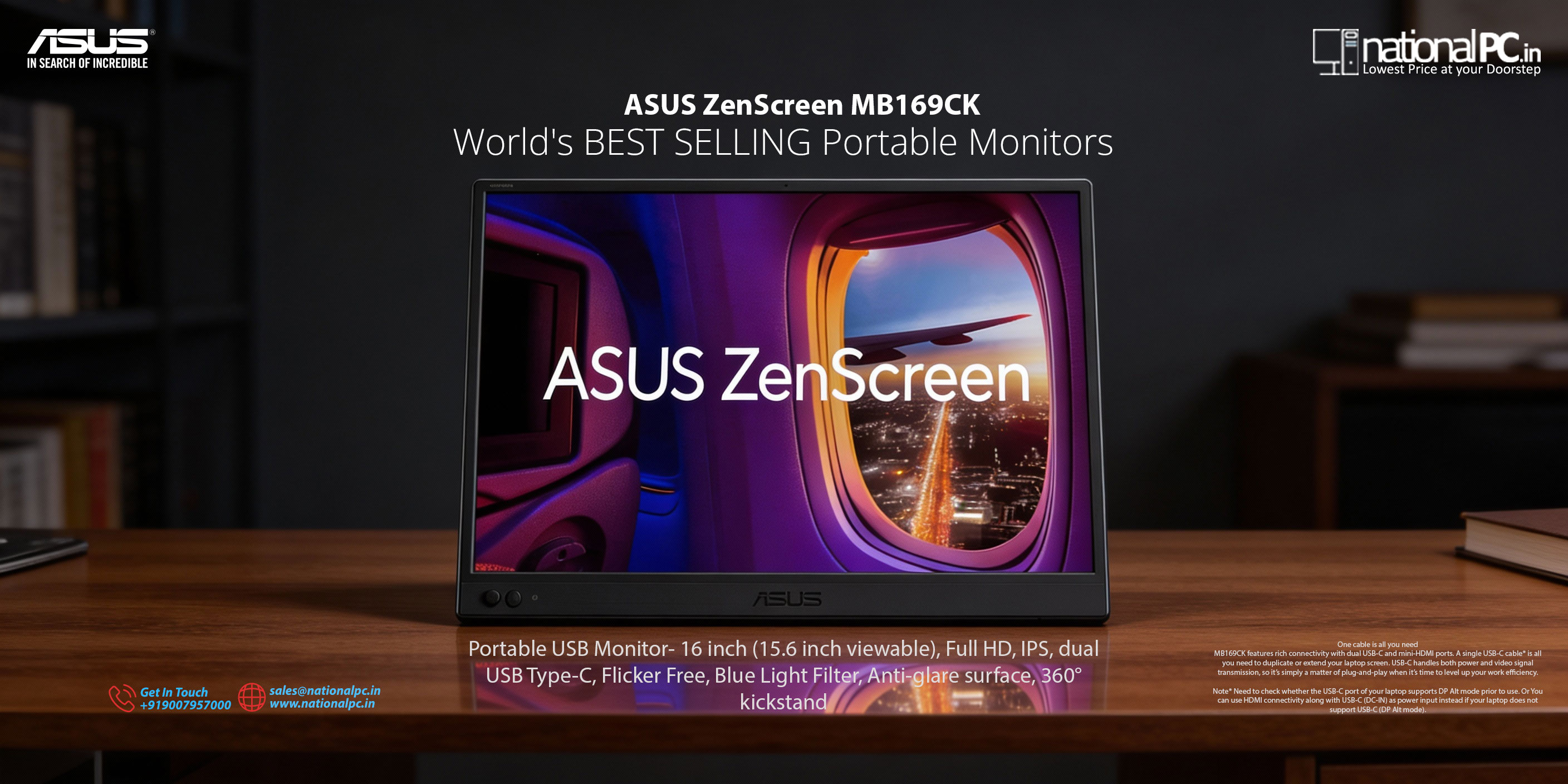
ASUS ZenScreen MB169CK Review: The Budget-Friendly 15.6” Portable Monitor That Actually Works
If you’re working on a laptop and constantly feel “screen-limited” (emails + CRM, docs + browser, Teams + notes), a portable monitor is one of the simplest upgrades you can buy. The ASUS ZenScreen MB169CK keeps it refreshingly practical: 15.6-inch Full HD IPS, USB-C one-cable support, mini-HDMI backup, and a 360° rotating kickstand that makes portrait mode actually usable—without pushing you into expensive premium portable OLED pricing.
Buy from NationalPC: https://nationalpc.in/monitors/asus-zenscreen-mb169ck-portable-usb-monitor
Official ASUS page: https://www.asus.com/displays-desktops/monitors/zenscreen/asus-zenscreen-mb169ck/
What makes the MB169CK a smart pick
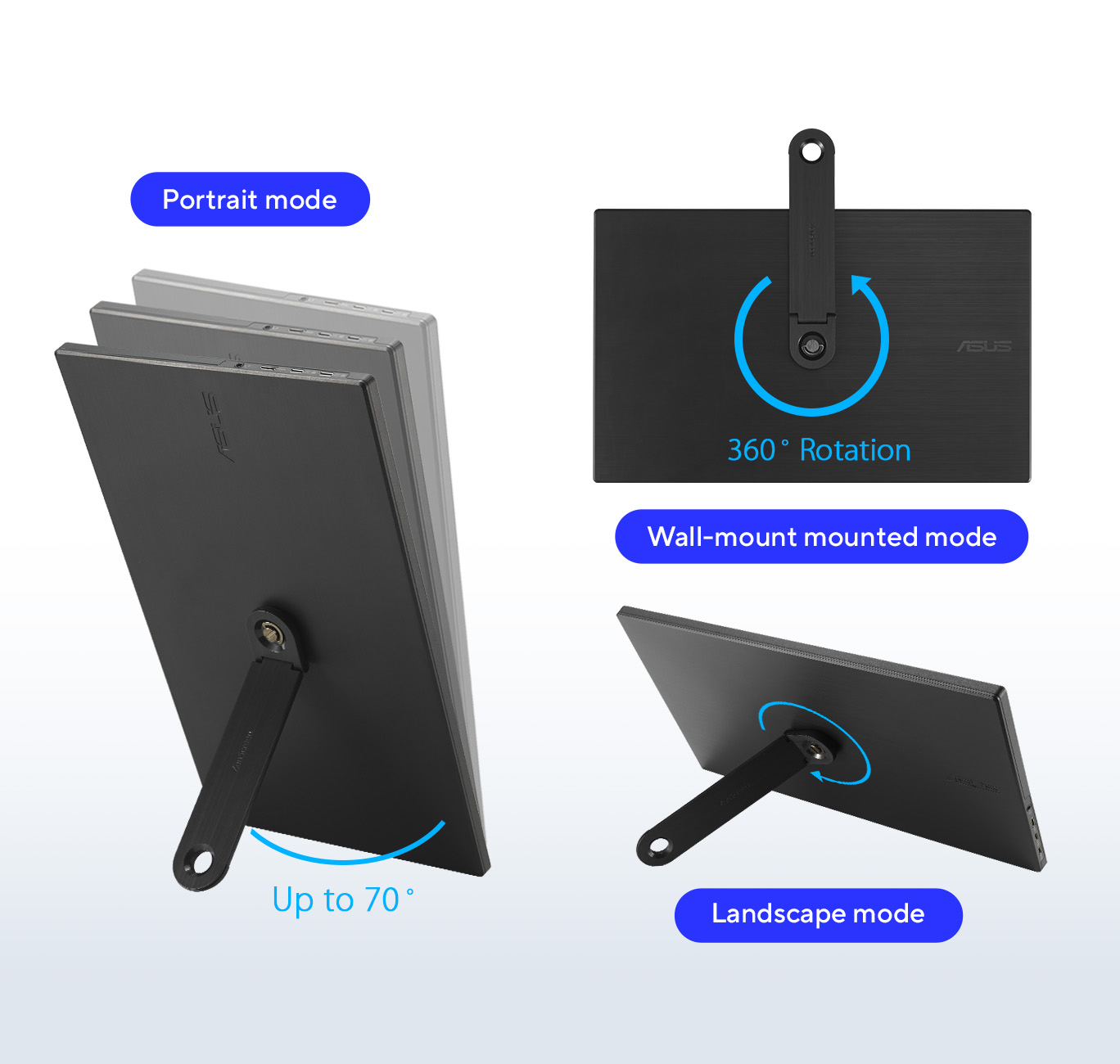
1) 360° kickstand that makes portrait mode easy
Many budget portable monitors rely on a folio cover. The MB169CK instead uses a rotating kickstand that can switch between landscape and portrait quickly—great for:
Long documents and PDFs
Coding and terminal + docs
Vertical browsing, chat, and dashboards
It also includes a tripod socket, which is surprisingly useful if you want a cleaner desk setup or a stable stand angle.
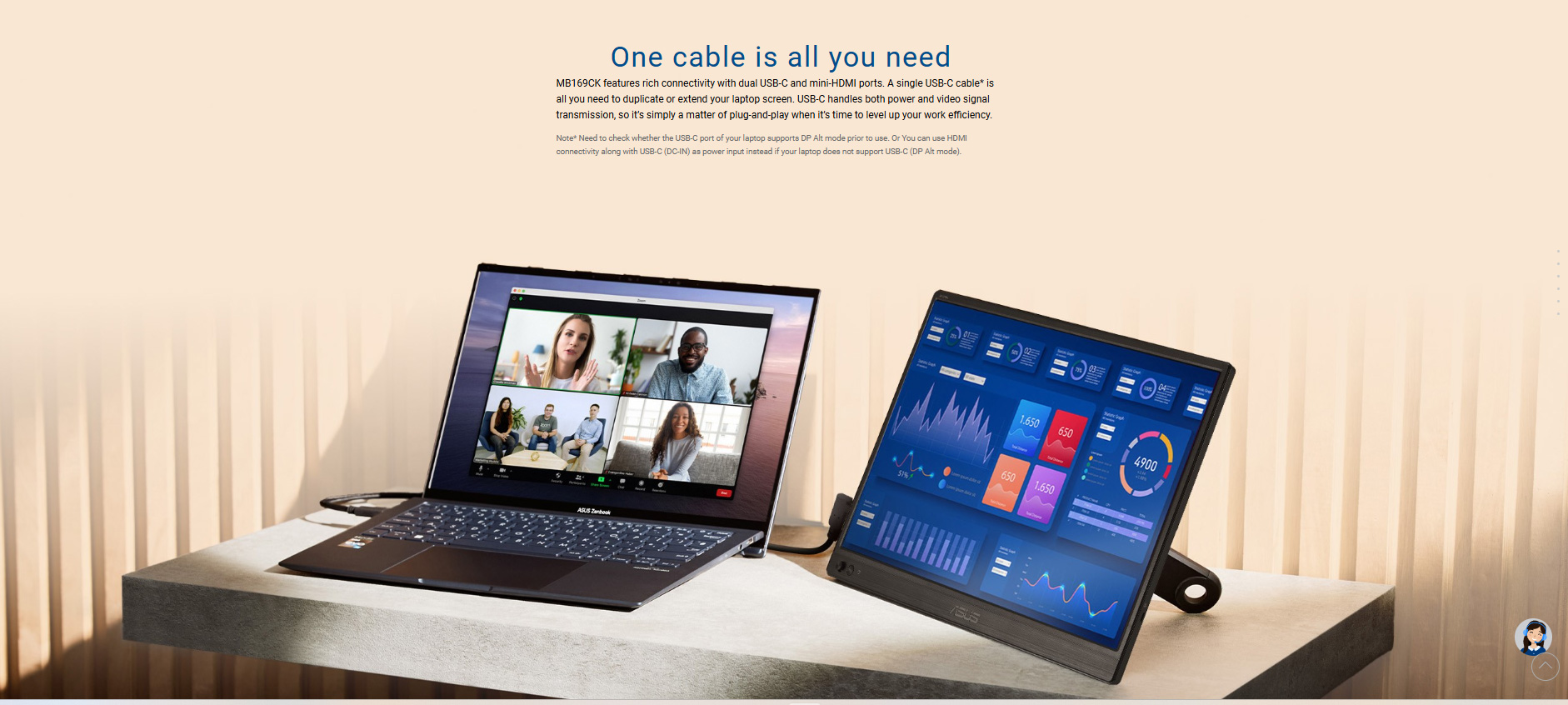
2) USB-C for a clean “one cable” setup
With USB-C (DP Alt Mode), you can often run power + display through a single cable (depending on your laptop/phone/tablet support). This is the main reason portable monitors feel effortless when paired with modern laptops.
3) Mini-HDMI when you need compatibility (but plan power)
USB-C isn’t universal—especially on older laptops, desktops, consoles, or certain devices. The mini-HDMI port gives you that compatibility.
Just remember: HDMI usually won’t power the monitor, so you’ll typically need external power via USB-C (charger/power bank).
Quick specifications (buyer-ready)
| Spec | Details |
|---|---|
| Screen size | 15.6-inch portable display |
| Resolution / Refresh | 1920×1080 (FHD), 60Hz |
| Panel | IPS |
| Brightness | ~250 nits (typ.) |
| Response time | 5ms (GtG) |
| Ports | 2× USB-C (DP Alt Mode), mini-HDMI, 3.5mm audio |
| Weight | ~780g (monitor only); ~858g with stand |
| Size | ~361 × 229 × 12mm |
Real-world experience: what it’s best for
Best for: productivity on the move
This is where the MB169CK shines. Expect a smooth workflow boost for:
Emails, spreadsheets, dashboards, ERP/CRM work
Side-by-side docs + browser research
Meetings on one screen, notes/tasks on the other
Travel + hybrid work setups (hotel desk, client site, coworking)
It’s a “get work done” monitor—portable, fast to set up, and dependable.
Okay for: casual entertainment
For YouTube, OTT, and general media, the MB169CK is perfectly fine:
FHD on 15.6" looks sharp enough
IPS viewing angles help when you’re not sitting perfectly centered
Just keep expectations realistic: brightness is more indoor-friendly than “sunlight-ready.”
Not ideal for: bright outdoors or color-critical editing
If you’re editing photos/video professionally, color accuracy and higher brightness matter a lot more. The MB169CK is not designed as a creator-grade display. For that, you’ll want to look at higher-tier options (often ProArt-class or premium portable OLED).
Setup tips (avoid common issues)
✅ USB-C one-cable mode
Works best when your laptop supports USB-C DisplayPort Alt Mode
If nothing displays, it’s often a device limitation—not a monitor issue
✅ Using mini-HDMI
Keep a USB-C power source ready (charger or power bank)
HDMI carries video, but power usually needs to come separately
✅ Rotation / portrait behavior
The physical rotation is instant thanks to the kickstand
Auto-rotate can depend on software/app support on the connected device
ASUS ZenScreen MB169CK — Display Benchmarks (Real tests)
| Metric | Result (tested) | What it means |
|---|---|---|
| Peak brightness | ~205 nits | Fine indoors; weak for bright rooms/outdoors |
| Brightness if USB-C power is weak | ~114 nits (at 50%) | Some laptops cap brightness if they can’t supply enough power |
| Contrast ratio | ~1,016:1 | Decent “pop” for a budget IPS portable panel |
| sRGB color gamut coverage | ~62% sRGB | Colors look less vivid; not for color-critical work |
| Color accuracy (Delta E) | Avg ~4.5 to 5.4, Max ~23–24 | Noticeably inaccurate for creators; okay for office use |
| Response / motion clarity | 5ms claim matches “usable” motion tests | Good enough for casual gaming; still 60Hz |
| Power consumption (typ.) | 7.64W | Battery impact is modest vs bigger monitors |
Who should buy the MB169CK?
Buy it if:
You want an affordable, reliable second screen for laptop work
You care about portrait + landscape flexibility
You want USB-C simplicity plus HDMI fallback
You prefer a “no-drama” monitor that’s quick to deploy anywhere
Skip it if:
You need high brightness for bright rooms/outdoors
You need strong color accuracy for professional editing
You’re specifically chasing OLED contrast/HDR performance
Q&A (Google AI search friendly)
Q1. Is ASUS ZenScreen MB169CK good for office productivity?
Yes. A 15.6” FHD second screen is excellent for spreadsheets, browsing, CRM/ERP work, documents, and meetings—especially when you want two apps visible at once.
Q2. Does it work with one USB-C cable?
If your laptop supports USB-C with DP Alt Mode, one cable can carry both video + power.
Q3. What happens if I connect using HDMI?
You’ll typically need external power (USB-C adapter or power bank) because HDMI alone usually can’t power portable monitors reliably.
Q4. Can it rotate to portrait mode?
Yes physically—thanks to the 360° rotating kickstand. Auto-rotation can depend on device/software support.
Q5. Does it have speakers?
It commonly relies on a 3.5mm audio jack for audio output rather than built-in speakers (check your listing for exact configuration).
Verdict
The ASUS ZenScreen MB169CK is a practical, value-focused portable monitor that delivers what most people actually need: more screen space anywhere, easy setup, and a kickstand that makes portrait mode truly useful. It’s ideal for laptop users who want a dependable second display for productivity—just don’t buy it expecting creator-grade color or bright outdoor performance.
Buy / Check Availability (nationalPC)
ASUS ZenScreen MB169CK from nationalPC: https://nationalpc.in/monitors/asus-zenscreen-mb169ck-portable-usb-monitor








