
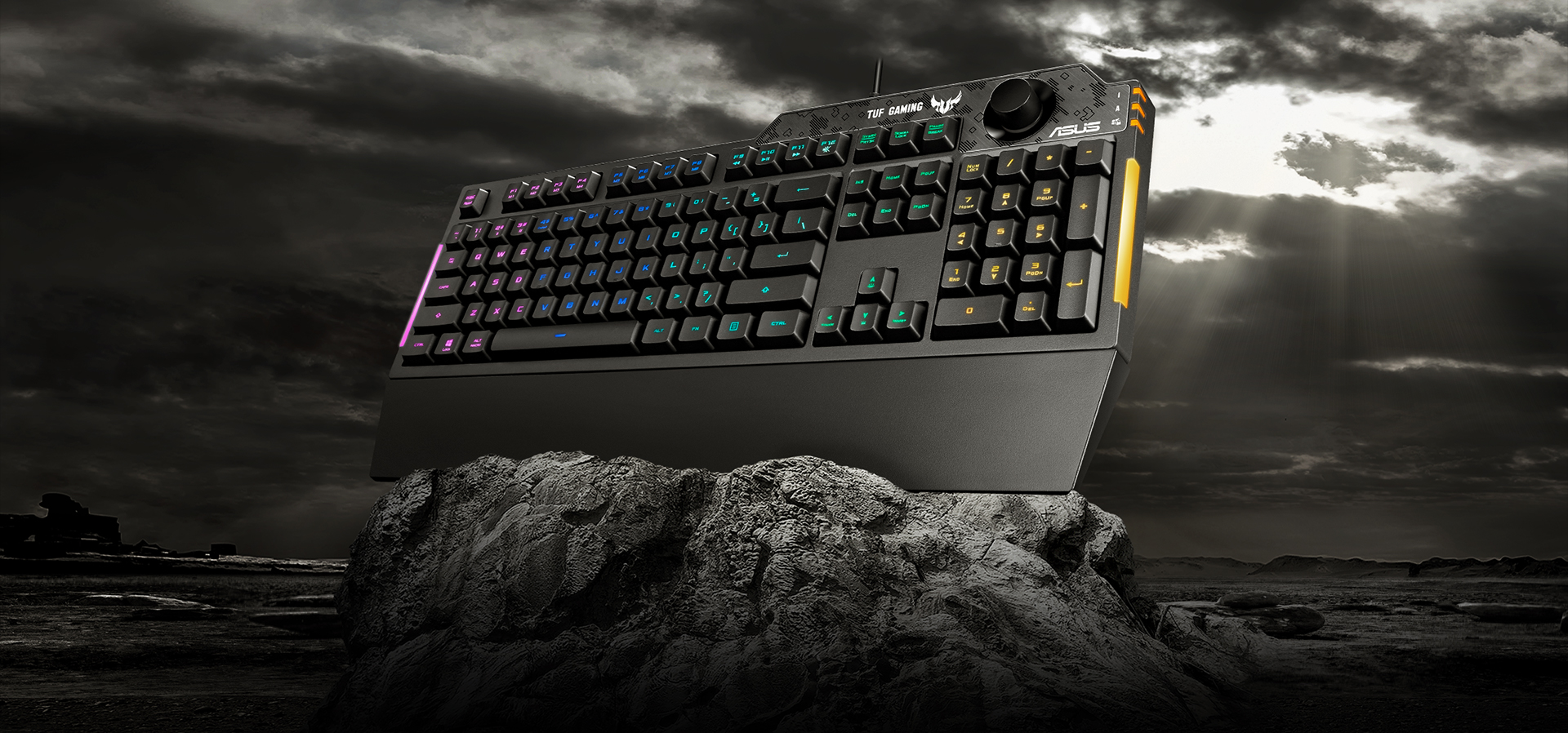
ASUS TUF Gaming K1 Review: Tough, Practical RGB Keyboard with a Brilliant Volume Knob
If you want a full-size gaming keyboard that prioritizes durability, comfort, and “useful gaming features” over mechanical-switch hype, the ASUS TUF Gaming K1 is built exactly for that buyer. It’s a membrane board, but ASUS tunes it for a quiet, cushioned tactile feel, adds a dedicated volume knob, and backs the whole thing with TUF-style ruggedness—right down to spill resistance (up to 300 ml) and a reinforced plastic chassis.
Quick Specs (What Matters)
-
Layout: Full-size (100%) with numpad
-
Switch type: Tactile “TUF Gaming” membrane feel (quiet + cushioned)
-
Rollover / Anti-ghosting: 19-key rollover
-
Lighting: 5-zone RGB + side light bars, Aura Sync support
-
Controls: Dedicated volume knob + media shortcuts
-
Macros: Programmable keys + on-the-fly macro recording + onboard memory
-
Comfort: Detachable wrist rest + two-step adjustable legs
-
Durability: Specialized coating + spill resistance up to 300 ml
-
Software: ASUS Armoury Crate
Design & Build Quality (TUF DNA, Budget-Friendly Materials)
The K1 is unmistakably “TUF”: angular styling, a rugged look, and two side RGB bars that add flair without being over-the-top. Reviewers consistently describe it as mostly plastic but not “cheap-feeling,” and the top patterning + lighting strips help it stand out in budget setups.
The durability angle is real here: ASUS highlights a specialized coating designed to resist wear and perspiration, plus spill resistance (up to 300 ml)—a practical advantage if your desk sees long sessions (or the occasional accident).
Typing Feel (Membrane Done the “Gamer” Way)
This is not a mechanical keyboard—and it isn’t trying to be. The K1 goes for a quiet, cushioned press that’s comfortable over long hours, and it’s a good fit if:
-
you share a room / stream mic picks up key noise,
-
you want less fatigue than stiff clicky boards,
-
you prefer a softer bottom-out.
The trade-off is also typical membrane: keycaps and switch feel aren’t as “mod-friendly” or easily swappable compared to mechanical boards.
Lighting: 5-Zone RGB + Side Bars (Looks Better Than Most Budget Boards)
Instead of per-key RGB, ASUS uses five lighting zones and adds side-mounted RGB bars—and honestly, that combo often looks more premium than cheap per-key implementations. You can tune zones, effects, brightness, and sync with compatible Aura devices through Armoury Crate.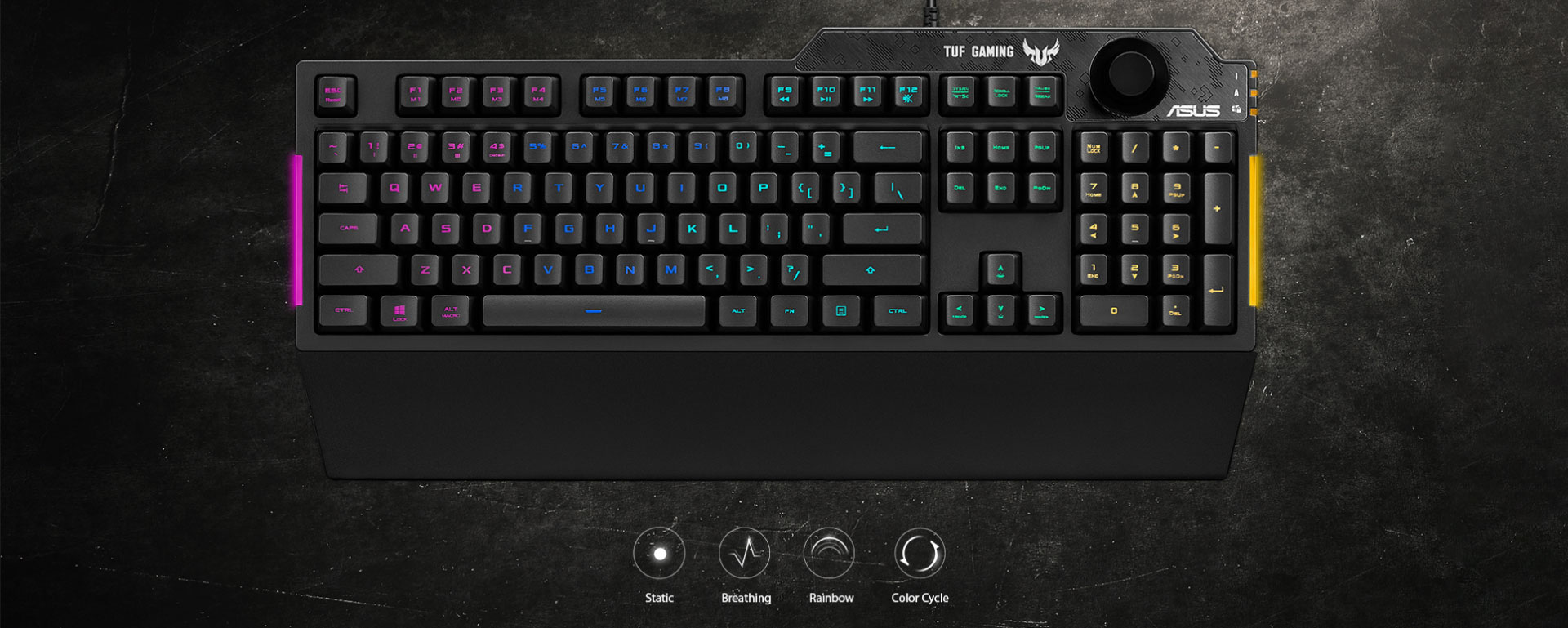
The Star Feature: Dedicated Volume Knob
This is the feature you’ll touch every day. The top-right volume knob is fast, intuitive, and genuinely more useful than extra macro keys for most gamers. ASUS positions it as “eyes on the action” control—and that’s accurate in practice: no fumbling for function combos mid-fight.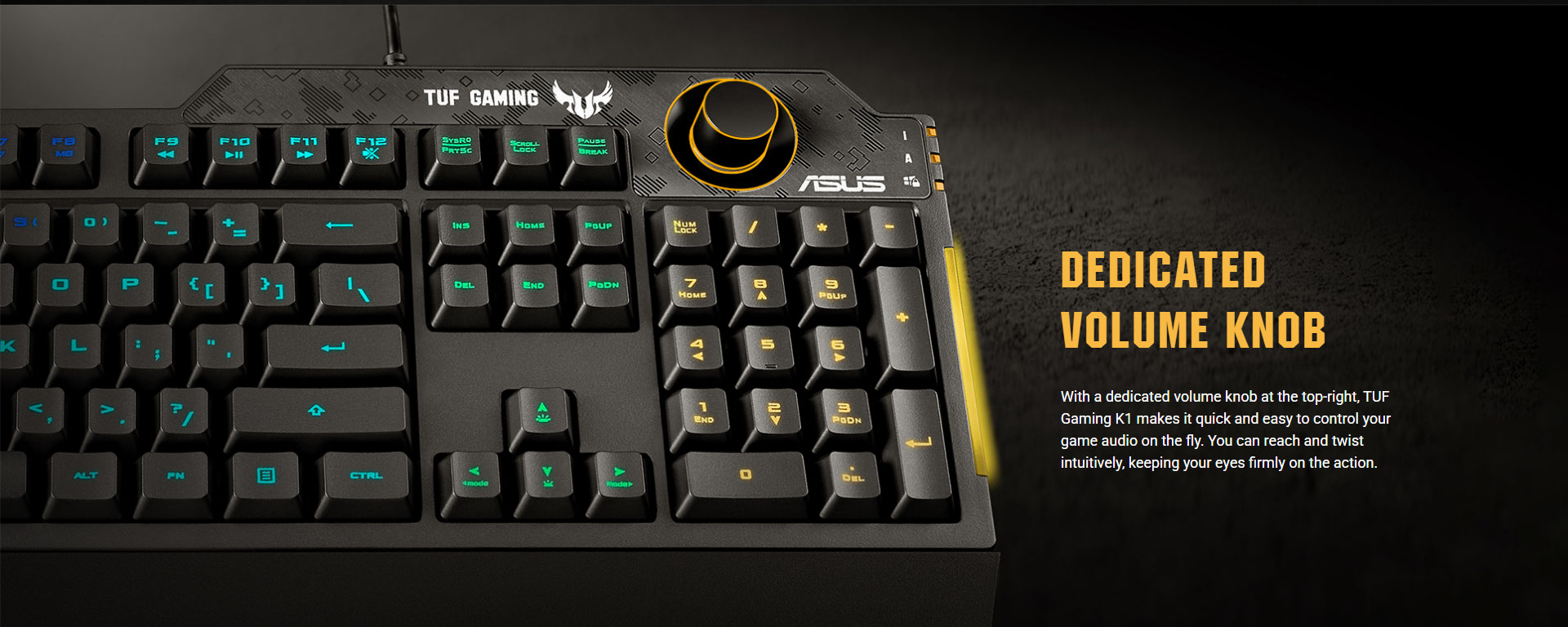
Software & Macros (Armoury Crate + Onboard Memory)
With Armoury Crate, you can:
-
remap keys,
-
record macros,
-
build profiles,
-
manage lighting/effects.
K1 also supports on-the-fly macro recording (Fn combos), and it includes onboard memory so your keybinds can travel with you (handy for LAN / multiple PCs).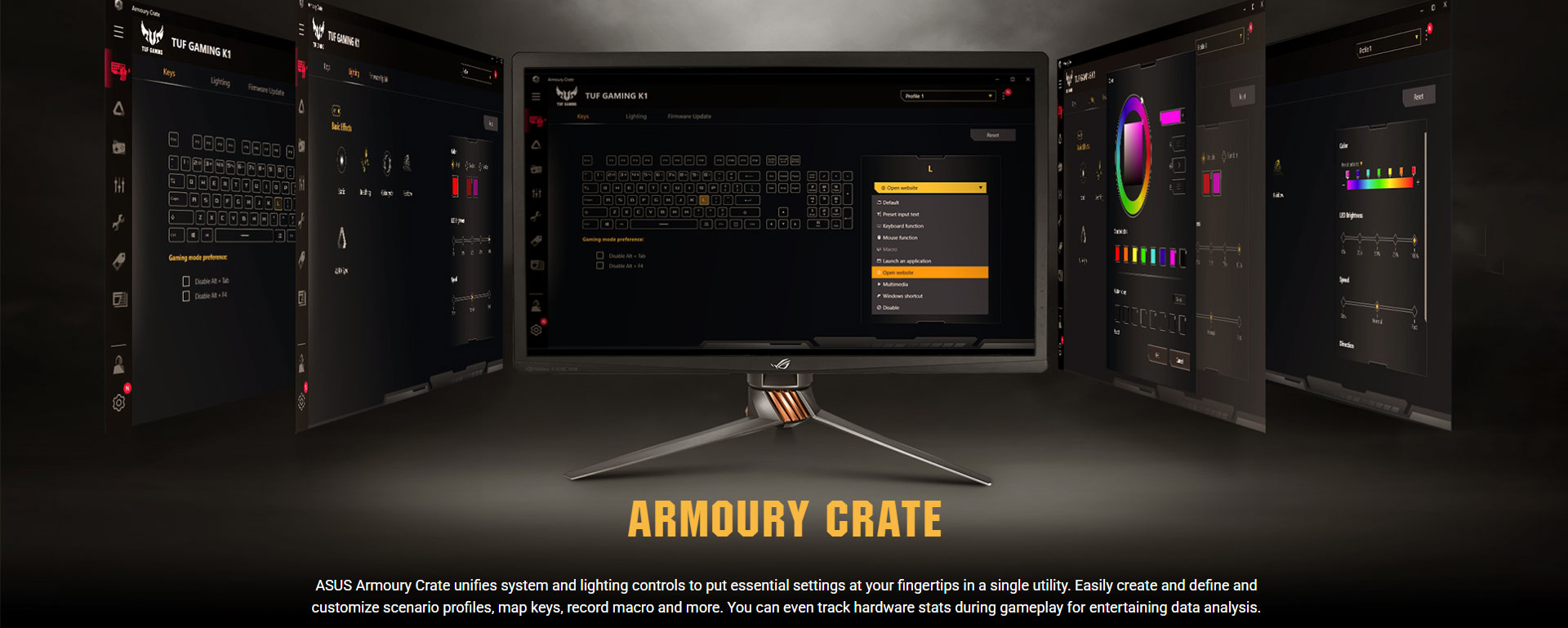
Benchmarks & Testing (Real-World Performance Checks)
Keyboards don’t benchmark like GPUs, so here’s the meaningful, practical stuff.
1) Anti-Ghosting / Rollover Stress
-
Claimed spec: 19-key rollover
What it means: you can hold common gaming combos (WASD + Shift/Ctrl + Space + number keys) without missed inputs. For most titles (FPS/MOBA/MMO), 19KRO is plenty.
2) Macro Execution & Profile Switching
-
On-the-fly recording: supported via Fn shortcuts
Practical test: record a rapid multi-key sequence (reload-crouch-swap, or skill chain) and repeat it 50–100 times; consistency is the “benchmark.” Onboard memory helps keep this stable across systems.
3) Comfort Endurance (2–4 hour session)
-
Wrist rest + two height angles is a real ergonomic win in long sessions.
Benchmark idea: measure fatigue after a long typing/gaming block. In this price segment, comfort features often matter more than tiny latency differences.
4) Spill-Resistance & Coating (Durability Benchmark)
-
Rated up to 300 ml spill resistance and a wear-resistant coating approach.
This isn’t “waterproofing,” but it’s a meaningful reliability layer for daily use.
Pros
-
Dedicated volume knob is genuinely excellent
-
Spill-resistant up to 300 ml + rugged coating focus
-
5-zone RGB + side light bars looks premium for the price
-
Detachable wrist rest + adjustable legs = long-session comfort
-
Macro support + Armoury Crate ecosystem
Cons
-
Membrane feel won’t satisfy “true mechanical” lovers
-
Lighting is zone-based, not per-key
-
Mostly plastic build (durable, but not “metal premium”)
Verdict
The ASUS TUF Gaming K1 is one of the smarter “budget gaming” keyboards because it focuses on what actually improves daily gaming: comfort, durability, useful controls (volume knob), solid anti-ghosting/rollover, and lighting that looks great without gimmicks. If you want a reliable full-size keyboard for FPS/MOBA/MMO gaming and late-night sessions without loud switches, the K1 is a very safe buy.
Where to Buy (India)
-
NationalPC (Recommended): ASUS TUF Gaming K1
https://nationalpc.in/keyboards/asus-tuf-gaming-k1 -
ASUS Official Product Page (Specs + Details):
https://www.asus.com/in/accessories/keyboards/tuf-gaming/tuf-gaming-k1/
Q&A (Buyer Questions)
Q1) Is the TUF Gaming K1 mechanical?
No—this is a membrane keyboard tuned for a quiet, cushioned tactile feel.
Q2) Does it support anti-ghosting for gaming combos?
Yes, it’s rated for 19-key rollover, which is strong for real-world gaming inputs.
Q3) Can I control RGB and create profiles?
Yes. It supports 5-zone RGB, side light bars, and control via Armoury Crate, including Aura Sync.
Q4) Does it have macro keys?
It supports programmable keys and on-the-fly macro recording, plus onboard memory for stored profiles.
Q5) Is it good for long typing / office work too?
If you prefer quieter keys and want wrist support, yes—the detachable wrist rest and adjustable legs make it comfortable for long sessions.
Q6) How spill-resistant is it really?
ASUS rates it for up to 300 ml spill resistance—helpful for accidents, but you should still unplug and dry it properly if a spill happens.
Q7) Who should skip this keyboard?
If you specifically want hot-swappable switches, per-key RGB, or a mechanical feel, you should look at mechanical options instead. (K1 is built around membrane comfort + durability.)







