
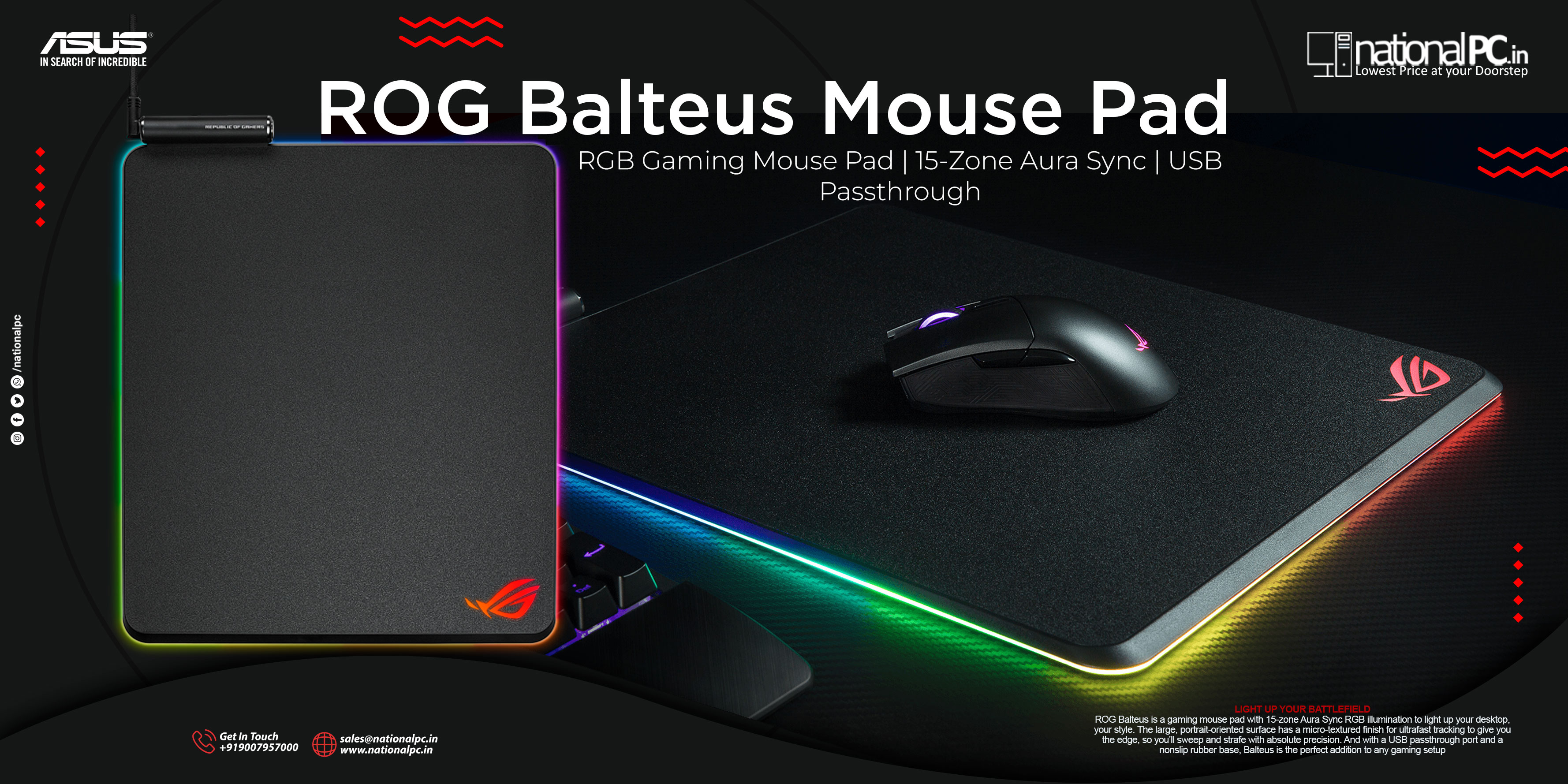
ASUS ROG Balteus Review (and Balteus Qi): RGB Desk Bling Meets a Control-Focused Hard Pad
ASUS ROG Balteus Review (and Balteus Qi): RGB Desk Bling Meets a Control-Focused Hard Pad
If you want a hard-surface mouse pad that looks like part of your ROG battlestation (and not just an accessory), the ROG Balteus is built exactly for that: 15-zone Aura Sync RGB, a portrait-style 320 × 370 mm surface, and a USB 2.0 passthrough placed up top to keep cables tidy.
There’s also a second model, ROG Balteus Qi, which adds Qi wireless charging + a charging indicator while keeping the same overall concept.
Key Specs & Features (What matters)
-
Surface/size: Portrait hard pad, 320 × 370 mm, 7.9 mm thick
-
Lighting: 15-zone Aura Sync RGB + on-pad button for effects/brightness
-
USB passthrough: 1 × USB 2.0 for mouse/headset dongle, etc.
-
Software: Armoury II / Aura Sync control (profiles, effects, brightness steps)
-
Qi model add-on: Qi wireless charging (Balteus Qi only)
Surface Feel & Glide “Benchmark” (real-world performance)
Hard pads are often bought for speed—but Balteus / Balteus Qi is tuned more for control.
Glide & stopping power
TechPowerUp describes the Balteus Qi surface as coarse, control-oriented, and “not a fast pad”, with noticeable friction and strong stopping power.
Practical takeaway:
-
Great for controlled tracking (tactical shooters, steady micro-adjustments)
-
Not ideal if you want an “ice-rink” glide like ultra-smooth hard pads
Tracking consistency (sensor compatibility)
TechPowerUp tested multiple mice/sensors: high-end mice tracked perfectly, while some budget/older sensors showed minor outliers (still usable, but not as flawless as cloth).
Practical takeaway: Pair it with a modern gaming sensor for best results.
Skate wear (important)
Because the surface is textured and higher friction, expect faster mouse-feet wear than on cloth pads.
Quick rating (relative, based on review findings):
-
Speed: Medium (for a hard pad, it’s on the slower side)
-
Control / stopping: High
-
Tracking (modern sensors): Excellent
RGB & Software: the “ROG” part is done right
ASUS markets Balteus around its lighting—and it isn’t just a token glow strip. You get: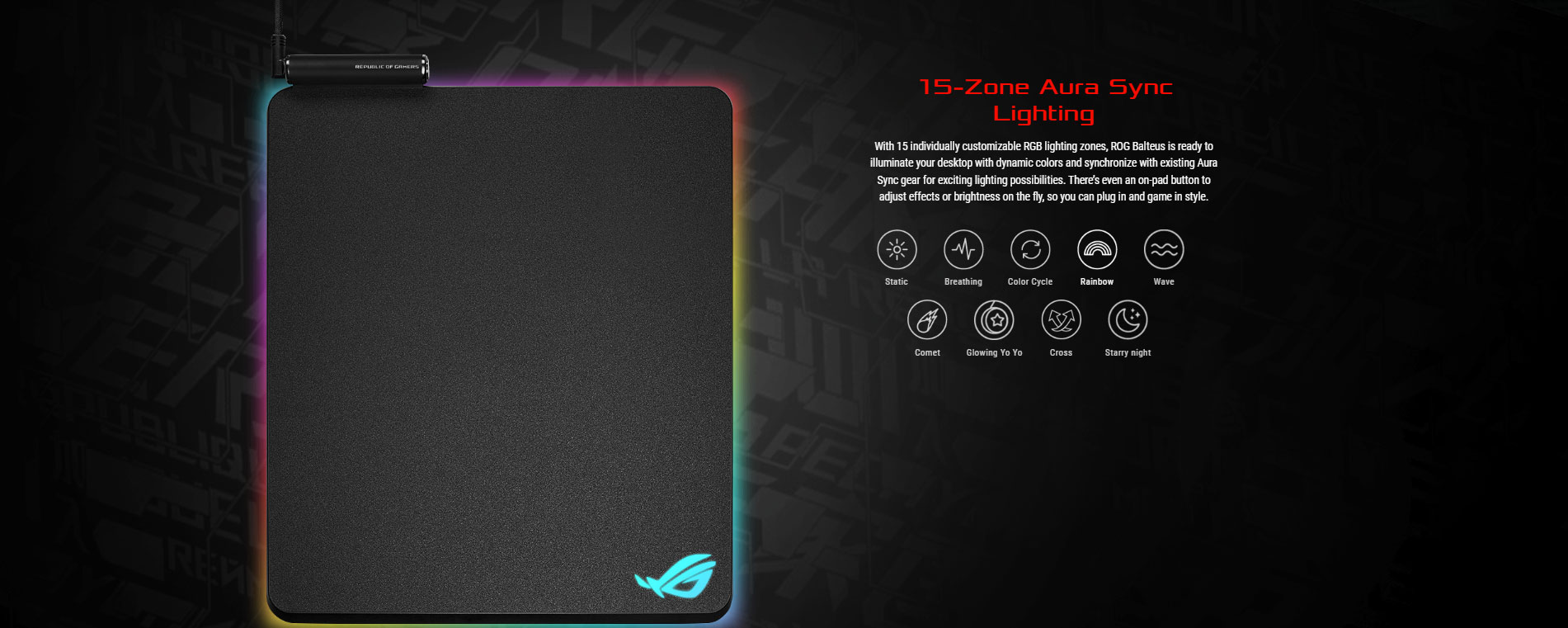
-
15 individually customizable zones
-
Multiple effects + Aura Sync integration
-
On-pad button to change effects/brightness without opening software
TechPowerUp also praised the lighting quality and effects, calling out the bright/vivid RGB and the depth of options.
USB Passthrough: small feature, surprisingly useful
The built-in USB 2.0 passthrough is perfect for: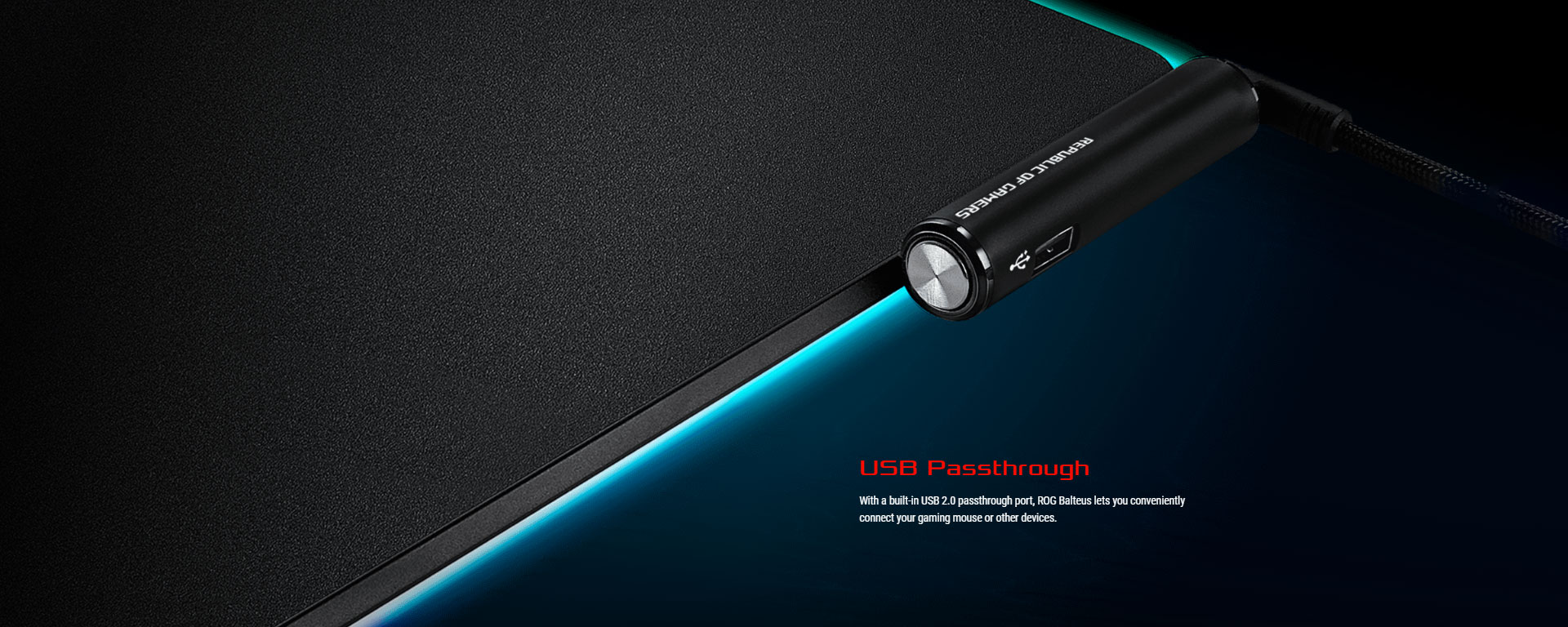
-
Wireless mouse dongle (cleaner signal path vs. plugging behind the PC)
-
Flash drive quick access
-
Headset receiver / small accessories
The Base: “stays put” is an underrated feature
One of the strongest compliments from TechPowerUp was the adhesion: once placed, it really doesn’t want to move, which is exactly what you want in competitive play.
Balteus vs Balteus Qi: Which should you buy?
Choose ROG Balteus (standard) if:
-
You want the RGB + hard control surface
-
You don’t care about charging on the pad
-
You want the simpler setup (single-cable use case)
Choose ROG Balteus Qi if:
-
You want Qi charging on the desk for a compatible phone/mouse/device
-
You’re okay with the space trade-off (charging device uses part of your pad area)
Pros & Cons
Pros
-
Distinctive portrait hard-surface feel with high control
-
Excellent base grip (doesn’t slide around)
-
15-zone Aura Sync RGB + on-pad controls
-
USB passthrough is genuinely convenient
-
Qi version adds wireless charging
Cons
-
For a hard pad, it’s not “fast”—it’s intentionally higher friction
-
Can wear mouse skates faster than cloth pads
-
Qi feature is niche (cool, but not essential for everyone)
Verdict
ROG Balteus is best described as a premium, control-focused hard pad with seriously good RGB and a useful USB passthrough—made for gamers who want their mousepad to feel like a “device,” not a piece of fabric.
If you love controlled glide + strong stopping power and you’re already in the Aura Sync ecosystem, it fits beautifully. If you’re chasing maximum speed, look elsewhere (or consider a smoother/cloth option).
Where to buy (India)
You can pick up the ASUS ROG Balteus from the NationalPC product page.
Quick Q&A
Q1) Is Balteus good for FPS?
Yes—especially if you like control and stopping power for flick-stop precision.
Q2) Will every mouse sensor work perfectly?
Most modern gaming sensors do great, but some older/budget sensors may show minor inconsistencies compared to cloth.
Q3) Does the logo affect glide?
On the Qi model, TechPowerUp notes the logos aren’t raised and glide remains consistent over them.
Q4) Is the Qi version worth it?
Worth it if you’ll actually use Qi charging at your desk and don’t mind giving up some pad space while charging.







