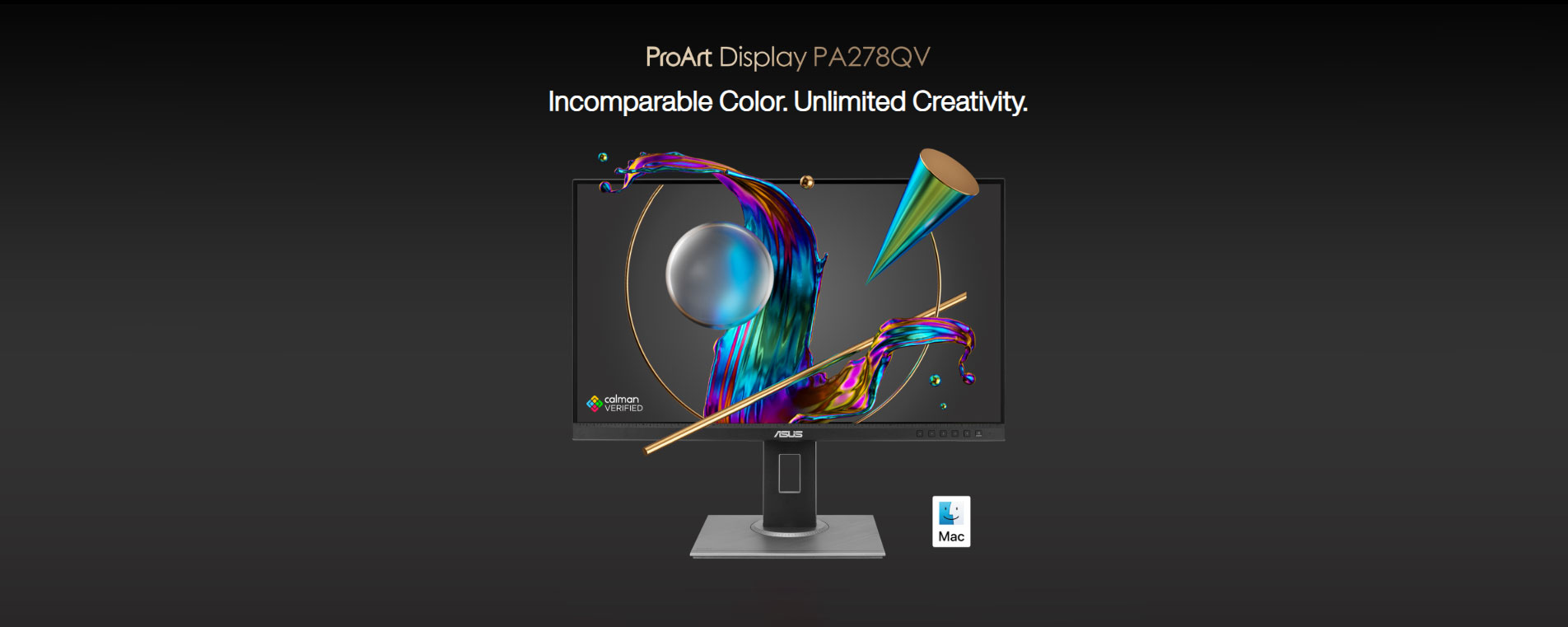
ASUS ProArt Display PA278QV Review: The “Creator Sweet Spot” 27" QHD Monitor (Accurate Color + Great Ergonomics)
The ASUS ProArt Display PA278QV isn’t a flashy, esports-focused panel—and that’s exactly the point. This monitor is designed for photographers, video editors, designers, and color-sensitive professionals who value accuracy, consistency, and reliability over ultra-high refresh rates or RGB theatrics.
Even years after launch, the PA278QV remains one of the most trusted QHD IPS monitors in the creative space, and for good reason: excellent factory calibration, wide color coverage, and a no-nonsense professional design.
Who This Monitor Is For (and Who It Isn’t)
Perfect for
Photo editing (Lightroom, Photoshop)
Video editing (DaVinci Resolve, Premiere Pro)
Graphic design & publishing
Color-critical office and studio work
Multi-monitor productivity setups
Not ideal for
Competitive gaming (75 Hz max)
HDR content creation (DisplayHDR 400 class)
Console gamers wanting HDMI 2.1 features
Panel & Color Accuracy: The Real Selling Point
At the heart of the PA278QV is a 27-inch QHD (2560×1440) IPS panel tuned for accuracy rather than speed.
Key color highlights
100% sRGB / Rec.709 coverage

Factory calibrated to ΔE < 2

Individual calibration report included
Consistent gamma tracking and neutral grayscale
Independent testing across Rtings, DisplayNinja, and PhotographyLife consistently confirms that the PA278QV delivers near-reference accuracy out of the box, often requiring little to no adjustment for professional workflows.
This makes it especially appealing for studios that want predictable color across multiple systems.
Brightness, Contrast & Uniformity
Typical brightness: ~350 nits
Contrast ratio: ~1000:1 (standard IPS)
Matte anti-glare coating with low grain
While it won’t compete with OLED or mini-LED for contrast, panel uniformity is very solid for its class, with minimal color or brightness shifts across the screen—important for editing full-frame images or timelines.
Motion Performance (Benchmarks)
| Test Area | Result |
|---|---|
| Refresh Rate | 75 Hz |
| Response Time (GtG) | ~5 ms |
| Input Lag | ~9 ms |
| Adaptive Sync | Adaptive-Sync (basic) |
For casual gaming or timeline scrubbing, motion performance is perfectly fine—but this is not a high-refresh monitor, and ASUS doesn’t pretend otherwise.
Connectivity & Ergonomics: Studio-Friendly
One reason the PA278QV is still popular in studios is its excellent I/O and ergonomics.
Ports
DisplayPort 1.2
Mini DisplayPort
HDMI
USB hub (4× USB-A)
Stand adjustments
Height
Tilt
Swivel
Pivot (portrait mode)
The build quality is understated but sturdy, with thin bezels that work well in dual-monitor setups.
Real-World Professional Use
Photo Editing
Skin tones, gradients, and shadow detail are handled with precision. Soft proofing for print workflows is reliable when paired with proper color-managed software.
Video Editing
Rec.709 compliance makes this a strong choice for YouTube, broadcast, and corporate video. While HDR is limited, SDR grading is predictable and consistent.
Office & Productivity
QHD resolution at 27 inches hits the sweet spot for sharp text without scaling, ideal for long workdays.
Comparison Snapshot
| Monitor | Strength |
|---|---|
| PA278QV | Best value color accuracy (QHD) |
| ProArt PA27DCE | Similar accuracy, fewer ports |
| ProArt PA27DCE | Entry-level 4K, less uniform |
| Eizo CS series | Better uniformity, much higher price |
Frequently Asked Questions (Q&A)
Q: Is the PA278QV good for professional photography?
Yes. It’s one of the most widely recommended budget-to-midrange color-accurate monitors for photographers.
Q: Does it support hardware calibration?
No, calibration is LUT-based via software. However, factory tuning is good enough for most workflows.
Q: Is it suitable for Mac users?
Yes. It pairs well with macOS over DisplayPort or HDMI, especially for SDR creative work.
Q: Can I use it for gaming?
Casual gaming is fine, but competitive gamers should look at higher-refresh displays.
Q: How does it compare to 4K monitors?
QHD is easier to drive, cheaper, and often more practical unless you specifically need 4K resolution.
Verdict: Still a Creator Classic
The ASUS ProArt Display PA278QV proves that accuracy ages better than specs. While newer monitors boast higher refresh rates or flashy HDR claims, few deliver the consistent, dependable color performance that professionals rely on day after day.
If your priority is trustworthy color, ergonomic comfort, and long-term reliability, this monitor remains an excellent investment—even in 2026.
Where to Buy in India ?
Available at NationalPC
https://nationalpc.in/monitors/asus-proart-display-pa278qv
Ideal for creators, studios, and businesses looking for a proven professional display with official warranty and local support.