
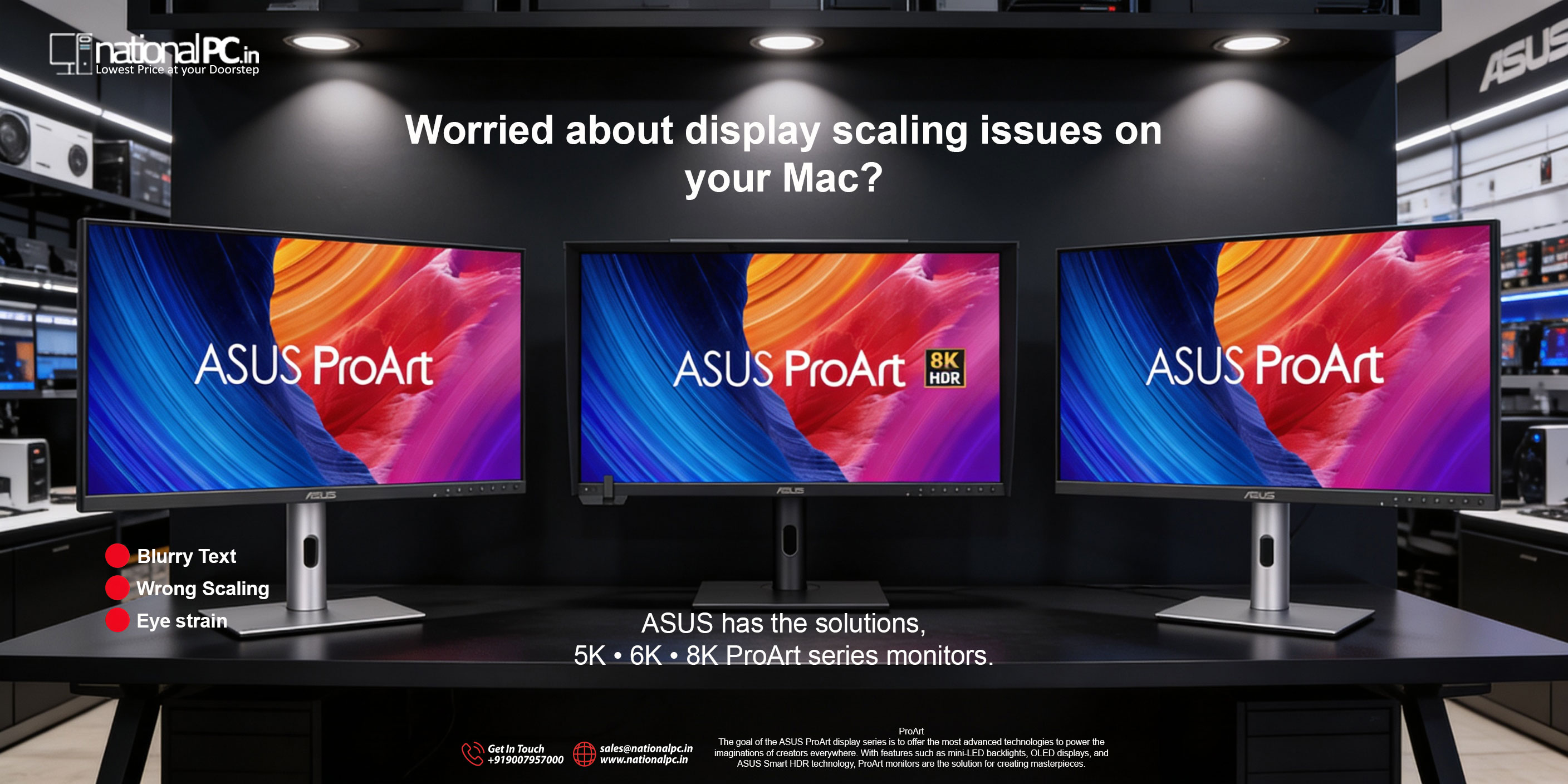
Mac Scaling Looks Wrong? ASUS ProArt 5K, 6K & 8K Monitors Fix It the Right Way
If you’ve ever connected a Mac to a typical 4K monitor and felt that something was “off” — slightly soft text, odd UI sizing, or uncomfortable scaling steps — you’re not imagining it. macOS looks best when the display’s pixel density matches what Apple optimizes for: crisp, Retina-like rendering with clean scaling.
That’s exactly where ASUS ProArt’s 5K, 6K, and 8K creator monitors make a real difference. They don’t just add more pixels for bragging rights — they deliver the kind of sharpness and workspace efficiency that makes macOS feel “native” again, while also bringing professional color tools creators actually need.
Why macOS scaling can look blurry on many monitors
macOS typically feels perfect on built-in Retina displays because the UI is rendered at high resolution and then scaled cleanly. On many external monitors (even some 4K panels), you can end up choosing between:
-
UI too large (comfortable size, but less workspace), or
-
UI too small (more workspace, but harder to read), or
-
Scaled modes that may look slightly soft compared to true Retina-like density.
The practical fix is simple: move up in pixel density. That’s why 5K on 27”, 6K on 31.5”, and 8K on 32” are such sweet spots for Mac users.
Explore ProArt: Choose your clarity level (5K / 6K / 8K)
1) ProArt 5K (5120×2880) — PA27JCV (27”)
Best for: designers, developers, and creators who want Retina-like sharpness on a desk-friendly 27-inch display.
Why it works for Mac:
5K at 27” delivers very high pixel density, making text, icons, and UI elements look clean and stable — exactly what you want for long editing or coding sessions.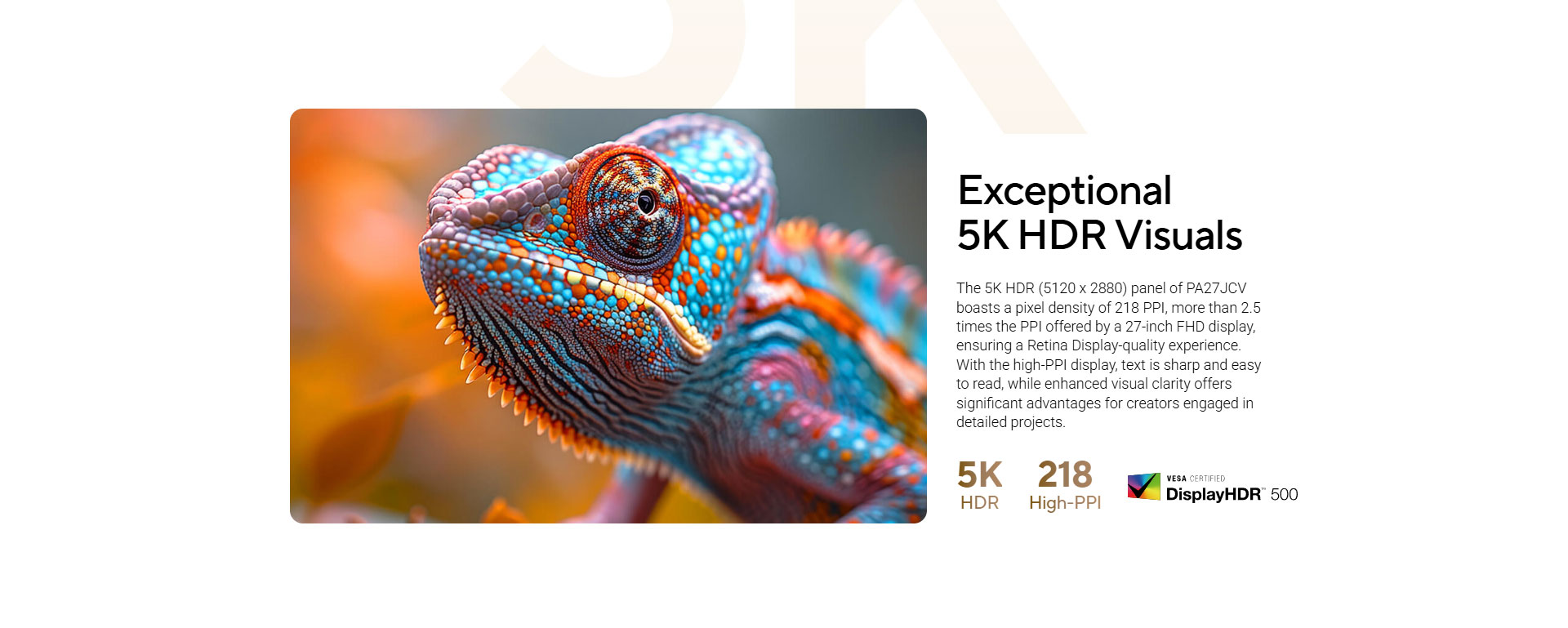
Key highlights
-
5K HDR (5120×2880) on 27”
-
99% DCI-P3
-
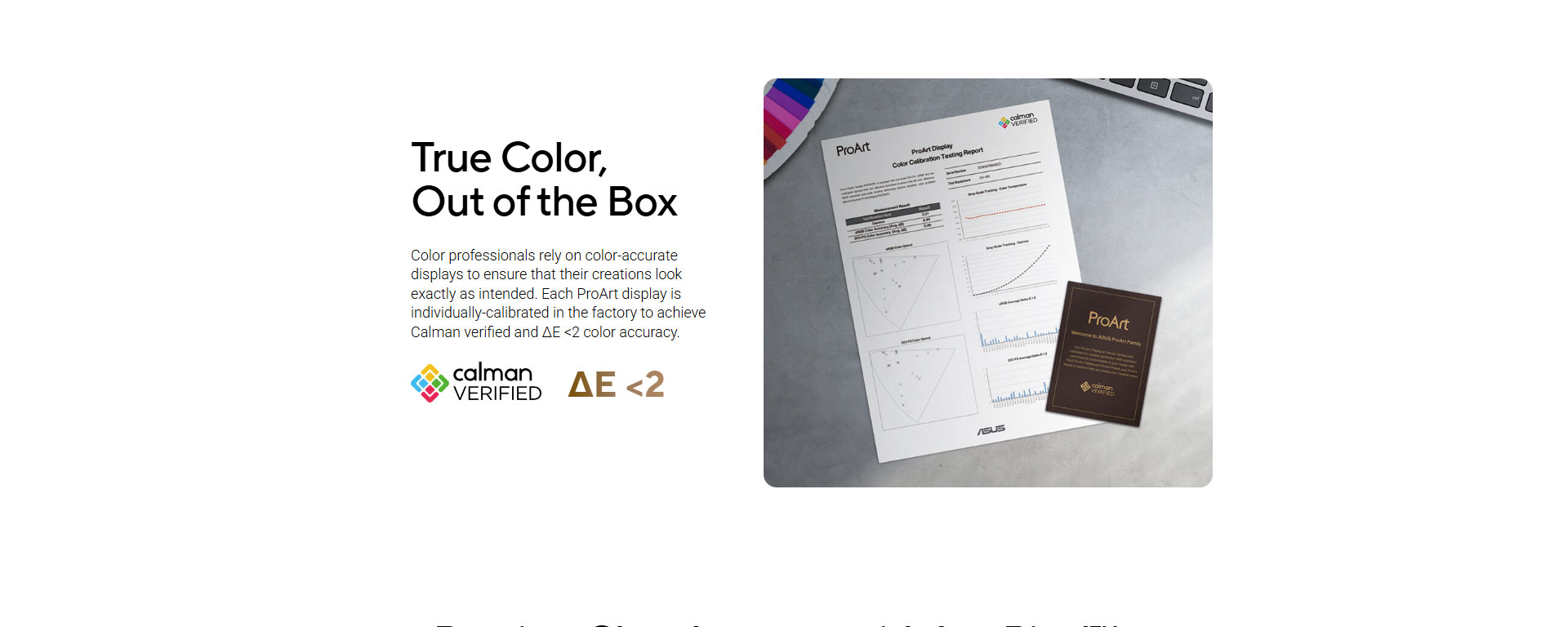
Calman Verified, ΔE < 2
-
USB-C with 96W Power Delivery (single-cable setup)
-
Auto KVM (control two systems with one keyboard/mouse)
Who should buy it:
If your priority is crisp text, accurate color, and a clean Mac desk setup without jumping to a huge screen size, this is the most balanced option.
2) ProArt 6K (6016×3384) — PA32QCV (31.5”)
Best for: creators who want a larger canvas for timelines, multi-window workflows, and Mac-focused color consistency.
Why it works for Mac:
6K gives you a bigger workspace while keeping that sharp, high-density feel. The standout is Model-P3 mode, designed for Mac color consistency, plus dual Thunderbolt 4 for a premium creator workflow.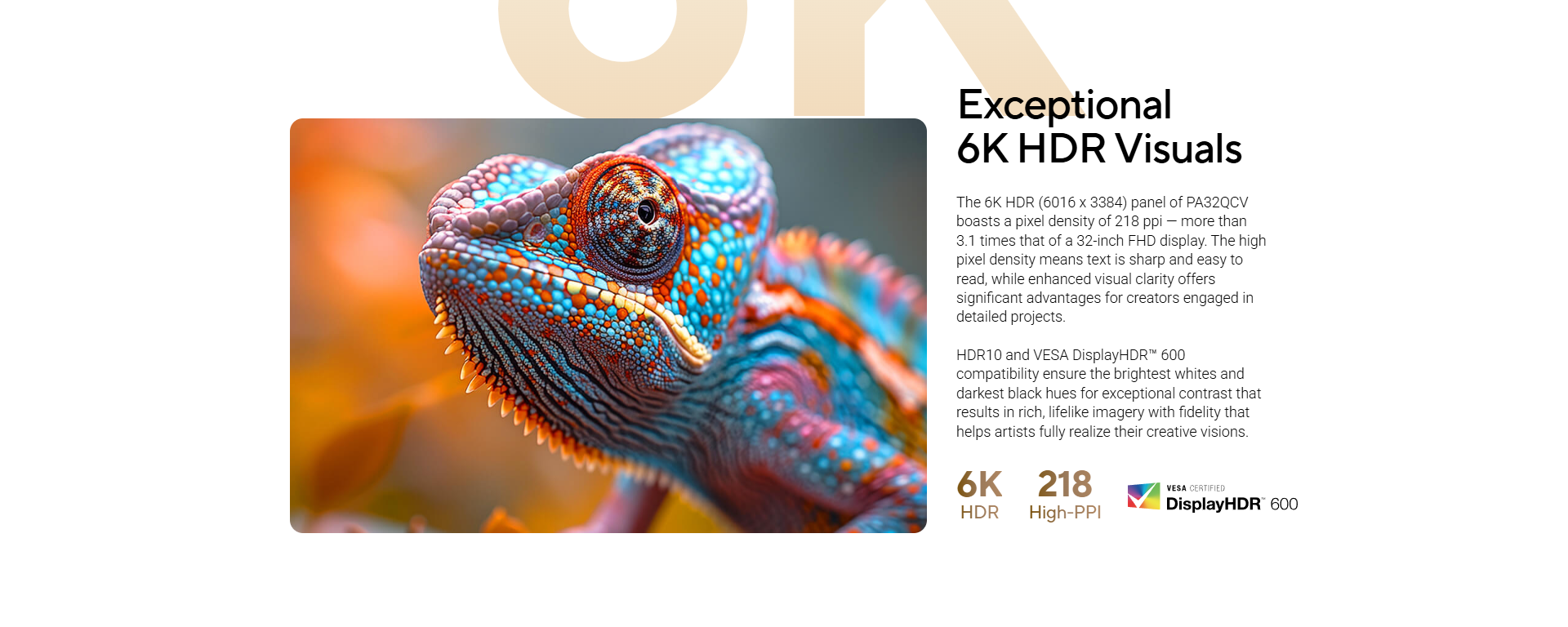
Key highlights
-
6K HDR (6016×3384) on 31.5”
-
98% DCI-P3
-
Calman Verified, ΔE < 2
-
Model-P3 mode for Mac color consistency
-
Dual Thunderbolt 4 (96W PD) + daisy-chain
-
Auto KVM
Who should buy it:
If you edit video, work in Adobe apps all day, or want “more screen” without losing crispness, 6K is the productivity king here.
3) ProArt 8K (7680×4320) — PA32KCX (32”)
Best for: high-end studios, color-critical HDR work, photography, premium finishing, and anyone who needs extreme detail.
Why it works for Mac (and pro pipelines):
8K on 32” is about uncompromised detail and HDR control. Add mini-LED, 4032-zone local dimming, up to 1200 nits peak, and a built-in motorized colorimeter, and you’re looking at a monitor designed for serious grading and consistent calibration.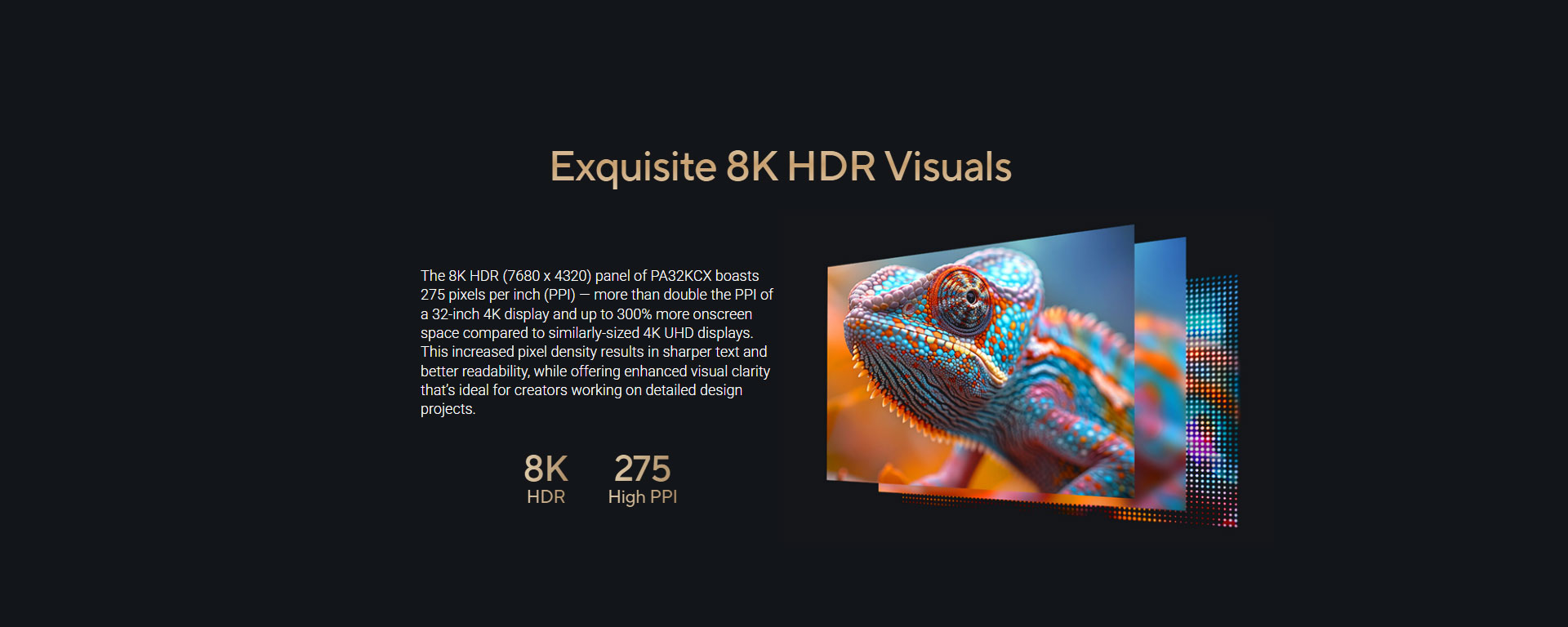
Key highlights
-
8K HDR mini-LED (7680×4320) on 32”
-
4032-zone local dimming
-
Up to 1200 nits peak brightness
-
Built-in motorized colorimeter
-
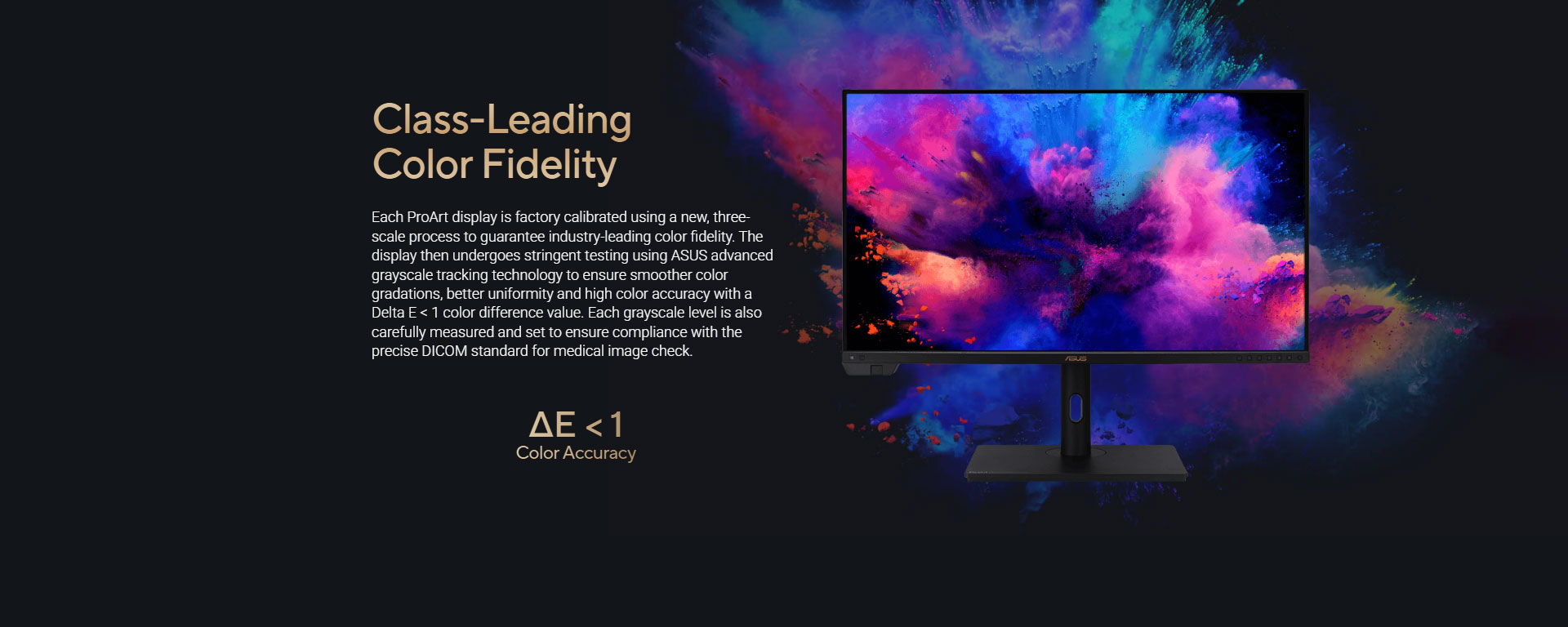
ΔE < 1 (high accuracy target)
Who should buy it:
If you’re finishing HDR content, working with detailed RAW photography, or you need a reference-class feel with calibration built in — this is the flagship.
Which one should you pick?
Pick ProArt 5K (PA27JCV) if:
You want the cleanest Mac “Retina-like” experience at a practical 27” size with USB-C single-cable convenience.
Pick ProArt 6K (PA32QCV) if:
You want a larger screen for editing and multitasking, plus Mac-friendly Model-P3 and Thunderbolt 4 daisy-chaining.
Pick ProArt 8K (PA32KCX) if:
You need top-tier HDR mini-LED control, extreme detail, and built-in calibration hardware for pro color work.
Final take: more pixels = better Mac comfort
For Mac users, resolution isn’t just about sharpness — it’s about comfortable scaling, clean text, and UI that feels correct. ASUS ProArt 5K/6K/8K monitors solve the macOS scaling problem in the most direct way: by giving you the pixel density macOS thrives on, plus the color accuracy creators actually rely on.
If your workflow lives on a Mac and your screen is where you spend your day, upgrading to 5K, 6K, or 8K ProArt is one of those changes you’ll notice immediately — every time you read text, align a layout, or scrub a timeline.







