ASUS NUC 16 Pro All Variants Review – Core Ultra 5 325H / 325 and Core Ultra 7 356H Mini PC Guide
ASUS NUC 16 Pro All Variants Review – Core Ultra 5 325H / 325 and Core Ultra 7 356H Mini PC Guide
Compact Business Mini PC | Wi‑Fi 7 | Bluetooth 6.0 | Dual 2.5G LAN | Thunderbolt 4 | HDMI 2.1 | DDR5 | Dual M.2 NVMe
Quick Verdict: Buy the Core Ultra 5 325 / 325H variant for office value, POS, billing and everyday business use. Choose the Core Ultra 7 356H variant for heavier multitasking, larger memory builds and stronger long-term performance.
The ASUS NUC 16 Pro at National PC is a compact, modern and business-ready mini PC family for offices, retail counters, signage systems, education labs, home office desks, edge computing and professional deployments. This product review blog explains the full NUC 16 Pro variant range, highlights the differences between Core Ultra 5 and Core Ultra 7, and helps buyers select the right RAM and SSD configuration from NationalPC.
Best for Office
Core Ultra 5 325 models are ideal for office productivity, billing, browsing, cloud apps and POS systems.
Best for Power Users
Core Ultra 7 356H models are better for high RAM configurations, heavier multitasking and demanding business workflows.
Best for Custom Build
Barebone models allow IT teams to select their preferred DDR5 RAM, M.2 SSD and operating system.

Quick Navigation
ASUS NUC 16 Pro Overview
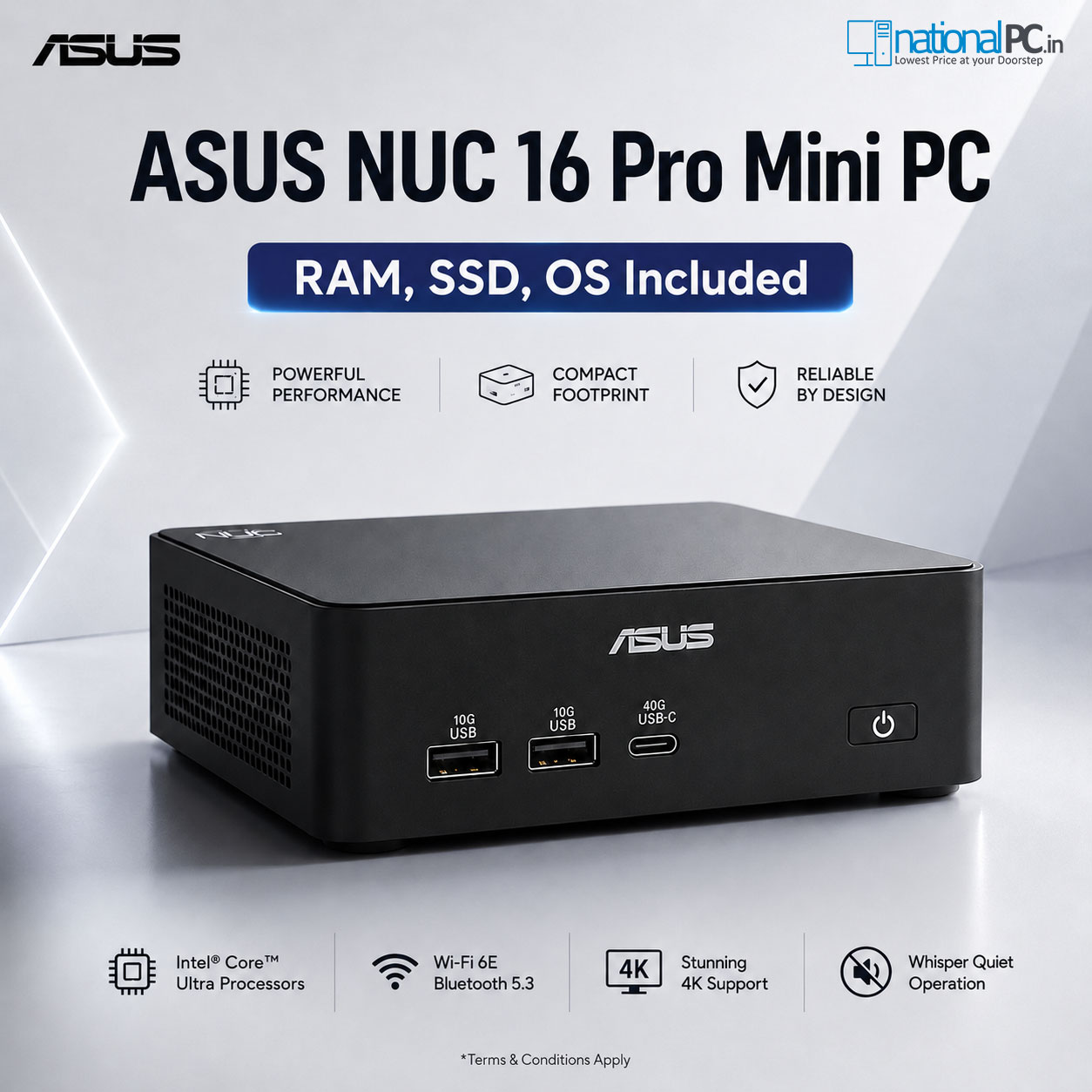
The ASUS NUC 16 Pro is a compact 5×4-class mini PC built for business users who need performance, connectivity and easy deployment in a very small footprint. For National PC buyers, the main attraction is the huge choice of configurations: barebone kits for custom builds and ready-to-use Windows 11 Pro systems with multiple RAM and SSD combinations.
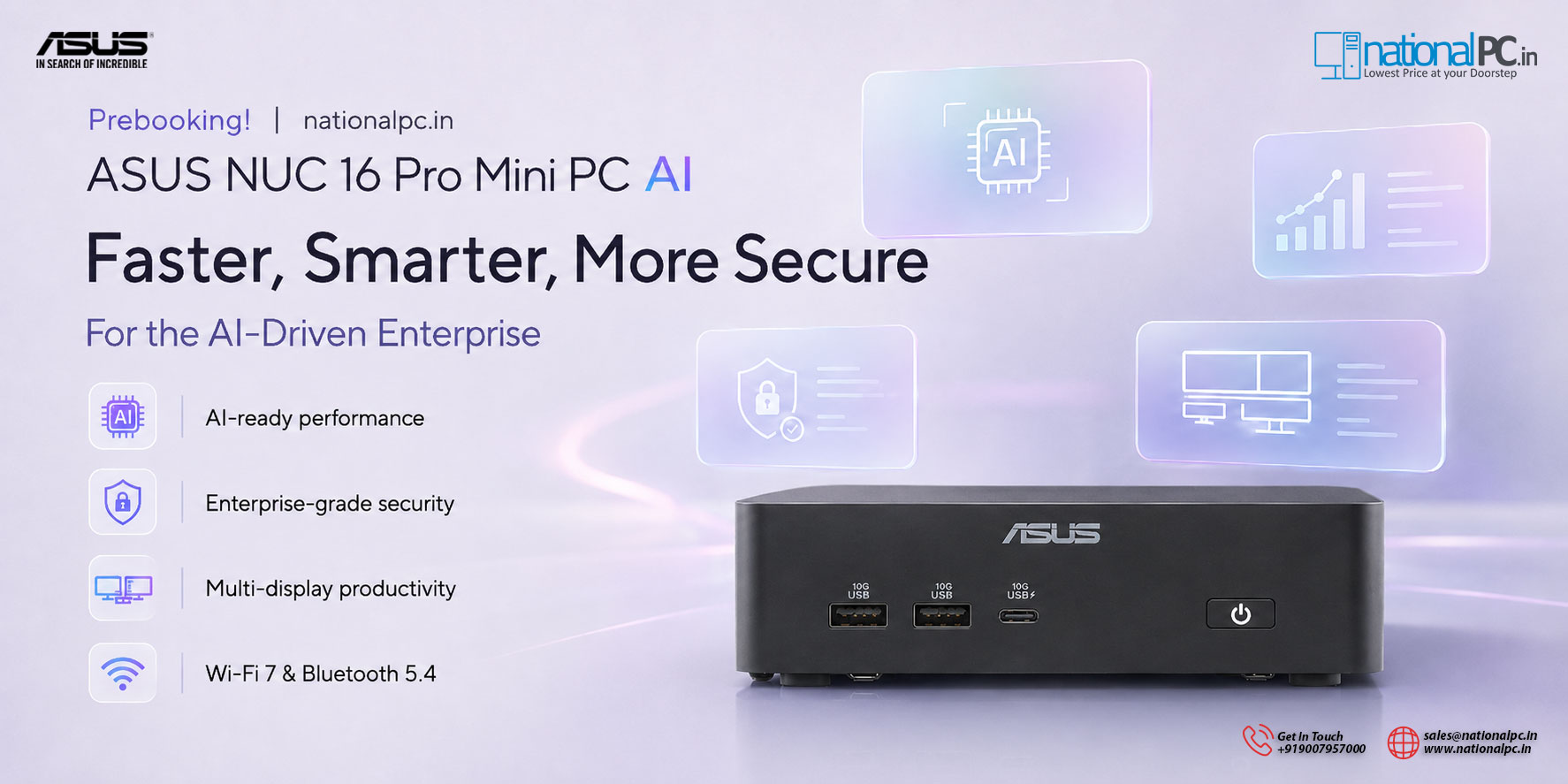
This NUC 16 Pro product review focuses on two processor families: Core Ultra 5 325 / 325H and Core Ultra 7 356H. Both share strong connectivity such as Wi‑Fi 7, Bluetooth 6.0, dual 2.5G LAN, Thunderbolt 4 and HDMI 2.1, but the Core Ultra 7 model gives more CPU headroom for demanding users.
Compact Business PC
Fits office desks, retail counters, reception systems, signage locations and VESA-mounted setups.
Modern Networking
Dual 2.5G LAN is useful for NAS access, isolated networks, redundant links and professional setups.
High RAM Options
NationalPC variants go up to 96GB RAM, while the platform supports up to 128GB with compatible modules.
Flexible Storage
Choose from 250GB, 500GB, 1TB, 2TB and 4TB prebuilt SSD configurations.
Core Ultra 5 325 / 325H vs Core Ultra 7 356H
Both models are strong compact business mini PCs, but the correct choice depends on your workload. Core Ultra 5 gives better value for regular office deployment. Core Ultra 7 is better for users who want extra performance headroom and bigger memory configurations.
| Point | Core Ultra 5 325 / 325H | Core Ultra 7 356H |
|---|---|---|
| CPU Class | Value business mini PC processor | Higher-performance business mini PC processor |
| Cores / Threads | 8 Cores / 8 Threads | 16 Cores / 16 Threads |
| Max Turbo | Up to 4.5GHz | Up to 4.7GHz |
| Cache | 12MB Intel Smart Cache | 18MB Intel Smart Cache |
| Best For | Office, POS, retail, billing, browser apps, education, signage | Heavy multitasking, dashboards, analytics, edge AI, high-memory office use |
| Best RAM Range | 16GB, 32GB or 48GB | 32GB, 48GB, 64GB or 96GB |
| Buying Recommendation | Choose when budget and practical productivity matter most | Choose when long-term performance headroom matters more |
Key Features That Make NUC 16 Pro Useful
For a product review blog, it is important to explain why a buyer should choose this mini PC over a normal desktop tower. The NUC 16 Pro is not only small; it is also easier to deploy, easier to configure and more professional for space-sensitive environments.
Dual 2.5G LAN for Business Networking
Ideal for NAS users, small offices, network segmentation, billing counters, edge computing and secure business setups.
Wi‑Fi 7 and Bluetooth 6.0
Modern wireless connectivity helps future-proof the system for newer routers, faster wireless networks and latest accessories.
Thunderbolt 4 and HDMI 2.1
Connect high-resolution displays, fast storage, docks and professional peripherals without using a bulky desktop tower.
Barebone or Prebuilt Choice
NationalPC offers both barebone kits and fully configured Windows 11 Pro variants, making the buying process easier for different customers.
Official ASUS Image Gallery


Main Variant Links
This section is important for conversion and SEO. Instead of sending users to only one model, NationalPC can guide buyers to the exact ASUS NUC 16 Pro variant they need. Every model name below redirects directly to its corresponding product URL.
For basic office work, choose 16GB or 32GB RAM. For heavy browser use, spreadsheets, business dashboards and many apps running together, choose 48GB or 64GB. For advanced multitasking or long-term professional deployment, choose 96GB variants.
ASUS NUC 16 Pro Core Ultra 5 325 / 325H Variants
Best for value-focused office users, POS billing counters, retail systems, signage, education labs and everyday business desktops.
ASUS NUC 16 Pro Core Ultra 7 356H Variants
Best for heavier multitasking, larger RAM builds, power users, advanced office workflows, AI-ready edge tasks and high-performance compact deployment.
If the customer is unsure, link them to the full ASUS NUC 16 Pro category page on NationalPC so they can compare Core Ultra 5 and Core Ultra 7 variants side-by-side.
Which RAM and SSD Configuration Should You Choose?
8GB RAM
Only for basic billing, light browsing and entry-level office usage.
16GB RAM
Recommended minimum for smooth Windows 11 Pro office productivity.
32GB RAM
Best balance for most business users, browser-heavy work and multitasking.
48GB RAM
Excellent for power users, larger spreadsheets, dashboards and multiple applications.
64GB RAM
Better for professional users needing long-term performance headroom.
96GB RAM
High-end choice for advanced multitasking, edge workloads and heavy business use.
500GB / 1TB SSD
Good for standard office and business software deployments.
2TB / 4TB SSD
Choose for local project files, large business data and long-term storage needs.
Specification Snapshot
| Product Family | ASUS NUC 16 Pro |
|---|---|
| Primary Models Covered | NUC16GDKU5 Core Ultra 5 325 / 325H and NUC16GDKU7 Core Ultra 7 356H |
| Core Ultra 5 325 | 8 Cores, 8 Threads, up to 4.5GHz, 12MB Smart Cache, cTDP 45W |
| Core Ultra 7 356H | 16 Cores, 16 Threads, up to 4.7GHz, 18MB Smart Cache, cTDP 65W |
| Graphics | Intel Graphics |
| Memory | DDR5 CSO‑DIMM / SO‑DIMM, up to 128GB platform support depending on compatible modules |
| Storage | M.2 2280 NVMe PCIe 4.0 / PCIe 5.0 SSD support |
| Wireless | Intel Wi‑Fi 7 BE211, Bluetooth 6.0 |
| LAN | Dual Intel I226-V 2.5G Ethernet |
| Display / I/O | 2 × Thunderbolt 4 Type-C with DisplayPort 2.1, 2 × HDMI 2.1, USB Type-A and Type-C |
| Operating System | Barebone: No OS. Configured NationalPC variants: Windows 11 Pro. Platform support includes Windows 11, Ubuntu 24.04 LTS and Red Hat Enterprise Linux 10.0. |
| Dimensions | 144 × 117 × 42 mm |
| Warranty | 3 Years as listed on NationalPC |
Why Buy ASUS NUC 16 Pro From NationalPC?
National PC is useful for buyers who want direct product selection, ready-to-use configurations and a clear choice between barebone and prebuilt mini PC variants. The ASUS NUC 16 Pro range is especially suitable for businesses that need multiple systems with similar hardware but different RAM and SSD requirements.
Many Variants in One Place
Compare Core Ultra 5 and Core Ultra 7 models with different RAM and SSD capacities directly.
Ready Windows Builds
Configured variants include RAM, SSD and Windows 11 Pro, reducing setup time for business users.
Barebone Flexibility
IT teams can buy barebone kits and install their preferred RAM, SSD and operating system.
Advantages and Limitations
Advantages
- Compact and premium business mini PC platform
- Huge range of NationalPC variants
- Core Ultra 5 and Core Ultra 7 processor options
- Wi‑Fi 7, Bluetooth 6.0 and dual 2.5G LAN
- Thunderbolt 4 and HDMI 2.1 connectivity
- DDR5 memory and M.2 NVMe upgrade flexibility
- Barebone and ready-to-use Windows 11 Pro options
Limitations
- Not designed as a dedicated gaming mini PC
- Barebone kits need separate RAM, SSD and OS
- Higher RAM and SSD variants cost more
- Core Ultra 5 325 / 325H naming can confuse buyers unless clearly explained
- Exact availability and delivery date may vary by SKU
FAQ – ASUS NUC 16 Pro Variants
Which ASUS NUC 16 Pro variant is best for office work?
For most office users, Core Ultra 5 325 with 16GB or 32GB RAM is the best value. For heavier use, choose Core Ultra 7 356H with 32GB, 48GB or higher RAM.
Is Core Ultra 5 325H the same listing family as Core Ultra 5 325?
NationalPC category labels may show 325H, while the official processor name and product URLs use Core Ultra 5 325. This blog mentions both terms to help buyers search correctly.
Does ASUS NUC 16 Pro support Wi‑Fi 7?
Yes. ASUS NUC 16 Pro supports Wi‑Fi 7 and Bluetooth 6.0.
Does barebone include RAM and SSD?
No. Barebone kits do not include RAM, SSD or operating system. Choose a configured NationalPC variant for a ready-to-use Windows 11 Pro system.
What RAM size should I choose?
Choose 16GB for basic work, 32GB for smooth business productivity, 48GB/64GB for power users and 96GB for very heavy multitasking or professional deployment.
Where can I buy ASUS NUC 16 Pro in India?
You can buy ASUS NUC 16 Pro Core Ultra 5 and Core Ultra 7 variants from NationalPC using the direct links in this review blog.
Final Verdict
ASUS NUC 16 Pro is one of the most practical compact mini PC platforms for National PC customers who need business-ready performance, strong connectivity and many configuration choices. The Core Ultra 5 325 / 325H models are best for value-focused office deployment, while Core Ultra 7 356H models are better for heavy multitasking and future-ready professional use.
For SEO and buyer clarity, this product review blog targets national pc and nuc 16 pro as focus keywords while naturally supporting secondary keywords like ASUS NUC 16 Pro India, business mini PC, Wi‑Fi 7 mini PC, Thunderbolt 4 mini PC and compact office mini PC.