
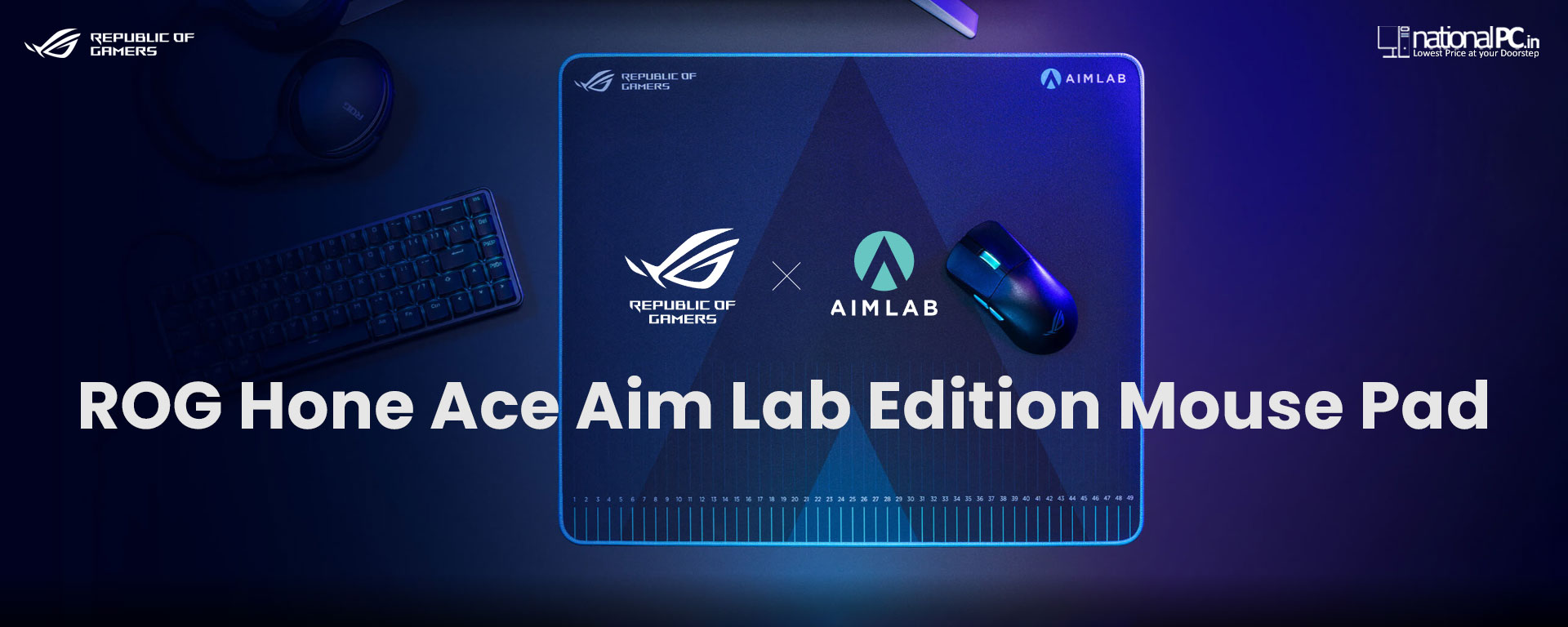
ROG Hone Ace Aim Lab Edition: A Technical Deep-Dive for FPS Training Setups
ASUS didn’t build the ROG Hone Ace Aim Lab Edition like a “generic cloth pad with branding.” The whole concept is training-first: the surface, size, and even the printed markings are designed to work with Aim Lab’s “Aim Lab X ROG 360” task so you can measure and repeat your mouse control improvements instead of guessing.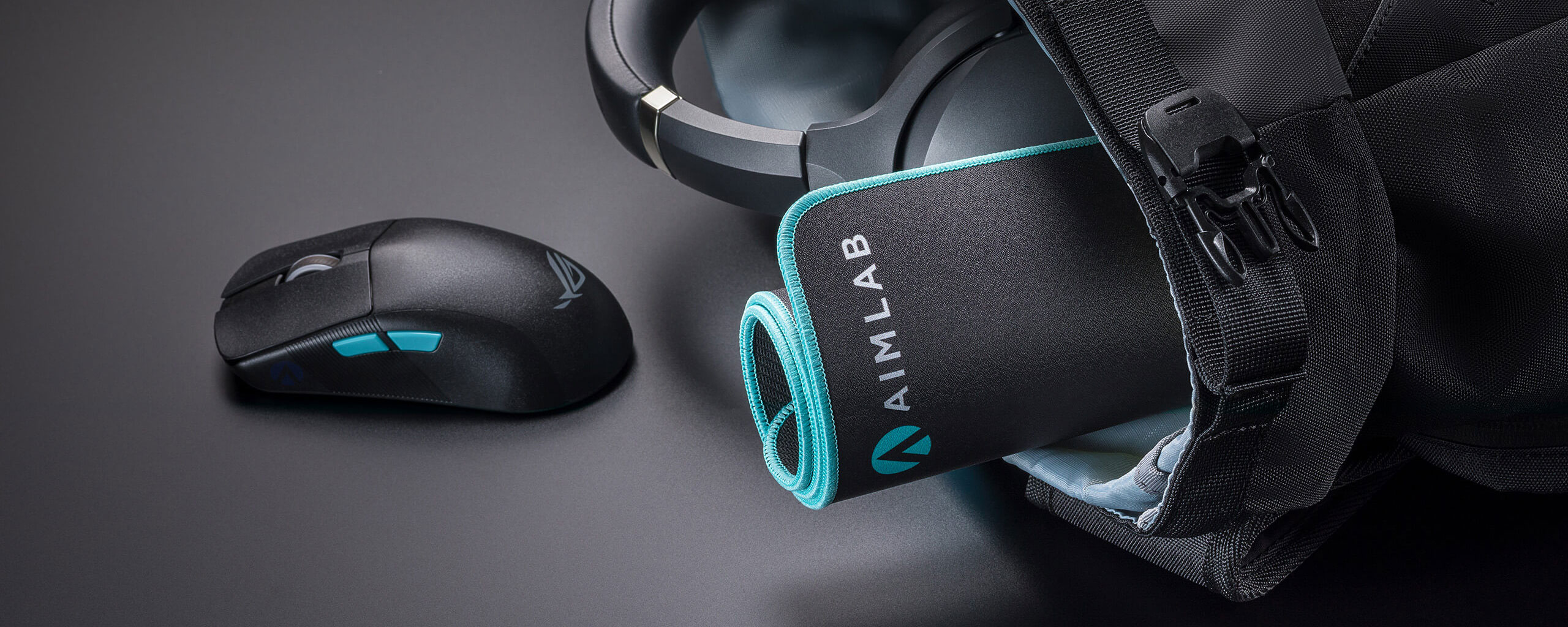
Below is a technical discussion of what makes it different, how it behaves in real FPS play, and how to decide if it fits your mouse + sensitivity + desk space.
1) What you’re actually buying (core specs)
Size / thickness
-
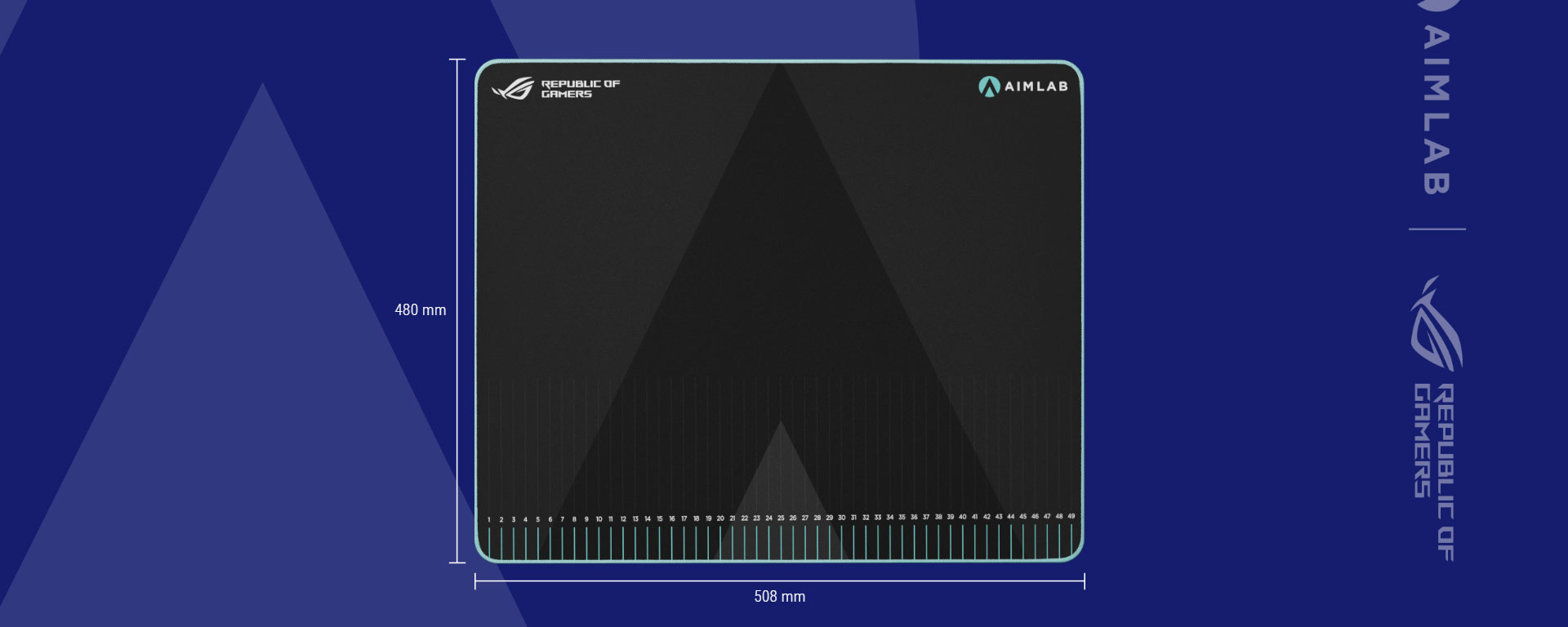
508 × 420 × 3 mm (large class), giving you wide horizontal travel for low-to-mid sens players while still fitting many desks.
-
3 mm base thickness is a deliberate middle ground: enough cushion for comfort, not so thick that the pad feels “spongy” during fast micro-corrections.
Construction
-
Hybrid cloth surface: meant to balance glide + stopping power (faster than heavy-control cloth, more controlled than speed-only surfaces).
-
Soft non-slip rubber base: stability matters when you’re doing rapid flick + reset cycles.
-
Protective nano-coating (water/oil/dust repellent): durability + consistent feel over time (less “dead spot” contamination from sweat/oil).
In the box
-
Mousepad + 2× ROG logo stickers.
2) The “Aim Lab Edition” part that’s actually useful: measurement markings + ROG 360 training
Most mouse pads stop at “surface feel.” This one adds measurement markings along the pad so your training becomes quantifiable: you can track how far your wrist/forearm moves for a 180°, a flick-to-head, or a reset-to-center. ASUS positions this to work with Aim Lab X ROG 360, which focuses on improving aiming “in all directions” rather than only left-right.
Why this matters technically
-
Consistency beats raw speed in FPS aim. The markings help you build repeatable mechanics: e.g., “my clean 90° turn is ~X cm,” so you can standardize sensitivity changes or test mouse feet changes with less placebo.
-
It’s also useful for pad-space calibration: if you keep bottoming out on the edge during tracking drills, you’ll know whether you need a larger pad class or a sens adjustment.
3) Surface engineering: hybrid cloth and “uniform tracking” in X/Y
ASUS explicitly calls out balanced friction and near-uniform tracking along X and Y—a big deal because some cloth weaves feel slightly different moving up/down vs left/right (you feel it most in vertical recoil control and diagonal tracking).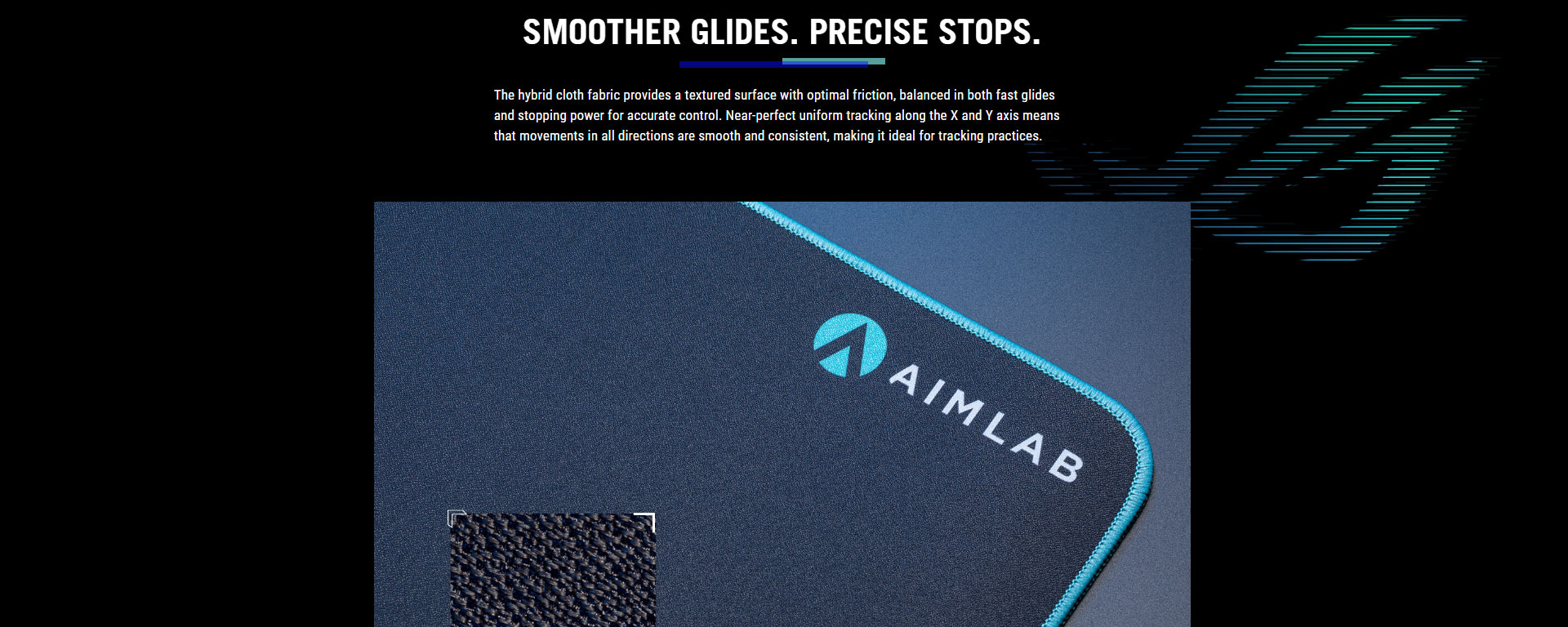
Practical FPS behavior
-
Tracking scenarios (Apex / Overwatch / Warzone tracking): hybrid cloth aims for smooth continuous motion without a “gritty” pull.
-
Flick scenarios (Valorant / CS2): you still want stopping power so your crosshair doesn’t “overskate.” Hybrid surfaces typically provide that better than speed pads.
If you’re coming from a very slow control pad, expect the Hone Ace to feel quicker on glide but still “catch” well on stops. If you’re coming from a speed pad, expect more controlled stops and a slightly more textured feedback.
4) Nano-coating: durability and consistency (and why it’s not just marketing)
ASUS describes a protective nano-coating that repels water, oil, and dust, and highlights easy cleaning/maintenance to keep the surface consistent.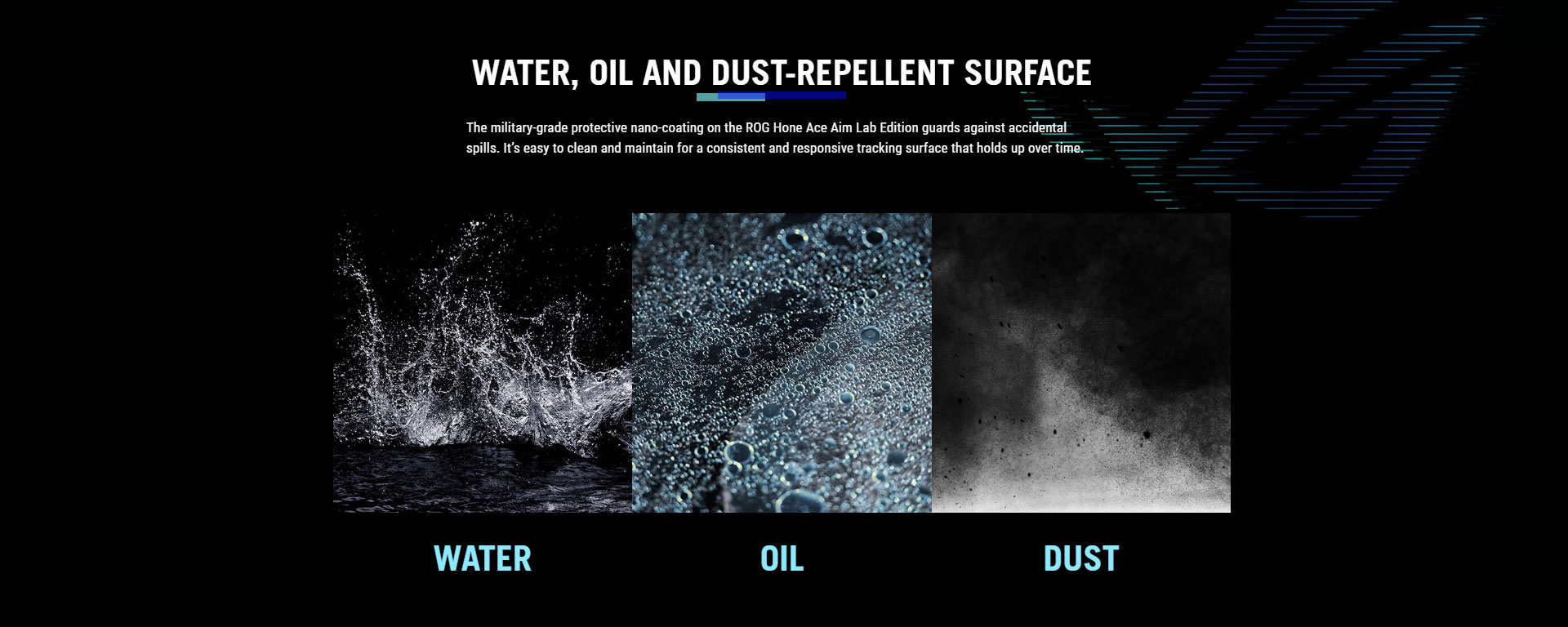
Why coatings matter
Mousepad performance degrades mostly due to:
-
skin oils/sweat increasing stickiness,
-
dust increasing micro-friction and making glide inconsistent,
-
and spill damage altering texture.
A repellent coating can slow down that degradation curve—especially valuable if you play long sessions or live in dusty environments.
Care tip: even with coating, wipe it gently with a microfiber cloth; avoid harsh solvents that might reduce the coating’s effectiveness over time.
5) Base and thickness: stability, comfort, and “edge feel”
The pad uses a soft, non-slip rubber base and sits at 3 mm thickness.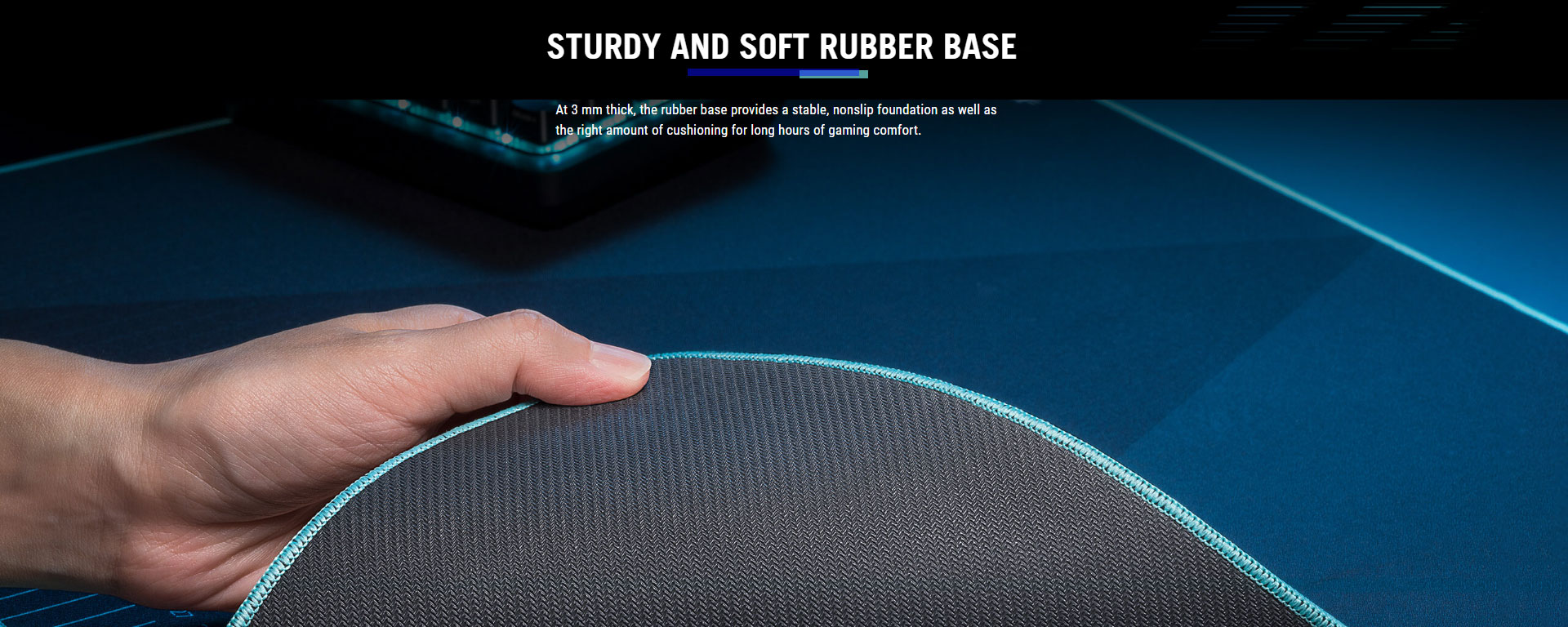
Why 3 mm is a smart FPS default
-
Thin pads (2 mm) can feel “hard” and show desk imperfections.
-
Thick pads (4–6 mm) can feel too cushy, affecting micro-aim consistency depending on how much pressure you apply.
3 mm usually lands in the sweet spot: stable, comfortable, and predictable.
6) Who should choose it (and who shouldn’t)
Best fit
-
FPS players doing structured aim training (Aim Lab / Kovaak-style routines) who want measurable consistency.
-
Low-to-mid sens players who need enough pad width for full arm sweeps (508 mm wide helps).
-
Players who want a balanced pad (not extreme speed, not ultra-muddy control).
Consider alternatives if…
-
You want maximum speed: consider hard/glass solutions (ASUS even positions glass pads in its lineup, like Moonstone Ace L).
-
You want maximum control: some heavier control cloth pads will still feel “slower” than a hybrid cloth.







