


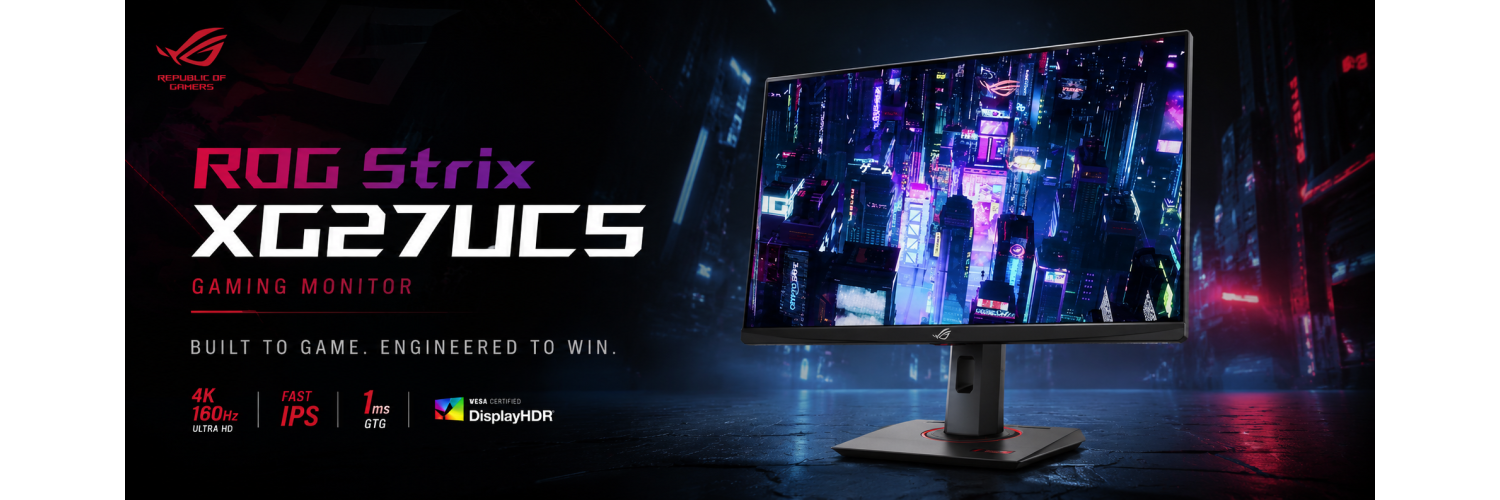
ROG Strix XG27UCS Review: 27-inch 4K 160Hz USB-C Gaming Monitor for PC, Console & Creator Setups
The ASUS ROG Strix XG27UCS is built for gamers who want sharp 4K UHD detail without giving up high refresh-rate smoothness. With a 27-inch Fast IPS panel, 160Hz refresh rate, 1ms GTG response time, DisplayHDR 400, USB-C connectivity and ROG Gaming AI features, this monitor targets high-performance gaming, console play, content creation and premium daily productivity.
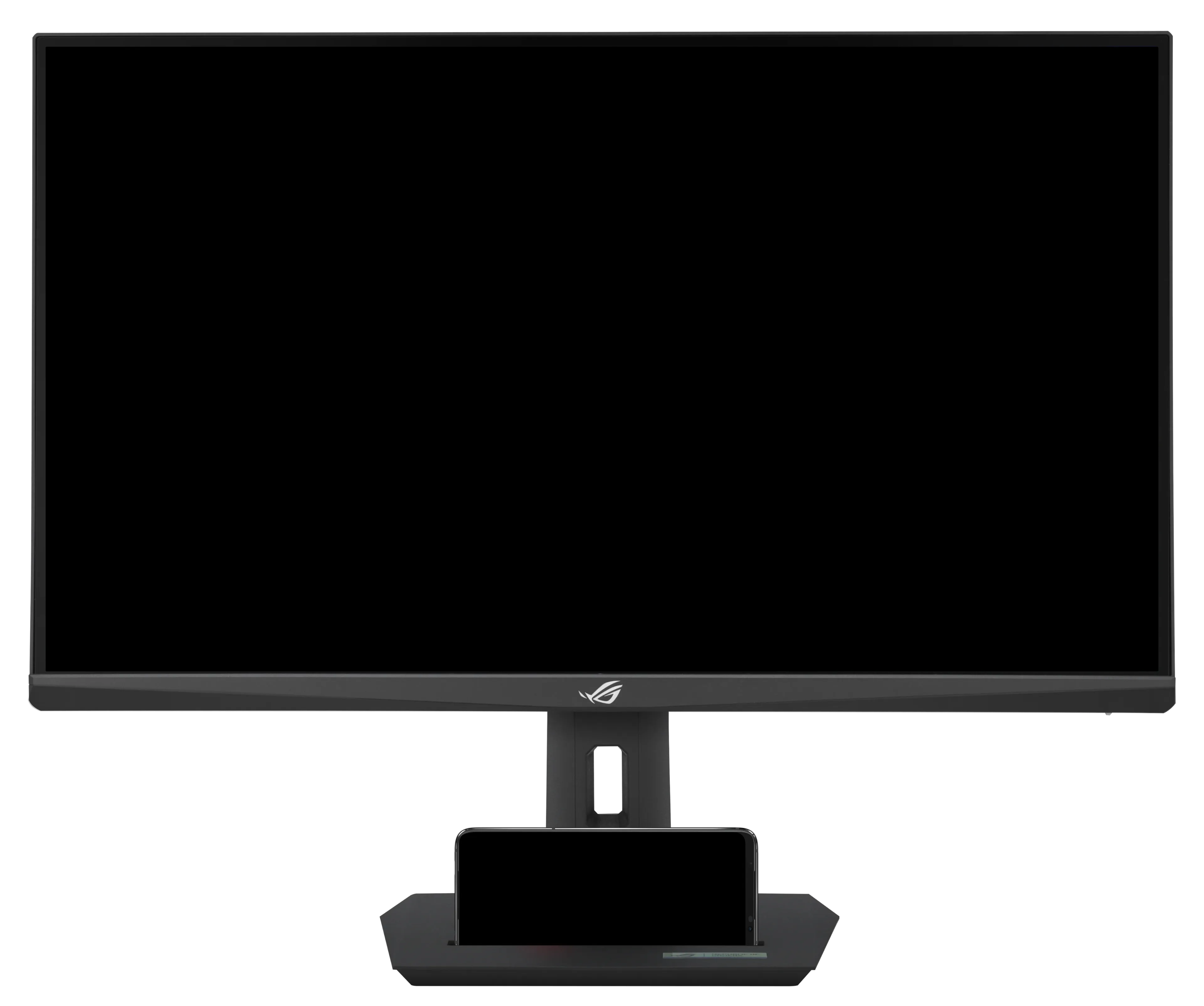
ROG Strix XG27UCS Product Overview
The ROG Strix XG27UCS is a practical 4K gaming monitor for users who want a sharper screen than QHD, a faster refresh rate than standard 60Hz 4K displays, and a compact 27-inch size that works well on regular desks.
Its strongest appeal is the balance of resolution, speed and connectivity. The 4K UHD panel gives excellent clarity for games, creative work and office use, while 160Hz refresh rate and 1ms GTG response time make it far better suited for competitive gameplay than a typical productivity-focused 4K monitor.
Key Highlights of ROG Strix XG27UCS
The XG27UCS combines high pixel density, fast refresh, gaming-focused motion clarity and modern USB-C convenience in one ROG Strix design.
27-inch 4K UHD Panel
3840 x 2160 resolution delivers sharp visuals, high detail and strong desktop clarity for gaming, editing and productivity.
160Hz Refresh Rate
High-refresh performance makes fast-paced gameplay smoother than regular 60Hz or 75Hz 4K monitors.
Fast IPS 1ms GTG
ASUS Fast IPS panel technology helps reduce blur and keeps visuals responsive during action-heavy scenes.
DisplayHDR 400
HDR10 and VESA DisplayHDR 400 support improve bright highlights and multimedia experience compared with basic SDR monitors.
ELMB Sync + VRR
ELMB Sync, FreeSync Premium and G-SYNC Compatible support help reduce tearing, stutter and motion blur.
Modern USB-C Input
USB-C with DP Alt Mode and 15W power delivery simplifies laptop, handheld and compact PC connectivity.
ROG Strix XG27UCS Official Product Image Gallery
Official ASUS ROG product visuals showing the front, angle, side, top, rear and I/O design of the XG27UCS.

Visual Quality: 4K Sharpness with Fast IPS Color
For a 27-inch display, 4K resolution gives very high pixel density. That means text looks cleaner, game details appear sharper and creator workflows get more usable screen space.
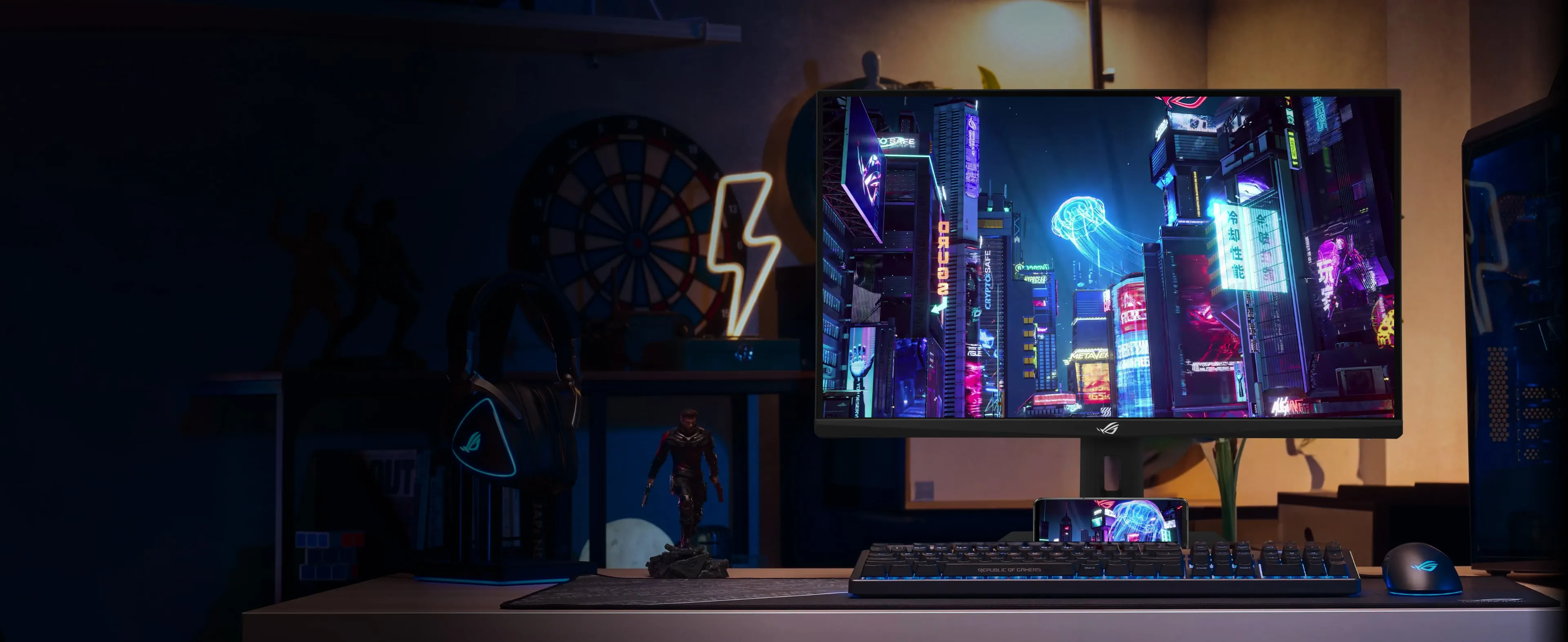
4K UHD + DisplayHDR 400
The XG27UCS uses a 3840 x 2160 Fast IPS panel with HDR10 and VESA DisplayHDR 400 support. For gaming and multimedia, this gives a sharper, more premium experience than standard Full HD or QHD displays.
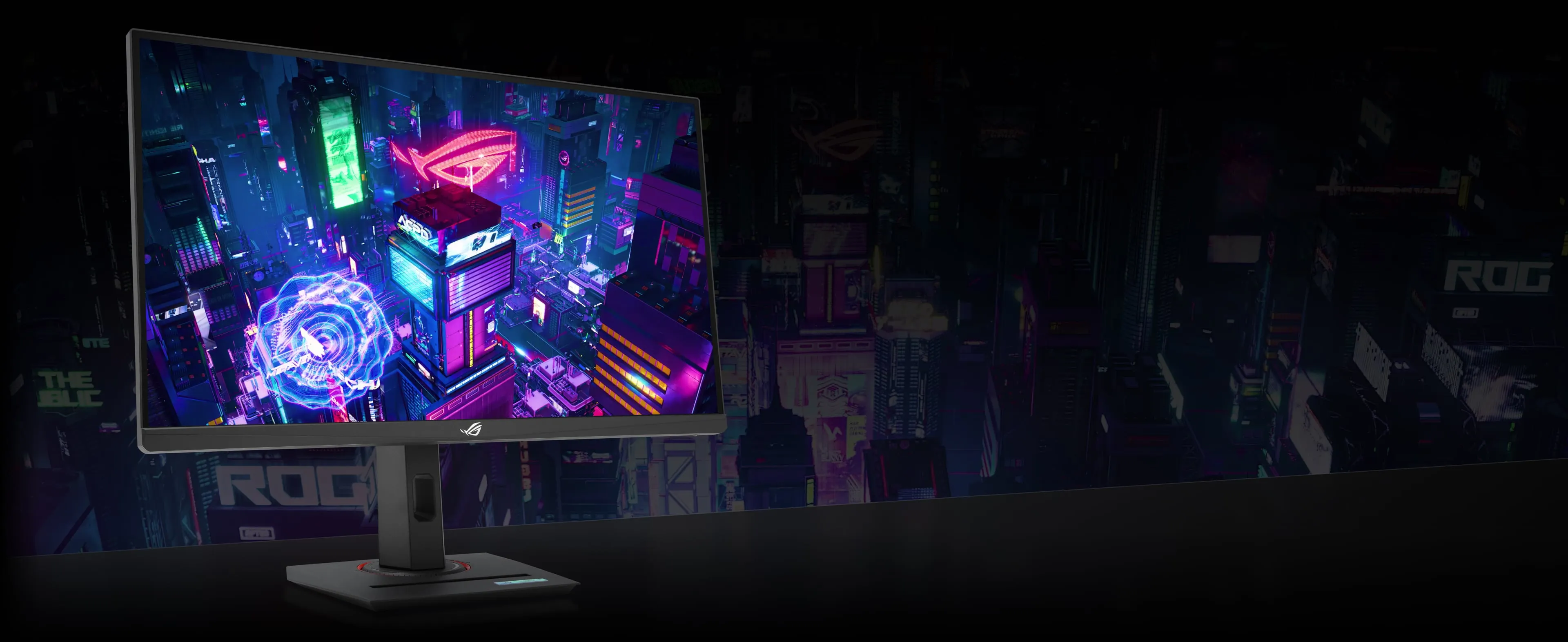
Wide Color Gamut for Games & Content
With 95% DCI-P3 and 130% sRGB coverage, the monitor is strong for vibrant games, streaming, editing and everyday visual work. Factory-checked color adds confidence for users who need both entertainment and creator-friendly color.
Gaming Performance: 160Hz, 1ms GTG & ELMB Sync
The XG27UCS is made for gamers who want 4K clarity but still need fluid motion for competitive and fast-paced titles.
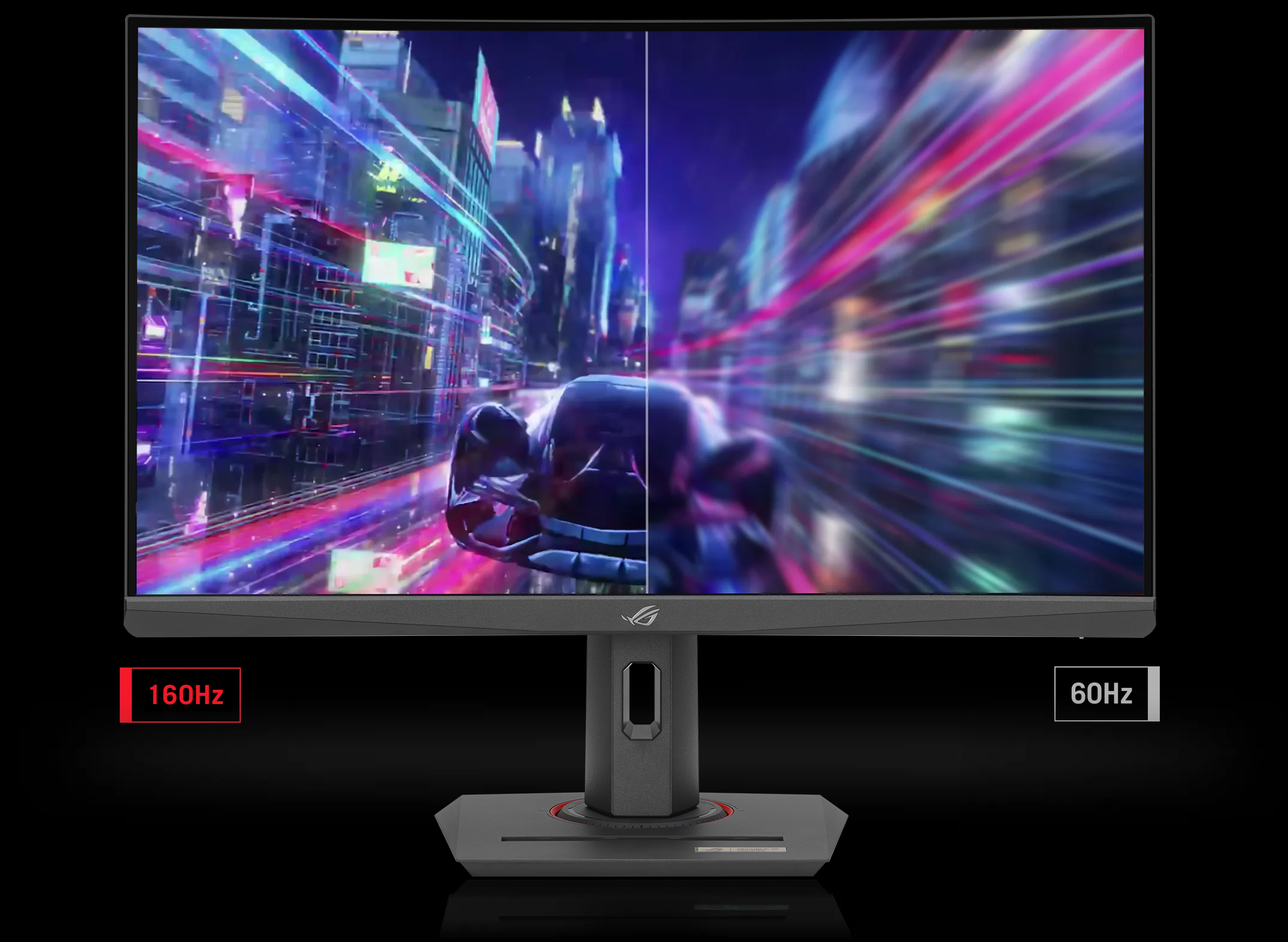
160Hz Smoothness for Fast Gameplay
A 160Hz refresh rate gives noticeably smoother motion than regular 60Hz 4K monitors. For FPS, racing, action and esports-style games, the higher refresh rate makes mouse movement, camera pans and fast transitions feel more responsive.

Gaming AI: Dynamic Crosshair & Shadow Boost
ASUS ROG Gaming AI features include Dynamic Crosshair and Dynamic Shadow Boost. These features are designed to improve visibility, targeting assistance and dark-scene awareness during gameplay.
Review Highlights from ASUS Listed Review Sources
ASUS lists multiple award and media review references for the ROG Strix XG27UCS, highlighting its 4K sharpness, 160Hz gaming performance, feature set and value positioning.
Praised for resolution balance, IPS speed, 1ms GTG and 160Hz performance.
Highlighted as an accessible 27-inch 4K gaming option with competitive performance.
Recognized for a strong feature set and good testing performance.
Recommended for buyers looking for a fast and affordable 4K LCD gaming monitor.
Design, Ergonomics & Connectivity
ROG Strix XG27UCS combines gaming design with practical daily-use ergonomics, including height adjustment, tilt, swivel, pivot and a compact desk footprint.
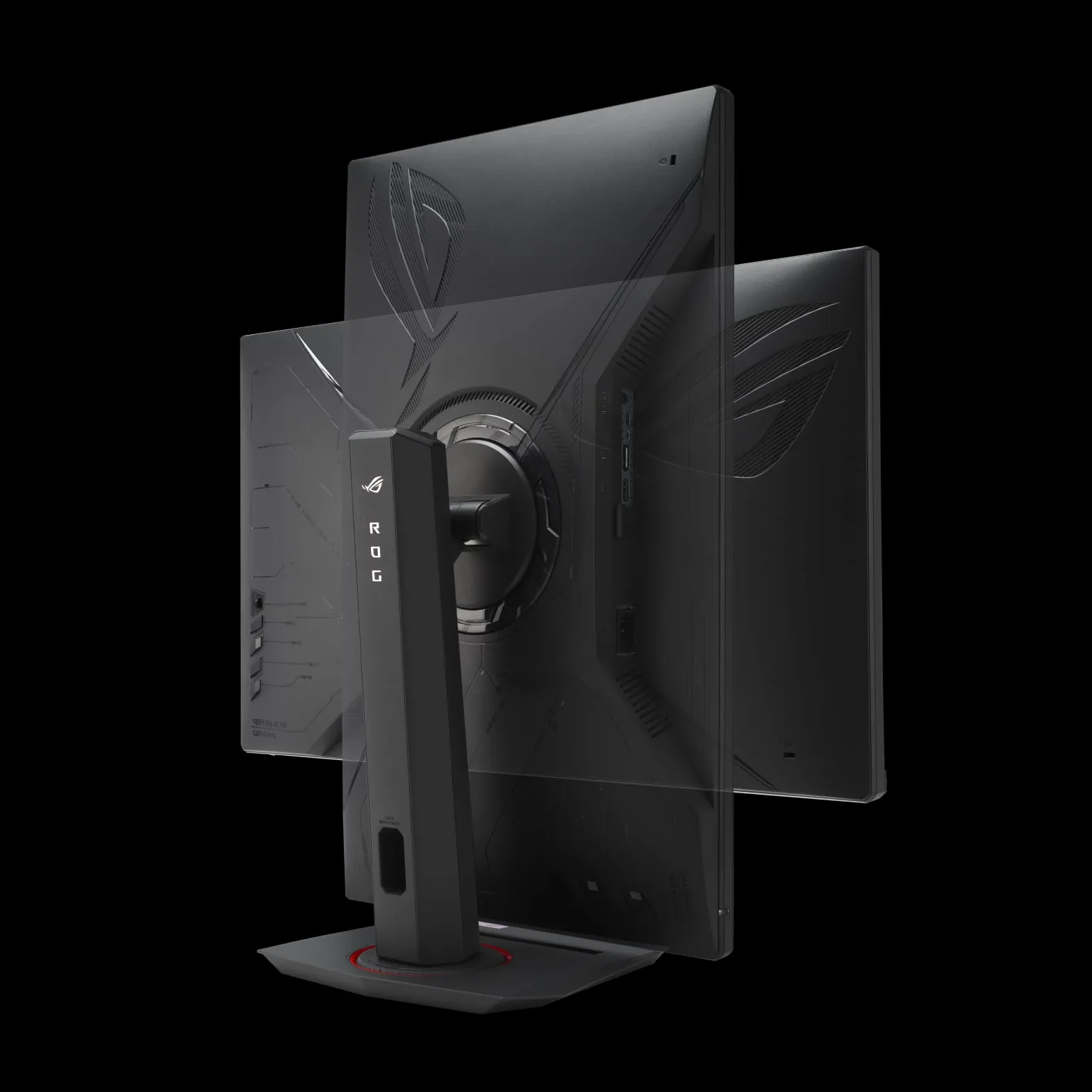
ROG Rear Design with Ergonomic Stand
The rear design carries the ROG gaming identity, while the stand offers practical adjustment for long gaming or work sessions. It supports tilt, swivel, pivot and height adjustment, plus VESA 100x100 mounting.
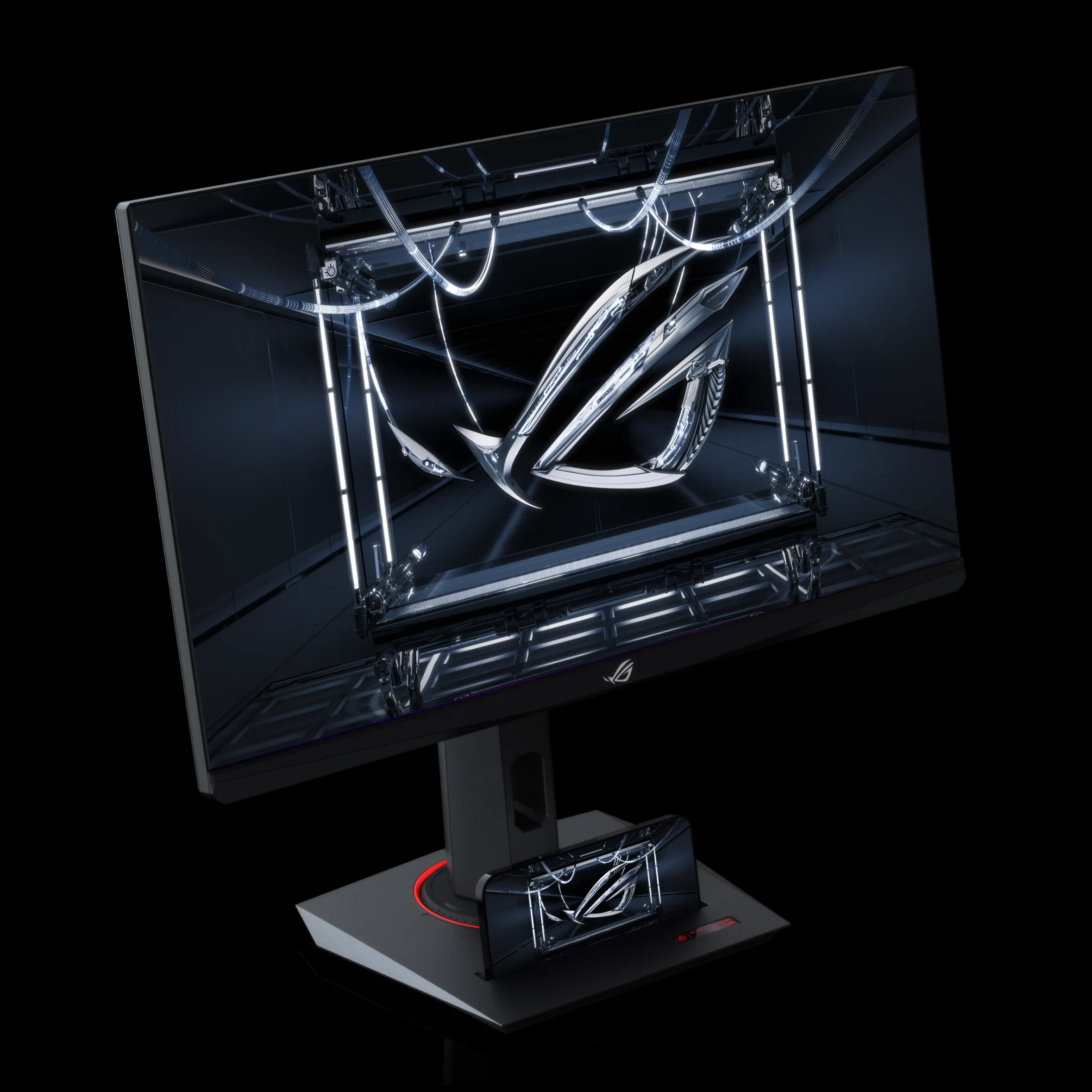
Compact Footprint with Phone Holder
ASUS highlights a smaller footprint and integrated phone holder on the stand. This is useful for compact gaming desks, stream setups and hybrid workspaces where desk space matters.
USB-C, DisplayPort 1.4 & HDMI 2.1
Connectivity includes USB-C with DP Alt Mode, DisplayPort 1.4 and HDMI 2.1. This makes the monitor suitable for gaming PCs, laptops, mini PCs, handhelds and current-generation consoles.
Best Use Cases for ROG Strix XG27UCS
This monitor is strongest when used as a single premium display for gaming, content and productivity.
High-End PC Gaming
Excellent for users with powerful GPUs who want 4K resolution with high refresh-rate gameplay.
- 4K UHD clarity
- 160Hz refresh rate
- VRR and ELMB Sync
Console Gaming
Works well for PS5 and Xbox Series X users who want 4K visuals and HDMI 2.1 connectivity.
- HDMI 2.1 input
- HDR10 support
- Fast IPS panel
Creator & Productivity
The 27-inch 4K panel gives crisp text, detailed timelines and strong color coverage for mixed work.
- 95% DCI-P3
- 130% sRGB
- High PPI clarity
ROG Strix XG27UCS Specifications
Clean specification overview based on ASUS official technical specifications.
| Category | Specification |
|---|---|
| Model | ROG Strix XG27UCS |
| Panel Size | 27 inches |
| Resolution | 3840 x 2160, 4K UHD |
| Panel Type | Fast IPS |
| Aspect Ratio | 16:9 |
| Pixel Density | 163 PPI |
| Display Surface | Anti-Glare |
| Refresh Rate | 160Hz maximum |
| Response Time | 1ms GTG |
| Brightness | 400 cd/m² typical, 450 cd/m² HDR peak |
| Contrast Ratio | 1000:1 typical |
| Color Gamut | 130% sRGB, 95% DCI-P3 |
| Display Colors | 1073.7M, 10-bit |
| HDR Support | HDR10, VESA DisplayHDR 400 |
| VRR Technology | FreeSync Premium and G-SYNC Compatible |
| Gaming Features | ELMB Sync, GamePlus, GameVisual, GameFast Input, Shadow Boost, Variable OD 2.0 |
| Software | ASUS DisplayWidget Center |
| Audio | No built-in speaker |
| I/O Ports | 1 x USB-C with DP Alt Mode, 1 x DisplayPort 1.4, 1 x HDMI 2.1 FRL, 1 x Earphone Jack |
| USB-C Power Delivery | 15W |
| Ergonomics | Tilt +20° to -5°, Swivel +45° to -45°, Pivot +90° to -90°, Height adjustment 0 to 120mm |
| VESA Mount | 100 x 100mm |
| Tripod Socket | 1/4-inch tripod socket |
| Dimensions with Stand | 61.48 x 51.28 x 21.88 cm |
| Dimensions without Stand | 61.48 x 36.7 x 6.01 cm |
| Net Weight | 6.57 kg |
| Net Weight without Stand | 3.88 kg |
| Certifications | TÜV Flicker-free, TÜV Low Blue Light, VESA AdaptiveSync Display 160Hz, VESA DisplayHDR 400, AMD FreeSync Premium, G-SYNC Compatible, FSC MIX |
| Accessories | DisplayPort cable, power cord, quick start guide, ROG pouch, ROG sticker, warranty card |
Advantages & Limitations
Advantages
- Sharp 27-inch 4K UHD display with high 163 PPI pixel density.
- 160Hz refresh rate makes it much smoother than standard 4K monitors.
- Fast IPS panel with 1ms GTG response time for responsive gameplay.
- 95% DCI-P3 and 130% sRGB make it useful for games and content work.
- USB-C with DP Alt Mode improves laptop and compact PC connectivity.
- Strong ergonomics with tilt, swivel, pivot and height adjustment.
- ROG Gaming AI, ELMB Sync, FreeSync Premium and G-SYNC Compatible support.
Limitations
- No built-in speaker, so external audio or headphones are required.
- USB-C power delivery is 15W, not suitable for charging high-power laptops.
- IPS contrast cannot match OLED black levels.
- 4K 160Hz gaming needs a strong GPU for best results.
- Only one HDMI 2.1 port, so multi-console users may need switching setup.
Frequently Asked Questions
Is ROG Strix XG27UCS good for 4K gaming?
Yes. It is designed for 4K gaming with 3840 x 2160 resolution, 160Hz refresh rate, 1ms GTG response time, FreeSync Premium, G-SYNC Compatible support and ELMB Sync.
Does ROG Strix XG27UCS support HDMI 2.1?
Yes. ASUS lists one HDMI 2.1 FRL port, making it suitable for modern gaming consoles and multimedia devices.
Does this monitor have USB-C?
Yes. It has one USB-C port with DisplayPort Alt Mode and 15W power delivery.
Is ROG Strix XG27UCS good for creators?
Yes, for mixed creator and gaming work. Its 4K resolution, 95% DCI-P3, 130% sRGB, 10-bit color support and factory-checked color make it useful for photo, video and design workflows.
Does ROG Strix XG27UCS have speakers?
No. ASUS official specs list no built-in speaker. It includes an earphone jack for audio output.
Is this better than a 1440p gaming monitor?
For sharpness and visual detail, yes. For maximum frame rate on mid-range GPUs, 1440p can be easier to drive. XG27UCS is best for users who want 4K clarity plus high refresh-rate gaming.
Final Verdict: A Balanced 27-inch 4K 160Hz Gaming Monitor
The ROG Strix XG27UCS is a strong choice for gamers and creators who want a premium 27-inch 4K monitor without moving into OLED pricing. Its combination of 4K UHD resolution, 160Hz refresh rate, Fast IPS response, USB-C input, DisplayHDR 400 and ROG Gaming AI features makes it a powerful all-round monitor for PC gaming, console gaming, content creation and productivity.
Choose it if you want sharp 4K visuals, strong motion performance and practical modern connectivity in a compact ROG Strix design.
Leave a comment