


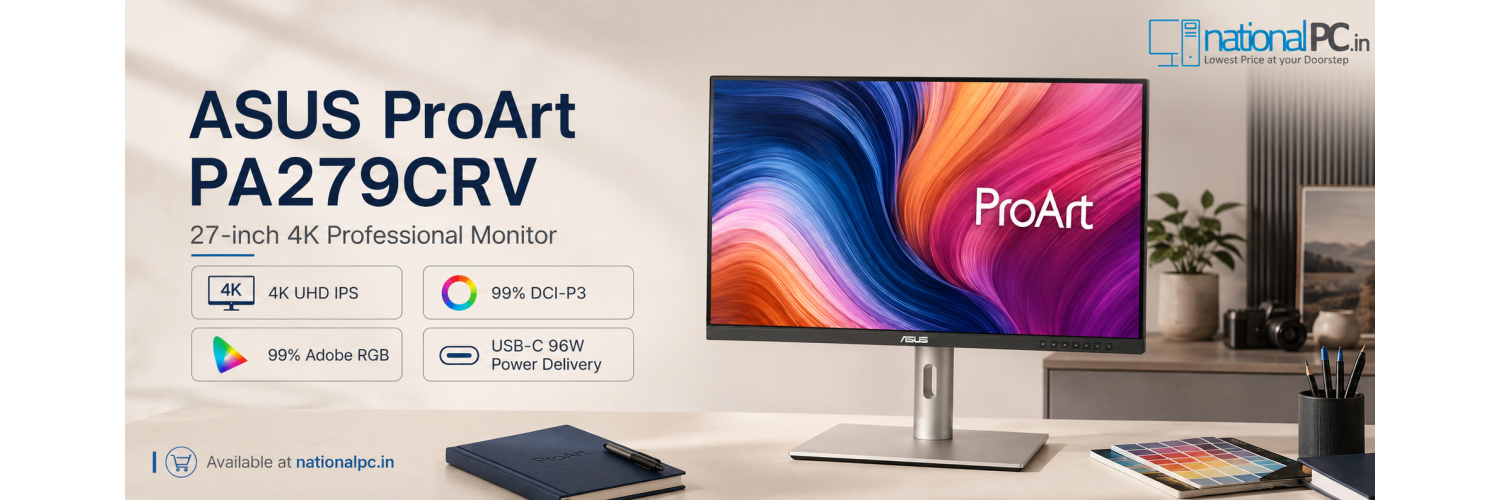
ASUS ProArt PA279CRV Review – Can This One-Cable 4K Monitor Replace a Creator’s Laptop Dock?
27-inch 4K IPS • 99% DCI-P3 • 99% Adobe RGB • Calman Verified • Delta E < 2 • USB-C 96W PD • USB Hub • DisplayPort Daisy Chain
Quick Verdict: The ASUS ProArt PA279CRV is a strong creator monitor for laptop users who want a clean one-cable workspace with 4K sharpness, accurate colour and useful USB-C docking convenience.
Most creator monitor reviews only discuss resolution and colour. This NationalPC review looks at a more practical question: can the ASUS ProArt PA279CRV replace a basic laptop dock for photographers, video editors, designers and MacBook or Windows laptop users?
Table of Contents
Design and Creator-Focused Workspace Setup
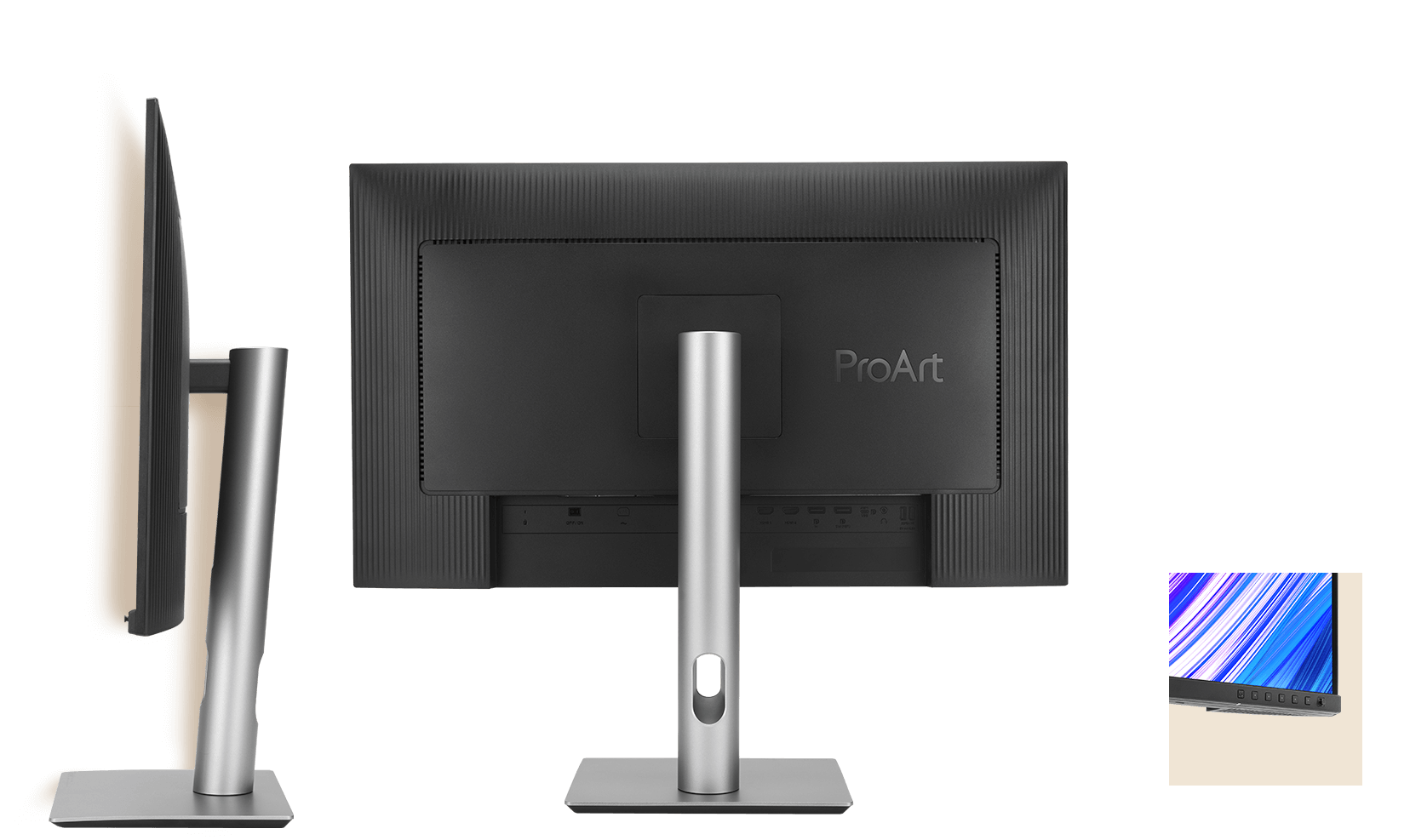
The PA279CRV is designed for a clean studio desk rather than a flashy gaming setup. The slim profile, compact stand and VESA 100 × 100mm support make it suitable for small workspaces, editing desks, home studios and multi-monitor creator stations.
Workspace Advantage
For laptop creators, the biggest benefit is desk simplification. Connect a laptop with USB-C, attach a keyboard, mouse or storage device to the monitor’s hub, and keep the main desk cleaner with fewer cables.
4K Sharpness on a 27-inch Display
A 27-inch 4K UHD panel gives very high pixel density for editing. Text looks sharp, image previews show more detail, and creative apps such as Lightroom, Photoshop, Premiere Pro, DaVinci Resolve, Illustrator and Figma get more usable workspace compared with Full HD displays.
4K UHD
3840 × 2160 resolution helps creators view timelines, toolbars and image details more clearly.
27-inch Sweet Spot
A practical size for studio desks where sharpness matters but 32-inch space is not available.
IPS Viewing
178° viewing angle helps maintain consistent visuals when adjusting posture or working with clients.
Real-World Colour Accuracy for Editing
For photo, print, digital artwork and video work, the PA279CRV’s strongest point is colour confidence. It supports 99% DCI-P3, 99% Adobe RGB and 100% sRGB coverage, with 10-bit colour depth and factory pre-calibrated Delta E < 2 accuracy.

99% Adobe RGB
Useful for photographers, print-oriented design and wider-gamut image work.
99% DCI-P3
Useful for video, web visuals, social media content and modern digital delivery.
Delta E < 2
Factory calibration helps deliver reliable colour from the first setup.
MacBook and Windows Laptop Compatibility
The PA279CRV is a strong fit for USB-C laptops because the same cable can carry display signal, data and charging. For MacBook, creator laptops, ultrabooks and Windows workstations with USB-C DisplayPort Alt Mode, it can create a cleaner desk than using separate HDMI, charger and USB hub cables.
Compatibility Note
Before buying, check that your laptop USB-C port supports DisplayPort Alt Mode and that 96W charging is suitable for your laptop. Some high-performance creator laptops may still need their original power adapter for maximum load.
USB-C 96W Charging and Hub Experience
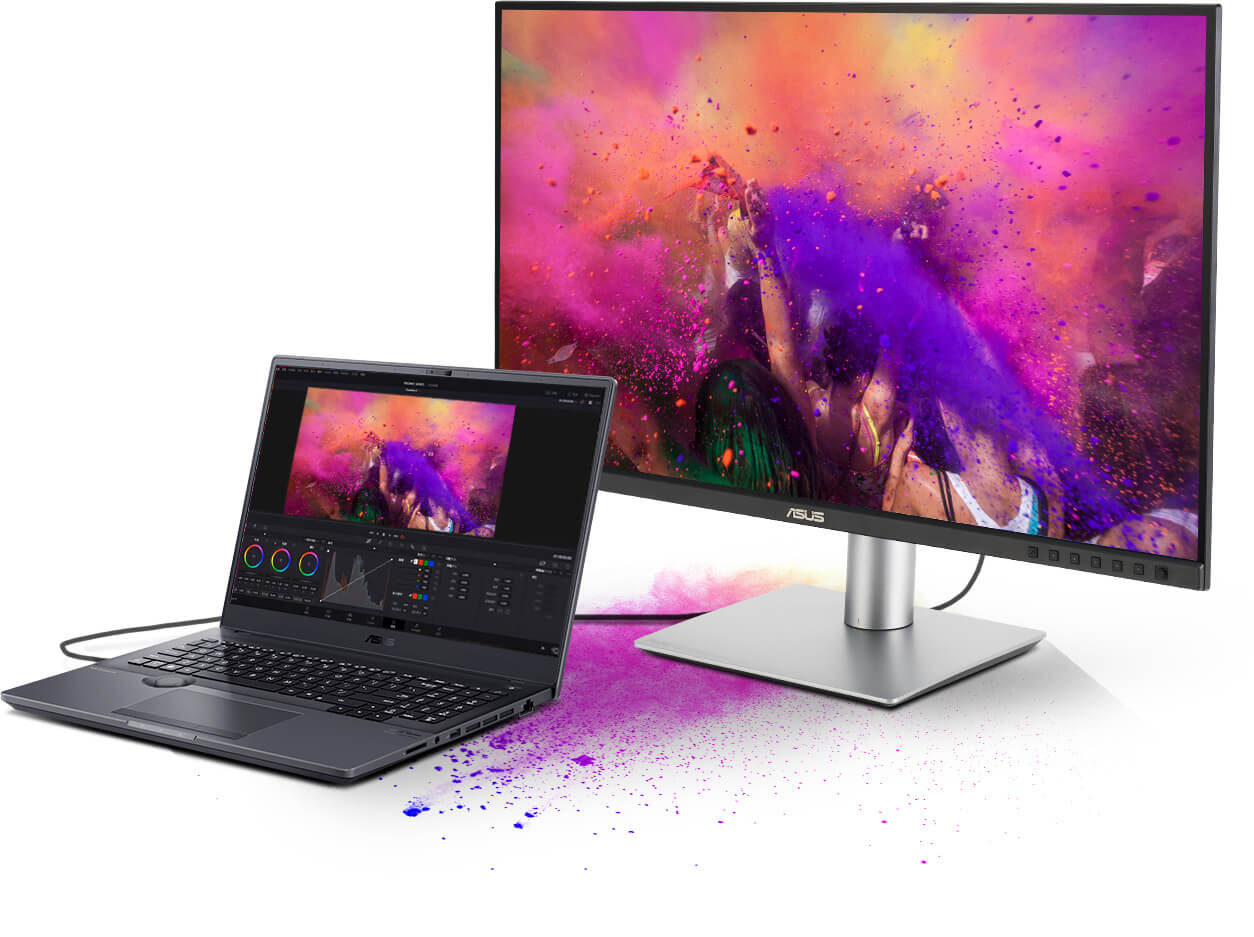
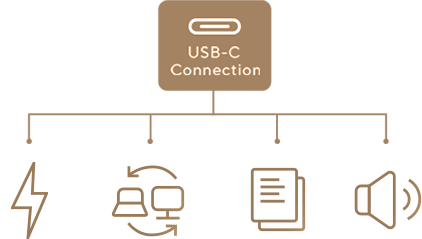
This is the main reason the PA279CRV can behave like a basic creator dock. USB-C provides DisplayPort video, data transfer, audio support and up to 96W power delivery. The built-in USB hub also lets connected peripherals work through the monitor.
Can it replace a laptop dock?
For many creators, yes. If your desk needs one external monitor, charging, keyboard, mouse, card reader or basic storage connection, the PA279CRV can reduce the need for a separate entry-level dock. Power users who need Thunderbolt storage, 10GbE, many displays or high-wattage laptop charging may still prefer a dedicated dock.
Multi-Monitor Daisy-Chain Setup
The PA279CRV includes DisplayPort 1.4 with daisy-chain support, allowing supported systems to connect multiple monitors from a single video source. This is useful for editors, designers, architects, developers and creators who need reference content on one screen and active editing tools on another.
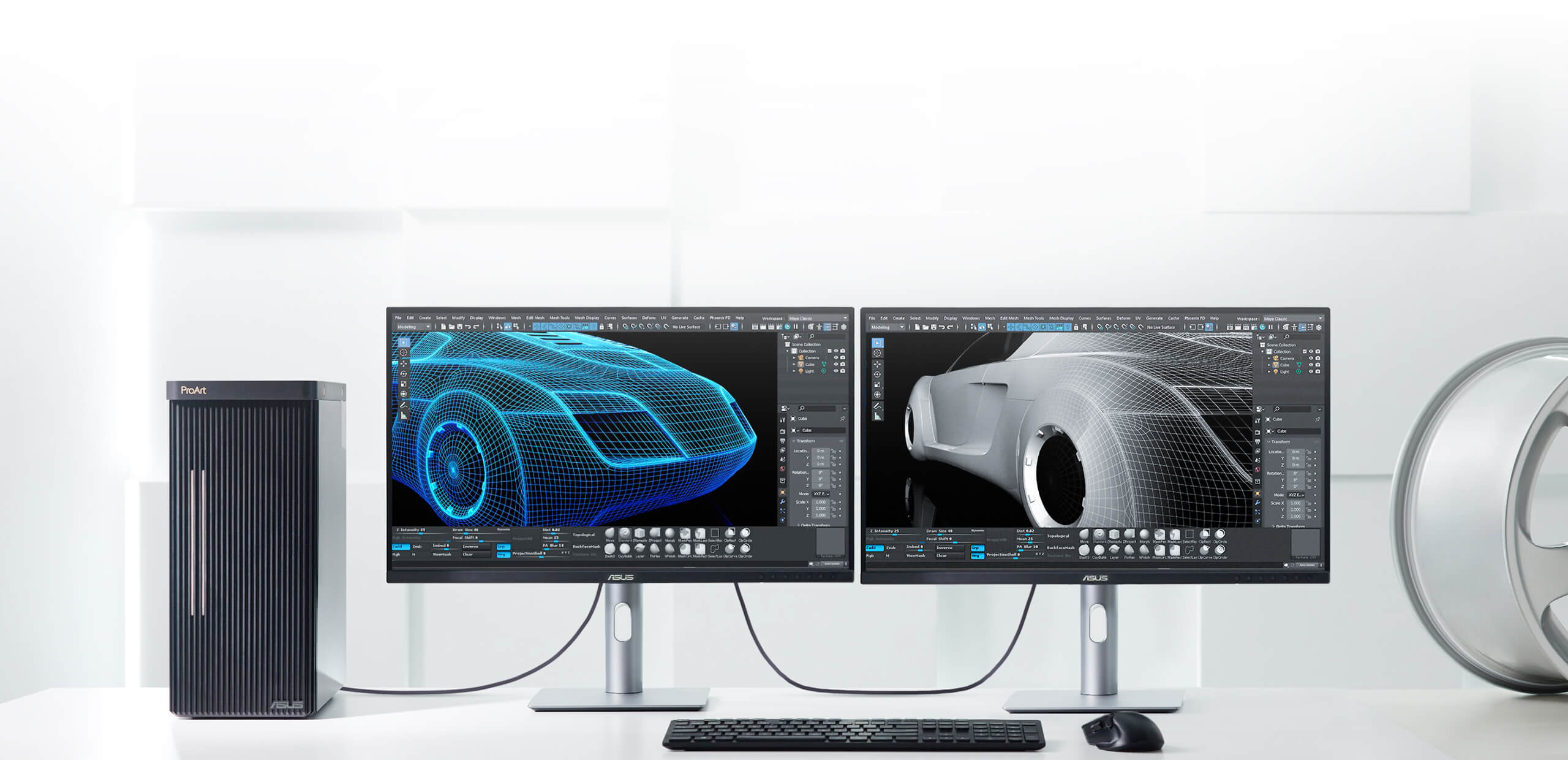
Photo Editing, Video Production and Graphic-Design Performance
The PA279CRV is best understood as a productivity and colour monitor, not a high-refresh gaming display. Its 4K resolution, wide colour coverage and calibrated accuracy make it useful for creator tasks where visual confidence matters more than high refresh rate.

Photographers
Ideal for detailed image review, colour correction and Adobe RGB-focused workflows.
Video Editors
Good for 4K timeline work, DCI-P3 colour and HDR10 preview expectations.
Designers
Useful for UI design, branding, digital art and print layout preparation.
DisplayHDR 400 Limitations and Expectations
PA279CRV supports HDR10 and VESA DisplayHDR 400, which is useful for entry-level HDR preview and improved highlight handling. However, buyers should not expect the same HDR impact as a mini-LED or OLED monitor with much higher brightness and local dimming.
Practical HDR Verdict
Buy this monitor for 4K sharpness, colour accuracy and USB-C workflow. Treat HDR400 as a useful bonus, not the main reason to choose this model.
PA279CRV Advantages and Disadvantages
Advantages
- 27-inch 4K UHD sharpness for creator work
- 99% DCI-P3 and 99% Adobe RGB colour coverage
- Calman Verified and factory pre-calibrated Delta E < 2
- USB-C with DisplayPort, data and 96W power delivery
- USB hub for keyboard, mouse and accessories
- DisplayPort daisy-chain support for multi-monitor setups
- Height, tilt, swivel and pivot adjustment
- Clean ProArt design for professional workspaces
Limitations
- 60Hz refresh rate, not for high-refresh competitive gaming
- DisplayHDR 400 is entry-level HDR
- 96W charging may not replace every heavy workstation laptop adapter
- IPS contrast is lower than OLED or mini-LED displays
- USB-C docking is useful, but not as advanced as a dedicated Thunderbolt dock
ASUS ProArt PA279CRV Specifications
| Product Name | ASUS ProArt Display PA279CRV |
|---|---|
| Panel Size | 27-inch |
| Resolution | 4K UHD 3840 × 2160 |
| Panel Type | IPS, anti-glare, 178° viewing angle |
| Colour Gamut | 100% sRGB, 99% Adobe RGB, 99% DCI-P3 |
| Colour Depth | 1.073 billion colours / 10-bit |
| Colour Accuracy | Delta E < 2, Calman Verified |
| Brightness | 350 cd/m² typical, 400 cd/m² HDR peak |
| Contrast | 1000:1 typical |
| Refresh Rate | 60Hz |
| Response Time | 5ms GTG |
| HDR | HDR10, VESA DisplayHDR 400 |
| Connectivity | USB-C with DP Alt Mode, DisplayPort 1.4 × 2 with daisy chain, HDMI 2.0 × 2, USB hub, earphone jack |
| USB-C Power Delivery | 96W |
| Ergonomics | Tilt, swivel, pivot, height adjustment, VESA 100 × 100mm |
| NationalPC Link | Buy ASUS ProArt PA279CRV from NationalPC |
FAQ – ASUS ProArt PA279CRV Review
Can ASUS ProArt PA279CRV replace a laptop dock?
For many creators, yes. Its USB-C port can carry display signal, data and up to 96W charging, while the USB hub supports accessories. Users with advanced Thunderbolt storage or many high-speed devices may still need a dedicated dock.
Is PA279CRV good for photo editing?
Yes. The 27-inch 4K IPS panel, 99% Adobe RGB, 99% DCI-P3, 100% sRGB and Delta E < 2 factory calibration make it suitable for serious photo editing and design work.
Does PA279CRV support MacBook USB-C?
Yes, it is suitable for USB-C laptop workflows, including MacBook-style creator desks, provided the laptop supports USB-C DisplayPort Alt Mode and the user’s power requirement fits within 96W charging.
Does PA279CRV support daisy chaining?
Yes. The monitor includes DisplayPort 1.4 with daisy-chain support for supported multi-monitor setups.
Is PA279CRV good for gaming?
It is fine for casual gaming, but it is not a gaming monitor. The 60Hz refresh rate and 5ms response time are focused on creator productivity rather than high-refresh competitive gaming.
Where can I buy ASUS ProArt PA279CRV in India?
You can buy or search for ASUS ProArt PA279CRV from NationalPC using the product link included in this review.
Final NationalPC Verdict
The ASUS ProArt PA279CRV is a smart choice for creators who want more than just a 4K display. Its biggest value is the complete workflow package: sharp 27-inch 4K IPS panel, wide colour gamut, Delta E < 2 factory calibration, USB-C 96W charging, USB hub and DisplayPort daisy-chain support.
Buy it if you want a clean one-cable creator setup for photo editing, video production, graphic design, MacBook or Windows laptop use. Skip it if your main requirement is competitive gaming, OLED-level contrast or high-end HDR mastering.
Leave a comment