ASUS TUF Gaming M4 Wireless Review: Lightweight, Travel-Friendly Dual-Mode Mouse
The ASUS TUF Gaming M4 Wireless is built around a simple promise: a lightweight, no-RGB, battery-powered wireless mouse that can switch between 2.4GHz (dongle) for gaming and Bluetooth for travel—without jumping into premium pricing. In practice, it delivers strong tracking and reliable wireless behavior, but its battery-driven balance, software experience, and high-CPI smoothing/onset behavior keep it from being a flawless “one-mouse-for-everything” pick.
NationalPC link (Buy Now):https://nationalpc.in/mouse/asus-tuf-gaming-m4-wireless
Design & Comfort
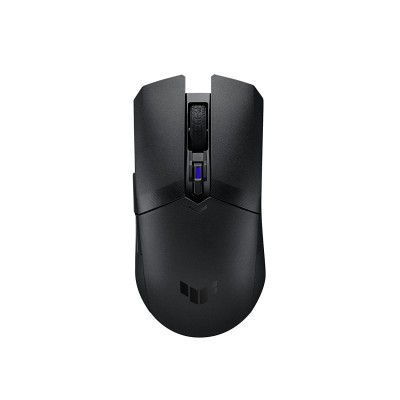
This is a familiar, safe shape: symmetrical/ambidextrous body with side buttons only on the left, which makes it functionally right-hand focused. Multiple reviewers note it’s comfortable and versatile across grips, though the rear/battery area can make it feel back-weighted depending on whether you run AAA or AA.
-
Size: ~126 × 63.5 × 39.6 mm (mid-size; works for fingertip/claw/palm depending on hand size)
-
Weight (battery-dependent):
-
~77g with AAA (common “light” setup)
-
~85–86g with AA (heavier + more rear-heavy)
-
If you want the lightest feel, AAA is the way to go—but you’ll trade away runtime.
Sensor & Real-World Performance
ASUS uses the PixArt PAW3311 (often described as a cost-optimized sibling to higher-tier variants). On paper it’s up to 12,000 CPI, 300 IPS, and 35G acceleration—solid for mainstream competitive play.
The good news: TechPowerUp measured low CPI deviation, stable polling, and generally excellent tracking behavior.
The nuance (important for esports-sensitive players):
-
TechPowerUp calls out “onset motion delay”—a behavior where motion delay is higher right as you start moving from standstill, then settles once you’re in motion.
-
At higher CPI levels, smoothing is applied (increased motion delay), which matters if you’re the type who actually plays at very high CPI (most don’t).
Bottom line: At typical competitive settings (e.g., 400–3200 CPI), it’s a strong performer; just don’t buy it expecting “flagship” sensor behavior at extreme CPI.
Wireless Modes: 2.4GHz vs Bluetooth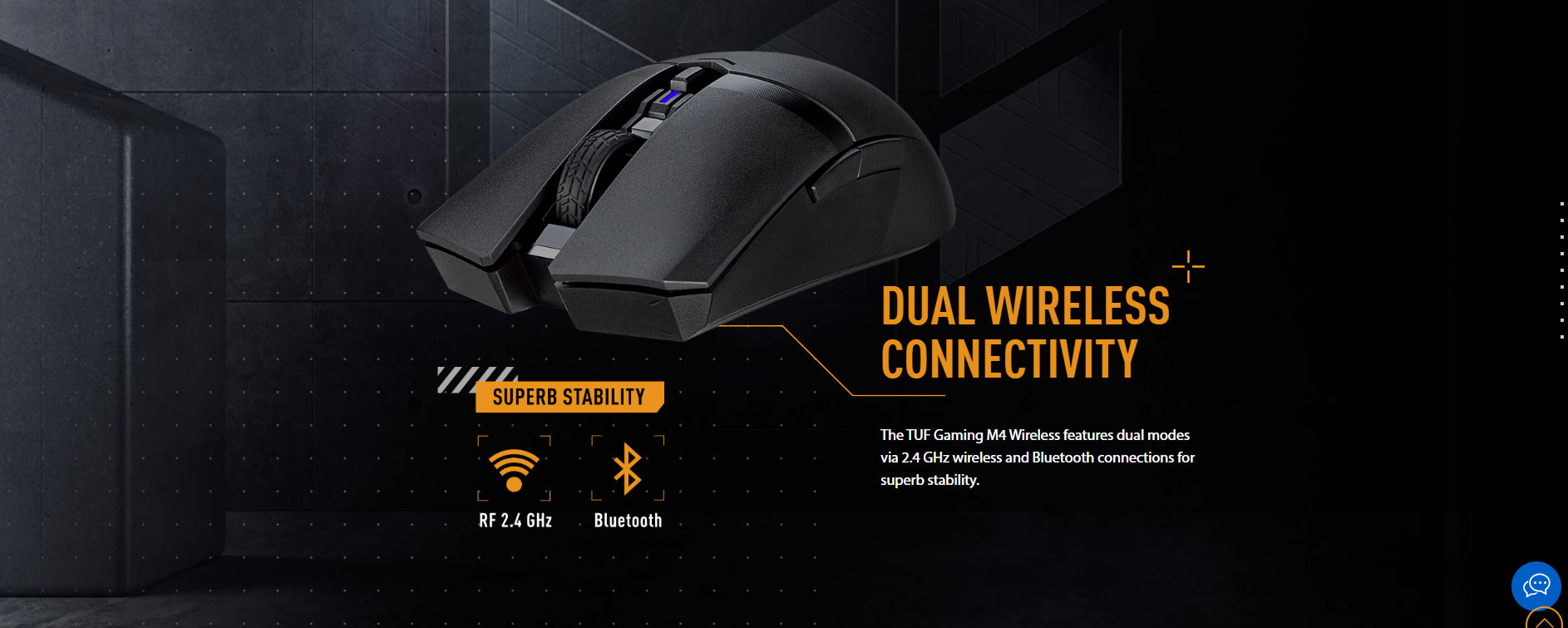
-
2.4GHz dongle is the mode intended for gaming (TechPowerUp explicitly restricts key performance testing to 2.4GHz, noting Bluetooth isn’t suitable for non-casual gaming).
-
Bluetooth is the travel/office mode: convenient, power-friendly, and pairs easily across devices.
This dual-mode setup is a big part of why the M4 Wireless is popular as a “laptop bag gaming mouse.”
Battery Life (AA/AAA Trade-offs)
ASUS/press figures widely cited across reviews:
| Battery | 2.4GHz (RF) | Bluetooth (BLE) |
|---|---|---|
| AA | 134 hrs | 232 hrs |
| AAA | 53 hrs | 100 hrs |
Two practical notes from testing:
-
TechPowerUp wasn’t impressed with real-world endurance vs some rivals and flags that the battery indicator in Armoury Crate is unreliable.
-
The lack of a wired fallback means if the battery dies, you’re done until you replace it—Custom PC also highlights this as a real drawback for travel.
Software: Powerful Features, Annoying Delivery
Armoury Crate gives you what you’d expect: remaps, CPI steps, polling rate options, power saving settings, onboard profiles—and settings save to onboard memory.
But TechPowerUp’s experience echoes what many users feel: installation/update friction and resource use can be a headache.
Quick Pros & Cons (Reality Check)
Pros
-
Strong overall tracking + stable wireless performance
-
Dual-mode wireless (2.4GHz + Bluetooth) = genuinely travel-friendly
-
Lightweight for a battery mouse (especially with AAA)
Cons
-
No wired mode (dead battery = stop playing)
-
Rear-heavy feel depending on battery choice
-
Armoury Crate can be a nuisance
-
Sensor behavior includes onset motion delay / smoothing at high CPI
Verdict
If you want a lightweight, dual-wireless mouse that’s easy to throw in a backpack and still feels legit for gaming on 2.4GHz, the TUF M4 Wireless does the job very well—especially at normal CPI ranges. TechPowerUp even awards it a Recommended rating, praising sensor/wireless performance and overall balance of features for the class.
But if your priority is “perfect balance + rechargeable + wired fallback,” you may prefer a different style of wireless mouse. The M4 Wireless is best viewed as a clean, practical, travel-friendly performer—not a luxury flagship.
Q&A
Q1) Is the ASUS TUF Gaming M4 Wireless good for FPS gaming?
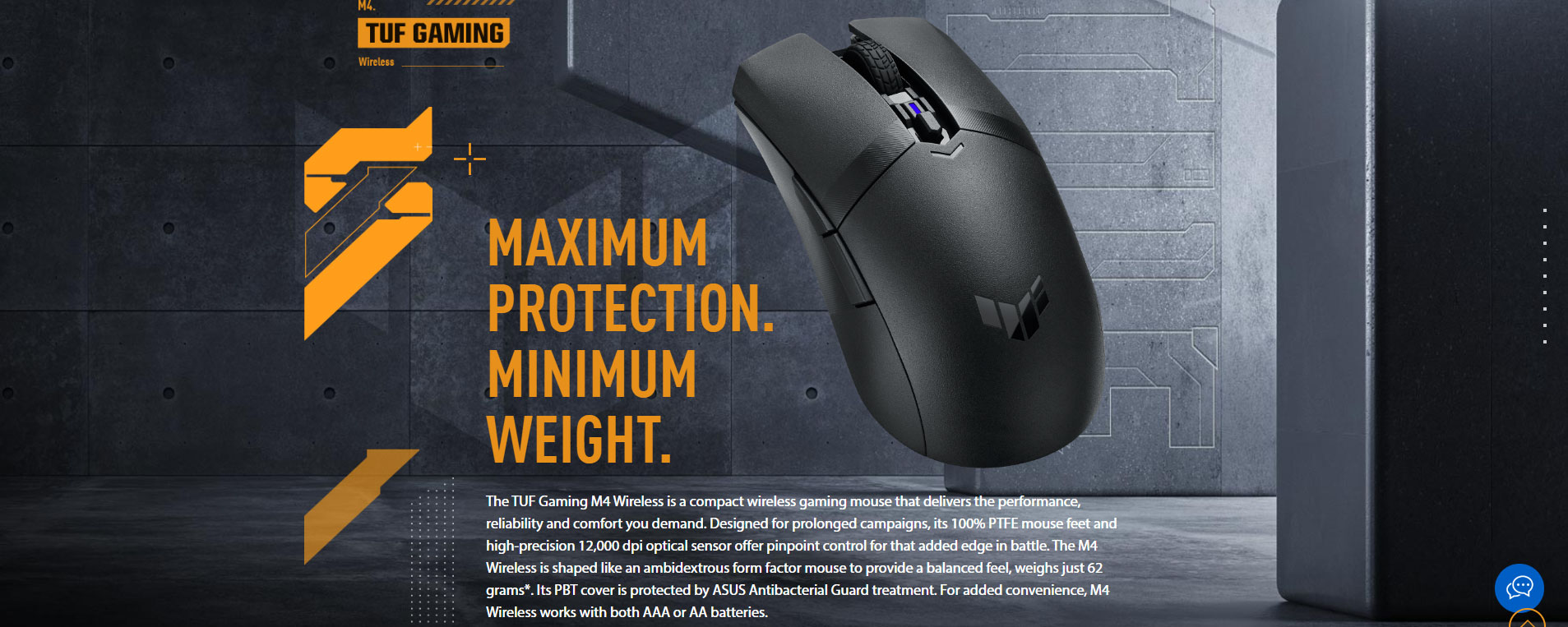
Yes—its lightweight design (62g without battery/dongle) and gaming-grade sensor spec (12,000 DPI / 300 IPS / 35G) make it well-suited for fast aim and flicks.
Q2) Does it have 2.4GHz wireless and Bluetooth?
Yes, it supports 2.4GHz wireless + Bluetooth LE dual connectivity.
Q3) Can I use AA or AAA batteries?
Yes. NationalPC confirms it works with AA or AAA via the included converter holder.
Q4) How long does the battery last?
Custom PC reports up to 134 hrs (AA, 2.4GHz) and 232 hrs (AA, Bluetooth), while AAA is lower (53 hrs 2.4GHz / 100 hrs BT).
Q5) Does the M4 Wireless support wired mode?
Reviews highlight no wired option, so you’ll want spare batteries if you travel or game heavily.
✅ NationalPC link (Buy Now):