
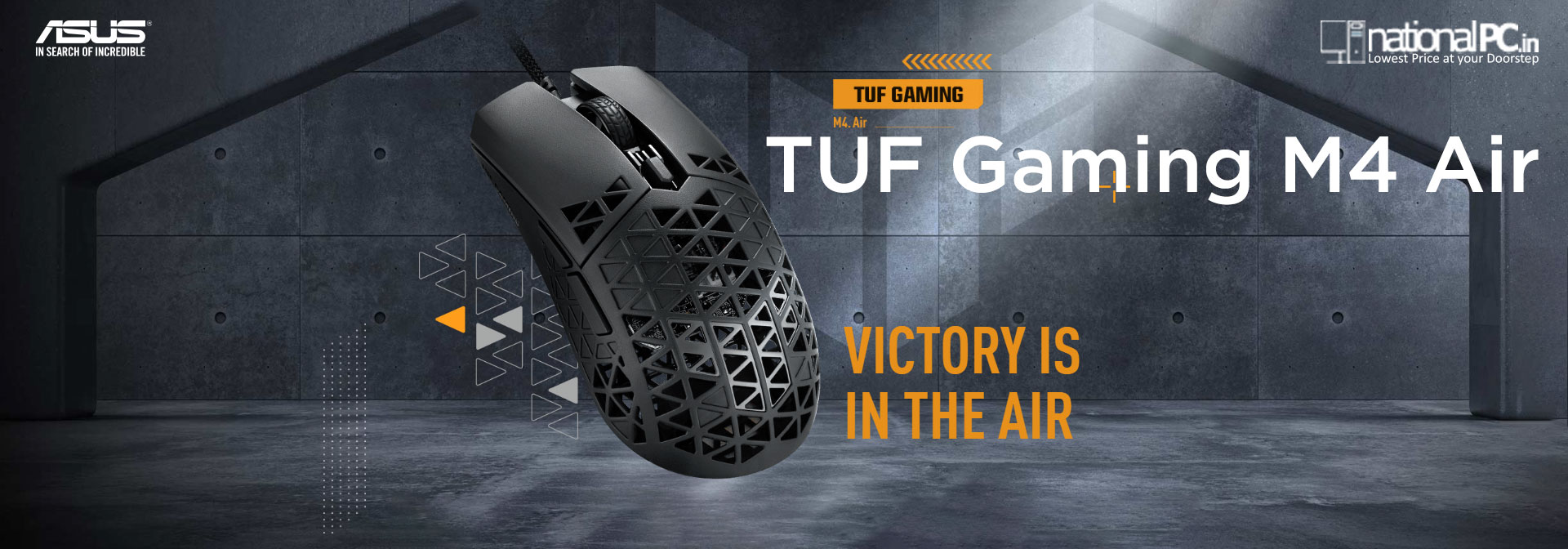
ASUS TUF Gaming M4 Air Review — 47g Ultralight, No-Nonsense FPS Mouse
The ASUS TUF Gaming M4 Air is built around one simple goal: maximum speed and control with minimum weight. It’s a wired, ultra-light 47g mouse with a perforated “Air Shell” body, a PixArt PAW3335 sensor, 100% PTFE skates, and a soft TUF Paracord cable—basically a competitive FPS-style setup without RGB or extra “show” features.
Key specs at a glance
| Spec | What you get |
|---|---|
| Weight | 47g (without cable) |
| Sensor | PAW3335, up to 16,000 DPI, 400 IPS, 40G |
| Polling rate | 1000 Hz |
| Buttons | 6 programmable + 3 onboard memory profiles |
| Cable / feet | TUF Paracord + 100% PTFE feet |
| Water protection | IPX6 water-repellent protective coating on internal PCBA |
| Hygiene feature | ASUS Antibacterial Guard (ISO 22196 test claim) |
Design & build quality
Ultralight “Air Shell” (holes done the TUF way)
The mouse’s biggest visual signature is the perforated shell. ASUS says the shell uses a hollow pyramidal frame to cut weight while keeping structural integrity.
In real-world use, reviewers generally agree it doesn’t feel flimsy: APH Networks notes it feels solid even with the holes, and Custom PC similarly reports a sturdy feel with no creaks despite the very low weight.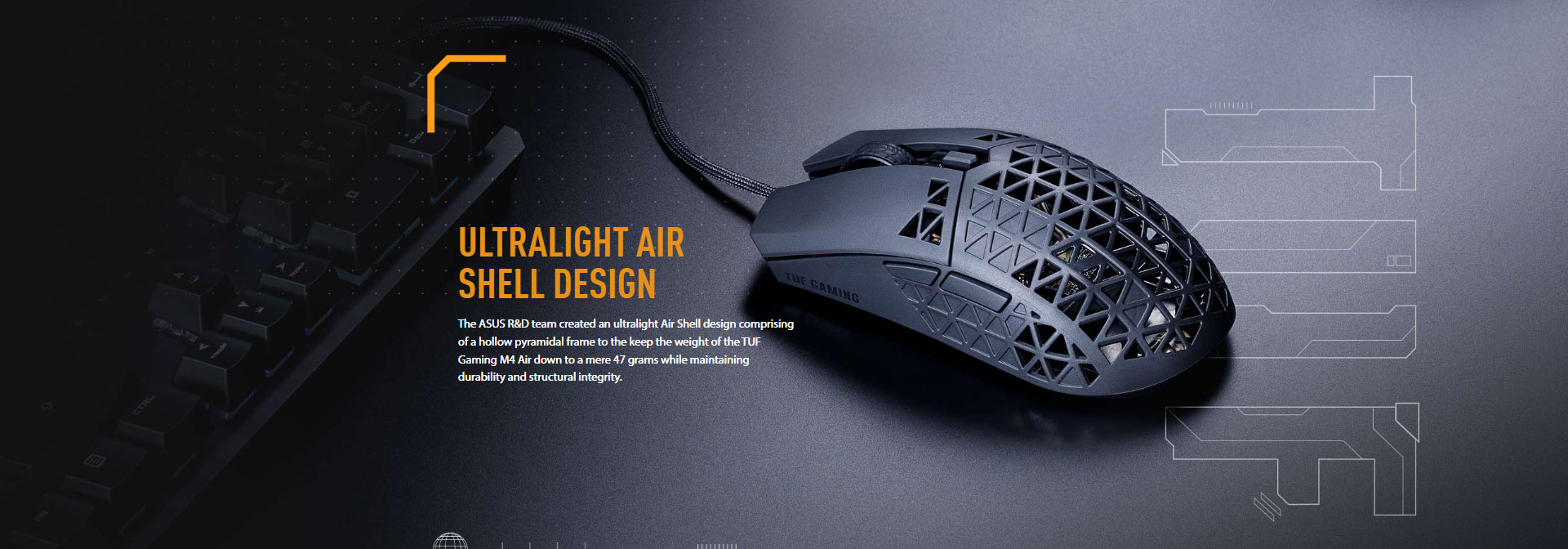
Comfort: light, airy, low fatigue
Digital Citizen highlights that the “air-ified” shell helps with ventilation and comfort, and that the mouse feels very light with “almost no inertia,” which is exactly what many competitive players want.
But yes… dust & crumbs can get inside
That open shell also means debris can enter more easily. Digital Citizen explicitly warns crumbs can slip through, and APH Networks mentions you’ll likely need periodic cleaning.
Shape & grip: who it fits best
Shape-wise, it’s a safe, symmetrical-style body with side buttons on the left (so practically right-hand focused). Custom PC describes it as similar to “Model O”-style symmetry and calls the overall shape one of its strengths.
Digital Citizen also says it works well across palm, claw, and fingertip grips, with the biggest “adaptation” being just how light it feels.
My practical take:
-
If you like medium-sized, lightweight ambi shapes, M4 Air makes a lot of sense.
-
If you prefer heavy mice or want lots of buttons/RGB, it’s intentionally not that.
Performance in games
Sensor & tracking
The PAW3335 here is not the newest sensor in the market, but it’s still a proven performer. ASUS rates it up to 16K DPI, 400 IPS, 40G.
Custom PC calls tracking “excellent” and essentially “flawless” in real gameplay, and APH Networks reports accurate tracking in testing.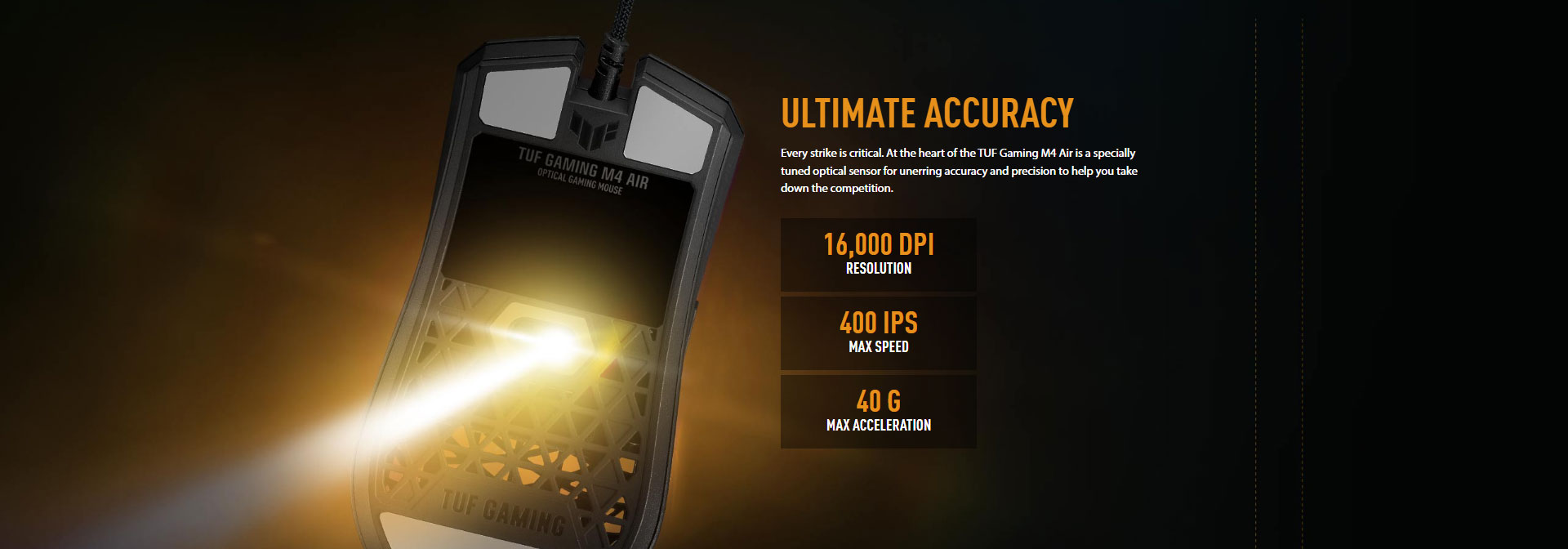
Feet & glide
This is one of the mouse’s best “feel” points: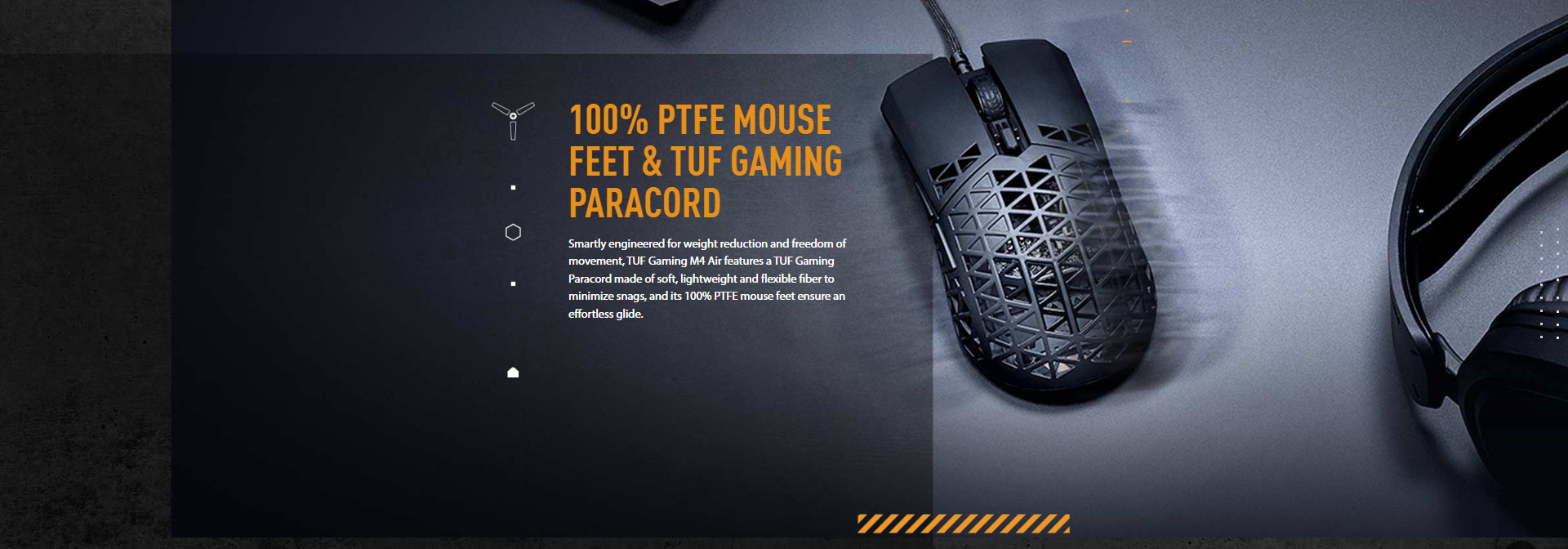
-
ASUS specifies 100% PTFE feet for low friction.
-
Technical Fowl and APH Networks both praise the glide as effortless/smooth.
Cable: “wired that feels almost wireless”
ASUS positions the Paracord cable as soft and snag-minimizing.
APH Networks backs that up, saying it provides a near wireless-like experience—though they also note it can kink/twist if stored carelessly.
Clicks, wheel, and buttons
ASUS uses a separated-button design (L/R separated from top cover) to reduce actuation force and travel for snappier clicks, and includes a DPI switch plus two side buttons.
Custom PC specifically praises the scroll wheel’s very defined notches (good for precise weapon swaps), though that “tactical” stepping is less ideal for fast document scrolling.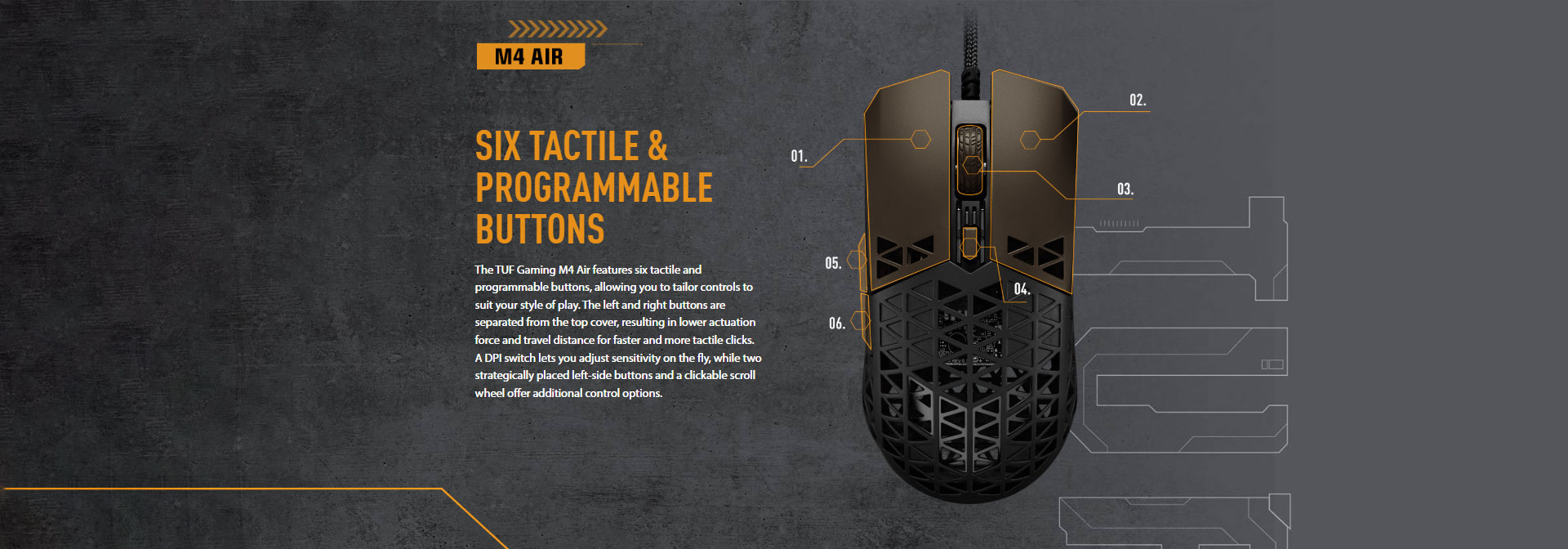
IPX6 coating + Antibacterial Guard (what it really means)
-
IPX6 water resistance here is described as a water-repellent protective coating on the internal circuit board (PCBA)—it’s meant to help against spills/sweat, not encourage washing the mouse.
-
Antibacterial Guard is a surface treatment claim (ionic silver) and ASUS states it inhibited bacterial growth by more than 99% over 24 hours under ISO 22196 testing (as claimed on the product page).
Nice extras, but they don’t remove the need to keep the shell clean.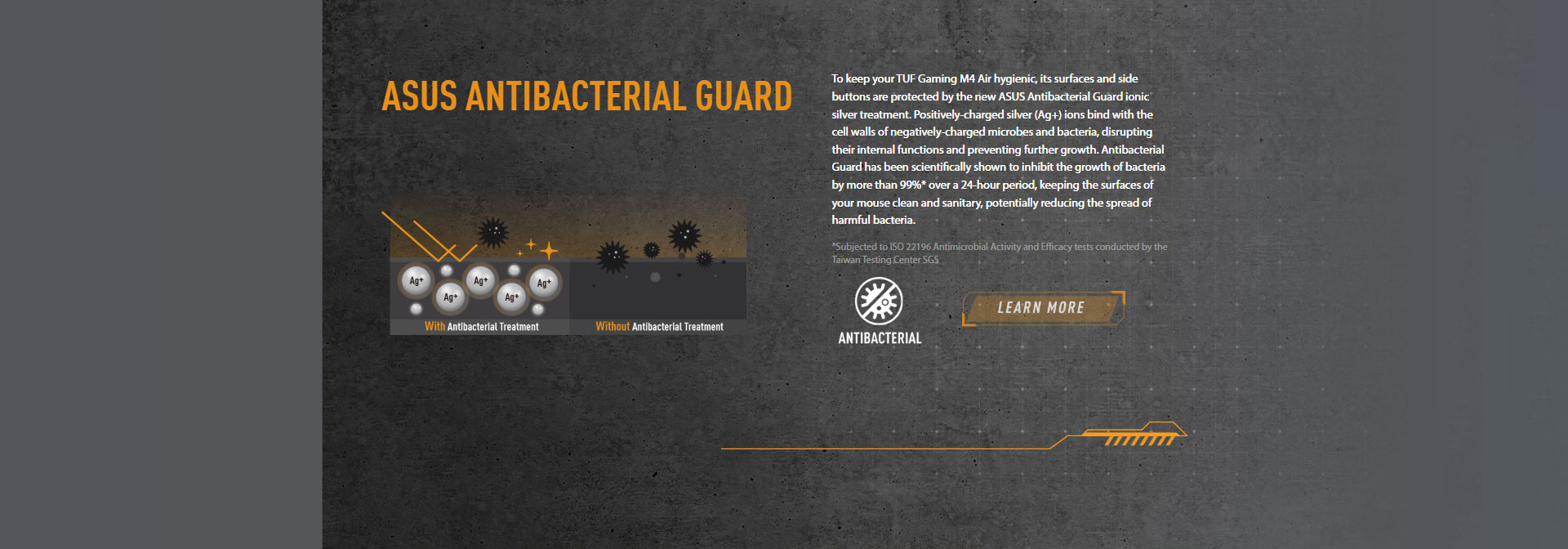
Software & onboard memory
You get Armoury Crate support, plus 3 onboard profiles, so you can set it up once and carry settings between PCs without reconfiguring every time.
That said, APH Networks calls the software the mouse’s biggest downside (feels heavy/clunky), which is a common complaint with Armoury Crate in general.
Pros & cons
What’s great
-
Ridiculously light (47g) without feeling like a toy
-
Excellent real-world tracking (PAW3335 tuned well)
-
Smooth glide (100% PTFE) + great paracord feel
-
3 onboard profiles + fully programmable buttons
What could be better
-
Open shell can collect dust/crumbs; cleaning is part of ownership
-
Armoury Crate can feel heavy (once set, you may not need it often)
-
Feature set is intentionally “basic” (no RGB, no extras)
Verdict: who should buy it?
If your priority is competitive control—fast flicks, low fatigue, easy micro-adjustments—the M4 Air is a very strong pick for the money, because the fundamentals (weight, sensor behavior, glide, cable) land really well.
For India pricing/value: on NationalPC it’s currently listed at ₹3,199 (and the page also details the IPX6, PTFE, Paracord, and Antibacterial Guard features).
Where to buy
-
NationalPC product page: ASUS TUF Gaming M4 Air
Buy link: https://nationalpc.in/mouse/asus-tuf-gaming-m4-air







