ASUS ROG Strix OLED XG32UCWMG Review (32-class): 4K 240Hz OLED + 480Hz Dual-Mode, TrueBlack Glossy Done Right
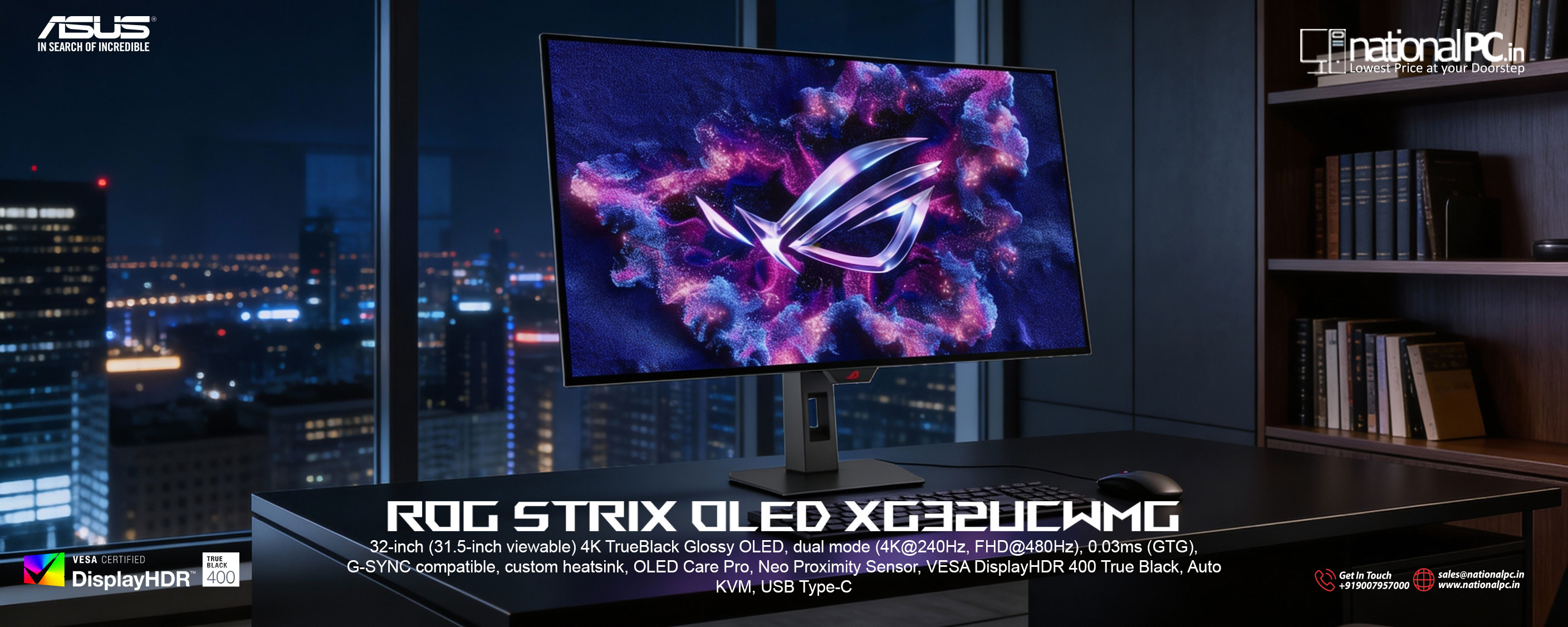
If you want a 32-inch OLED that can switch personalities—4K @ 240Hz for razor-sharp visuals and 1080p @ 480Hz for pure esports speed—the ROG Strix OLED XG32UCWMG is built for that exact niche. It combines a TrueBlack Glossy (zero-haze) WOLED panel with ASUS’ OLED Care Pro suite and a Neo Proximity Sensor (auto black screen when you step away), plus a genuinely useful Uniform Brightness toggle for long work sessions.
The headline feature: Dual-Mode done properly
Most high-end gaming monitors force a choice: resolution/detail or maximum refresh. The XG32UCWMG is designed to do both:
-
UHD (3840×2160) up to 240Hz for cinematic AAA, creator work, and crisp desktop clarity
-
FHD (1920×1080) up to 480Hz via ASUS Frame Rate Boost for the “ranked grind” crowd
In practical terms: it’s one of the rare monitors that can serve as your single main display for both “showcase visuals” and “sweaty competitive” without needing a second screen.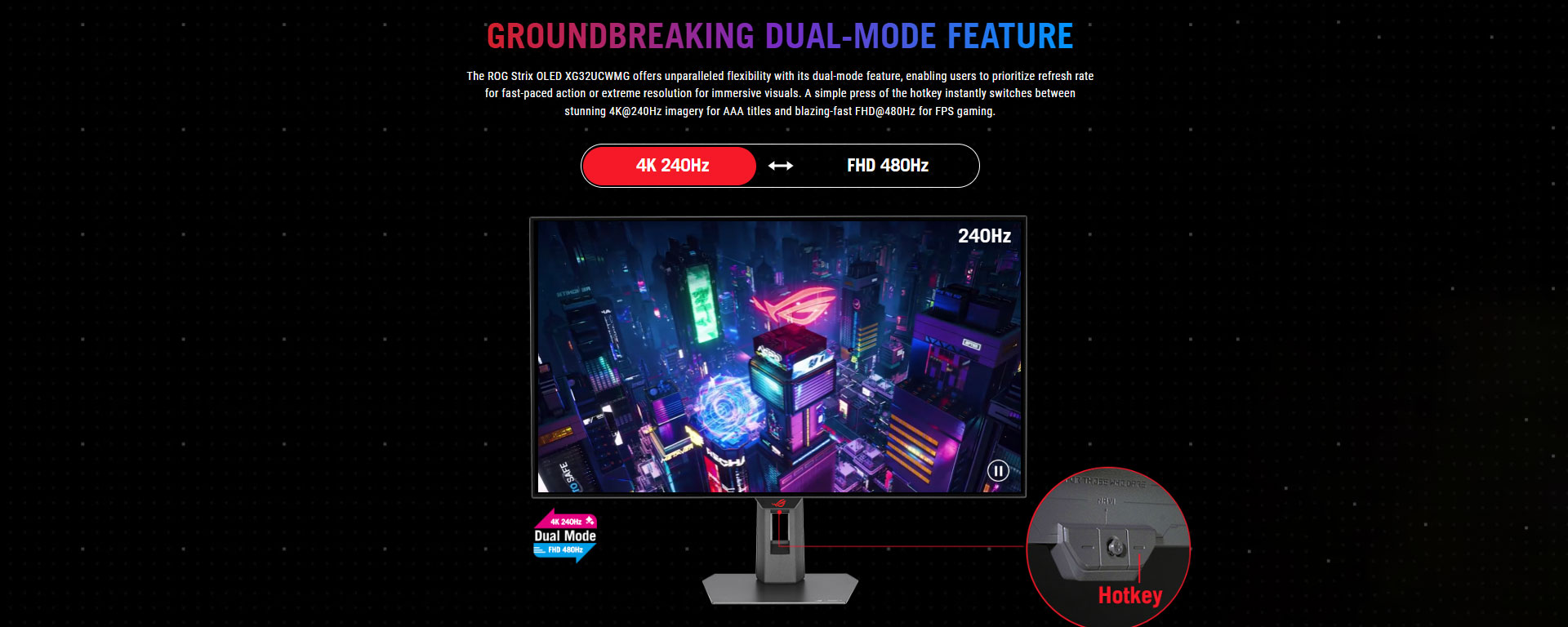
TrueBlack Glossy WOLED: why it looks different in real life
ASUS’ TrueBlack Glossy film + zero-haze layer is about perceived clarity—high contrast edges look cleaner, and dark-scene depth pops in a way matte OLED coatings often soften. That “glass-like” look is a big part of the appeal.
The trade-off is real too: glossy can reflect strong light sources, and even a great glossy stack can’t “out-bright” harsh glare. Placement matters—avoid a window or bright tube light directly facing the screen.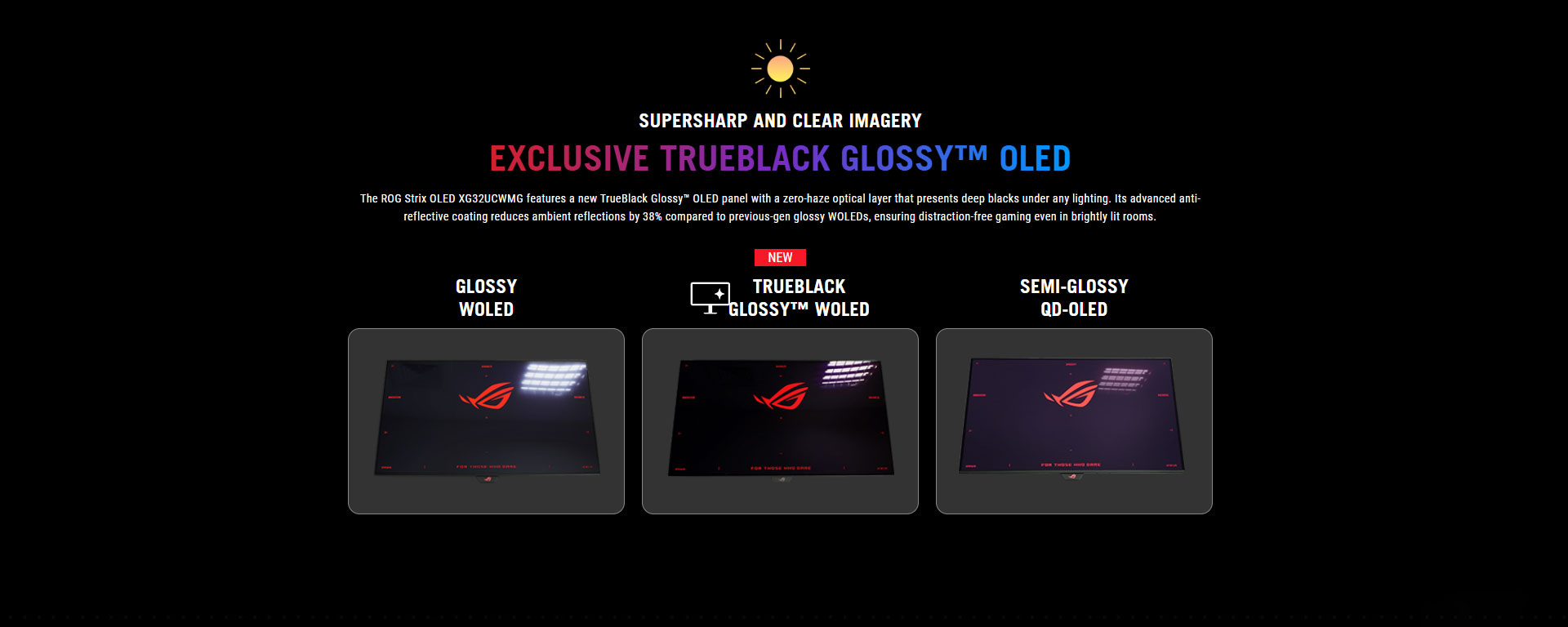
Key specs (quick-read)
Panel / Size: 31.5" WOLED (32-class), TrueBlack Glossy
Dual-Mode: 4K@240Hz + 1080p@480Hz (Frame Rate Boost)
Response time (rated): 0.03ms GTG
HDR: HDR10 + VESA DisplayHDR (commonly referenced as DisplayHDR 400 / True Black class in review/spec listings)
VRR: G-SYNC Compatible + FreeSync Premium Pro
Ports: DP 1.4 (DSC), 2× HDMI 2.1 (FRL), USB-C (DP Alt Mode, 15W PD), 3× USB-A hub, headphone out
What you’re really paying for
-
One monitor, two serious modes: 4K 240Hz for detail ⇄ FHD 480Hz for speed
-
Glossy OLED clarity: sharp “OLED pop” with the expected reflection sensitivity
-
Burn-in mitigation that’s actually useful: OLED Care tools + Neo Proximity Sensor auto black screen when you step away
-
Productivity-friendly OLED feature: Uniform Brightness for steadier luminance during office work
-
Auto KVM workflow: share one keyboard/mouse across two systems via USB hub binding
Benchmarks (measured performance)
Speed: input lag + responsiveness
RTINGS measured extremely low input lag:
-
4K @ max refresh: 2.6ms
-
1080p @ 480Hz: 1.7ms (with Frame Rate Boost results shown in their input lag section)
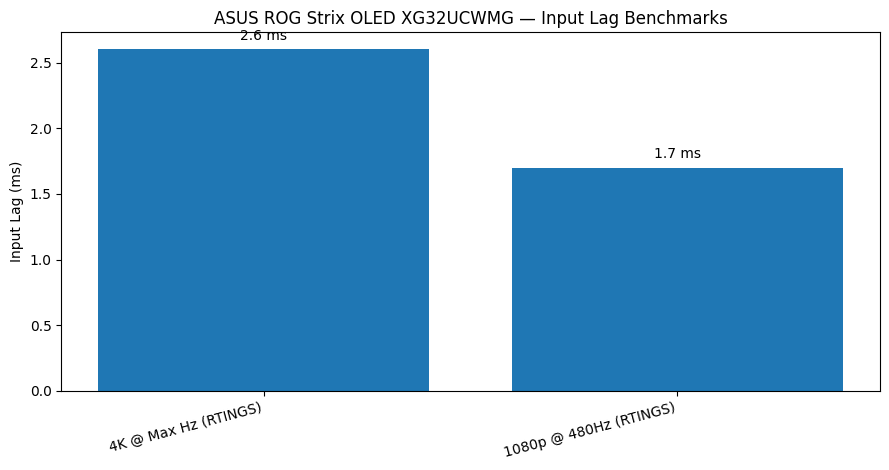
Meaning: in both modes, the monitor is “fast enough that your PC performance and frame pacing matter more” than the panel.
Brightness: SDR + HDR reality (OLED truth, not marketing fantasy)
.png) RTINGS measured:
RTINGS measured:
-
SDR Real Scene: 269 cd/m²
-
SDR Peak (2% window): 420 cd/m²
-
HDR Peak (2% window): 1,053 cd/m²
-
HDR Real Scene: 536 cd/m²
Tom’s Hardware adds important usability context:
-
With Uniform Brightness ON, brightness is steadier (work-friendly).
-
With it OFF, highlights can push much higher (they reference ~450 nits in SDR highlight behavior and stronger HDR highlight windows, with 1% HDR patterns topping far higher).
Meaning: HDR highlights can look spectacular, but like all OLEDs, brightness drops as large bright areas fill the screen. In a very bright room, glossy reflections + OLED ABL are your limiting factors.
Image quality in daily use
The glossy OLED advantage
Games and dark content look clean and “high-contrast crisp”—glossy helps preserve edge definition and perceived sharpness. It’s the “don’t want to go back” factor for a lot of OLED users.
Text clarity (important OLED caveat)
At 4K on 31.5", pixel density is high, so text can look sharp—yet OLED subpixel structure can still show some fringing, depending on your sensitivity and scaling settings. If you’re doing 10-hour spreadsheet days, this is worth considering before you commit.
Gaming features & gotchas (what reviewers flag)
-
VRR support: it covers common VRR formats well.
-
VRR flicker: RTINGS explicitly calls out distracting VRR flicker with changing frame rates (a known OLED behavior, but still a real buying factor).
-
Bandwidth note: it’s DisplayPort 1.4, so 4K 240Hz relies on DSC (not DP 2.1). In real use this is generally fine, but DP 2.1 seekers may prefer other models for “no-DSC future-proofing.”
Who should buy it (and who should skip)
Buy it if you:
-
Want one 32" OLED for both 4K 240Hz and esports-grade 480Hz.
-
Prefer glossy clarity and can control your room lighting.
-
Value OLED longevity tools like Neo Proximity Sensor + OLED Care features.
Skip it if you:
-
Work in a bright room with light sources facing the screen.
-
Are very sensitive to VRR flicker.
-
Specifically want DisplayPort 2.1 for a no-DSC pipeline.
Q&A (Google AI Search friendly)
Q1) What’s special about the XG32UCWMG Dual-Mode?
It runs 4K@240Hz for detail and switches to 1080p@480Hz (Frame Rate Boost) for maximum smoothness.
Q2) Is it actually fast enough for competitive play?
Yes. RTINGS measured 1.7ms input lag at 1080p/480Hz—that’s elite-tier responsiveness.
Q3) How good is HDR in real use?
RTINGS measured ~536 nits in HDR real scene with ~1,053 nits peak (2% window)—great highlight impact, with the usual OLED limitation on large bright scenes.
Q4) What ports do I get for PC + console?
You get 2× HDMI 2.1 (FRL) for consoles, DP 1.4 (DSC) for PC, plus USB-C (DP Alt Mode, 15W PD) and a USB hub.
NationalPC availability (CTA copy)
In stock / limited stock messaging (pick one):
-
Limited stock: Order today for faster delivery and setup.
-
Available now: Secure your unit before the next price/stock update.
Buttons:
-
Check Price & Availability (NationalPC) :
Buy Now: Order Now from NationalPC