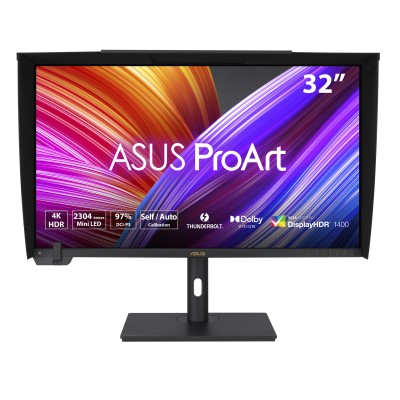
ASUS ProArt PA32UCXR Review: 32" 4K Mini-LED Reference
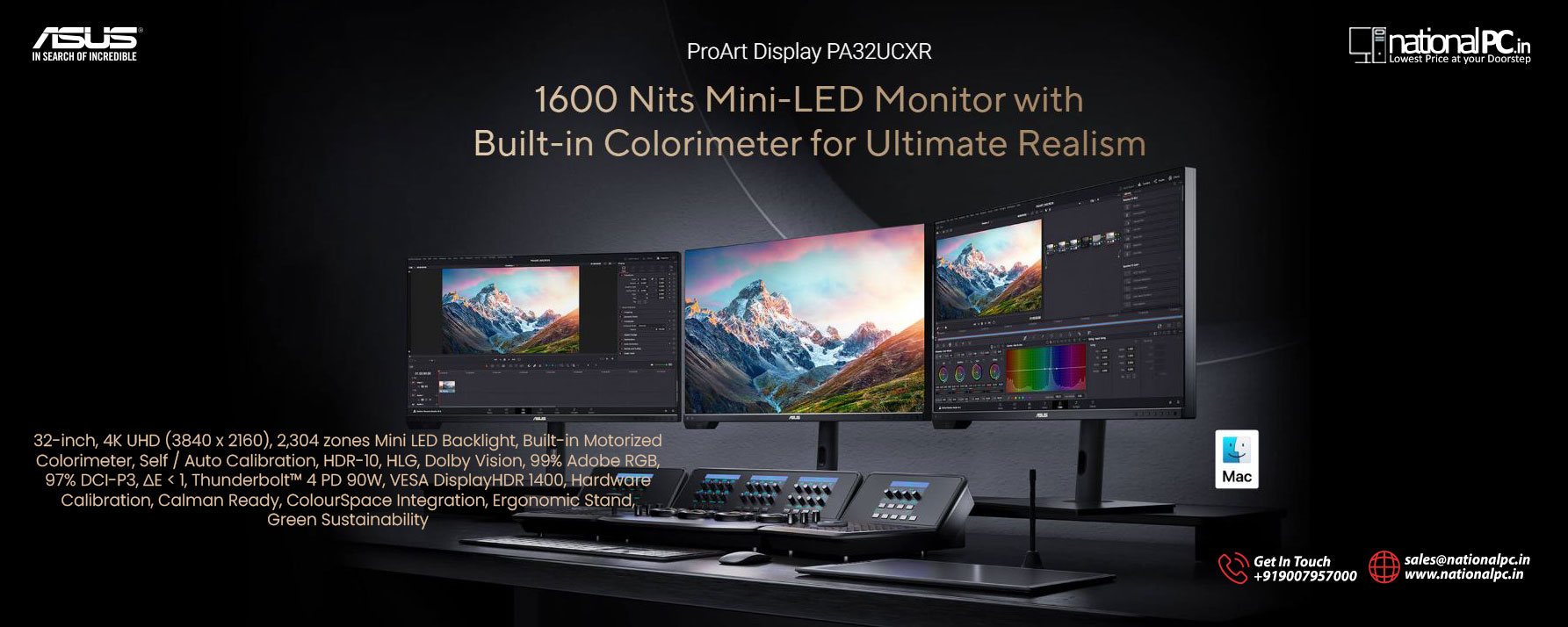
If your work depends on trustworthy color and real HDR headroom (photo retouching, print proofing, Dolby Vision/HDR10 mastering, high-end finishing), the PA32UCXR is built as a “reference-style” desktop display: 32-inch 4K IPS Mini-LED with 2,304 local-dimming zones, a built-in motorized colorimeter for self/auto calibration, and creator-first connectivity (including dual Thunderbolt 4 with up to 90W power delivery).
What makes PA32UCXR special (real-world)
1) HDR that’s not just a sticker
In testing, Tom’s Hardware measured ~1,975 nits HDR white luminance (25% window, local dimming active), exceeding ASUS’ own “up to 1,600 nits peak” positioning and landing among the brightest monitors they’ve tested.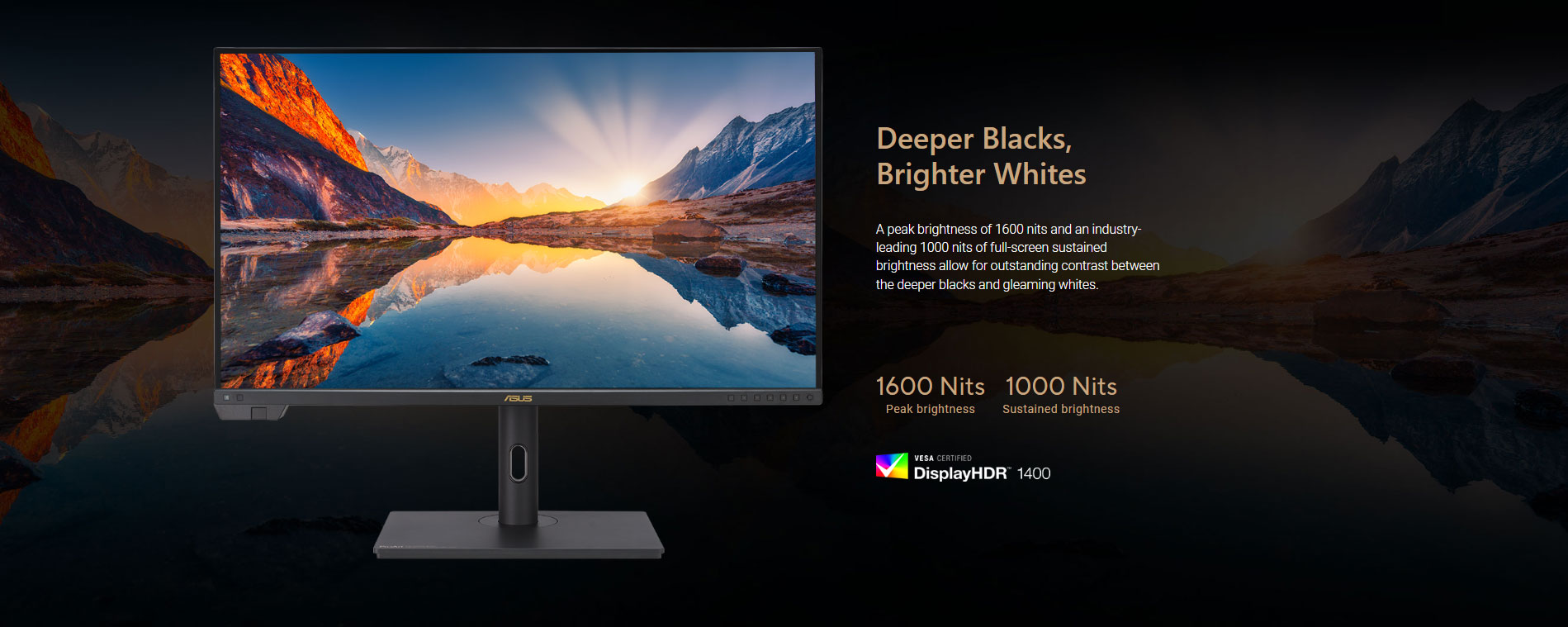
2) Pro calibration workflow built in
Instead of relying only on an external probe, the PA32UCXR’s built-in colorimeter supports self/auto calibration and stores profiles internally—exactly the kind of feature that saves time when you need repeatable output.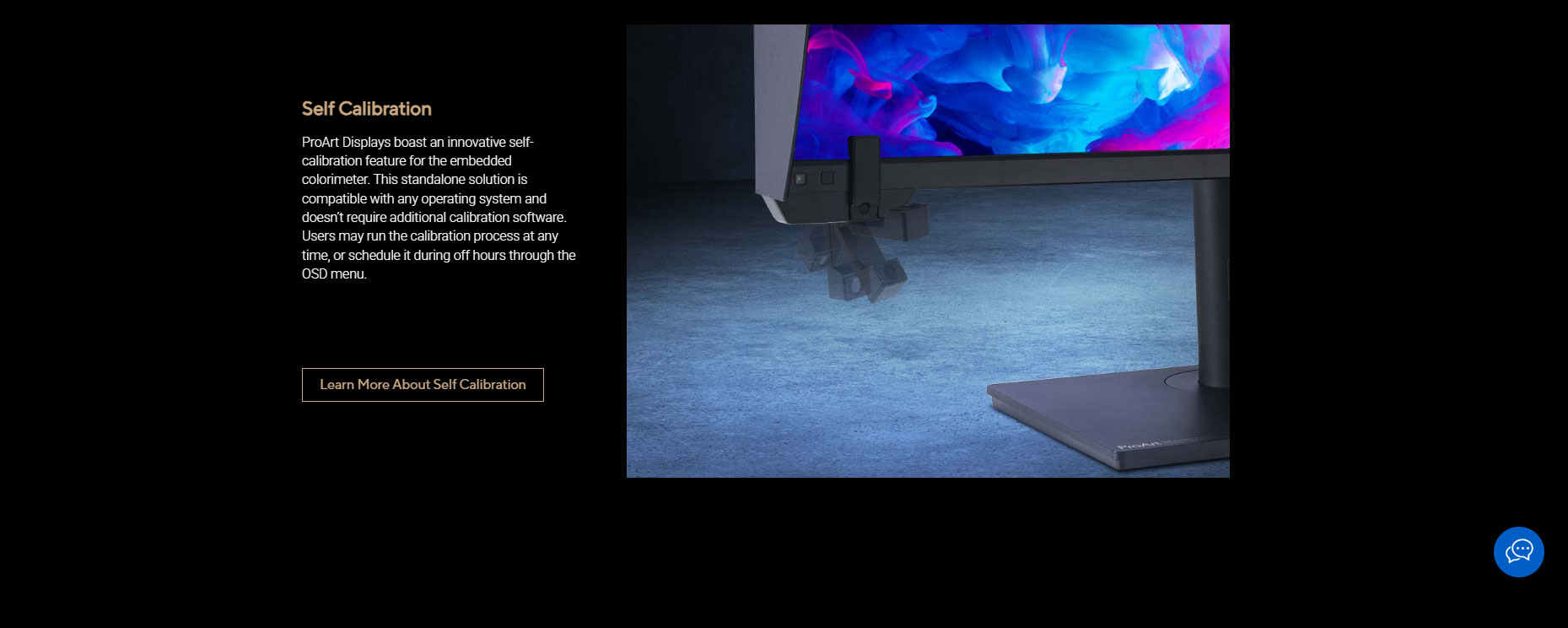
3) Creator I/O + desk practicality
You get a proper professional port mix (incl. DisplayPort 1.4, HDMI 2.0, dual Thunderbolt 4, USB hub), plus an included hood and a heavy, stable stand that’s meant to stay put.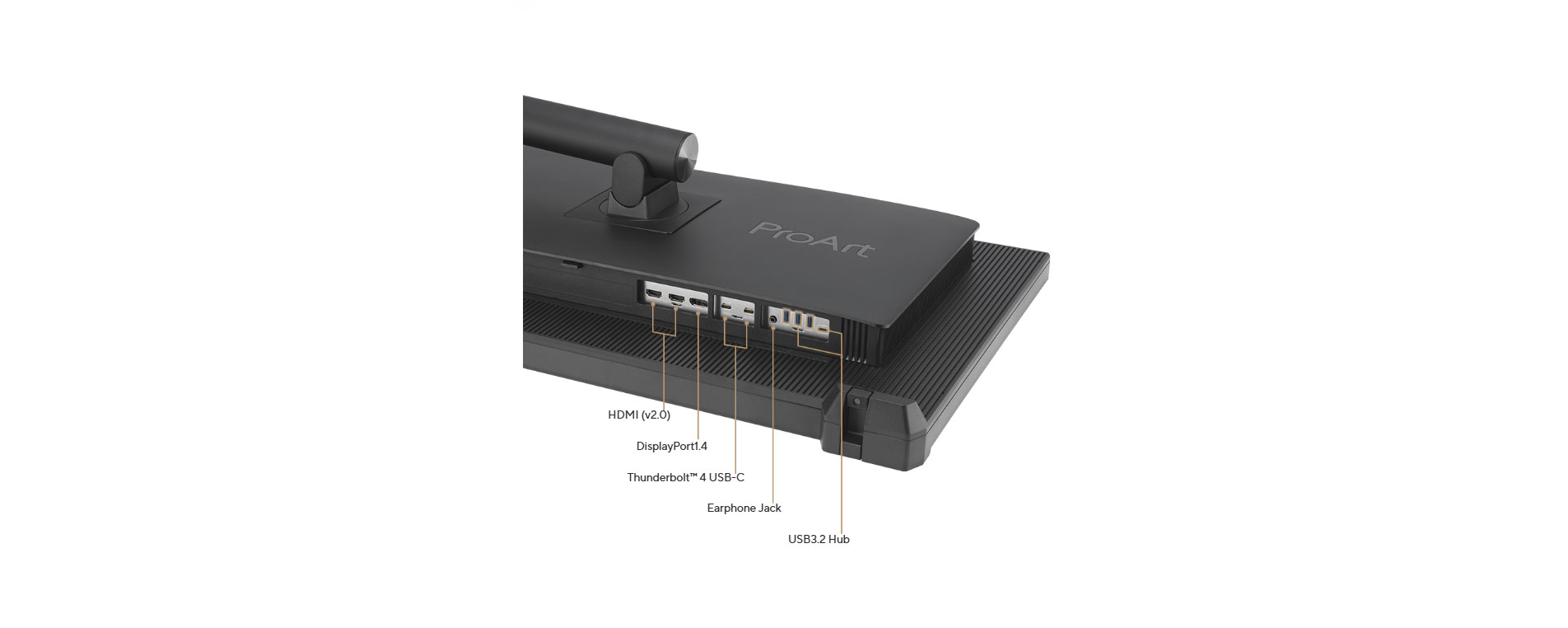
Benchmarks (measured + useful)
Brightness & contrast (SDR)
Tom’s Hardware measured:
Max SDR white luminance: 1,319.396 nits
Black luminance: 0.9967 nit
Native contrast: 1,323.8:1
ANSI contrast: 1,114.5:1
.png)
HDR brightness
HDR white luminance: 1,974.9994 nits
Black level / sequential contrast: “unmeasurable” in their test due to local dimming switching LEDs off in patterns.
Color & accuracy (Tom’s Hardware)
Total grayscale error: 0.91
Total color error: 0.75
Gamut coverage (reported): sRGB 100%, DCI-P3 99.94%, Adobe RGB 97.89% (plus Rec.2020 coverage shown in their table).
Speed (don’t buy this for esports)
Response (black→white): 8ms
Absolute input lag: 67ms
Refresh rate: 60Hz-class behavior; excellent for creation, not competitive gaming.
Creator experience (photo/video)
The most convincing part of PA32UCXR is how it fits real workflows:
Photo/print work: Wide gamut + strong factory tuning and easy recalibration make it ideal for consistent proofing.
HDR grading: The panel’s HDR brightness and dense dimming zones deliver the “HDR punch” you need for mastering and evaluation without jumping to ultra-expensive reference TVs.
Long editing sessions: Australian Photography highlights the monitor’s brightness headroom (they even had to turn it down at times) and calls out the convenience of self calibration in day-to-day creator use.
Pros & cons
Pros
Extremely high measured HDR brightness (~1,975 nits)
Built-in motorized colorimeter with self/auto calibration
Strong measured accuracy numbers (very low grayscale/color error in Tom’s tests)
Creator I/O: dual Thunderbolt 4 (up to 90W PD) + hub + pro ergonomics/hood
Cons
Not a gaming display: 60Hz behavior + high input lag (67ms)
Large and heavy (this is a “studio monitor,” not a travel-friendly screen)
Premium pricing in India
.jpg) Who should buy it
Who should buy it
Professional photographers, print studios, agencies
HDR video editors/colorists working in HDR10/HLG/Dolby Vision
Creators using Mac/Thunderbolt workflows who want a single-cable setup + reliable calibration
Skip it if your #1 priority is high refresh gaming—this isn’t designed for that.