34-inch WQHD Fast VA Panel
3440 x 1440 ultrawide resolution with a 1500R curved design for immersive gameplay.
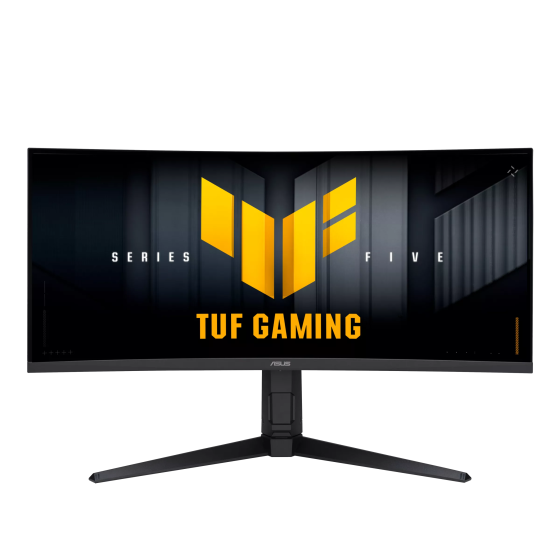
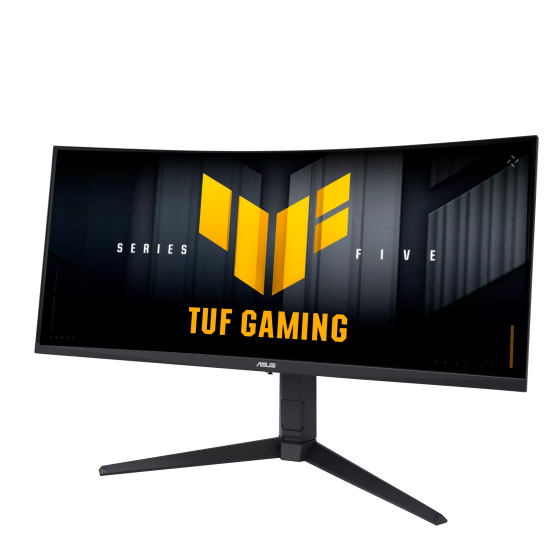
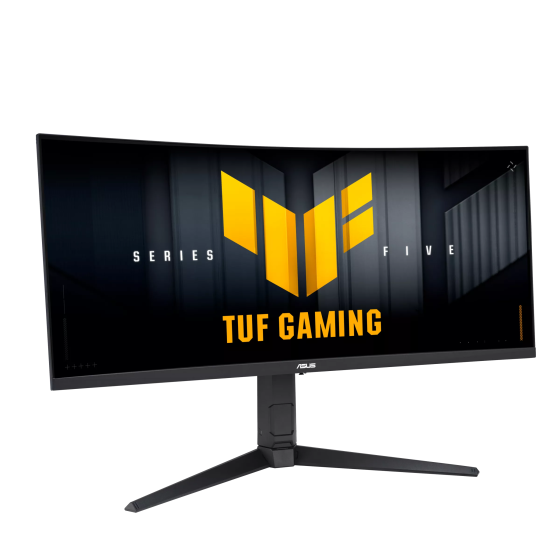
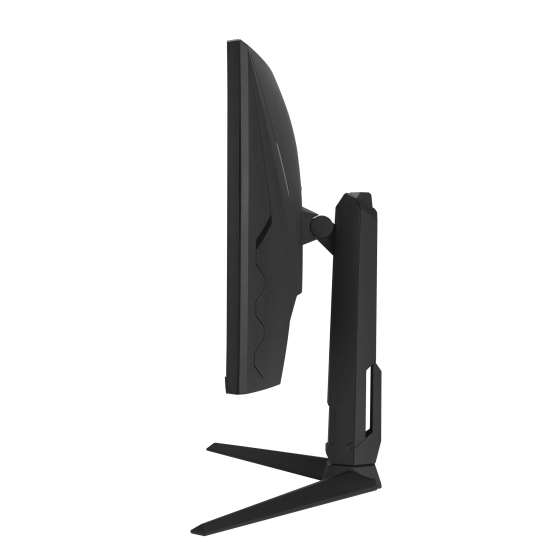
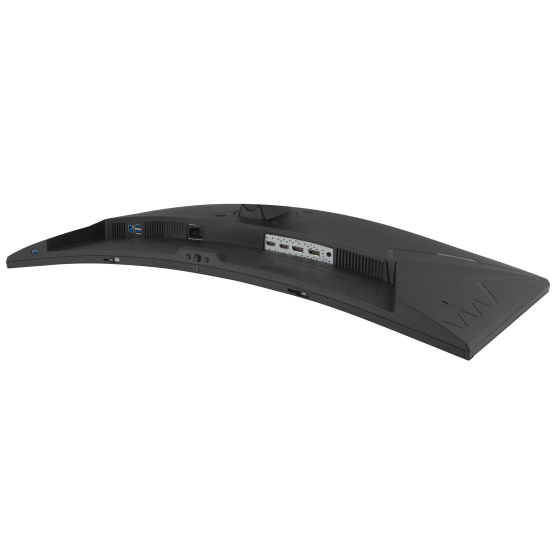
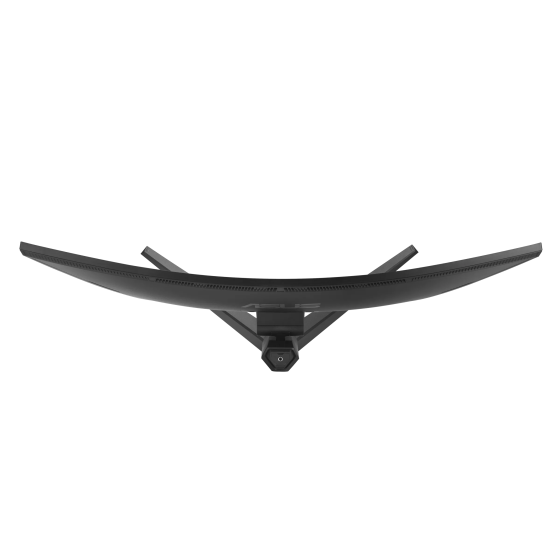
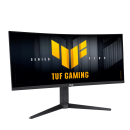
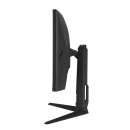
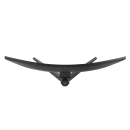
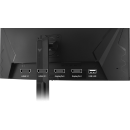
ASUS TUF Gaming VG34WQML5A Gaming Monitor – 34-inch UWQHD (3440 x 1440) Curved Fast VA, 250Hz (OC), 0.5ms, AMD FreeSync Premium, Extreme Low Motion Blur, DisplayHDR 400, 95% DCI-P3, Gaming AI
TUF Gaming VG34WQML5A
Epic TUF Upgrades
The TUF Gaming VG34WQML5A is a 34-inch ultrawide WQHD curved gaming monitor designed for immersive play and fast competitive response. ASUS highlights a Fast VA panel, 1500R curvature, up to 250Hz overclocked refresh rate, 0.5ms minimum response time, AMD FreeSync Premium, ELMB Sync, DisplayHDR 400, 95% DCI-P3 color, Gaming AI, and DisplayWidget Center for easier control.
34-inch WQHD Fast VA Panel
3440 x 1440 ultrawide resolution with a 1500R curved design for immersive gameplay.
250Hz (OC) Refresh Rate
Built for ultra-smooth gaming motion and quick on-screen response.
0.5ms
Minimum response time to help reduce blur and ghosting.
FreeSync Premium
Variable refresh rate support for smoother, tear-free gameplay.
ELMB Sync
Combines motion blur reduction with VRR for sharper high-frame-rate visuals.
DisplayHDR 400
Enhances bright and dark areas for a more vivid HDR experience.
95% DCI-P3
Wide color gamut for richer, more vibrant images.
Gaming AI
Dynamic Crosshair, Dynamic Shadow Boost, and AI Visual help improve gameplay visibility.
DisplayWidget Center
Easy monitor setting control using your mouse instead of the OSD buttons.
Wide Connectivity
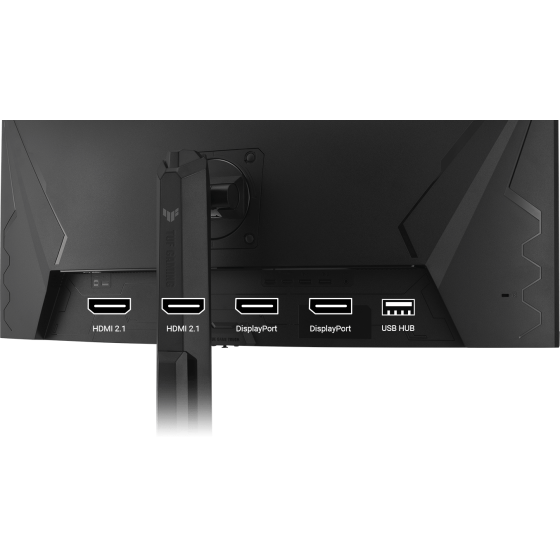
Two HDMI 2.1 ports, two DisplayPort 1.4 ports, and a USB hub.
Upgraded Speed
Exceptional Gaming Experiences
ASUS says the Fast VA panel delivers quick response times, smooth gameplay, and crisp 3440 x 1440 ultrawide visuals. The 34-inch 1500R curved format is designed to pull you deeper into the action while preserving clarity across the screen.
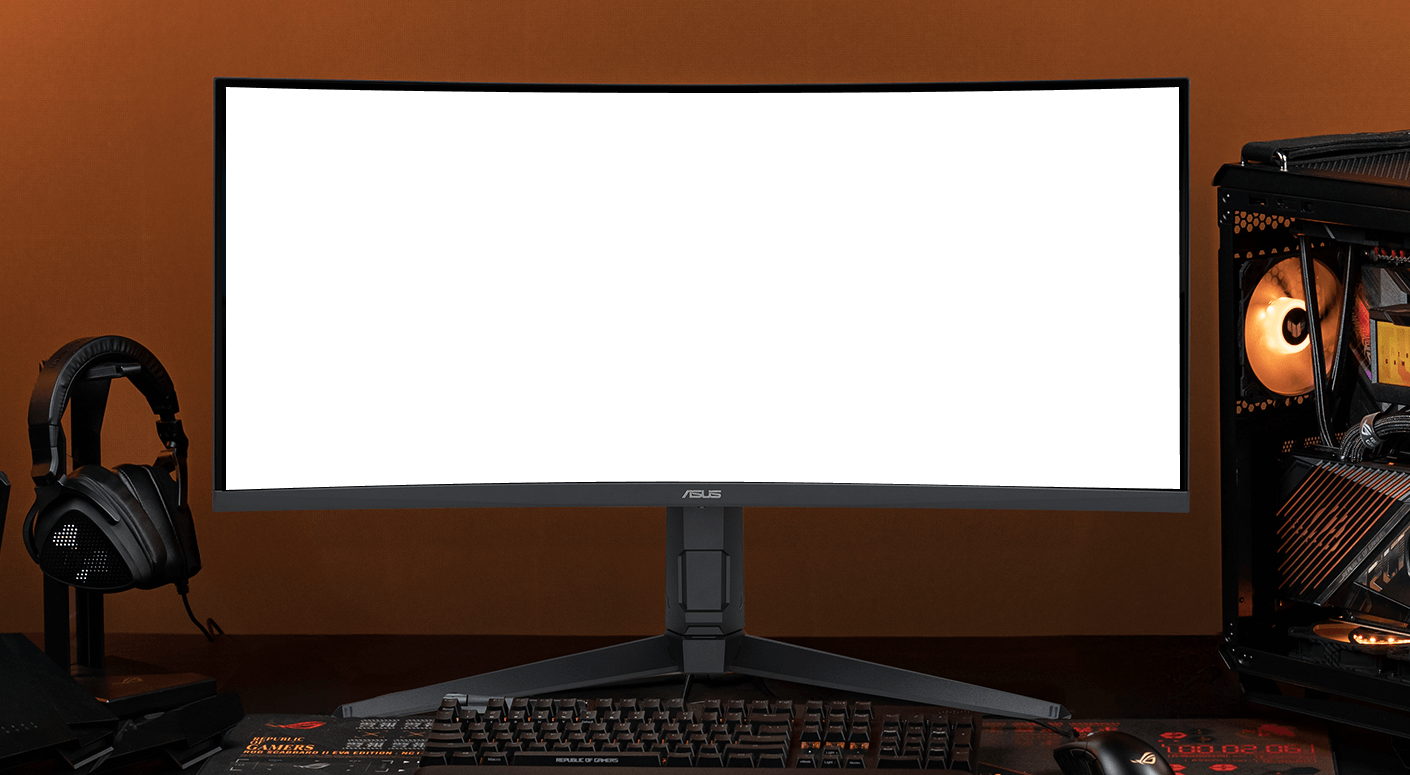
Ultrawide Curved Immersion
The 34-inch WQHD 1500R curved panel is aimed at players who want a wider field of view and stronger sense of immersion for racing, action, and open-world titles.
High-Speed Competitive Play
250Hz (OC) + 0.5ms minimum response time
ASUS positions the VG34WQML5A as a fast, smooth gaming monitor built to keep motion crisp and responsive during fast-paced play.
250Hz
Refresh Rate (OC)
0.5ms
Min Response

Game Without Limits
FreeSync Premium and ELMB Sync
ASUS says the VG34WQML5A supports AMD FreeSync Premium for tear-free visuals and also includes ELMB Sync to reduce ghosting during high-frame-rate gaming. This combination is intended to keep gameplay clearer and smoother when action gets intense.
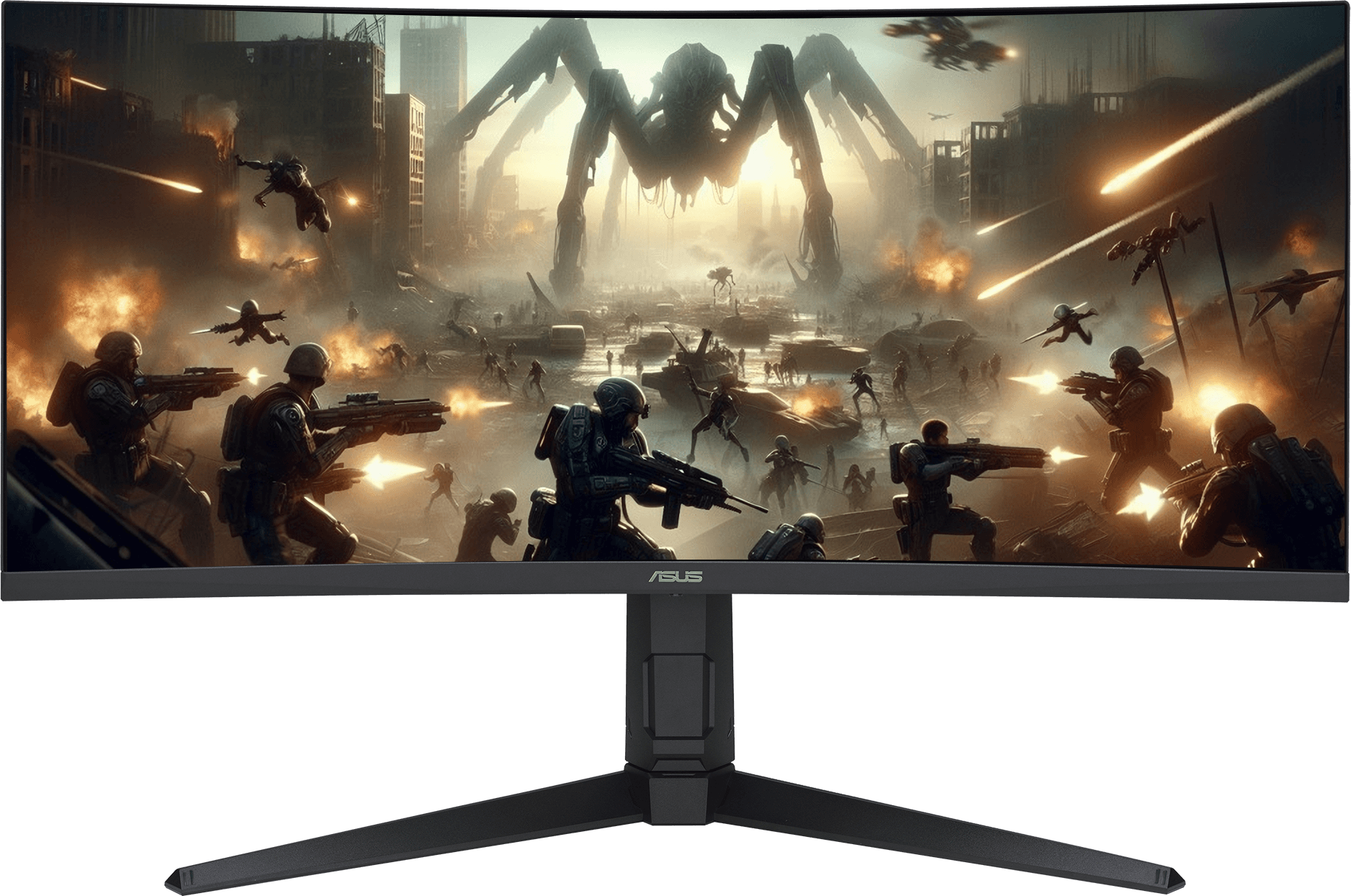
Vibrant Colors, Enhanced Gameplay
95% DCI-P3
Wide color coverage helps the monitor display richer and more saturated visuals.
DisplayHDR 400
HDR support is designed to improve the contrast between bright and dark scenes for more dramatic image depth.
Gaming AI
Smarter Play, Greater Wins

Dynamic Crosshair
Automatically changes the crosshair color so it contrasts with the background and stays easier to see.

Dynamic Shadow Boost
Enhances darker areas of the scene to help spot enemies hiding in dim parts of the map.
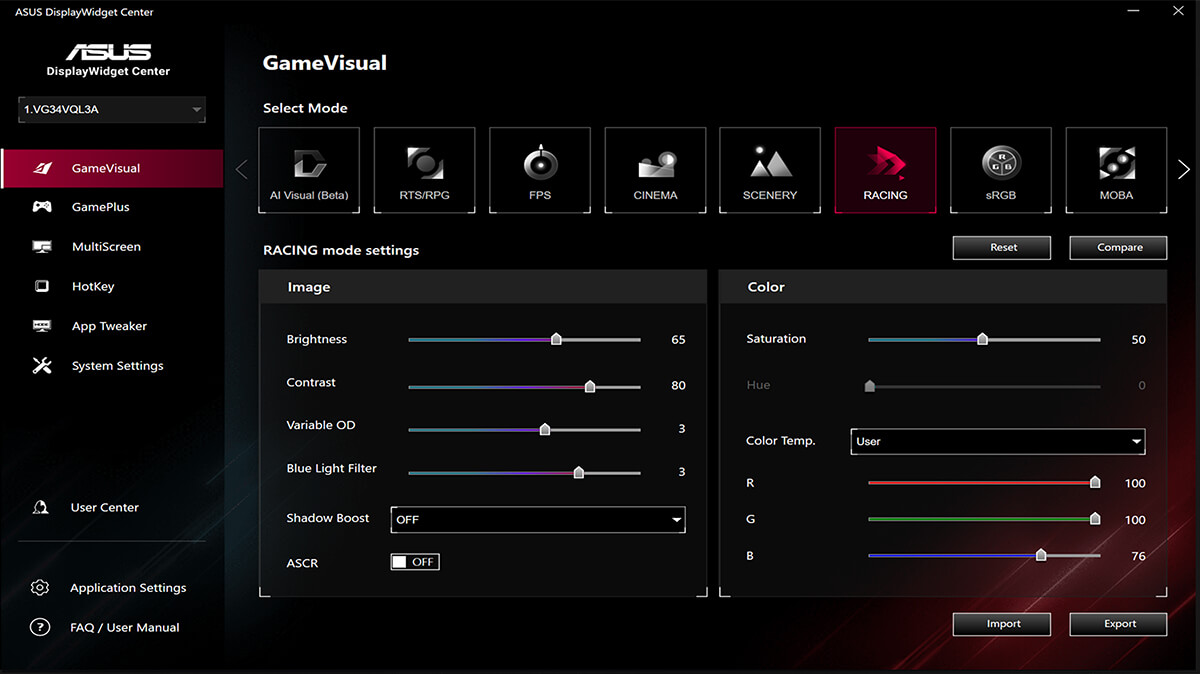
AI Visual
Automatically detects onscreen content and adjusts settings to match the scene for a better viewing experience.
DisplayWidget Center
Easier Control, Faster Setup
Mouse-based monitor control
ASUS says DisplayWidget Center makes it easy to manage settings, update firmware, personalize profiles, and optimize your monitor using software rather than the physical OSD controls.
Engineering
Connectivity and Ergonomics
Two HDMI 2.1 Ports
Convenient connection for consoles and media devices.Two DisplayPort 1.4 Ports
High-bandwidth connections for ultrawide PC gaming setups.USB Hub
Helps connect supported peripherals and accessories more easily.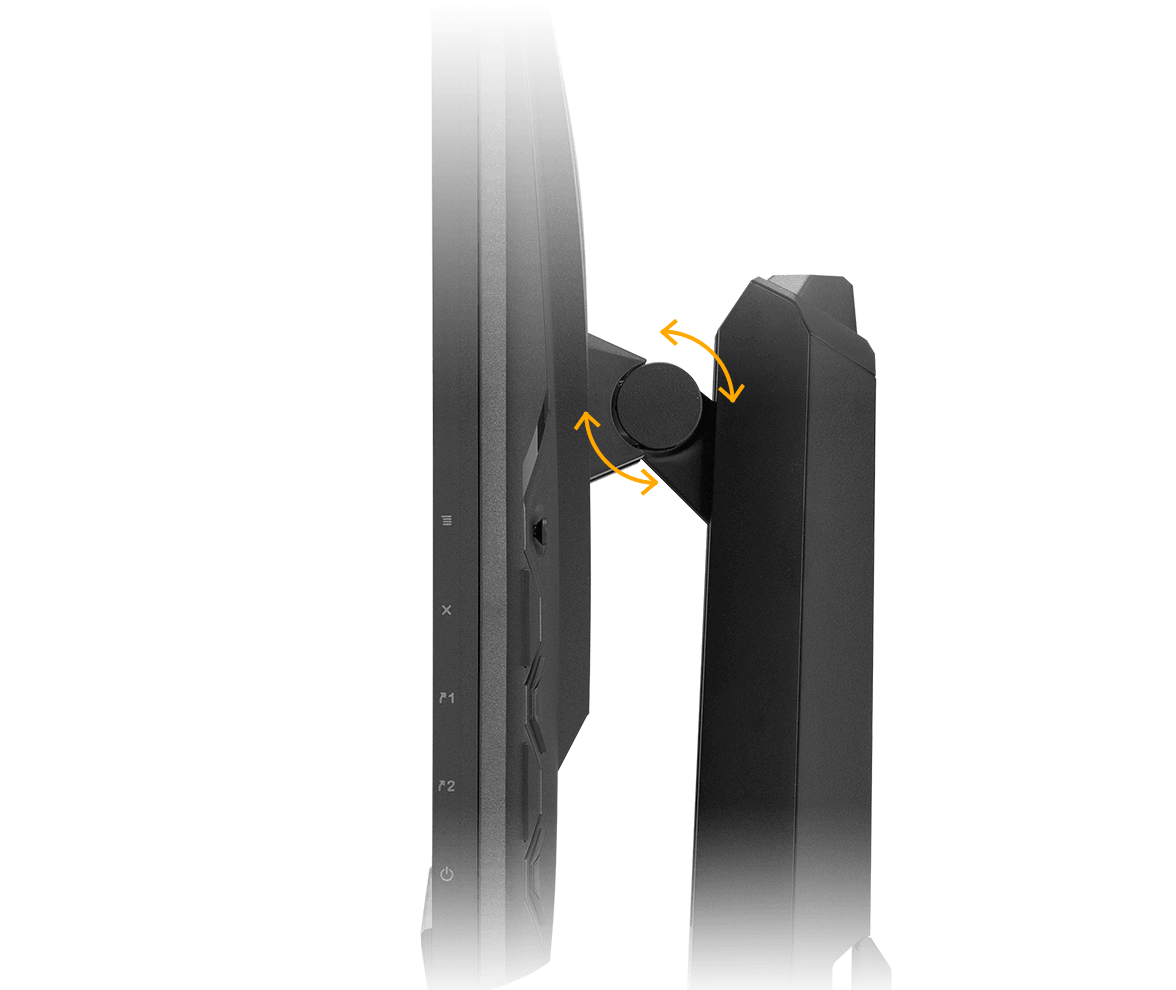
Ergonomic Design
Comfortable and Flexible Positioning
ASUS says the stand supports tilt, swivel, and height adjustment, while VESA compatibility gives you the option to wall mount the monitor for a cleaner and more customized setup.
Get Started
Explore the TUF Gaming VG34WQML5A and check full details.
View ProductSpecifications, features, availability, and images are subject to change.
-190x190.jpg "ASUS ExpertBook Ultra B9406CAA Core Ultra X7 358H 32GB 1TB OLED Touch")
-190x190.jpg "ASUS ExpertBook Ultra B9406CAA Core Ultra X7 358H 32GB 1TB OLED Touch")
-190x190.jpg "ASUS ExpertBook Ultra B9406CAA Core Ultra X7 358H 32GB 1TB OLED Touch")
-190x190.jpg "ASUS ExpertBook Ultra B9406CAA Core Ultra X7 358H 32GB 1TB OLED Touch")