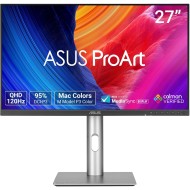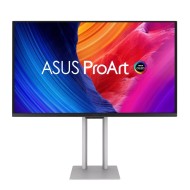
27-inch QHD IPS Display
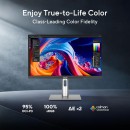
2560 x 1440 resolution with a 178° wide-view IPS panel for sharp, dependable visuals.
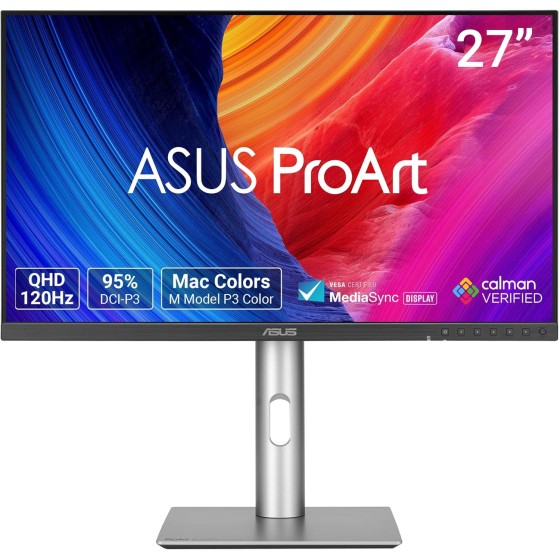





ProArt Display PA278QV Gen2 (PA278QGV)
All the Essentials for Pros
The ASUS ProArt Display PA278QV Gen2 (PA278QGV) is a 27-inch QHD IPS monitor built for users who need strong color accuracy, dependable creator-focused performance, and practical everyday connectivity. ASUS says it combines 95% DCI-P3 and 100% sRGB color coverage with Calman Verified factory calibration and Delta E less than 2 accuracy, while also adding a 120Hz variable refresh rate for smoother rendering and more comfortable viewing. ASUS also highlights DisplayWidget Center, ASUS Light Sync with Ambient Light Sensor, Mac-focused controls, ergonomic stand adjustments, TÜV Eye Care technologies, and eco-conscious design.
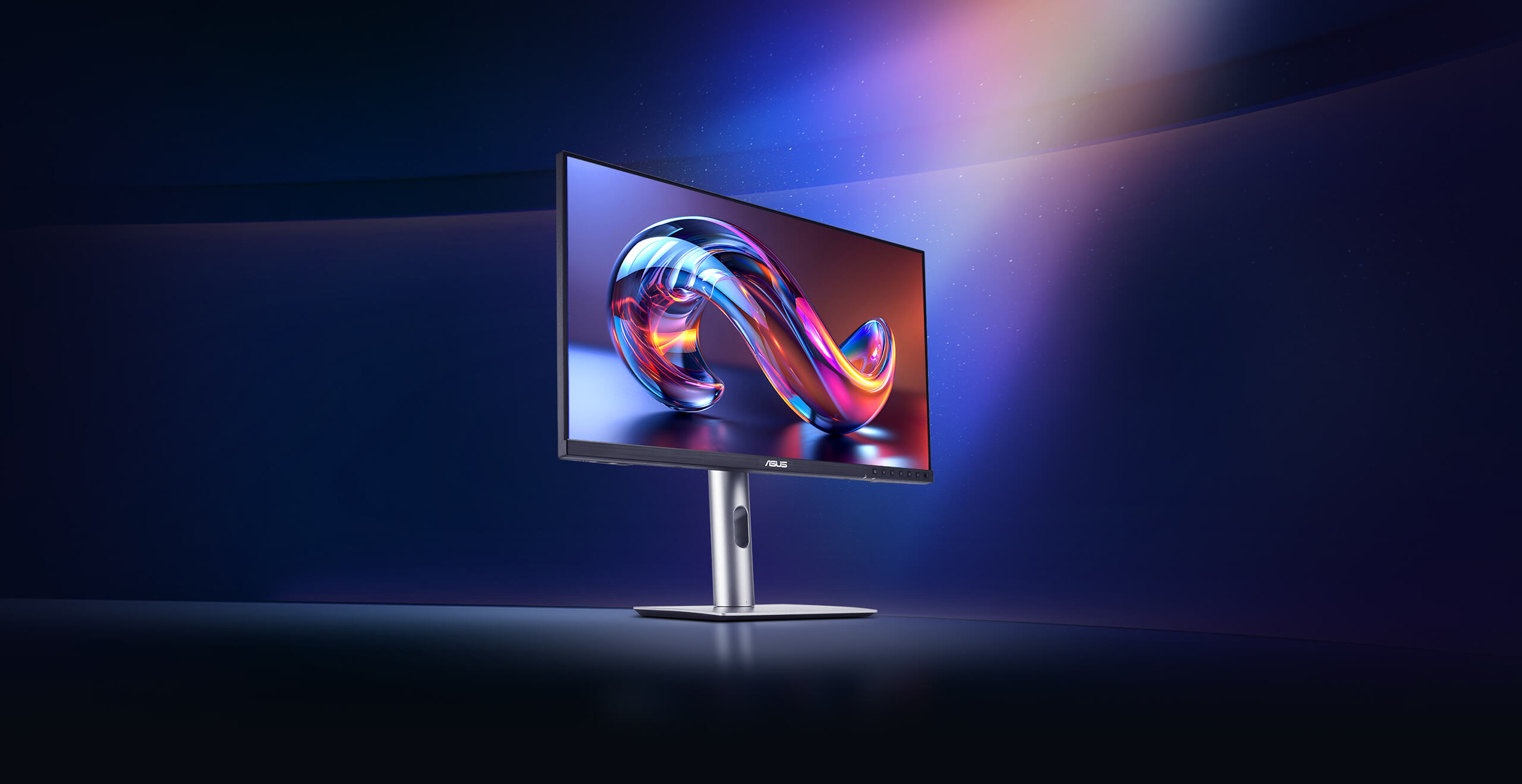
27-inch QHD IPS Display
2560 x 1440 resolution with a 178° wide-view IPS panel for sharp, dependable visuals.
95% DCI-P3 + 100% sRGB
Wide color coverage designed to meet international color standards.
ΔE<2
Factory calibrated and Calman Verified for strong out-of-box color accuracy.
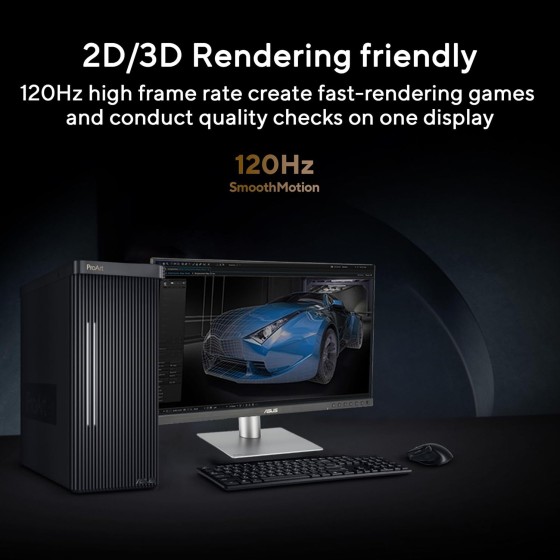
120Hz VRR
Smoother rendering and more comfortable viewing during fast-moving work.
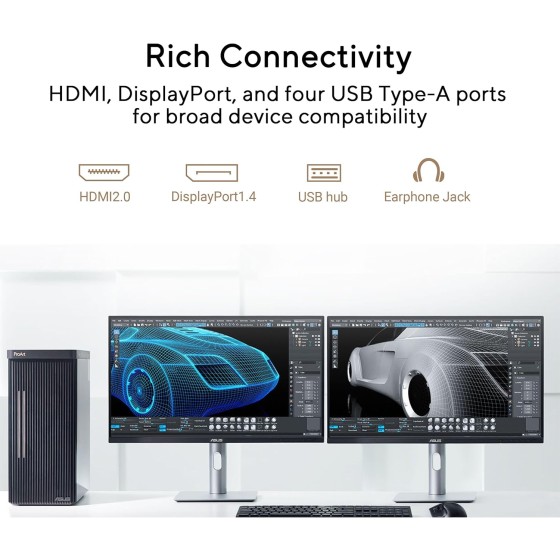
Rich Connectivity
HDMI 2.0, DisplayPort 1.4, and USB 3.2 hub for flexible workstation setups.
DisplayWidget Center
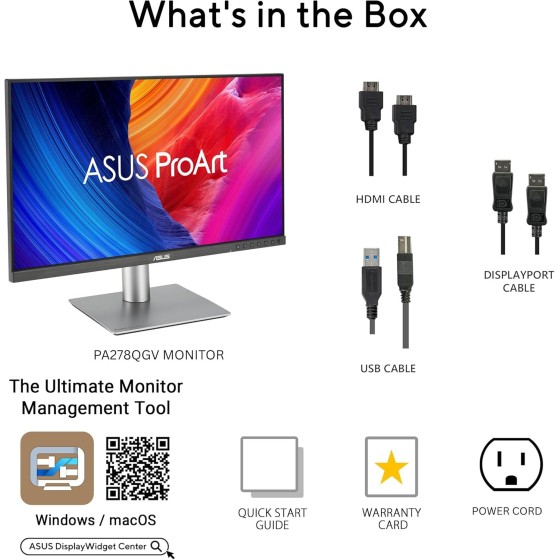
Software-based brightness, contrast, and color controls for Windows and macOS.
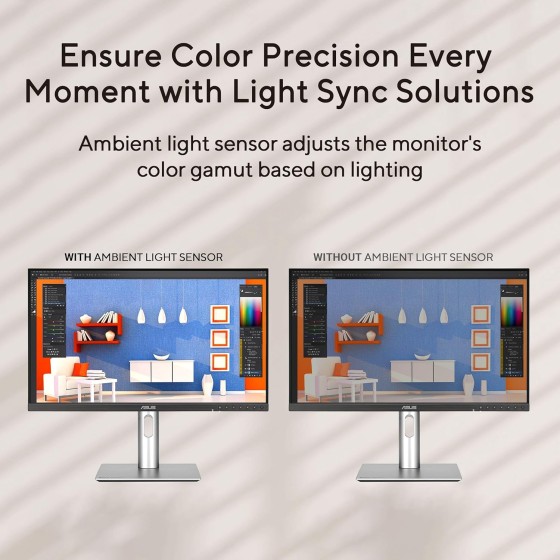
ASUS Light Sync
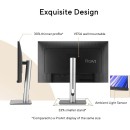
Ambient Light Sensor automatically adjusts brightness and color temperature.
M Model P3 Color
Designed to align ProArt colors more closely with macOS devices.
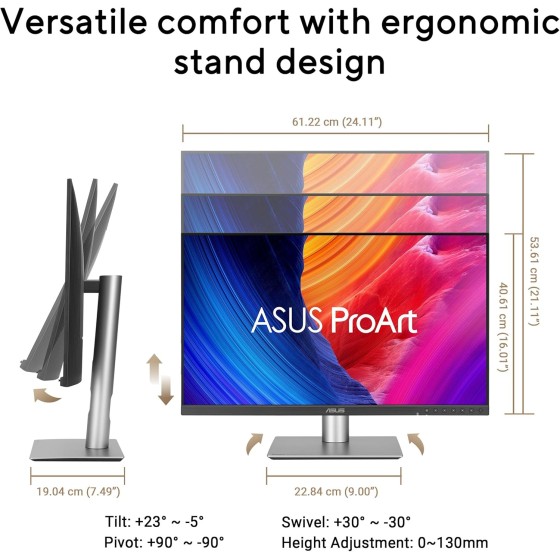
Ergonomic Stand
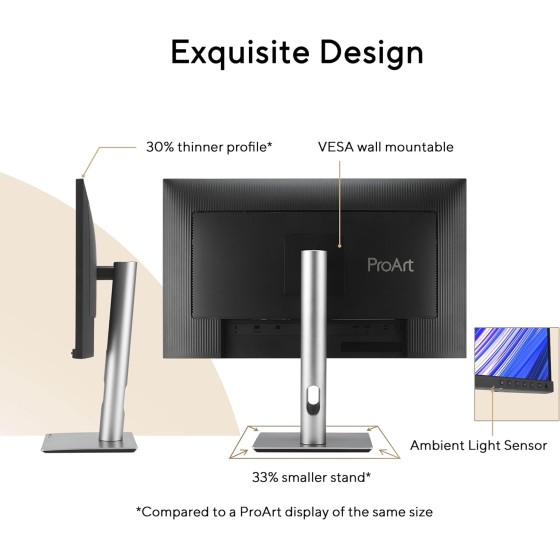
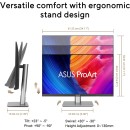
Tilt, swivel, pivot, and height adjustments for all-day comfort.
TÜV Eye Care
Flicker-free and ultra-low blue light technologies for longer work sessions.
Creator Display
Professional Color, Everyday Practicality
ASUS presents the PA278QGV as a second-generation ProArt monitor built for creative professionals who want reliable color performance without moving into a much more expensive specialist display category. The 27-inch size and QHD resolution make it practical for everyday editing, design, and office workflows, while the IPS panel helps preserve consistency across the screen. ASUS positions it as a balanced solution for creators who need color trust, smoother motion, and flexible compatibility in one clean workstation monitor.
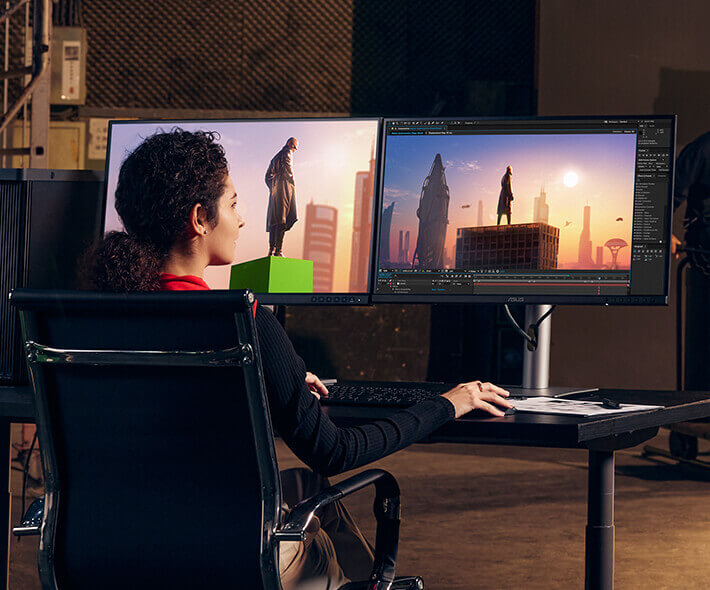
QHD Clarity for Productive Work
The 27-inch 2560 x 1440 panel provides more usable detail and workspace than a standard Full HD display, which helps when editing images, working on layered design files, reviewing content, or multitasking with multiple application windows. ASUS also highlights the IPS wide-viewing-angle design, making the display easier to trust from different seating positions.
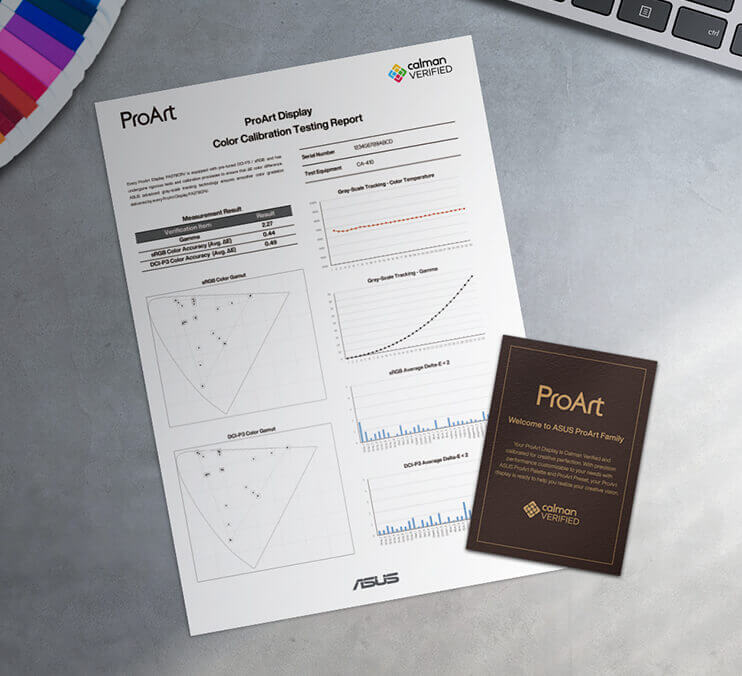
Color Accuracy Right Out of the Box
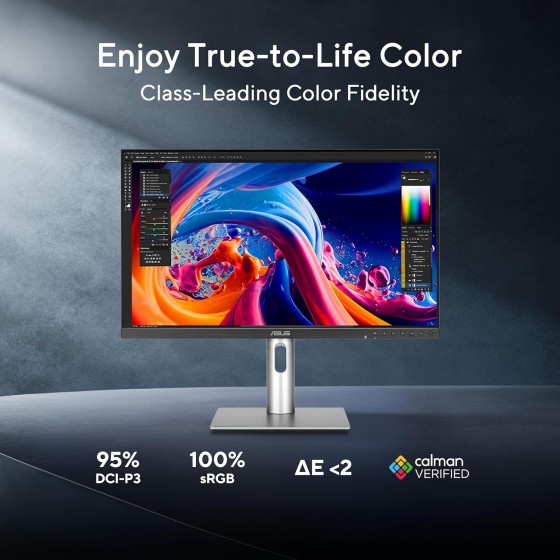
95% DCI-P3, 100% sRGB, Calman Verified, Delta E < 2
ASUS says each display is factory calibrated to meet Calman Verified standards and achieve Delta E less than 2 color accuracy. That matters for photographers, editors, and designers who need dependable visual accuracy immediately, without having to start with major correction work.
95%
DCI-P3
100%
sRGB
SmoothMotion
120Hz VRR for Smoother Creative Workflows
ASUS says the PA278QGV supports up to a 120Hz variable refresh rate. While this is not a gaming-focused ProArt model, the smoother refresh can still be useful for motion preview, fast interface interaction, reviewing animation, rendering checks, and simply making everyday display movement feel cleaner and more comfortable. ASUS specifically highlights it as offering 2-times ultra-smooth visuals and a more comfortable viewing experience.
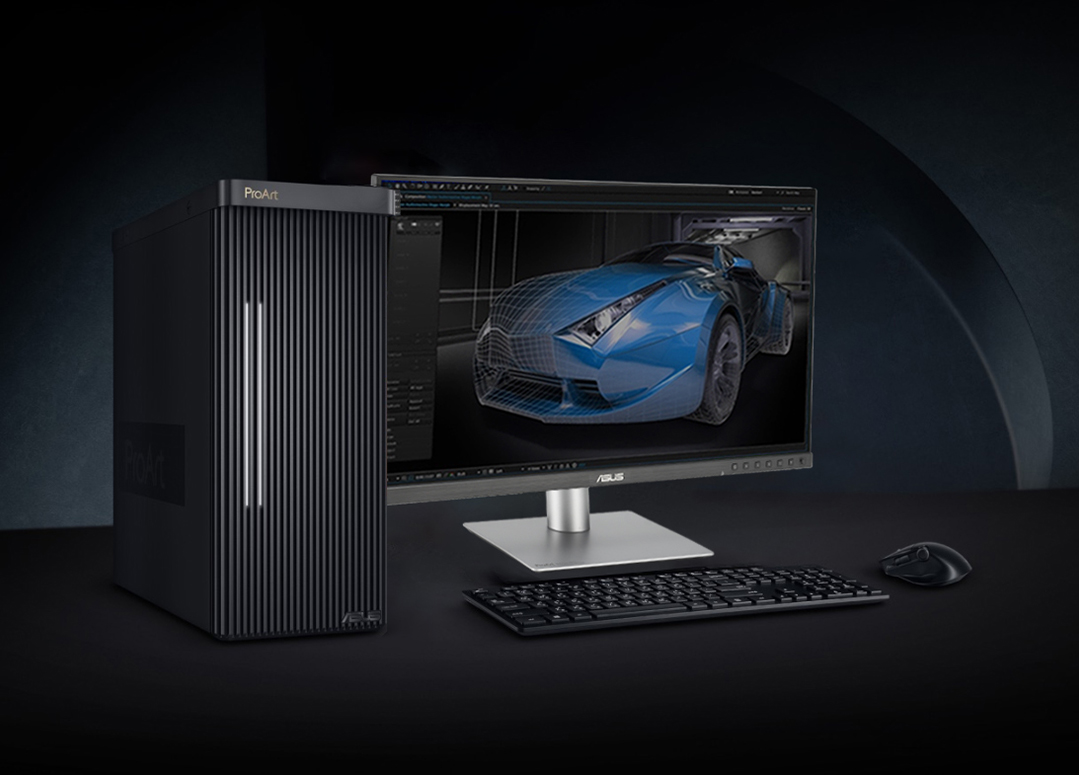
A Better Match for MacBook Workflows
Mac-friendly controls and color alignment
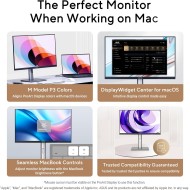
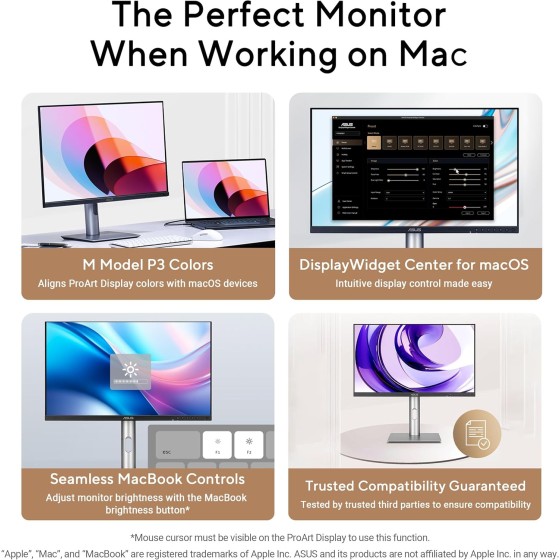
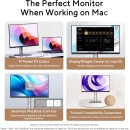
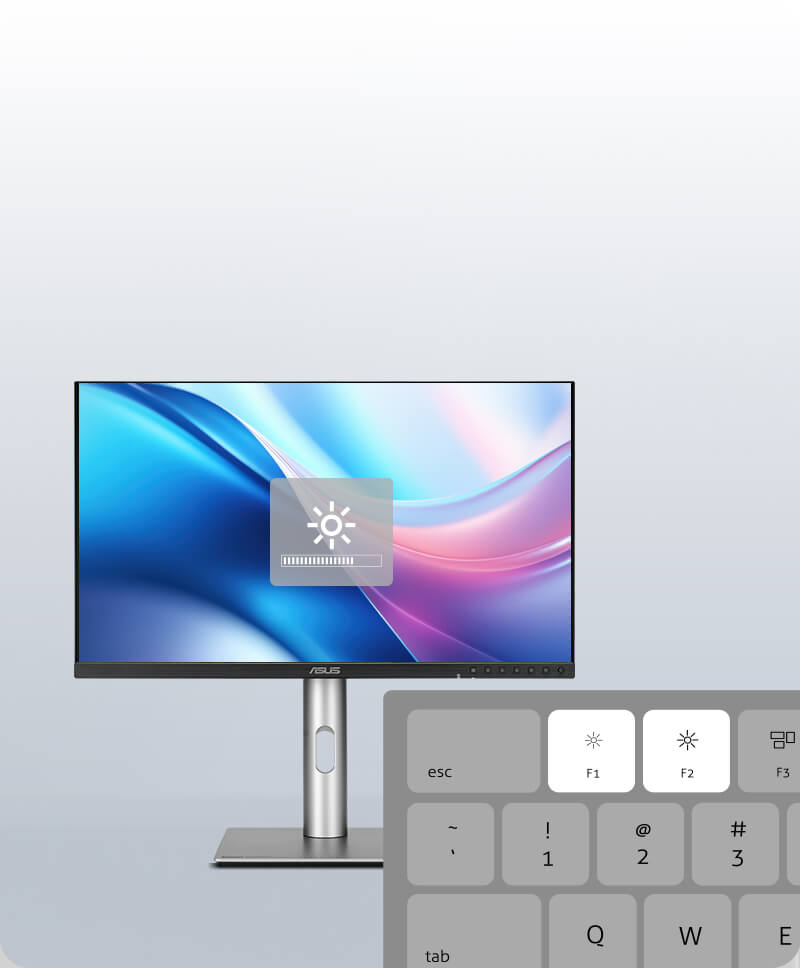
ASUS says the PA278QGV includes features specifically aimed at Mac users, including the ability to control monitor brightness using MacBook brightness keys through DisplayWidget Center and a new M Model color temperature designed to align ProArt display colors more closely with macOS devices. ASUS also highlights the high refresh rate and VRR as a strong match for Mac ProMotion-style use.
Mac Compatibility
More Consistent Multi-Device Color
ASUS explains that the new M Model color temperature is designed to help maintain color consistency between ProArt displays and macOS devices. For users switching between a MacBook screen and an external monitor, this can make color-critical tasks feel more reliable and reduce the visual disconnect that sometimes happens between devices.
Seamless MacBook Controls
Use MacBook brightness buttons to adjust the ProArt display with DisplayWidget Center installed.
Instant Display Adjustment
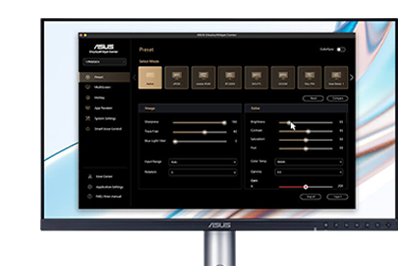
ASUS says DisplayWidget Center for macOS allows intuitive display adjustment without depending only on the physical OSD.
DisplayWidget Center
Seamless Monitor Management
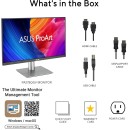
ASUS says DisplayWidget Center provides an intuitive interface for adjusting monitor settings such as brightness, contrast, and color temperature. It supports both Windows and macOS, which is especially useful in mixed-device workspaces where the display may serve both creator desktops and creator laptops. ASUS positions it as a simpler, faster way to find the right screen settings for both everyday viewing and professional work.
Creative Use Cases
Built for a Wide Range of Creators
ASUS specifically highlights this ProArt display for filmmakers, video editors, colorists, designers, photographers, and AI artists. That range says a lot about how ASUS sees the monitor: not as a narrow specialist tool, but as a flexible creator display that can handle many different workloads as long as reliable color, practical resolution, and comfortable daily use matter most.
Filmmakers & Video Editors
ASUS says the monitor performs well for editing and previewing clips with Rec.709 or P3 color gamut.
Colorists & Designers
Factory calibration and wide color gamut help bring visual work closer to intended output.
AI Artists
ASUS highlights future-proof compatibility and adaptability to new creative software and devices.
Connectivity & Comfort
Designed for Everyday Professional Use
HDMI 2.0 + DisplayPort 1.4
Convenient connections for desktops, laptops, and creative workstations.USB 3.2 Hub
Helps connect supported peripherals and streamline workspace cable management.Ergonomic Stand
Tilt, swivel, pivot, and height adjustment help support a comfortable long-session setup.Get Started
Explore the ProArt Display PA278QV Gen2 (PA278QGV) and check full details.
View ProductSpecifications, features, availability, and images are subject to change.