
ASUS TUF Gaming VG279Q3R 27inch Gaming Monitor

Key features
- 27-inch Full HD(1920x1080) gaming monitor with 180Hz refresh rate designed for professional gamers and immersive gameplay
- ASUS Extreme Low Motion Blur (ELMB ™) technology enables a 1ms response time (GTG) together with Adaptive-sync, eliminating ghosting and tearing for sharp gaming visuals with high frame rates
- FreeSync technology delivers a seamless, tear-free gaming experience by enabling VRR (variable refresh rate) by default
- Shadow Boost enhances image details in dark areas, brightening scenes without over-exposing bright areas
- Dispatch after 24.02.2025
-
TUF Gaming VG279Q3R
TUF Gaming VG279Q3R Gaming Monitor – 27-inch, Full HD(1920x1080), 180Hz, Fast IPS, Extreme Low Motion Blur™, 1ms (GTG), FreeSync™, Variable Overdrive, 100% sRGB- 27-inch Full HD(1920x1080) gaming monitor with 180Hz refresh rate designed for professional gamers and immersive gameplay
- ASUS Extreme Low Motion Blur (ELMB ™) technology enables a 1ms response time (GTG) together with Adaptive-sync, eliminating ghosting and tearing for sharp gaming visuals with high frame rates
- FreeSync technology delivers a seamless, tear-free gaming experience by enabling VRR (variable refresh rate) by default
- Shadow Boost enhances image details in dark areas, brightening scenes without over-exposing bright areas
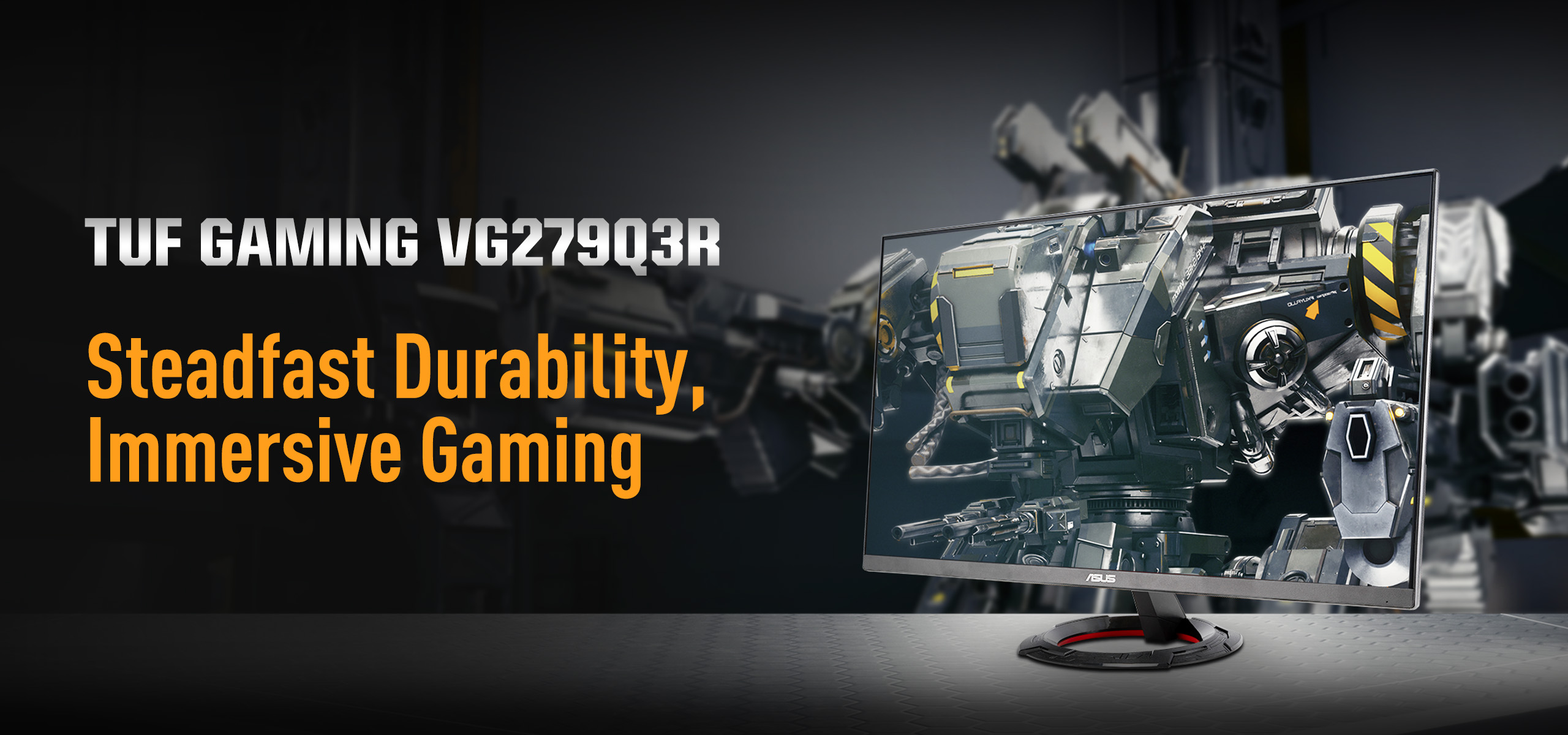
The 27-inch TUF Gaming VG279Q3R Full HD gaming monitor featuring a Fast IPS panel for blistering-fast 180 Hz refresh rate gaming. ASUS Extreme Low Motion Blur and AMD FreeSync™ technology enables buttery-smooth gaming. In addition, it has a 100% sRGB gamut to offer exceptional colors and contrast.
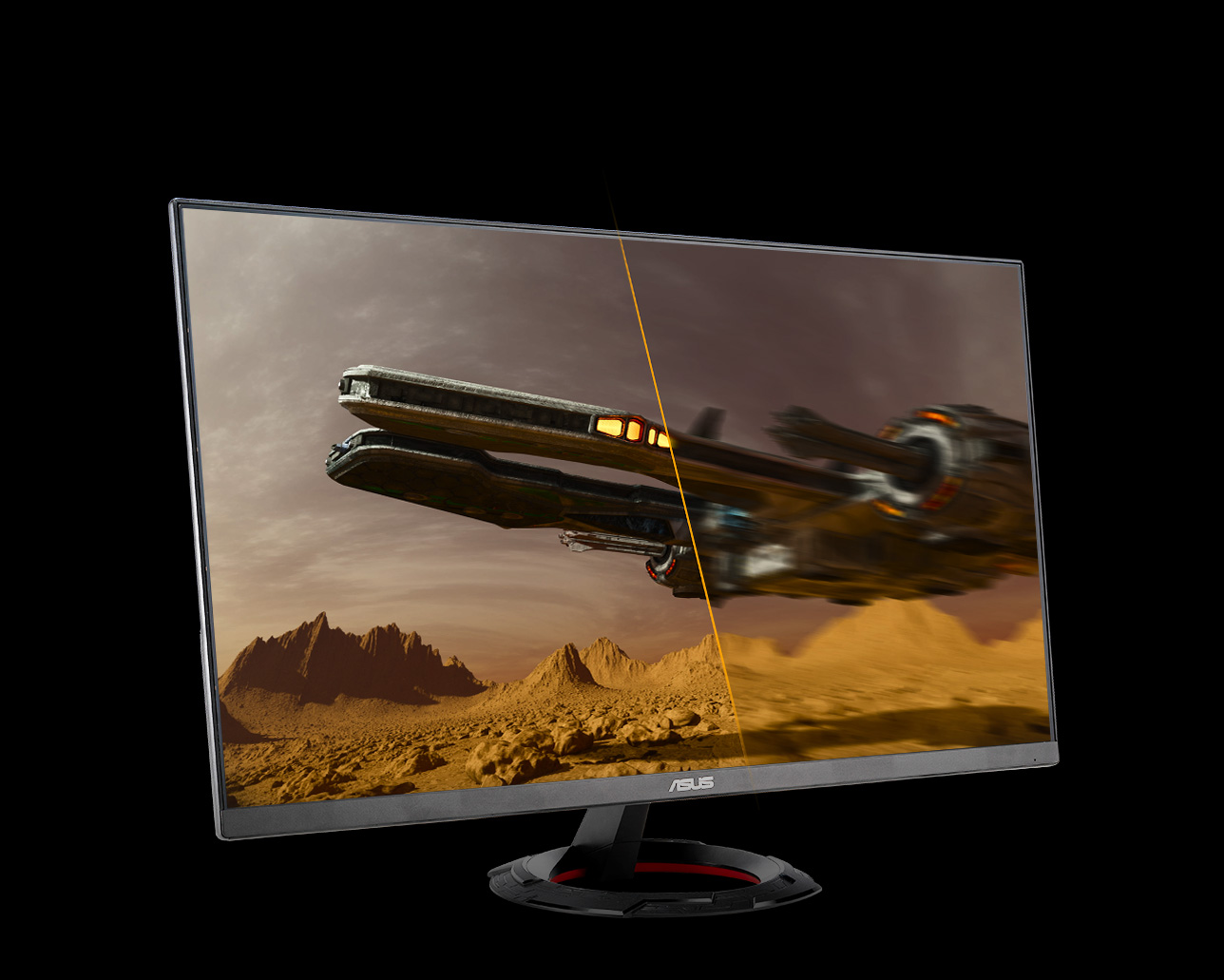
180 HzRefresh Rate
60 HzRefresh Rate
Gaming key spec
180HZ REFRESH RATE AND 1MS (gtg) RESPONSE TIME
With 180Hz refresh rate decimates lag and motion blur to give you the upper hand in first person shooters, racers, real-time strategy, and sports titles. This ultrafast refresh rate lets you play at the highest visual settings and lets you react instantly to what's onscreen — so you'll get that first strike in.
Gaming key spec
ADAPTIVE-SYNC
AMD FreeSync technology and VESA AdaptiveSync technology* ensure supersmooth, tear-free visuals with low latency.
*In processing, please check the respective official webpage for the updatest compatible list.



Adaptive-Sync ON


Adaptive-Sync OFF
Exclusive gaming feature
Extreme Low Motion Blur
-
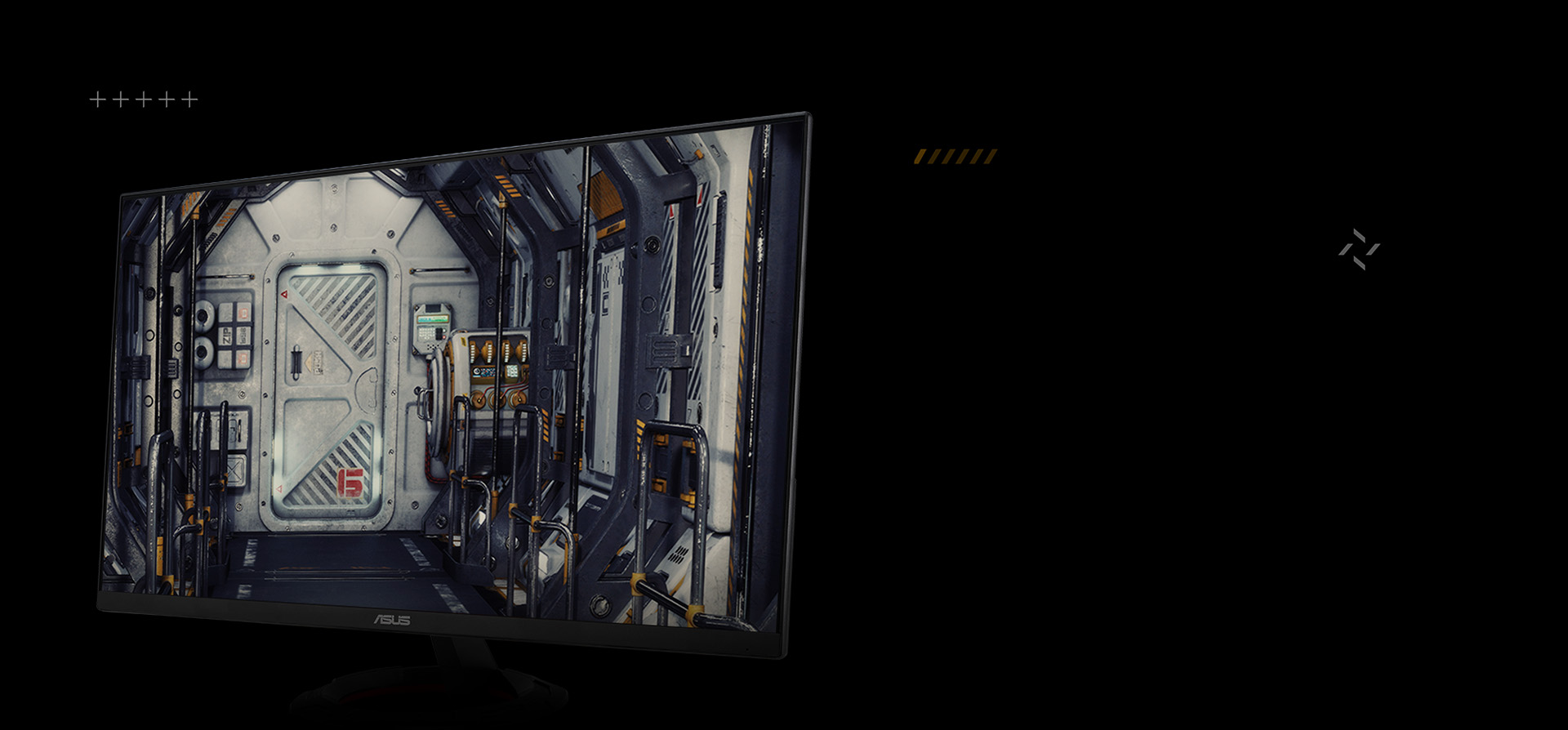
ASUS Extreme Low Motion Blur (ELMB) technology provides a 1 ms GTG response time to eliminate smearing and motion blur. It makes moving objects appear even sharper, so gameplay is more fluid and responsive.
-
ELMB
Exclusive gaming feature
Variable Overdrive
Integrated ASUS Variable Overdrive technology allows the display to dynamically alter its overdrive setting as frame rates fluctuate, ensuring optimal results for any game. You choose how strong you want the overall effect to be, then let the monitor take it from there.

The comparison video of with variable overdrive technology and without variable overdrive technology

In-game enhancements
-
DISPLAYWIDGET CENTER
-
SHADOW BOOST
-
GAMEPLUS
-
GAMEVISUAL
-
FLICKER-FREE TECHNOLOGY
-
LOW BLUE LIGHT
Intuitive Controls
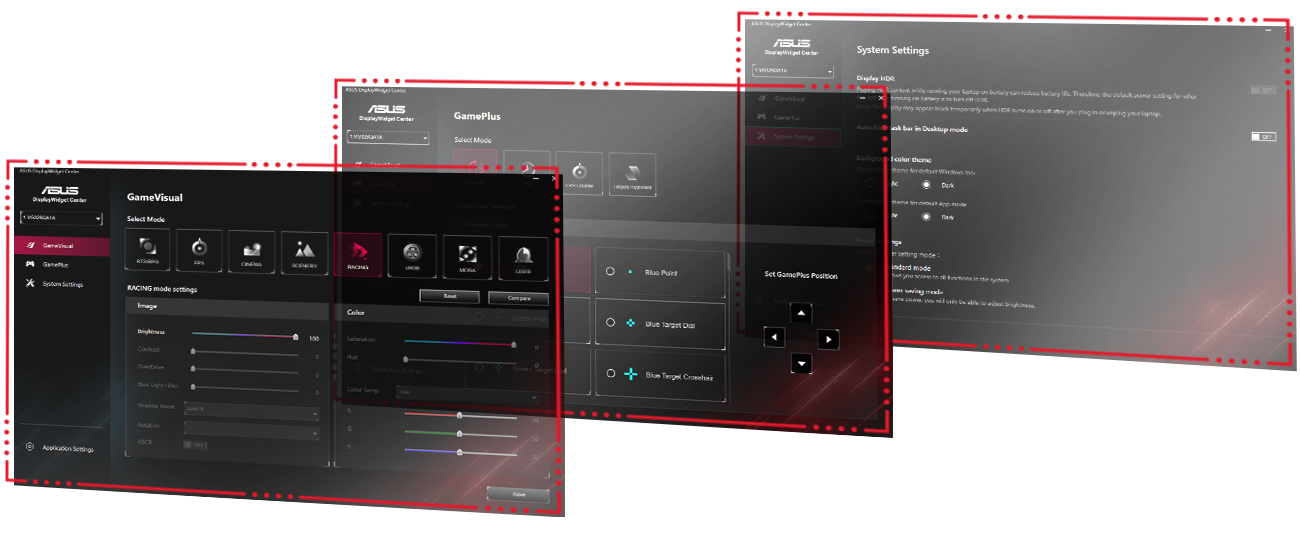
DisplayWidget Center software upgraded the user interface so that users can easily change monitor settings via a mouse ― so there’s no need to access the OSD menu.
ENGINEERING
-
Extensive Connectivity
-
Ergonomic Design
Extensive Connectivity
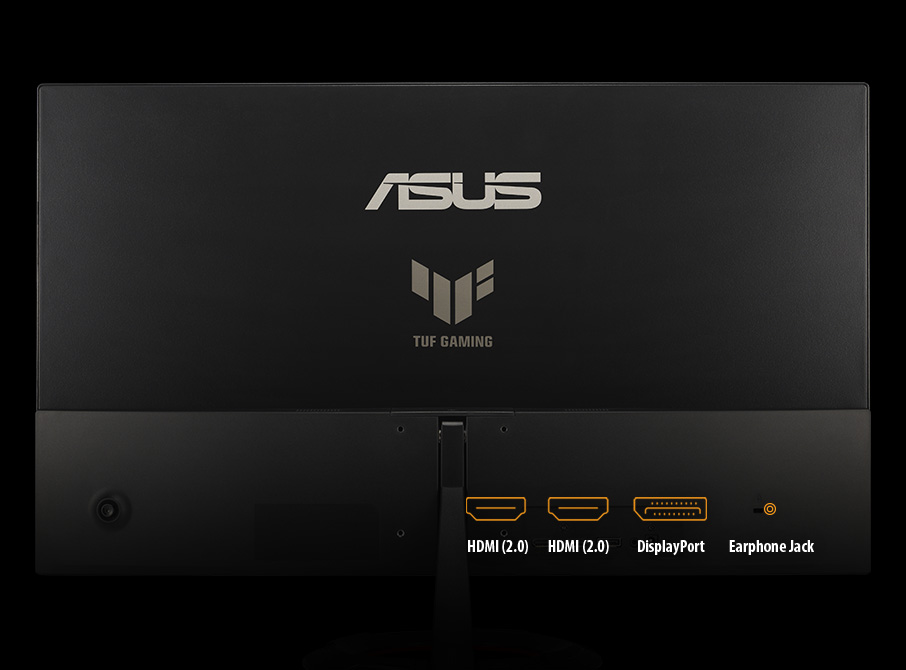
A multitude of connectivity options, including two HDMI 2.0, plus DisplayPort™ 1.2, ensures wide compatibility with a variety of input sources.




| Manufacturer Warranty | 3 Years Onsite |
|---|
| Display resolution | Full HD (1920x1080) |
|---|---|
| Panel Type | IPS |
| Brightness Level | 250 Nits |
| Aspect ratio | 16:9 |
| Response Time | 1ms(GTG) |
| Screen Size | 27 Inch |
| Vertical refresh rate | 180Hz |
| Coating | Anti-Glare |
| Color Saturation | 100%(sRGB) |
No reviews yet. Be the first to review this product.
ASUS India | Official support
Register the case at ASUS toll free number -18002090365
https://www.asus.com/in/support/service-center/india/
https://www.asus.com/in/support/callus/