27-inch QHD QD-OLED
2560 x 1440 panel built for gaming speed, creator-grade color, and OLED contrast.

ASUS ROG Strix OLED XG27ACDMS Gaming Monitor – 27-inch (26.5-inch viewable) QHD (2560 x 1440) QD-OLED Panel, 280Hz, 0.03ms GTG, 99% DCI-P3, Neo Proximity Sensor, OLED Care Pro, G-SYNC Compatible
 Brand: ASUS· More from ASUS ›
Rs 2,250 off.Pay ₹61,250 with this coupon.
Earn 317 points (worth ₹317) for your next order when you buy with an account.
From ₹3,079/month on credit cards.
Businesses: claim up to ₹9,686 input tax credit with your GSTIN.
ROG Strix OLED XG27ACDMS
One For All
The ROG Strix OLED XG27ACDMS is a 27-inch QHD QD-OLED gaming monitor designed for players, streamers, and creators who want OLED speed, strong image quality, and flexible everyday usability. ASUS says it features a 26.5-inch viewable 2560 x 1440 QD-OLED panel with a 280Hz refresh rate, 0.03ms response time, custom heatsink, Neo Proximity Sensor, ASUS OLED Care Pro, DisplayHDR 400 True Black, 99% DCI-P3 color gamut, true 10-bit color, Delta E less than 2, DisplayWidget Center, Gaming A.I. tools, aspect ratio control, G-SYNC compatibility, and USB-C with 15W Power Delivery.
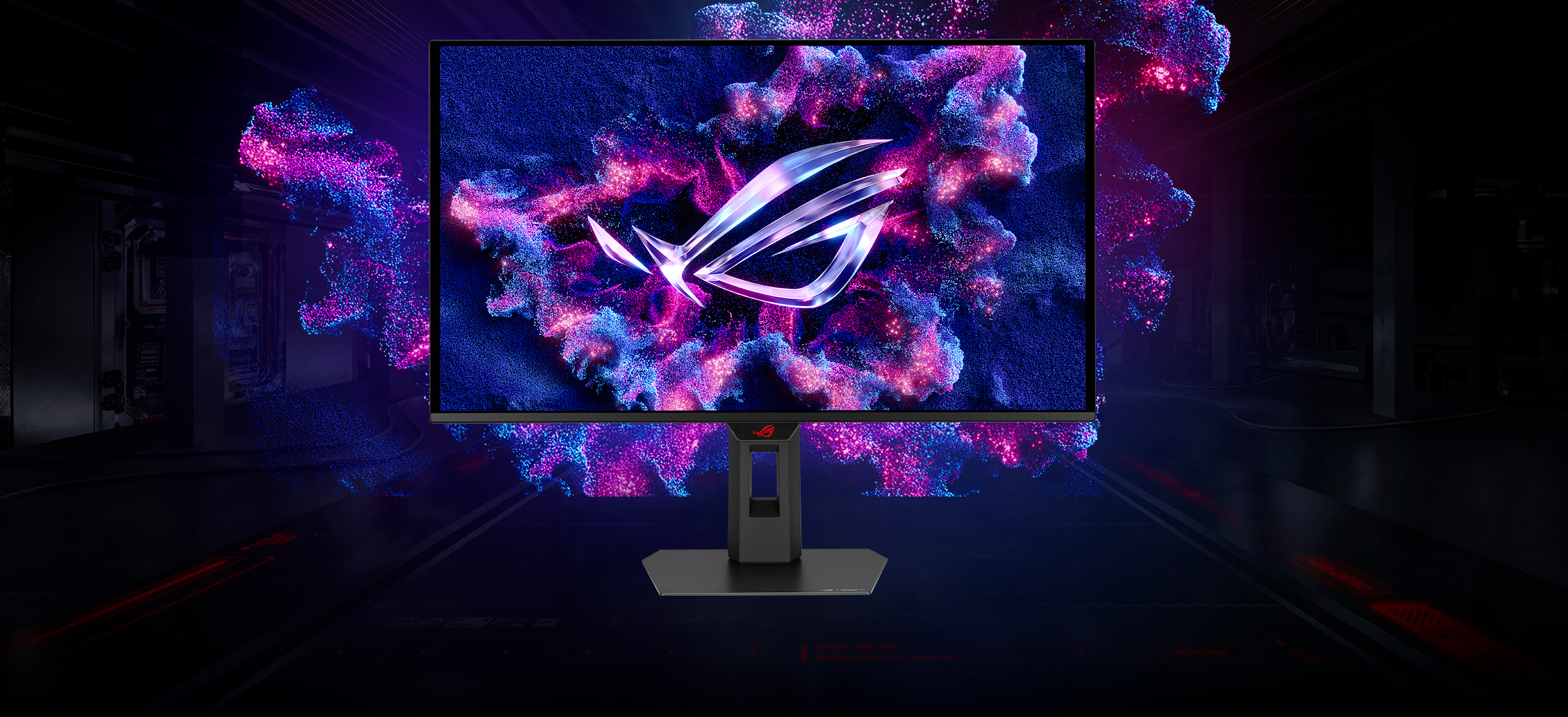
27-inch QHD QD-OLED
2560 x 1440 panel built for gaming speed, creator-grade color, and OLED contrast.
280Hz Refresh Rate
Supersmooth visuals aimed at fast, fluid gaming and motion clarity.
0.03ms
Extremely fast GTG response for cleaner motion and low-latency feel.
Custom Heatsink
Improved cooling design intended to reduce burn-in risk and extend longevity.
OLED Care Pro
A full set of customizable OLED-protection tools managed through DisplayWidget Center.
Neo Proximity Sensor
Transitions to a black screen when you step away to help protect the OLED panel.
DisplayHDR 400 True Black
Deep blacks, bright highlights, and vivid HDR performance.
99% DCI-P3 + True 10-bit
Wide-gamut color with strong tonal depth and Delta E less than 2.
DisplayWidget Center
Access OLED Care Pro and monitor settings easily using a mouse.
USB-C with 15W PD
Modern connectivity plus DisplayPort 1.4 and HDMI 2.1 support.
One for All
A Versatile OLED for Gaming, Streaming, and Creation
ASUS positions the XG27ACDMS as a monitor designed to excel across multiple roles rather than serving only one narrow use case. It is meant to be just as comfortable in a high-refresh gaming setup as it is in a streaming space or creator-focused workstation. The 27-inch QHD format gives it a practical balance between sharpness and usability, while the QD-OLED panel helps deliver the kind of contrast, color, and speed that appeals to both gamers and professionals.
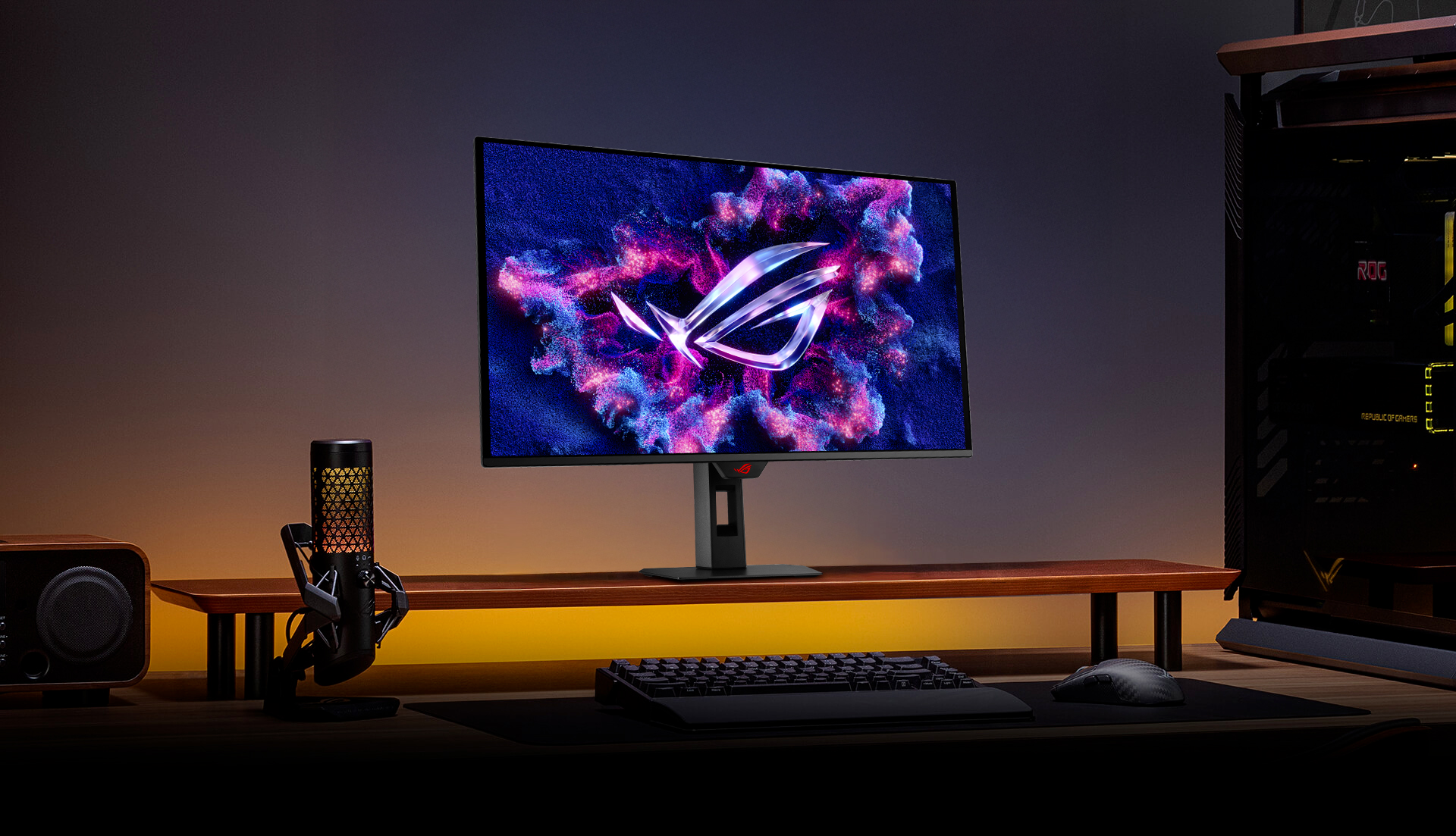
Supersmooth Visuals
ASUS says the XG27ACDMS offers a 280Hz refresh rate together with an ultra-fast 0.03ms gray-to-gray response time, helping the display present fast-moving content with greater sharpness and a more fluid overall feel. This combination is especially attractive for competitive gaming, but it also improves responsiveness in everyday use.
Wide Gamut OLED Color
99% DCI-P3, true 10-bit color, Delta E < 2
ASUS highlights the monitor as a strong fit not only for gaming but also for creative work such as photo and video editing. Wide-gamut color coverage, true 10-bit output, and a Delta E less than 2 rating help make the display more suitable for users who care about color fidelity as well as motion performance.
99%
DCI-P3
<2
Delta E

QD-OLED Technology
Incredible Motion Clarity and OLED Contrast
ASUS says the latest OLED panel technology in the XG27ACDMS delivers extremely high contrast ratios, vivid colors, and an exceptional 0.03ms response time. The company also highlights ASUS Extreme Low Motion Blur technology to reduce ghosting and motion blur. Together, these features aim to create the kind of smooth, low-latency visual experience that fast-action gamers and visually demanding users both appreciate.

Built to Last with Better Cooling
Custom heatsink and internal airflow
ASUS says ROG OLED monitors are engineered for long-term use with an innovative custom heatsink and unique internal airflow design. The goal is to improve cooling and help reduce the risk of burn-in, which is a major concern for users investing in OLED technology. ASUS also highlights a three-year warranty for added reassurance.
ASUS OLED Care Pro
Smarter OLED Protection with Neo Proximity Sensor
ASUS says OLED Care Pro provides a complete set of customizable panel-protection features designed to help extend OLED panel longevity. The standout addition is the Neo Proximity Sensor, which can detect when the user has stepped away and automatically transition the screen to a black image. ASUS says the content restores instantly when the user returns, and the detection distance can be customized to suit personal preference.
Automatically Transition to Black Image
When no user is detected, the monitor can switch to a black screen to help protect the OLED panel.
Customize Detection Distance
ASUS says users can adjust the detection range to better match their personal setup and usage habits.
Your Monitor, Your Way
Built for Gaming, Streaming, and Content Creation
ASUS explicitly describes the XG27ACDMS as a versatile powerhouse for gaming, streaming, and content creation. The high refresh rate and low response time help support competitive gaming, the wide viewing angles and built-in tripod socket make it easier to build a streaming setup, and the strong color accuracy plus wide color gamut help make it suitable for creator workflows as well.
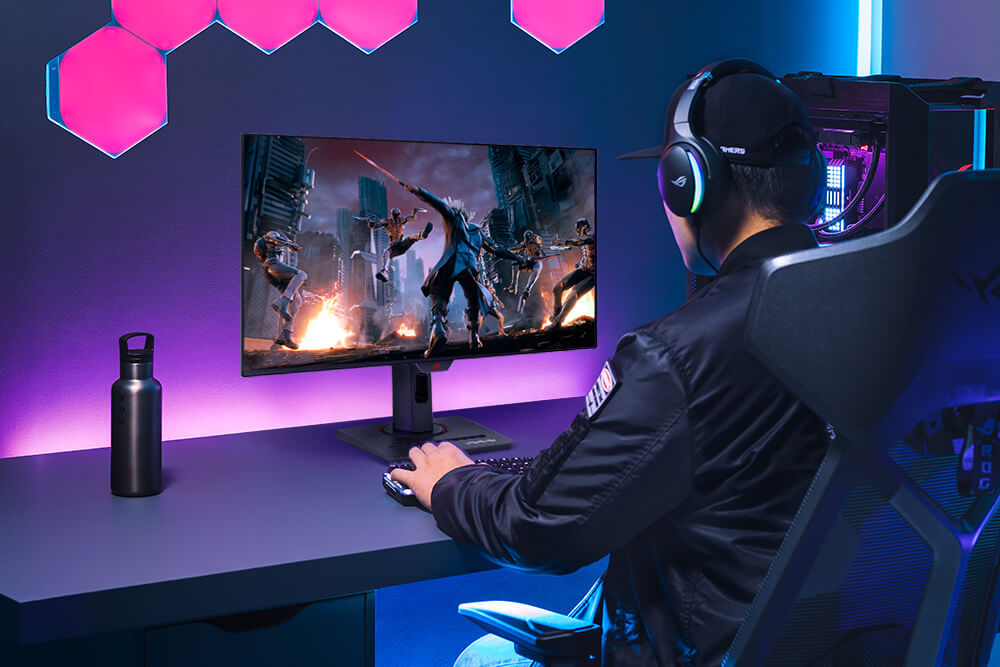
Gaming
High refresh rate, low response time, and vivid OLED visuals for immersive competitive play.

Streaming
Wide viewing angles and setup-friendly features help support live-stream workflows.
Content Creation
Wide-gamut, accurate color performance makes it more suitable for editing and creative work.
Gaming A.I.
Play Smarter with AI-Powered Features
ASUS says the XG27ACDMS includes AI-powered features such as Dynamic Crosshair, Dynamic Shadow Boost, and AI Visual. Dynamic Crosshair changes the crosshair color to stand out against the background, Dynamic Shadow Boost brightens darker scenes without overexposing bright areas, and AI Visual automatically adjusts display settings based on what is onscreen to improve the overall experience.

DisplayWidget Center
Quick Access to Settings and OLED Care Pro
ASUS says DisplayWidget Center allows users to manage OLED Care Pro functions and adjust monitor settings using a mouse, instead of relying only on the monitor’s physical OSD controls. This makes it easier to tweak settings, manage panel care options, and keep the display optimized for different games and workflows.
Aspect Ratio Control
Classic Competitive Screen Options
ASUS says the XG27ACDMS includes aspect ratio control directly through the OSD menu. This lets players choose among multiple display modes to better match different preferences or legacy competitive habits, giving users additional flexibility beyond the native panel size.
Connectivity
Modern Ports for Everyday Flexibility
ASUS says the monitor includes DisplayPort 1.4, HDMI 2.1, and USB-C with 15W Power Delivery. These connections help make the XG27ACDMS flexible enough for gaming PCs, modern multimedia devices, and supported productivity setups while keeping cabling simpler for day-to-day use.
DisplayPort 1.4
PC-ready high-performance video connection for high refresh and QHD gaming.HDMI 2.1
Convenient for modern gaming devices and multimedia hardware.USB-C with 15W PD
Single-cable convenience with power delivery support for compatible devices.
Get Started
Explore the ROG Strix OLED XG27ACDMS and check full details.
View ProductSpecifications, features, availability, and images are subject to change.
| Manufacturer Warranty | 3 Years Onsite |
|---|---|
| Product Family | ROG Strix |
| Display resolution | 2K QHD (2560x1440) |
|---|---|
| Panel Type | QD-OLED |
| Brightness Level | 1,000 Nits |
| Aspect ratio | 16:9 |
| Response Time | 0.03ms(GTG) |
| Color Space (DCI-P3) | 99% |
| Screen Size | 27 Inch |
| Vertical refresh rate | 280Hz |
| Panel bit depth | 10 bit |
| Coating | Anti-Reflection |
| adaptive sync | G-Sync Compatible |
| DisplayPort | 1 x DisplayPort 1.4 |
|---|---|
| HDMI Output | 1 x HDMI 2.1 |
| USB Type-C Port | 1 x USB Type-C PD 15W |
| VESA Mounting | 100x100mm |
|---|---|
| Tilt | +20° ~ -5° |
| Swivel | +45° ~ -45° |
| Pivot | +90° ~ -90° |
| Height Adjustment | 110mm |
| Product Segment | Gaming |
|---|
The ASUS XG27ACDMS is an absolute game-changer. The 280Hz refresh rate and 0.03ms response time provide unmatched fluidity for competitive gaming. Colors explode off the 3rd Gen QD-OLED panel with deep blacks and vibrant contrast. Plus, the custom heatsink provides peace of mind against burn-in. Worth every penny!
Upgraded from an older IPS panel and the difference is night and day. True pitch blacks make horror games incredibly immersive. The DisplayWidget Center software is brilliant, letting me tweak settings directly from Windows without using the hardware joystick. It is easily the best gaming investment I have made.
Motion clarity on this display is unmatched. Moving targets in fast-paced shooters stay perfectly sharp with zero ghosting. The colors are incredibly accurate right out of the box, requiring zero calibration. ASUS OLED Care Pro features run silently in the background, giving me complete confidence against burn-in.
The visual performance is flawless. Gaming at 280Hz on a QD-OLED panel feels like cheating, and the colors are stunning. My only complaint is the USB-C port only offers 15W power delivery. It will not charge a gaming laptop while in use. Otherwise, it is an incredible monitor.
This monitor nails the balance between competitive gaming and creative work. Text clarity is vastly improved over older OLEDs, making spreadsheet work clean. Switch to HDR gaming, and the 1000-nits peak brightness completely blows you away. The built-in USB-C port is incredibly convenient for my laptop.
ASUS India | Official support
Register the case at ASUS toll free number -18002090365
https://www.asus.com/in/support/service-center/india/
https://www.asus.com/in/support/callus/